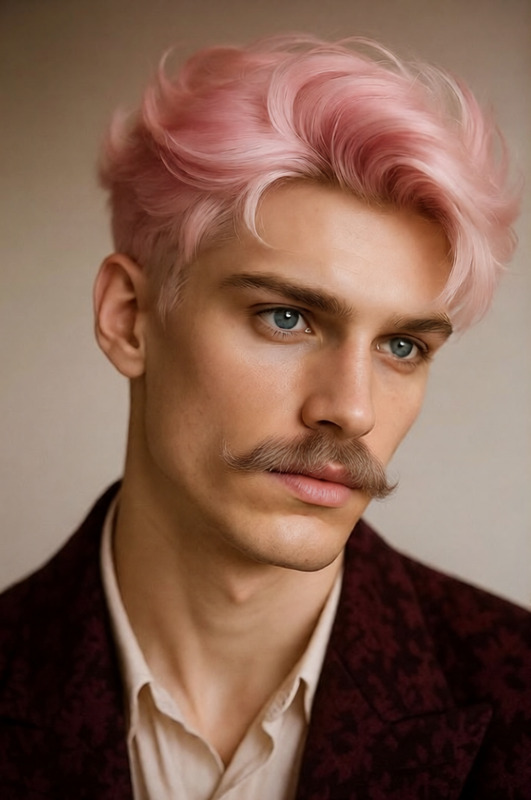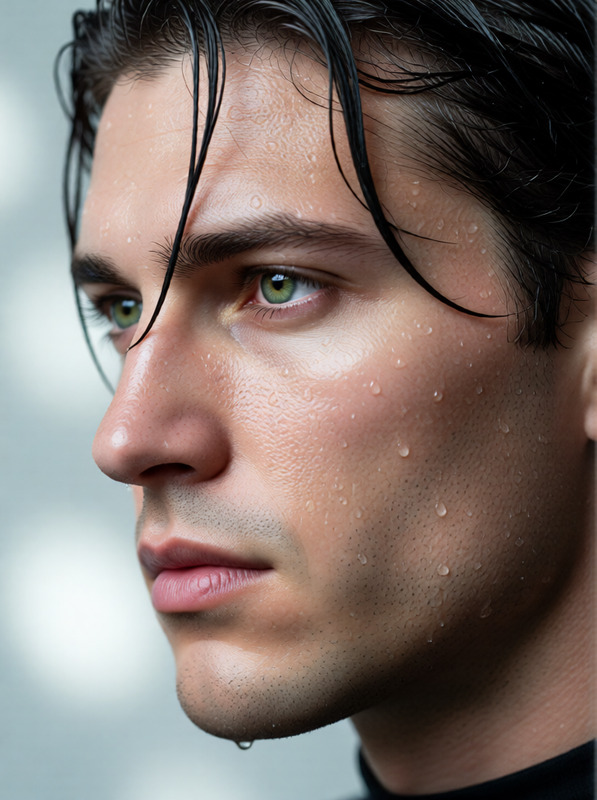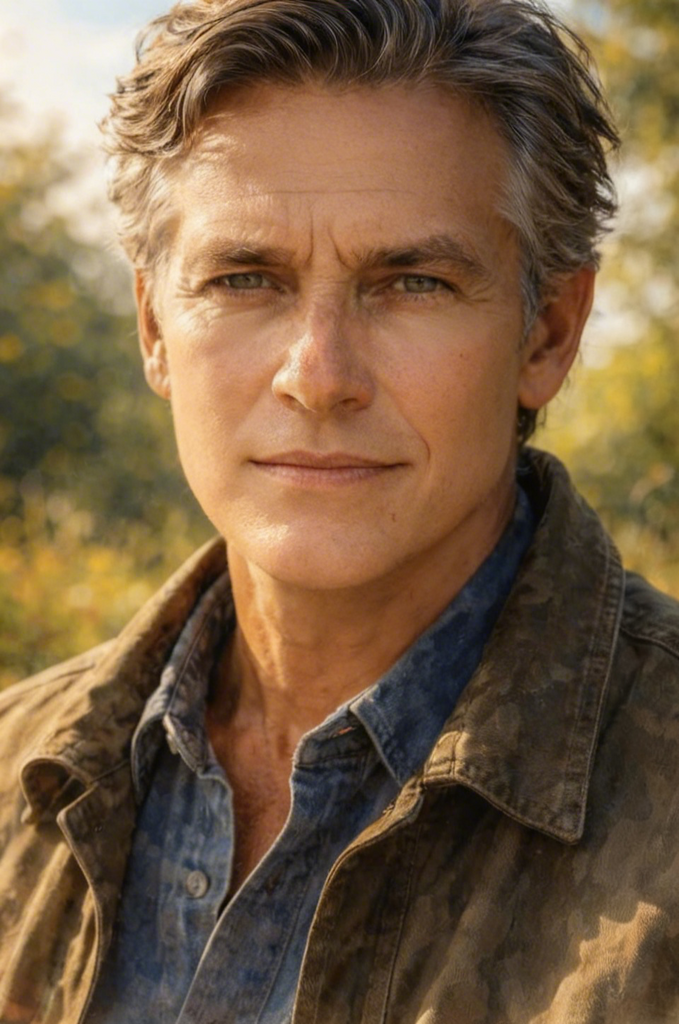
Remove wrinkles
- Model
- Seedream 4
- Image
- 679 × 1024 px
Prompt
Gently smooth the skin on the face to remove wrinkles while preserving natural texture and realism. Maintain the person’s identity, facial features, and expression. Avoid over-blurring—keep pores subtle, skin tones even, and lighting consistent with the original image for a clean, natural retouched look.
Any aspect ratio
Overview
Tackle wrinkles and enhance image quality with the Remove Wrinkles template, crafted using the advanced seedream-v4 model. This template is part of our AI Image Editor suite, focusing on maintaining the natural texture and realism of facial features while gently smoothing out wrinkles. Perfect for professionals and hobbyists alike, this template ensures your photos retain their character while projecting a refreshed appearance.
What It Does
The AI Image Editor template for wrinkle removal employs sophisticated AI technology to delicately smooth facial skin. It retains the person's natural texture and subtle features, striking a perfect balance between enhancement and realism by preserving pores, even skin tones, and consistent lighting.
Who It's For
Whether you're a professional photographer, a social media influencer, or someone who enjoys perfecting images for personal collections, this AI Image Editor tool is ideal. It's designed for users seeking a gentle touch to reduce wrinkles while maintaining the integrity of facial expressions and details.
Summary
With the Remove Wrinkles template, experience effortless photo enhancement that respects natural beauty. Using the seedream-v4 model, this tool offers precise control over wrinkle smoothing, ensuring your images look naturally refreshed without the over-processed appearance.
How To
Choose Your Image

Customize the Prompt

Generate & Save

Use Cases
Professional Photography
Social Media Content
Personal Albums
Best Practices
Maintain Balance
Focus on minimal adjustments to achieve a natural look, avoiding over-blurring and preserving skin texture.Consistent Lighting
Ensure the lighting in your images is even to keep skin tones balanced and realistic.Be Selective
Apply the template selectively on areas where wrinkle smoothing is most needed, keeping other facial details intact for authenticity.