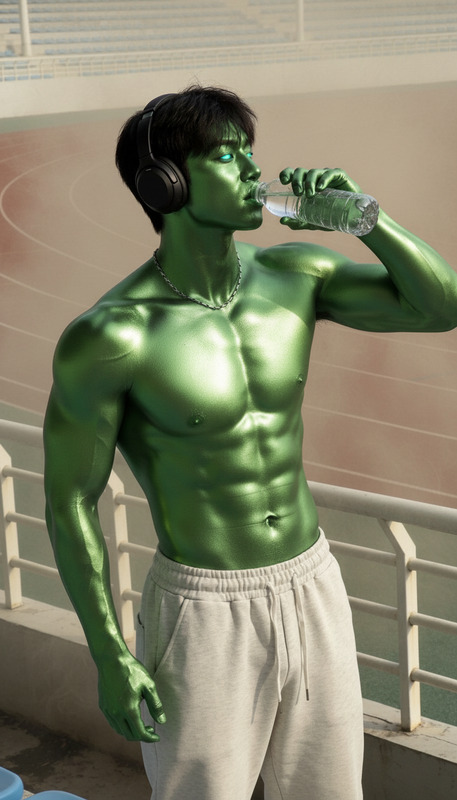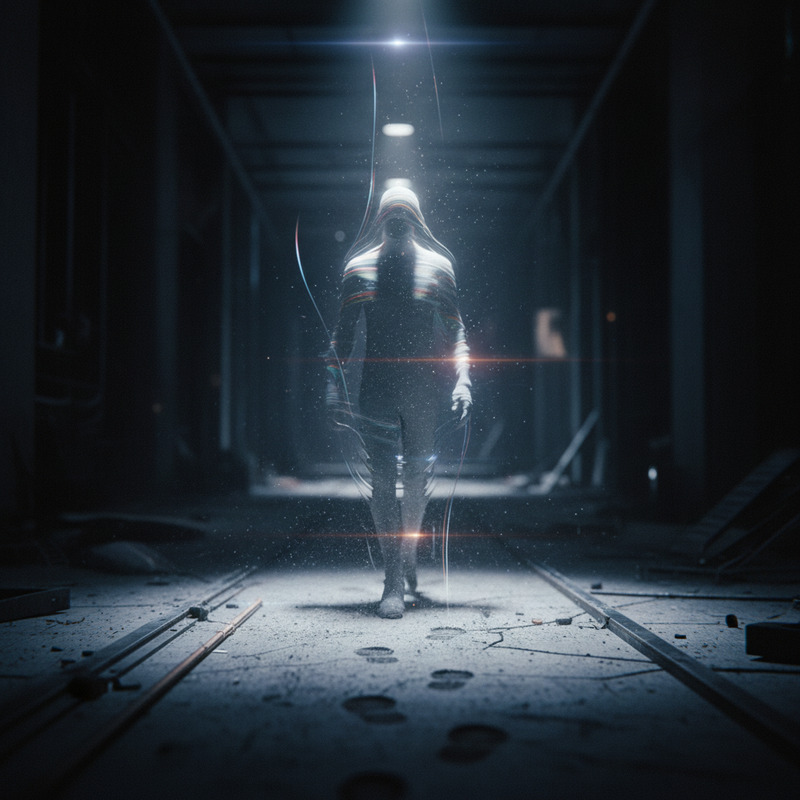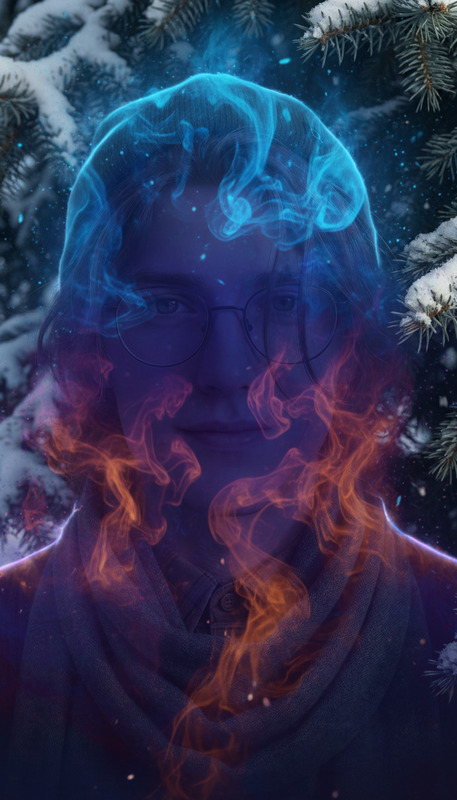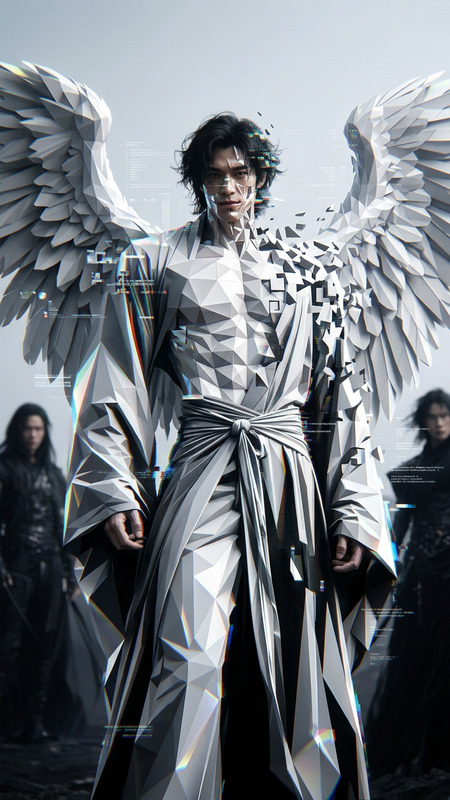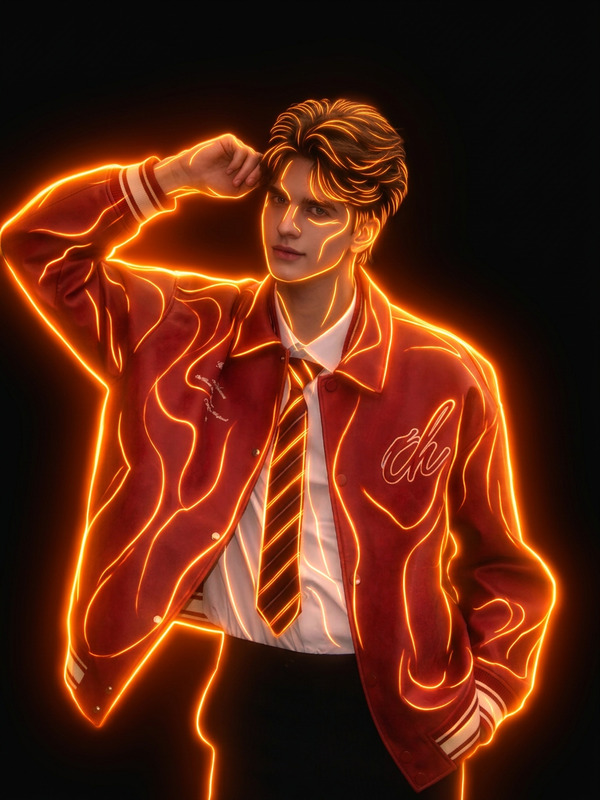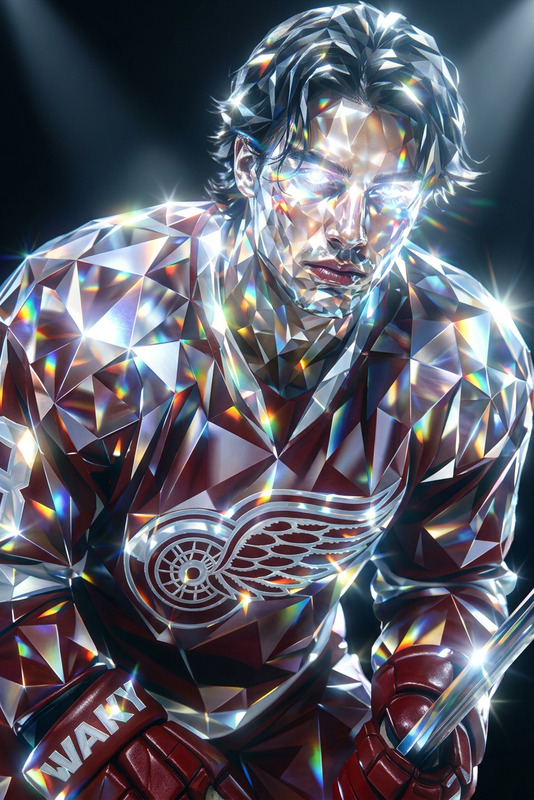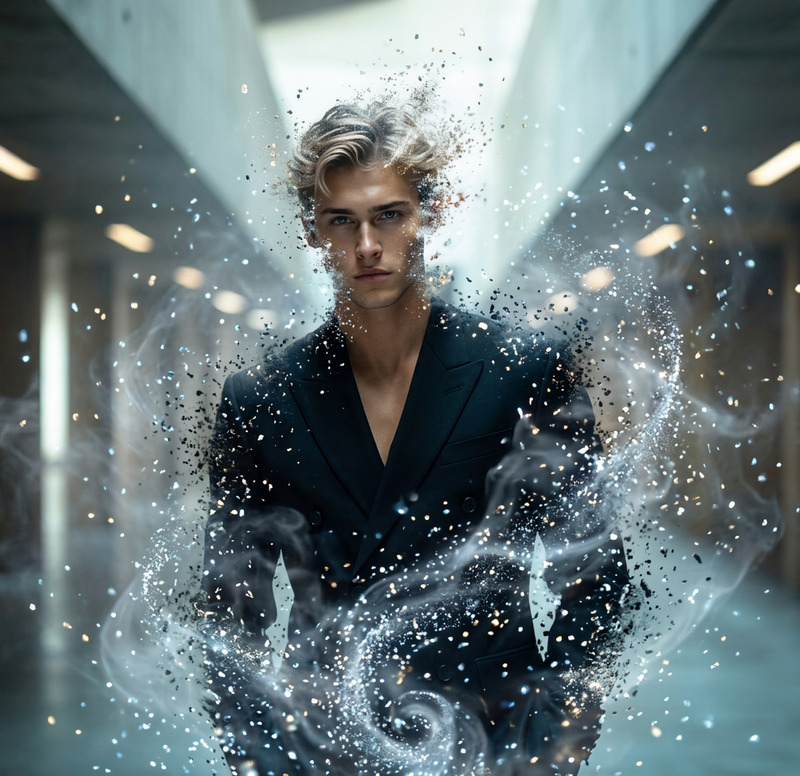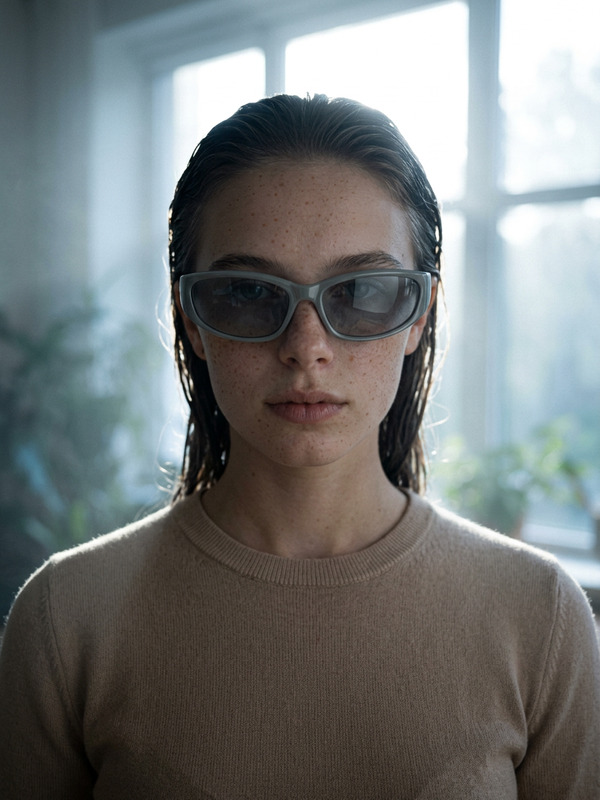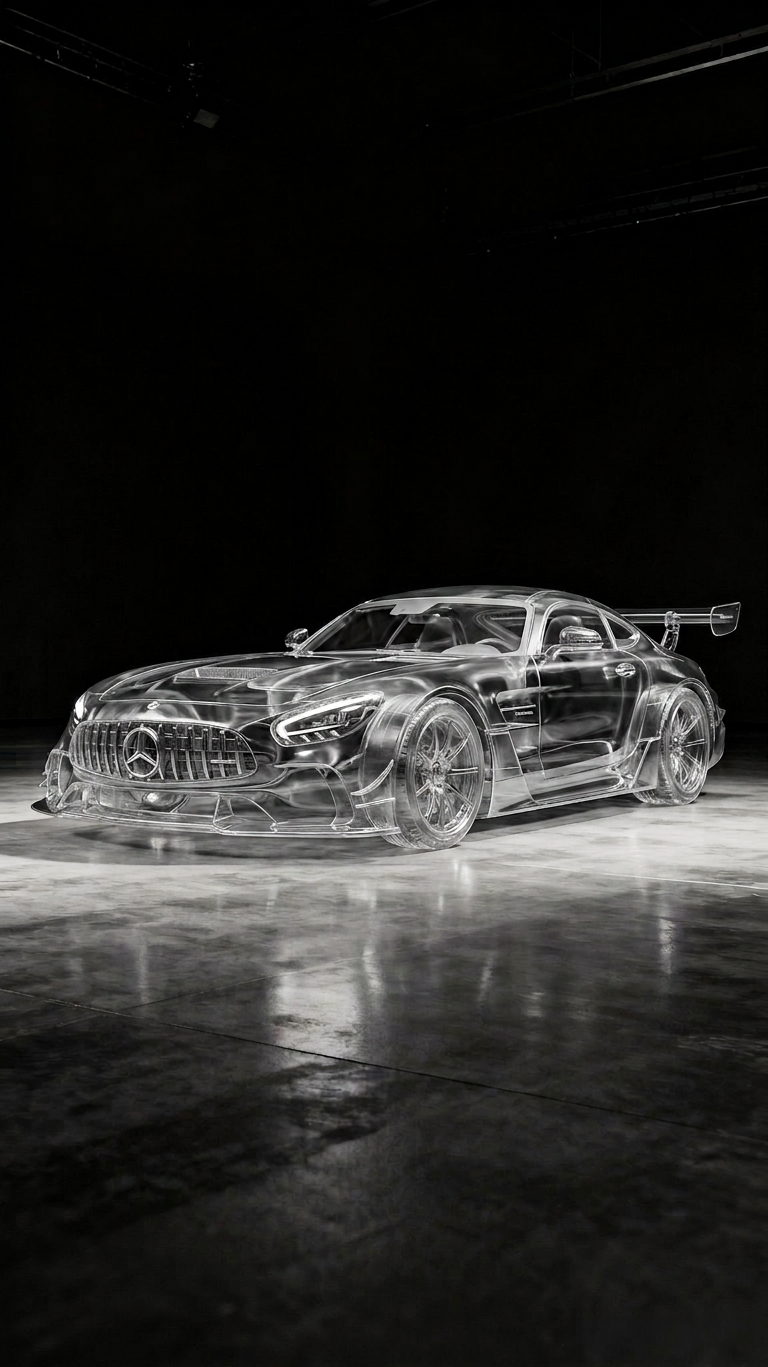
Transparent car
- Model
- Nano Banana 2
- Image
- 768 × 1367 px
Prompt
Make the subject fully transparent as if they are invisible, leaving only a faint glass-like distortion or subtle light refraction where the body was. Preserve the background perfectly as if the subject never existed, with soft environmental blending and realistic lighting continuity. Add slight shimmer or ripple effects to hint at presence while keeping the subject nearly undetectable. High realism, seamless edit, no visible outlines or artifacts
Any aspect ratio
Overview
The Transparent Car template in the AI Image Editor family leverages the nano-banana-2 model to create breathtaking visual effects that mimic invisibility. Ideal for producing high-realism imagery, this template offers new possibilities in showing futuristic car designs.
What It Does
This template transforms the subject, in this case, a car, into an almost invisible entity, leaving only a hint of its presence through glass-like distortions and subtle light refractions. The background is preserved perfectly, as if untouched by the subject. This makes it ideal for edits where you want to highlight the environment or suggest a hidden presence with seamless blend-in effects.
Who It's For
The Transparent Car template is designed for video creators and automotive innovators seeking to showcase futuristic concepts. It's perfect for those in the video style transfer and animatics sectors, offering an advanced tool for creating immersive and engaging content.
Summary
Offering a unique way to visualize automotive designs, the Transparent Car template is a high-end tool suitable for creating innovative visual effects. By using this template, you can achieve high realism with minimal artifacts, keeping the subject indistinguishable and enhancing the scene's overall aesthetic.
How to Use
Choose Template

Customize Inputs

Generate Video

Use Cases
Futuristic Car Ads
- Invisible car visuals
- Highlight vehicle silhouette
- Environmental integration
Creative Visual Projects
- Glass-like effects
- Enhanced environmental realism
- Undetectable subject presence
Automotive Innovation Showcases
- Demonstrate design intricacies
- Add mystery and allure
- Capture public attention
Best Practices
Pacing the Effect
Ensure the transparency effect enhances rather than distracts from your main subject or theme.Lighting Conditions
Use environments with natural lighting to optimize the realistic blending of effects.Refine Distortion
Adjust the distortion effects to emphasize realism without overpowering the scene.