Diamond Ascend
- Model
- Nano Banana 2
- Image
- 843 × 1264 px
Prompt
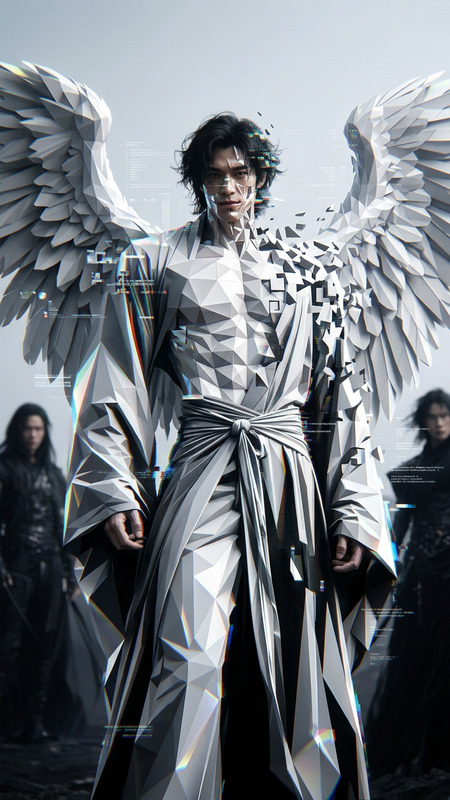
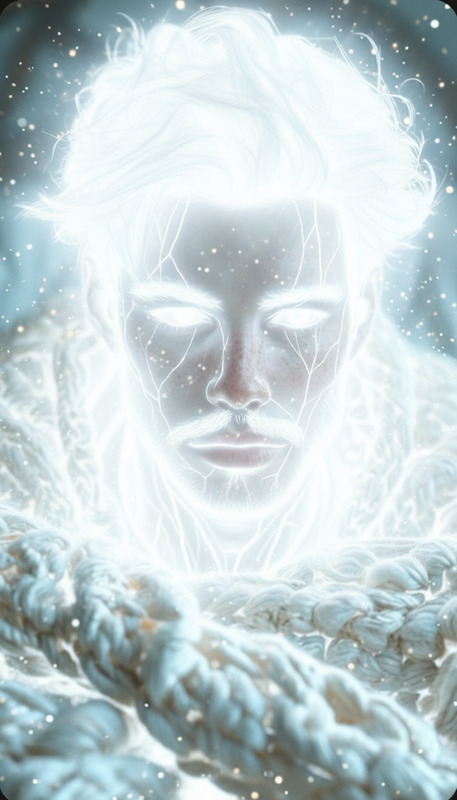
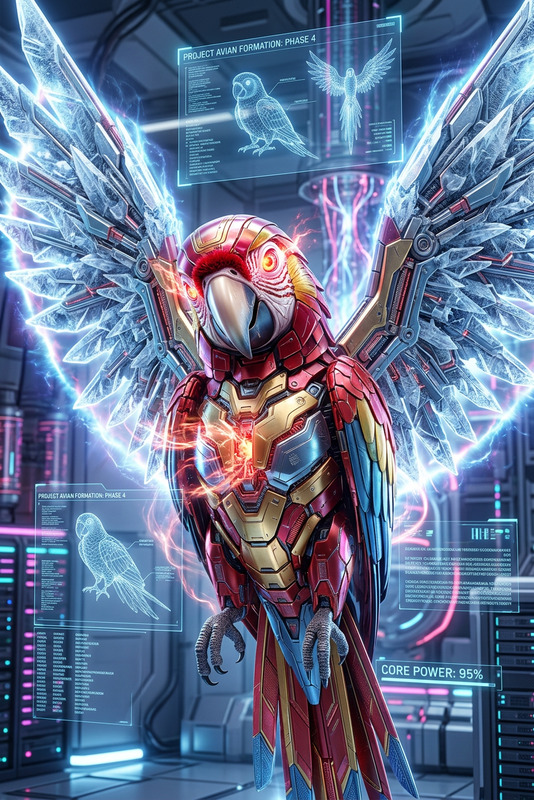
Subject transforming into a faceted diamond form, body crystallizing into sharp reflective surfaces, light refracting into prismatic sparkles, radiant glow and shimmering highlights, strong and unbreakable presence, dark minimal background for contrast, cinematic lighting, ultra-detailed, high clarity, 4K.
Any aspect ratio
Overview
Diamond Ascend is an AI Image Editor template designed to transform your subject into a faceted diamond, elevating your visual content with ultra-detailed, high clarity effects. Employing the nano-banana-2 model, this tool adds a radiant glow and shimmering highlights that stand out with strong cinematic lighting.
What It Does
This template captures the essence of light-refraction and reflective surfaces to morph ordinary images into visually striking pieces. It infuses your subject with the qualities of a diamond, showcasing strong and unbreakable aesthetics. By prioritizing details, this template is ideal for creating high-impact visuals suitable for digital presentations.
Who It's For
Diamond Ascend is perfect for visual artists, content creators, and marketers looking to make a memorable impression. Whether you're crafting social media ads, improving your portfolio, or working on AI product photography, this template enhances engagement through visually sophisticated imagery.
Summary
With a focus on transforming ordinary subjects into extraordinary visuals, Diamond Ascend leverages AI to deliver stunning and unique images, ensuring they leave a lasting impact. This tool is optimized for users aiming to enhance their projects with detailed, refractive effects in a 4K resolution environment.
How to Use
Choose the Diamond Ascend Template

Customize Your Visuals

Generate and Download

Use Cases
Digital Presentations
- Incorporate into key points for emphasis.
- Use in thematic slides to add visual interest.
Social Media Content
- Ideal for posts on Instagram and Facebook.
- Create unique profile or banner images.
Marketing Materials
- Use in brochures and print ads.
- Perfect for digital marketing campaigns.
Best Practices
Select High-Quality Source Images
Ensure your source images are clear and well lit to create the best possible transformation.Balance Background and Subject
Opt for minimalistic or dark backgrounds to highlight the diamond effect.Adjust Lighting and Contrast
Experiment with lighting settings to enhance the diamond's reflective properties.