Festive Christmas Makeover
- Model
- Nano Banana 2
- Image
- 841 × 1264 px
Prompt
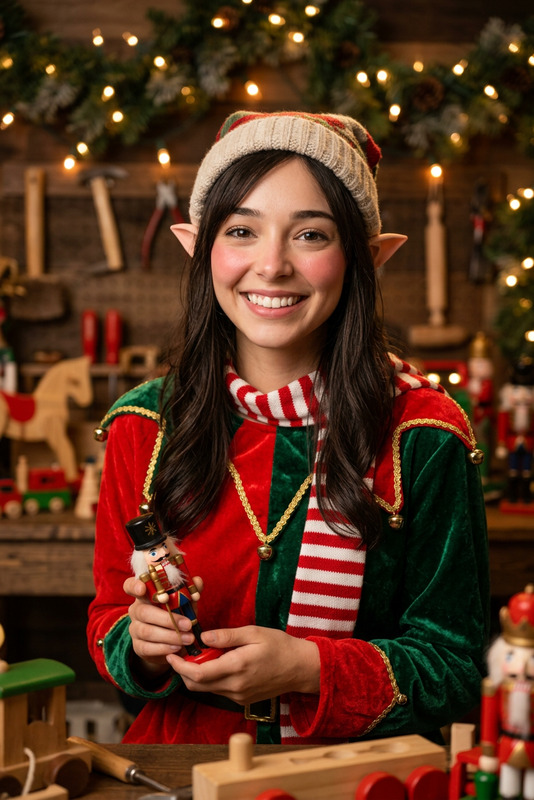
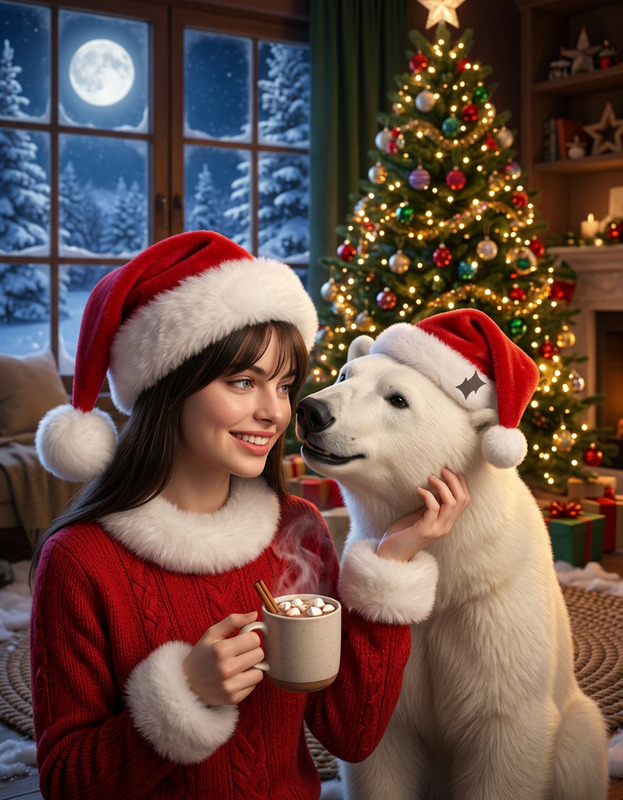
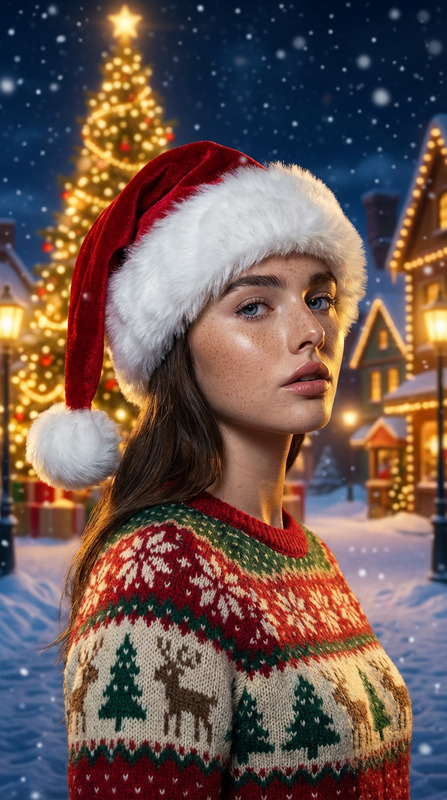
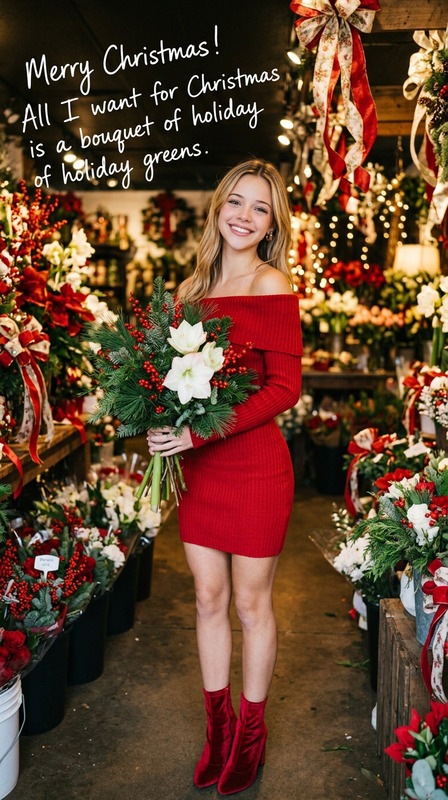
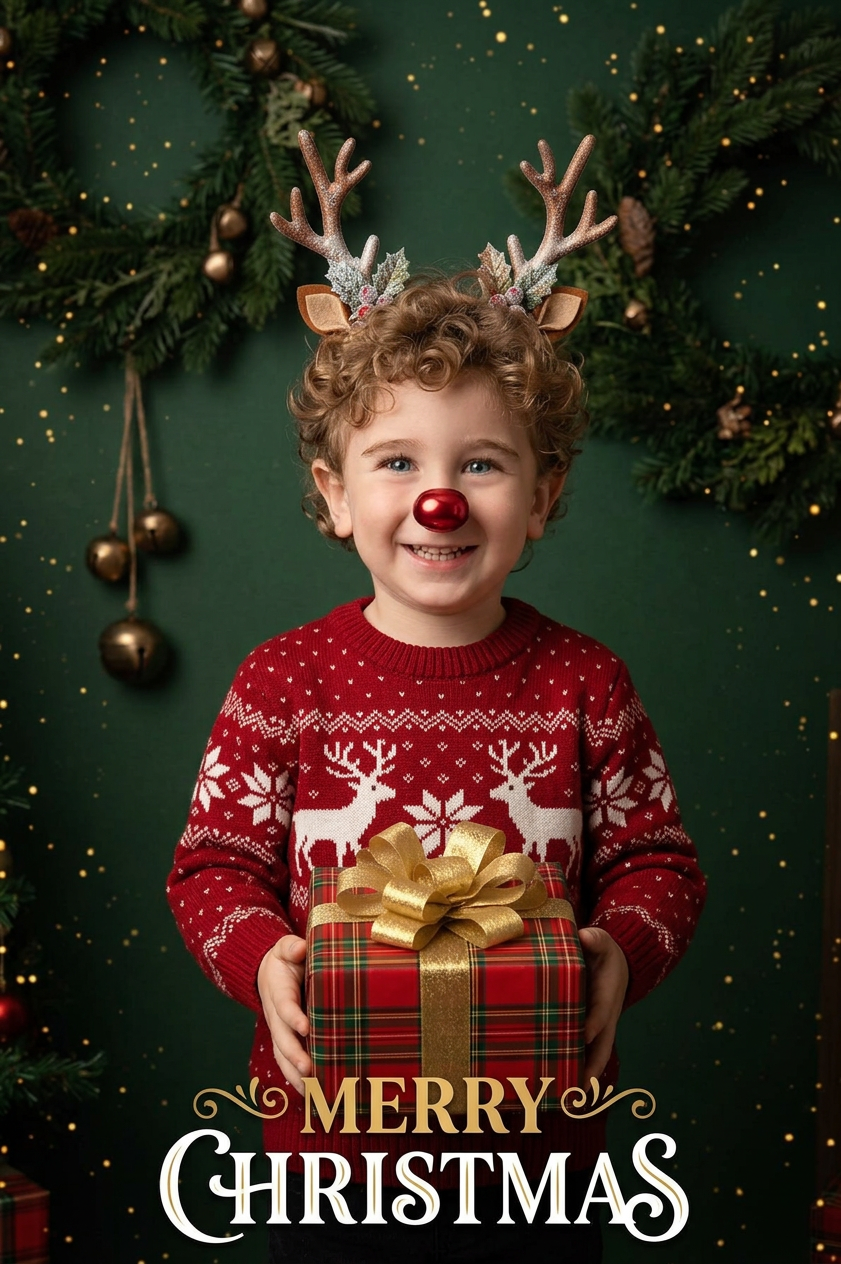
Based on the character in the reference picture, transform the costume into a festive red Christmas sweater with reindeer patterns. Add Christmas-themed accessories, such as reindeer antler headbands and shiny red nose decorations; Replace the original gift with a wrapped Christmas gift box; Change the background to a dark green festive scene, decorated with Christmas wreaths, jingle bells and golden spots; Add festive text elements such as "MERRY CHRISTMAS" at the bottom to create a warm and cheerful Christmas atmosphere.
Any aspect ratio
Overview
The Festive Christmas Makeover template brings a burst of holiday spirit to your images. Utilizing the advanced capabilities of the AI Image Editor, this template transforms ordinary photos into vibrant, Christmas-themed scenes. From cozy sweaters adorned with cheerful reindeer patterns to backgrounds alive with festive decor, this tool ensures a delightful transformation.
What It Does
This template converts outfits in existing images into festive Christmas attire with the help of the AI Clothes Changer. It changes standard clothing into red sweaters with reindeer designs, adds holiday accessories like reindeer antlers and a shiny red nose, and swaps traditional gifts for Christmas-themed packages. Additionally, it modifies the background to a festive green setting, creating a warm, celebratory atmosphere with text elements like 'MERRY CHRISTMAS'.
Who It's For
Designed for anyone eager to add a Christmas flair to their photos, this template is perfect for social media enthusiasts, marketers creating seasonal ads, or families looking to spread some holiday cheer through personalized greeting cards. It's a handy tool for content creators who want to maintain engagement with festive imagery.
Summary
The Festive Christmas Makeover offers an effortless way to bring Christmas magic into your photos. Whether you are preparing for a family photo album, enhancing images for corporate seasonal campaigns, or crafting holiday content for digital promotions, this tool provides versatile customization options to suit all needs.
How-To
Choose Your Template

Customize Your Inputs

Generate Your Christmas Image

Use Cases
Holiday Social Media Posts
- Convert everyday photos into festive social media content
- Increase likes and shares with vibrant holiday imagery
Christmas Greeting Cards
- Design unique family cards with a festive look
- Add a personal touch with custom backgrounds
Marketing Campaigns
- Transform product images into Christmas-themed advertising
- Appeal to holiday shoppers with cheerful visuals
Best Practices
Select High-Quality Images
For best results, ensure your reference images are high resolution. This enhances the detail in festive attire and accessories.Consider the Background
A harmonious background complements the festive clothing alterations. Use the template's options to experiment with different elements until your scene is cohesive.Preview Changes
Before finalizing, preview your modifications to ensure everything aligns beautifully. This is especially important for maintaining the quality of text elements and background details.