Holiday Elf Transform
- Model
- Nano Banana 2
- Image
- 843 × 1264 px
Prompt
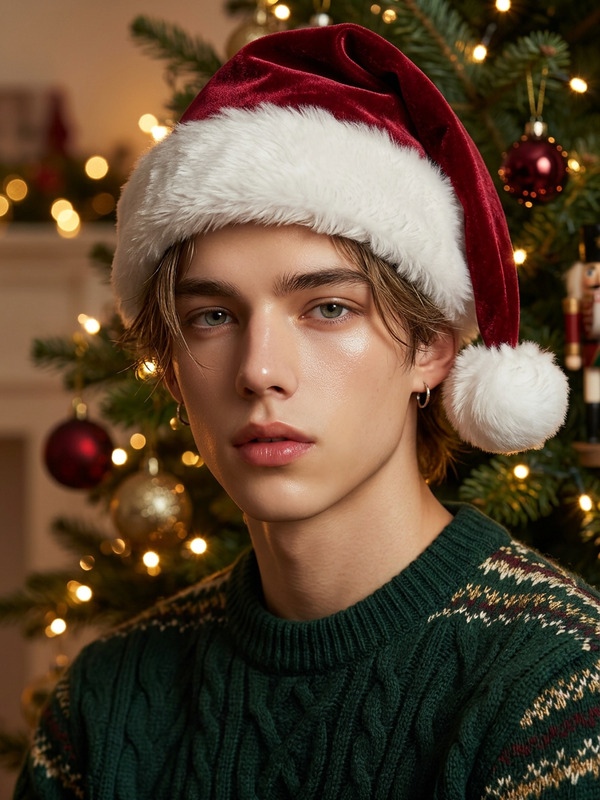
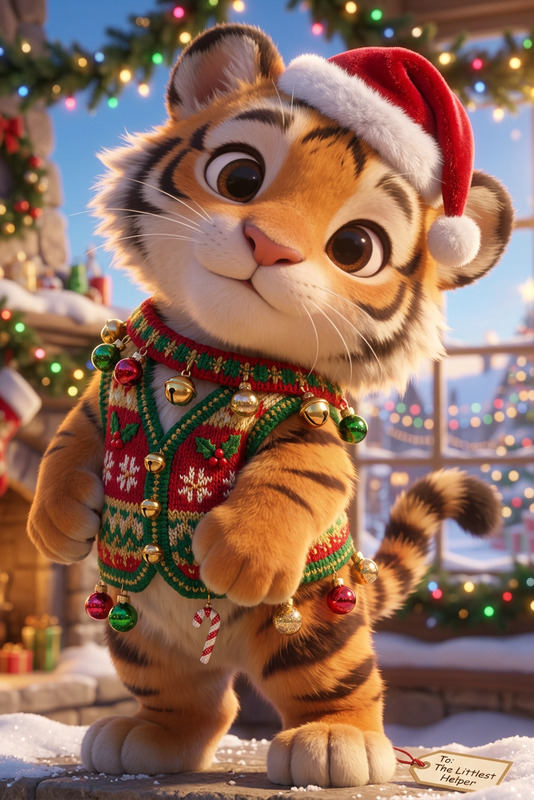
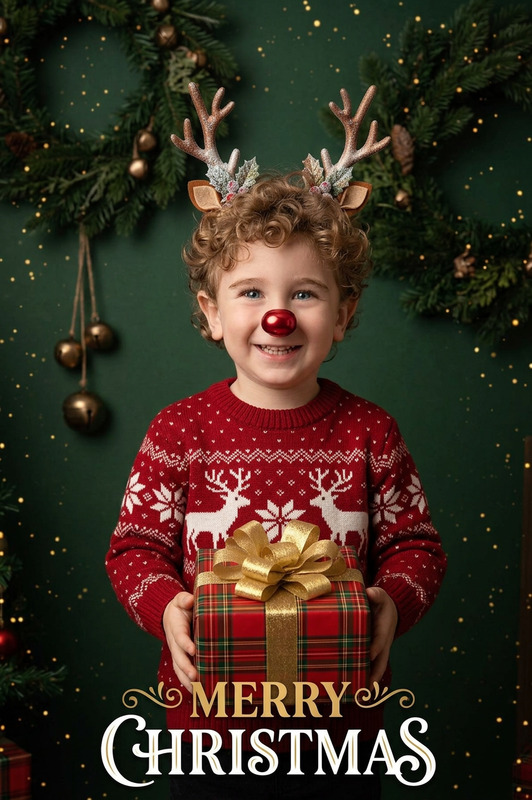
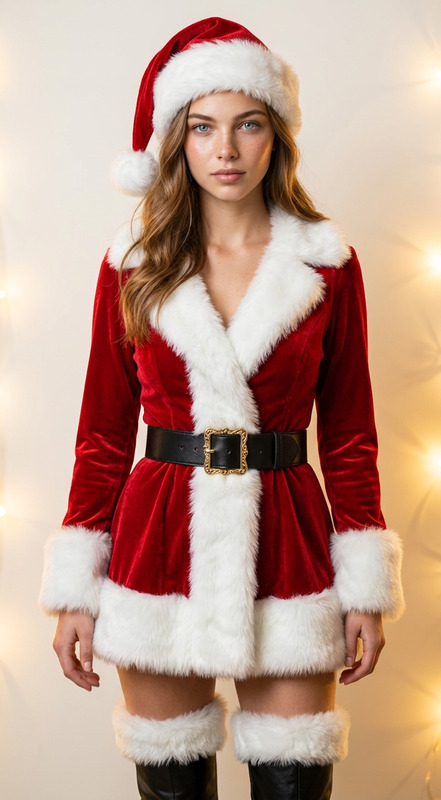
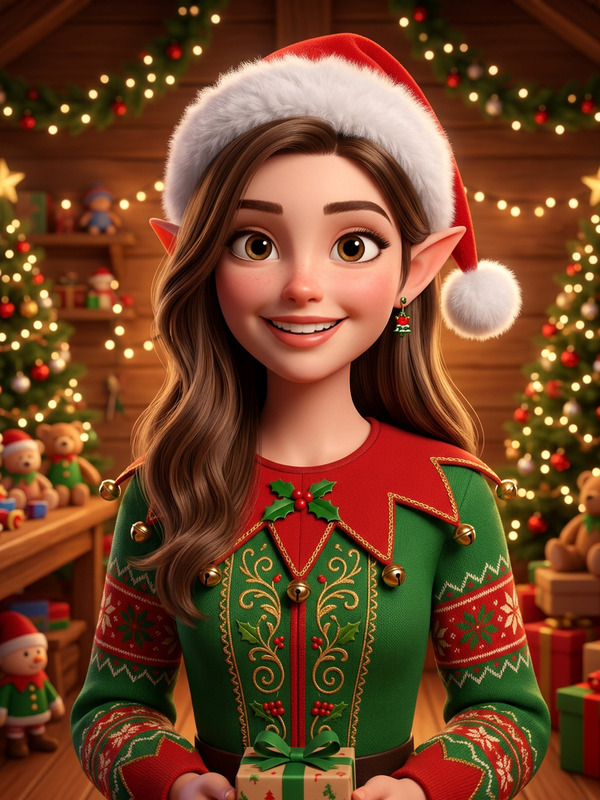
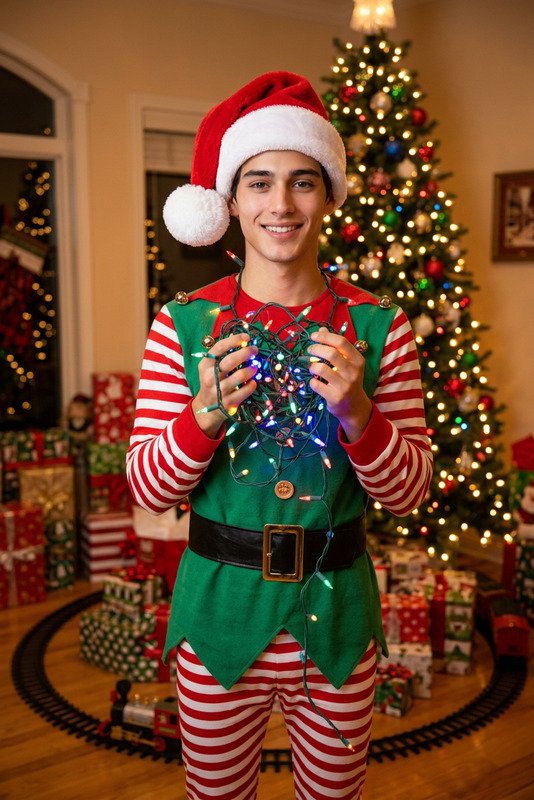
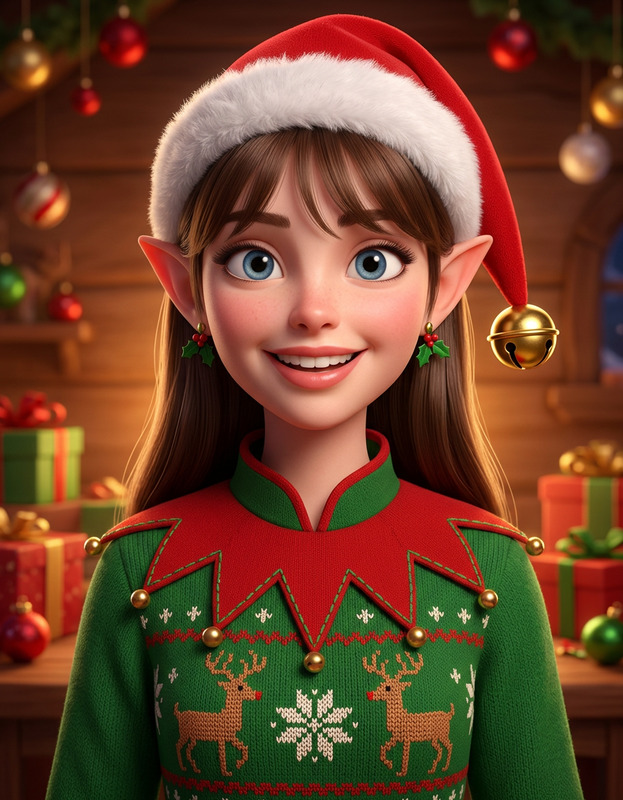
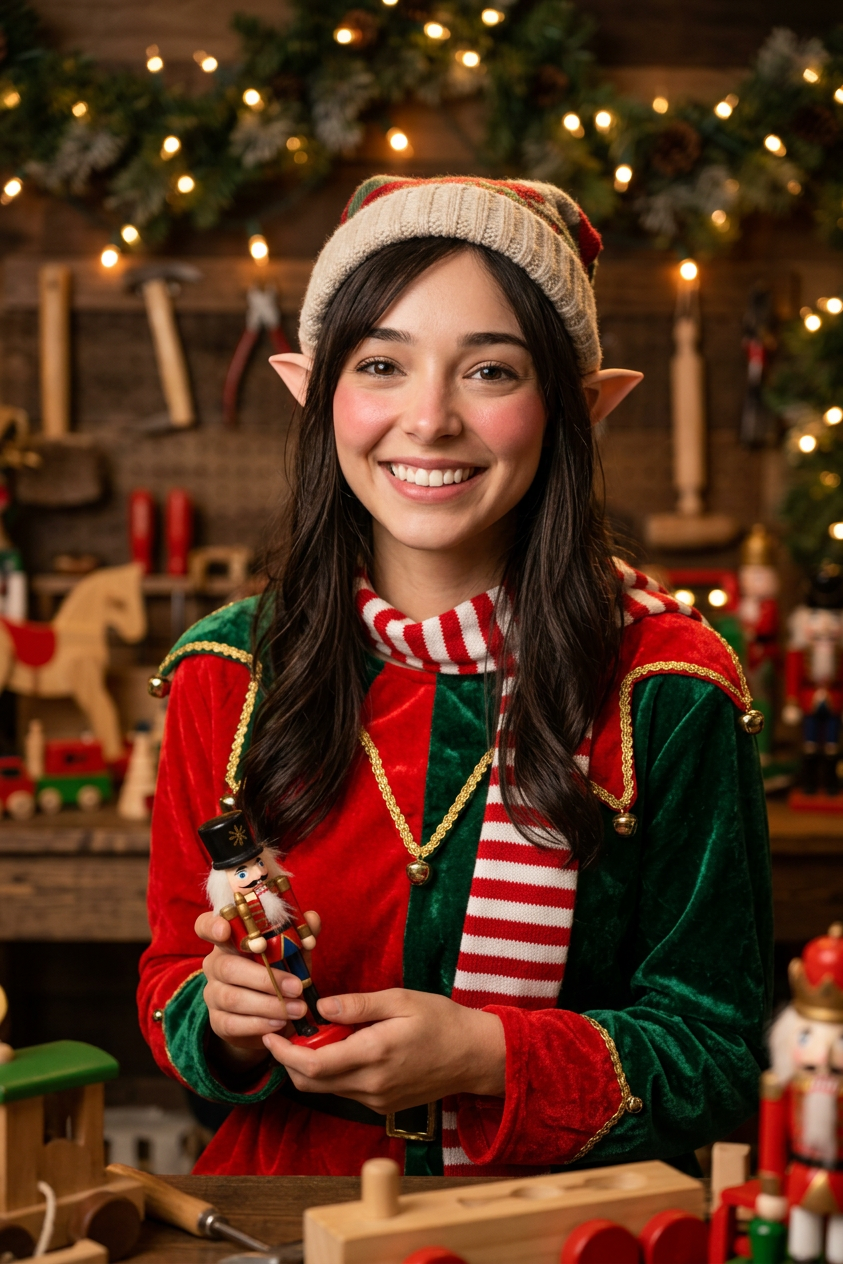
Use the uploaded image as the subject and transform it into a cheerful Christmas elf portrait with pointed ears, a green-and-red festive costume, rosy cheeks, a striped scarf, soft golden holiday lighting, cozy toy workshop details, warm textures, and a realistic face-preserving finish.
Any aspect ratio
Overview
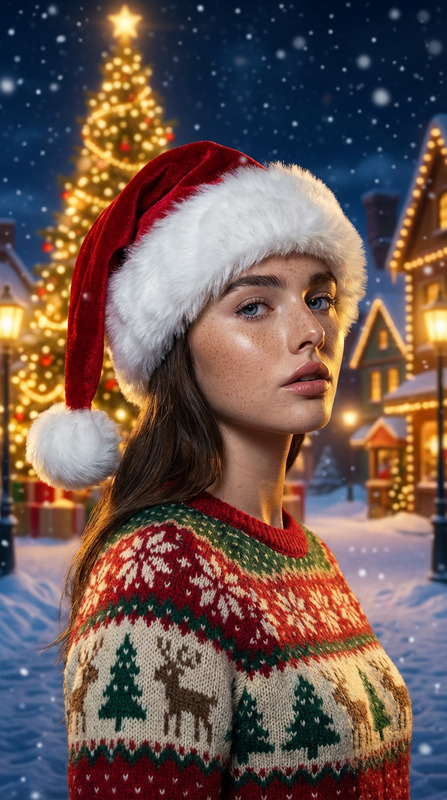
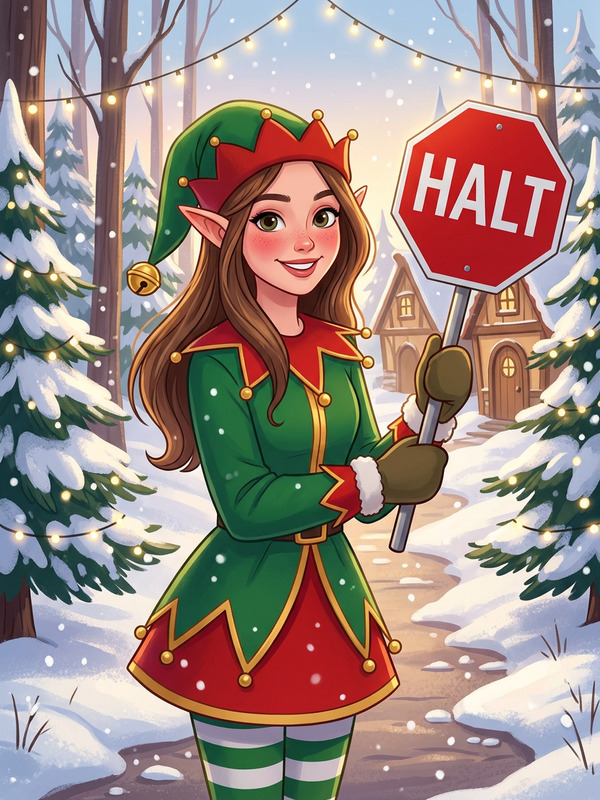
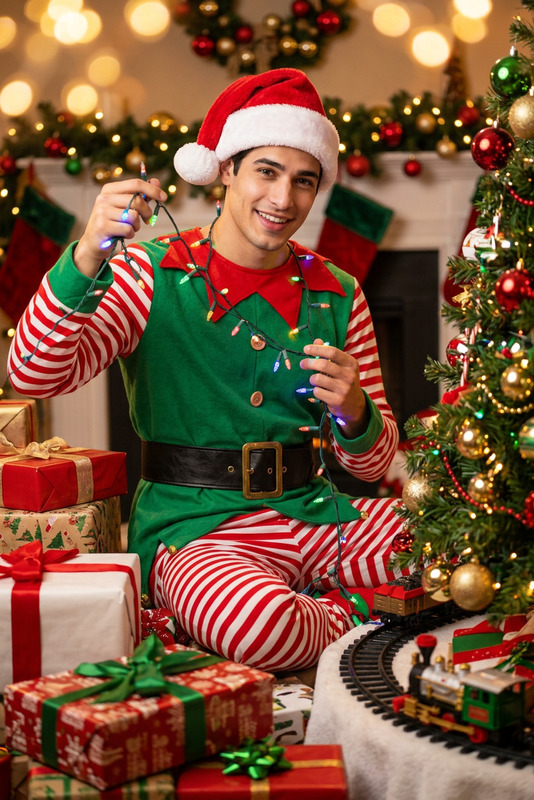
Transform ordinary photos into whimsical holiday masterpieces with the Holiday Elf Transform template. Using the power of the nano-banana-2 model, this template adds festive cheer by turning your uploaded images into delightful Christmas elf portraits. From pointed ears to a warm holiday ambiance, every detail is preserved to maintain the realism of the face while adding a magical touch.
What It Does
The Holiday Elf Transform template converts any image into a joyful elf portrait by incorporating elements like a green-and-red costume, pointed ears, and cozy textures. This template utilizes cutting-edge AI image editing technology similar to other AI Image Editor tools, ensuring high-quality transformations with a realistically preserved facial finish.
Who It's For
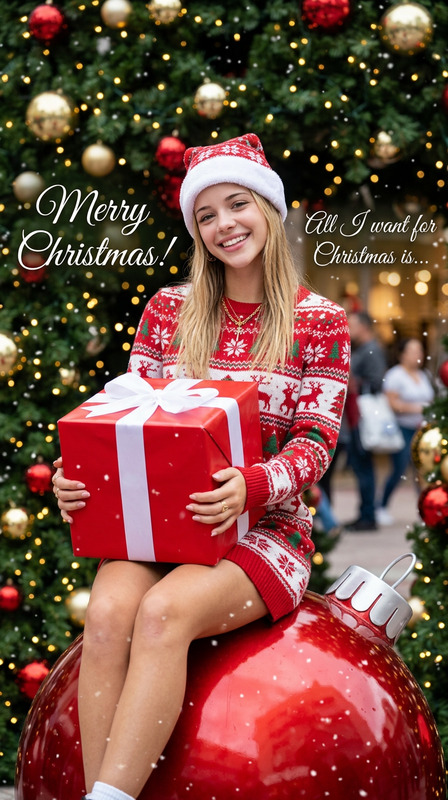
This template is perfect for those seeking to add a festive twist to their photos, whether for social media content, family Christmas cards, or marketing materials. It's ideal for brands and individuals interested in creating visually appealing holiday-themed content. If you're exploring seasonal transformations or want to add a touch of whimsy to your images, this tool, much like our AI Clothes Changer, is just for you.
Summary
The Holiday Elf Transform template is a specialized AI Image Editor designed to infuse your visuals with holiday spirit. Leveraging advanced AI, it assures a high-quality, visually engaging transformation that adds both festive charm and realism through preserved facial features. This tool makes it easy to create delightful seasonal content that stands out.
How To
Choose Your Image

Customize the Elf Appearance

Generate Your Elf Portrait

Use Cases
Social Media Campaigns
- Create festive profile pictures
- Develop theme-based campaigns
- Enhance holiday posts
Family Christmas Cards
- Personalize holiday messages
- Create unique gifts
- Capture festive spirit
Marketing Materials
- Boost product appeal
- Engage customers creatively
- Align with holiday themes
Best Practices
High-Quality Images
Use high-resolution images to ensure the AI can maintain detail and clarity in the transformation process.Moderate Adjustments
When customizing the elf's features, make moderate adjustments to maintain a balance between realism and the desired festive look.Consistent Theme
Ensure any additional elements, like text or graphics, align with the festive theme of the elf portrait for a cohesive final image.