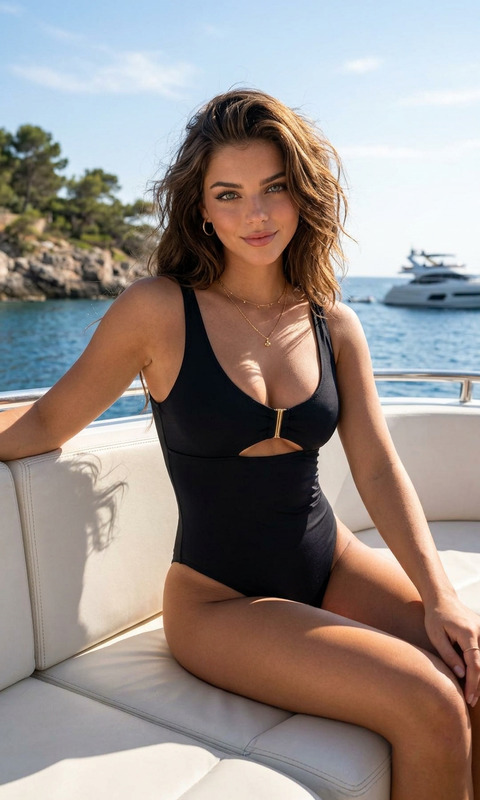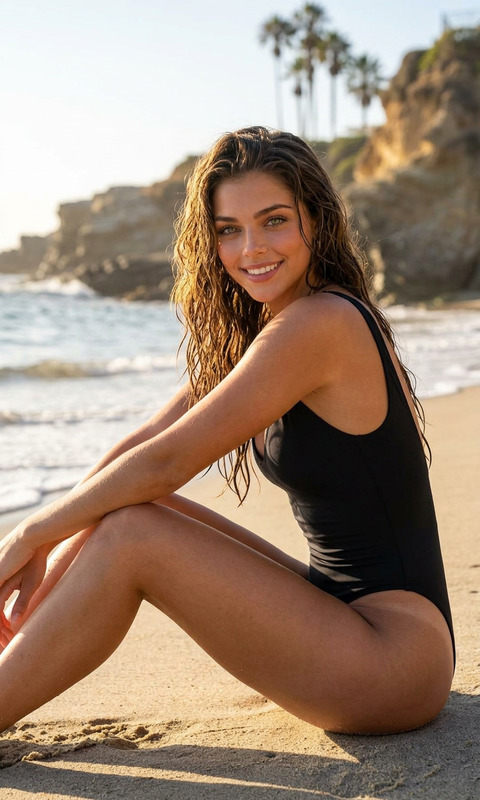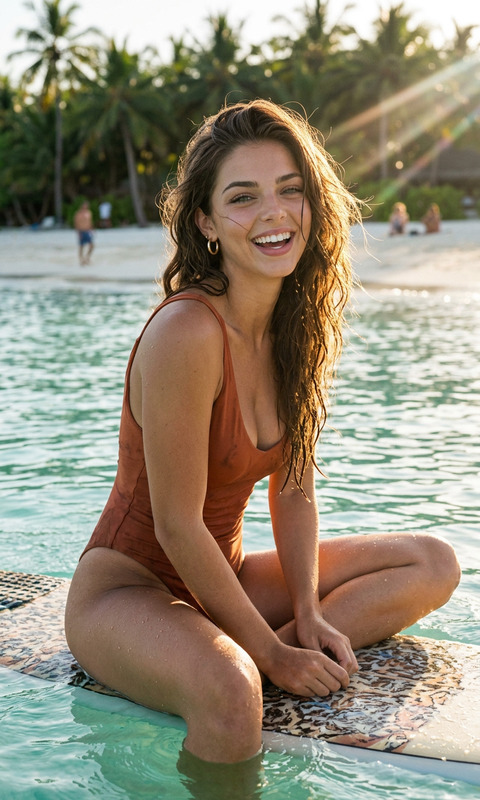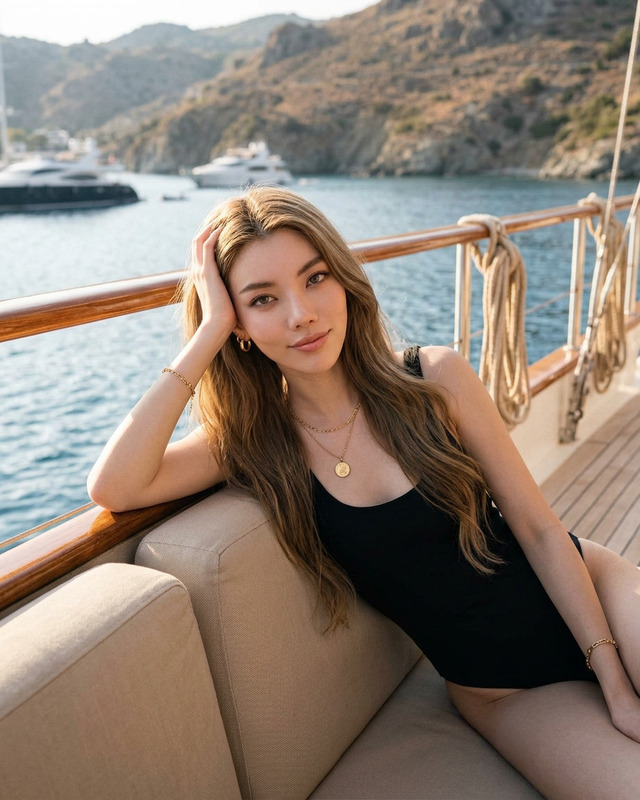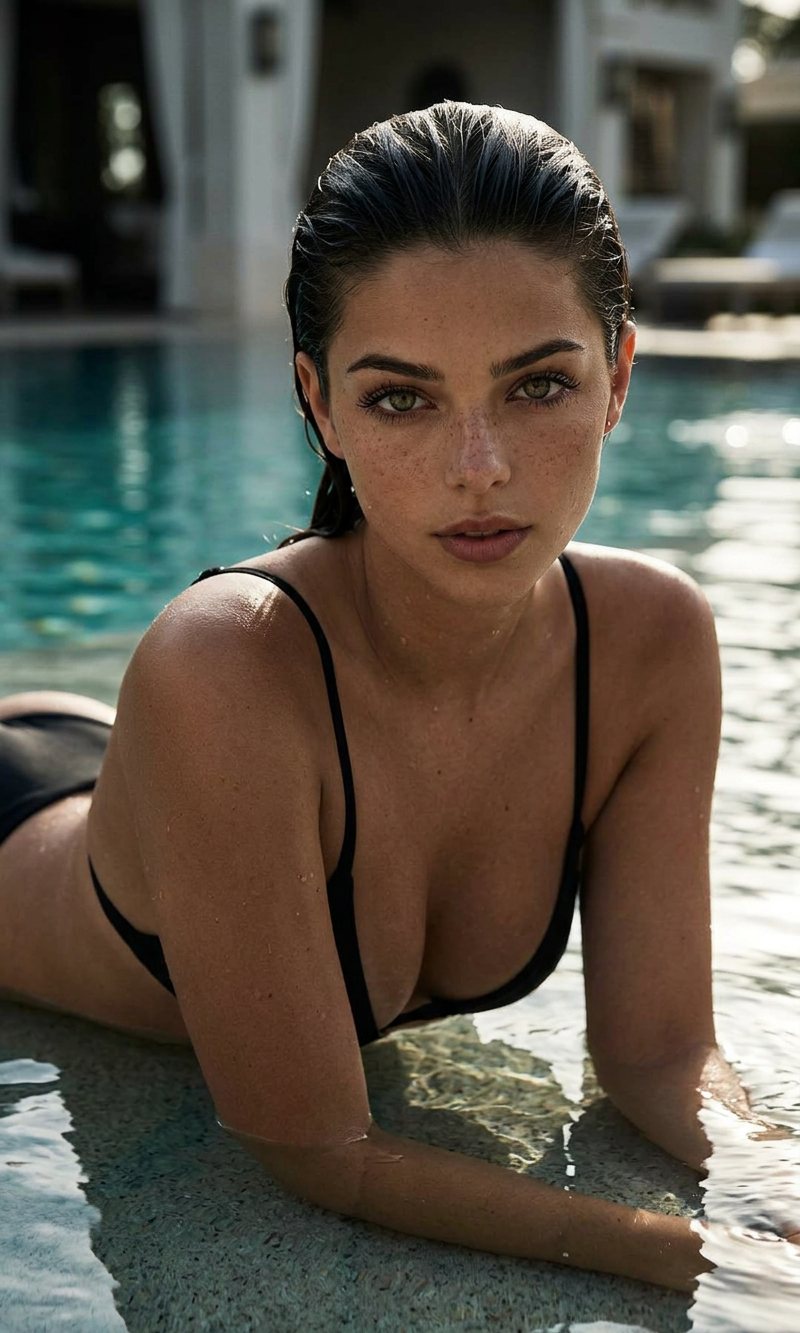
Pool Edge
- Model
- Nano Banana 2
- Image
- 800 × 1333 px
Prompt
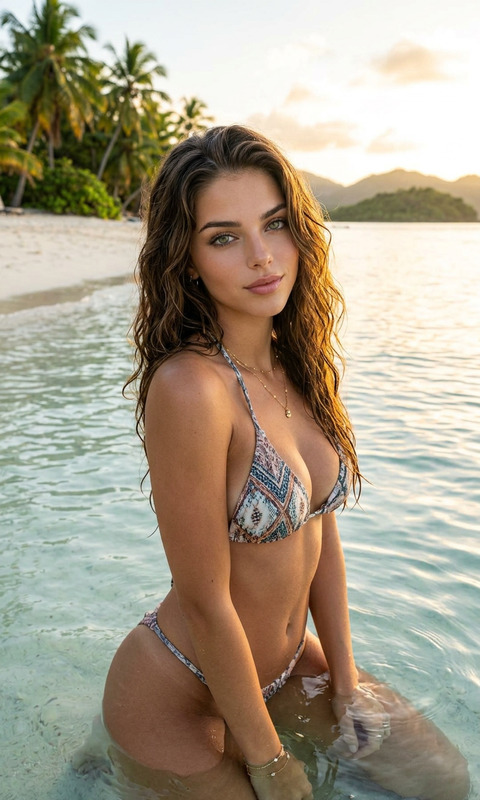
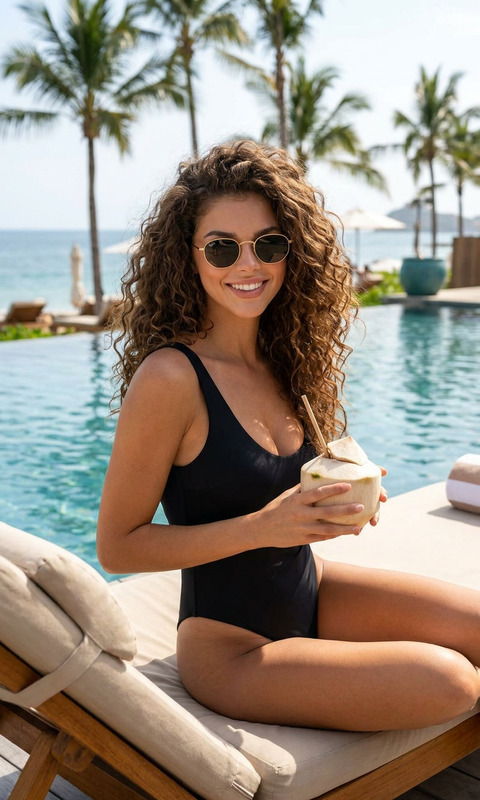
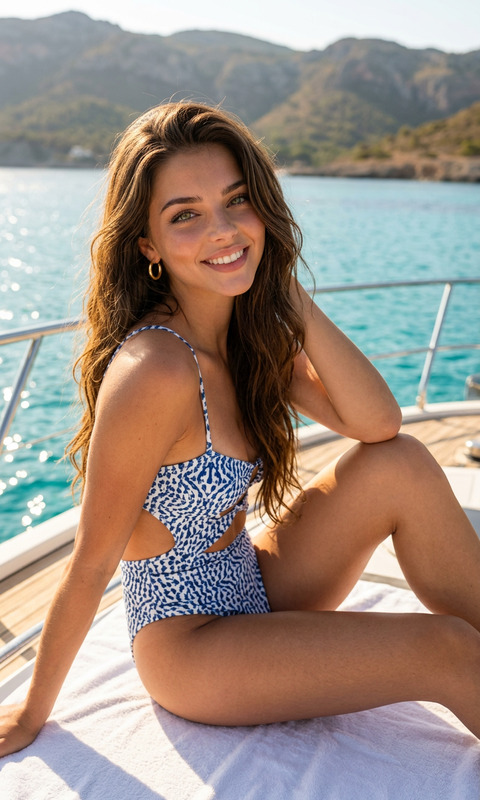
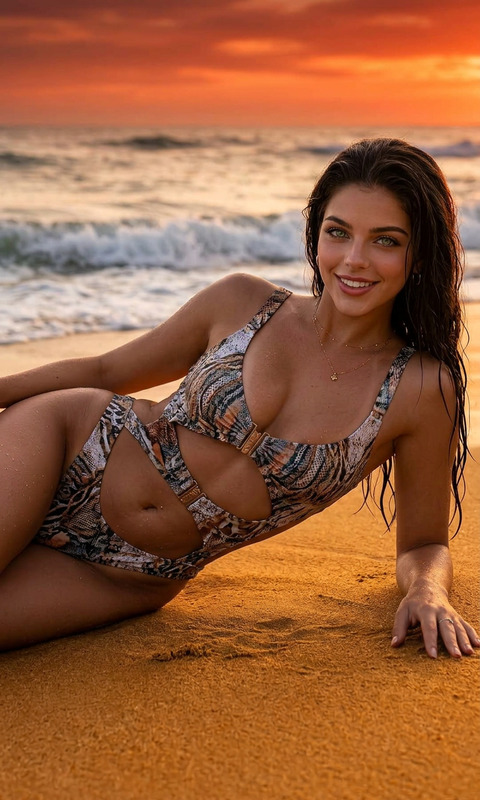
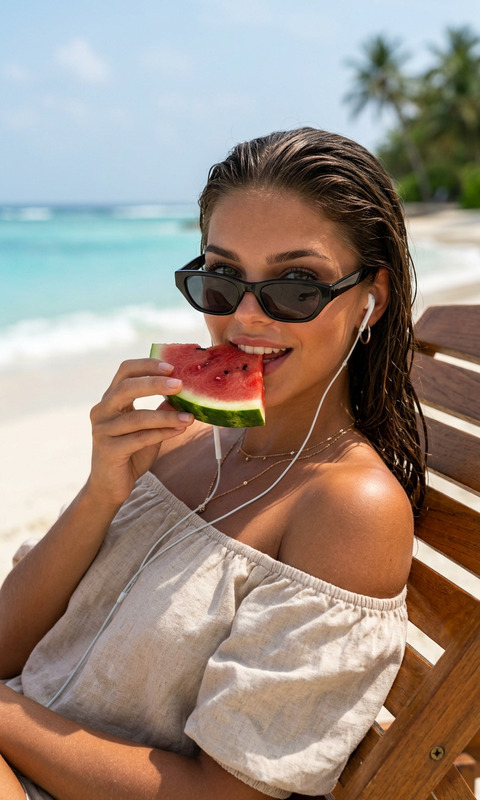
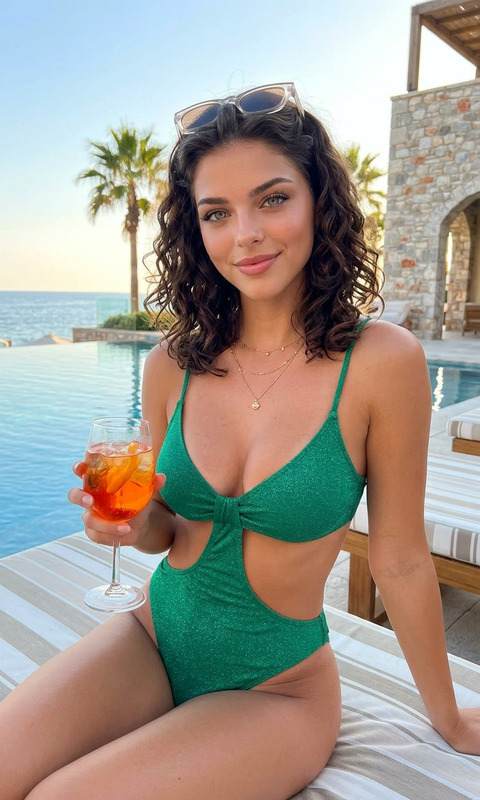
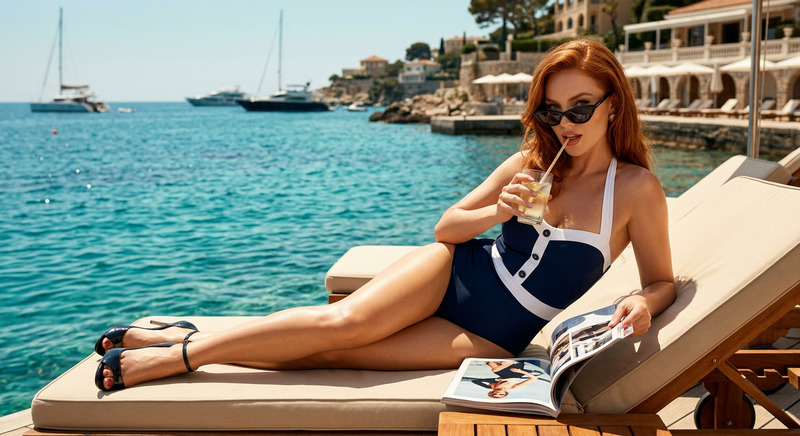
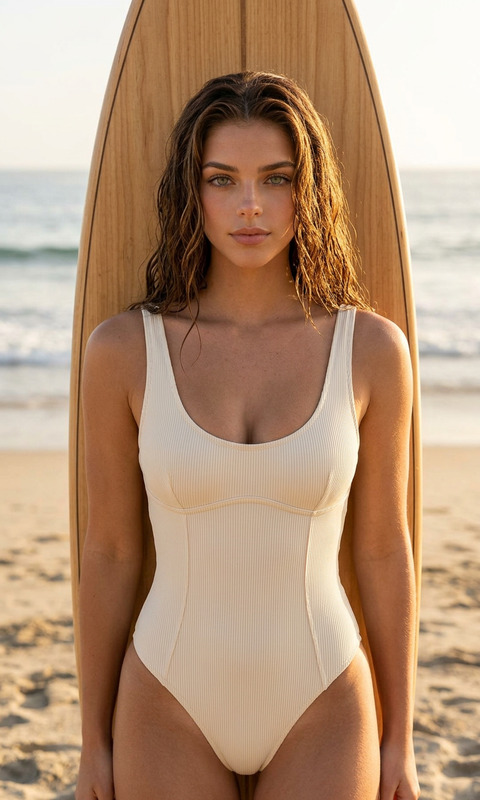
Moody high-fashion portrait of a young woman lying at the edge of a luxury swimming pool, partially submerged in shallow water. She has slicked-back wet dark hair, light freckles across her face, intense hazel eyes, and glowing sun-kissed skin with visible water droplets. She wears a minimalist black bikini with thin straps. Her arms are folded beneath her as she stares directly into the camera with a calm, powerful expression. Background is softly blurred turquoise pool water with warm sunlight reflections. Editorial beauty photography, cinematic shadows, ultra-realistic skin texture, shallow depth of field, luxury resort aesthetic, muted teal and bronze color palette, Vogue-style swimwear campaign, 85mm lens, natural light, highly detailed.
Any aspect ratio
Overview
The "Pool Edge" template is a part of our AI Image Editor collection, designed to create moody, high-fashion portraits with ease. This template utilizes the nano-banana-2 model to capture ultra-realistic skin textures, cinematic shadows, and a captivating luxury resort aesthetic. Perfect for creating editorial-level visuals with minimal effort.
What It Does
The "Pool Edge" template enhances your images by transforming standard poolside shots into stunning editorial-quality visuals. Its prompt focuses on a young woman partially submerged at a pool's edge, offering a mix of natural light effects and a muted color palette. The template applies advanced techniques such as shallow depth of field and ultra-realistic skin detailing, making your photos look like a Vogue-style swimwear campaign.
Who It's For
This template is ideal for fashion photographers, social media influencers, and luxury resort marketers looking to elevate their visual content. It's also perfect for agencies focusing on AI Product Photography, seeking to supplement their portfolios with high-end, professionally edited images. Additionally, brands involved in swimwear campaigns will find this tool immensely beneficial.
Summary
By using the "Pool Edge" template, users can easily achieve stunning high-fashion poolside portraits. The AI Image Editor format allows for detailed editing, including the emphasis on skin texture and color palettes. Ideal for creating visuals that captivate your audience, this tool ensures that your photography stands out as editorial-quality.
How-To
Select the Template

Customize Input

Generate Image

Use Cases
Luxury Resort Marketing
- Focus on capturing cinematic poolside moments.
- Highlight natural lighting and editorial style.
Fashion Photography
- Emphasize on high-fashion poses and styling.
- Use advanced editing for realistic skin textures.
Social Media Content
- Create engaging Instagram-worthy photos.
- Showcase products with visual storytelling.
Best Practices
Adjust Lighting and Angles
Leverage natural light and dynamic angles to bring out the best in your model's features.Focus on Texture
Pay attention to skin texture and water droplets to enhance the realism and depth of the image.Utilize the Blur Effect
Employ the soft background blur to isolate the subject and draw more focus to the intended areas.