Seinen Poolside Portrait

Seinen Poolside Portrait

ai-image-editor

1 clip
57 uses

Any aspect ratio

Prompt

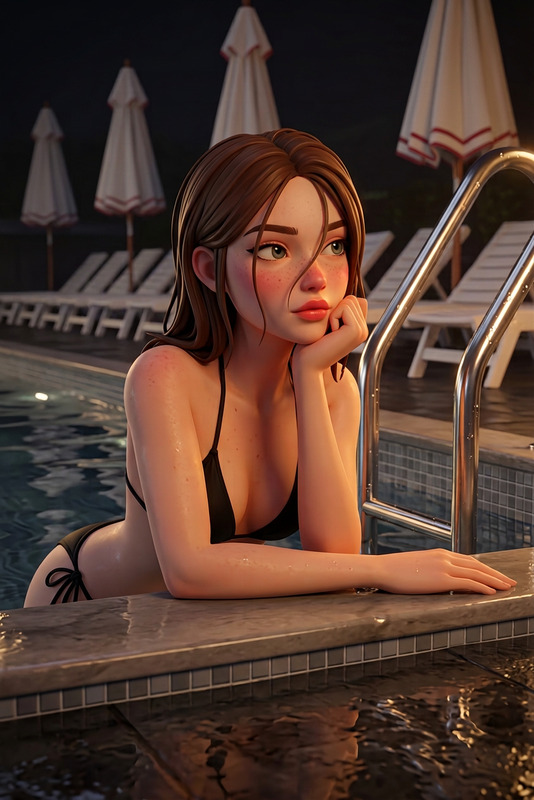
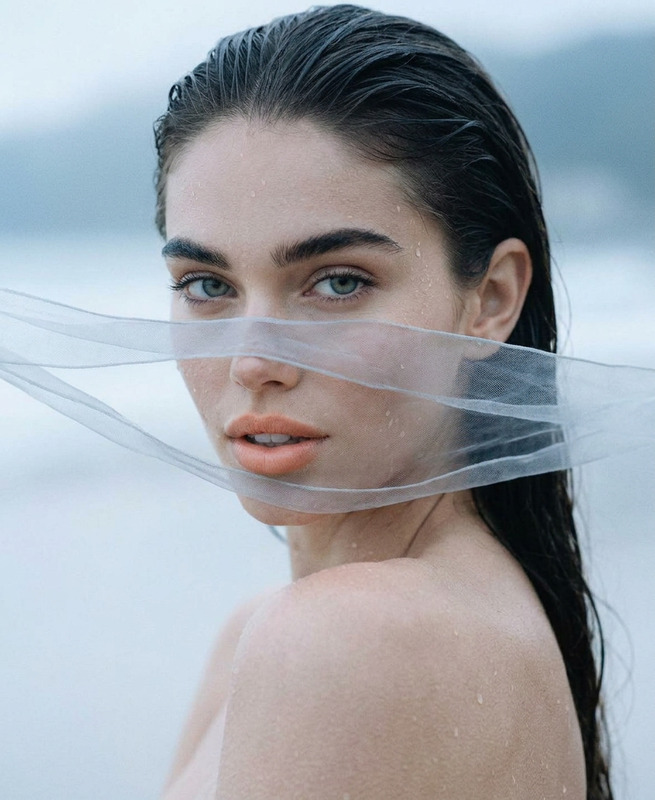
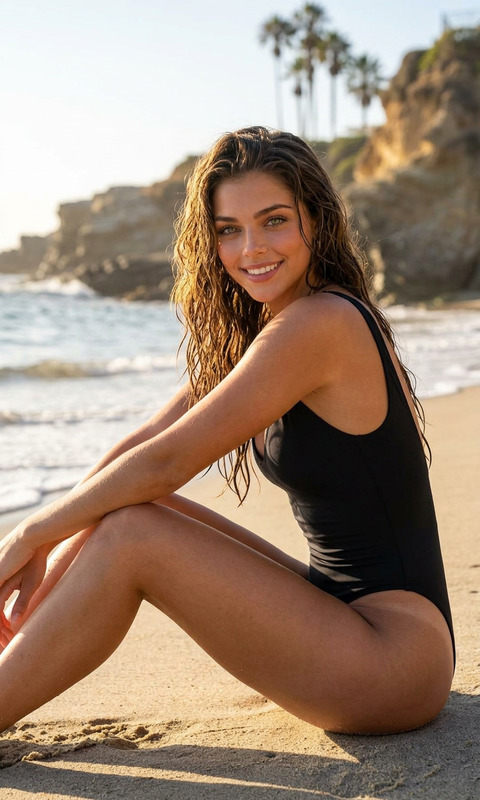
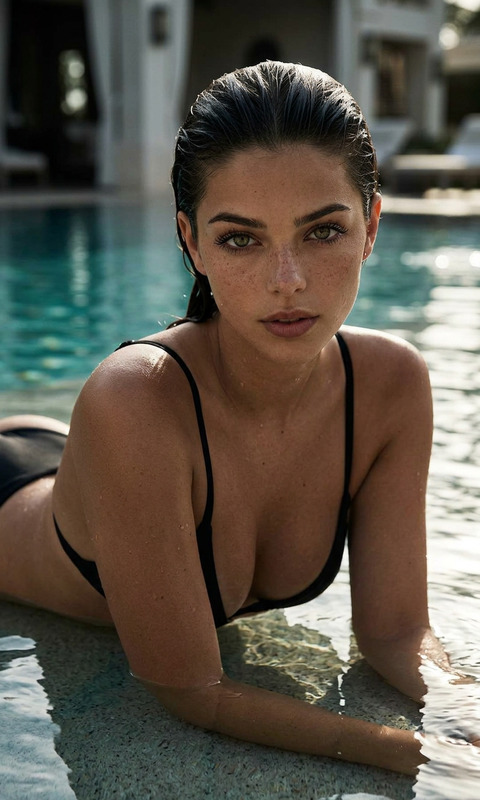
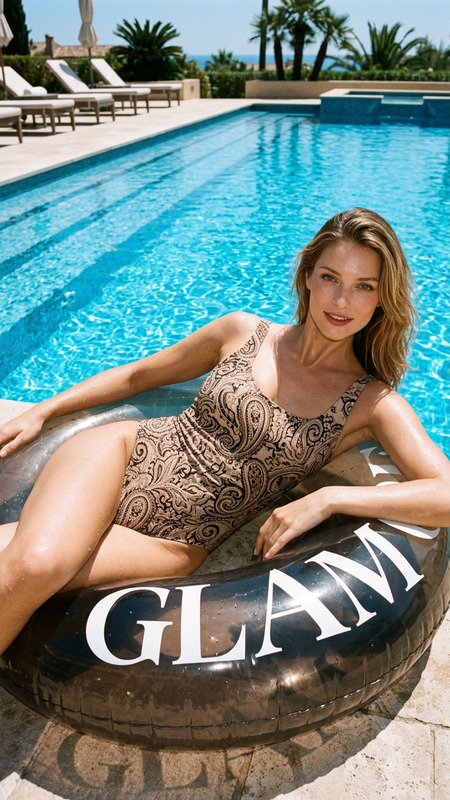
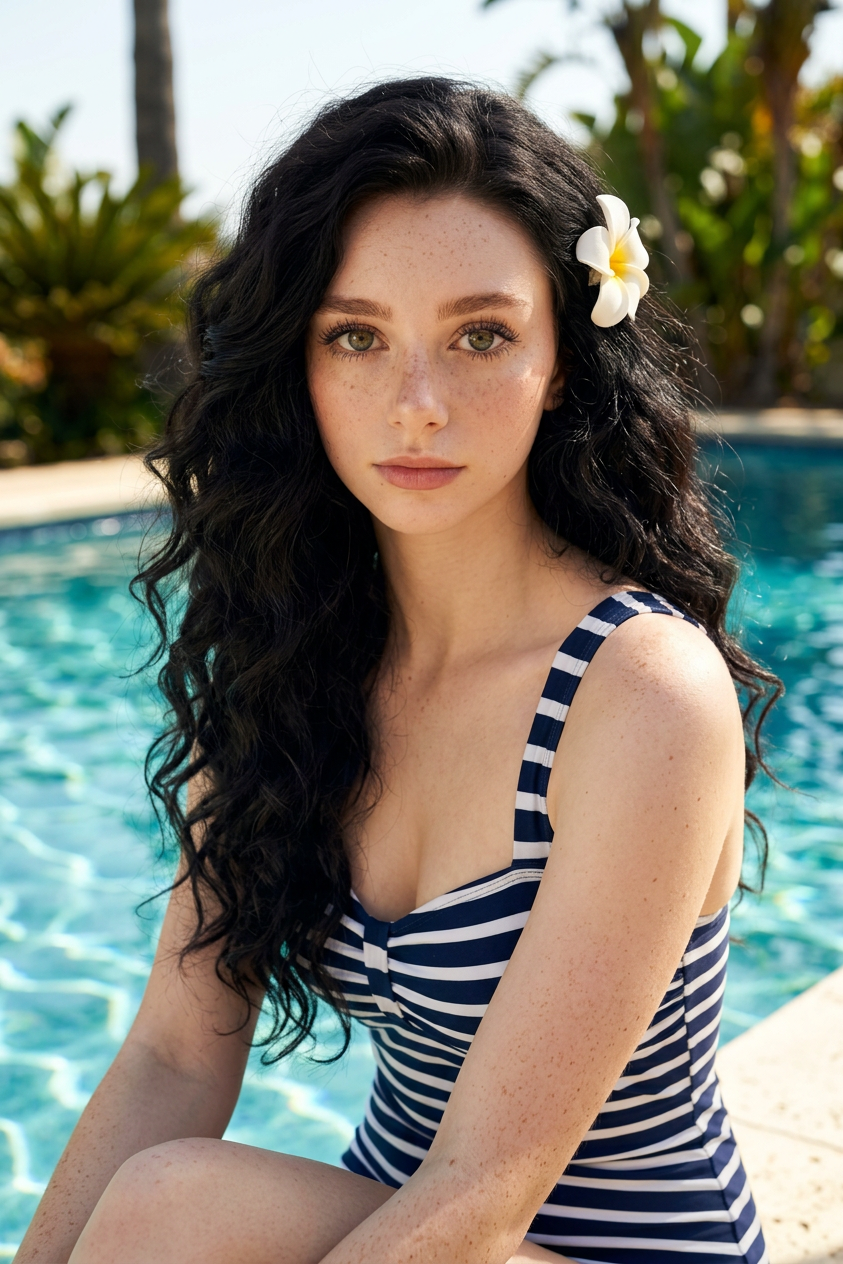
A high-quality photorealistic portrait of a subject (100% face match) sitting on the edge of a swimming pool on a sunny day, looking directly at the camera with a soft, calm expression. The subject has voluminous long dark wavy hair styled with a white flower hair clip and wears a vintage-inspired swimsuit. The background features bright blue shimmering pool water and softly blurred tropical greenery. Lighting is bright natural sunlight, enhancing skin, fabric, and water reflections. Style leans toward seinen—more mature, detailed, and refined—with cinematic realism, subtle depth, and clean, polished 8K detail.

Tags

popular

AI Image Editor Template: Turn Any Photo Into a Polished, On-Brand Visual in Minutes

Use this AI Image Editor–powered template to transform raw images into production-ready visuals for campaigns, product pages, pitch decks, and social content—without touching Photoshop.

This template is built on the AI Image Editor, so you can easily remix, extend, and customize it for your own workflow inside Magic Hour.


What This Template Helps You Do

This template is designed for creators, marketers, and builders who need to:

  • Clean up or redesign backgrounds for product photos, thumbnails, and ads
  • Remove unwanted objects, text, or people from an image
  • Recolor, restyle, or “on-brand” existing photos to match a visual system
  • Turn rough screenshots or mockups into polished marketing visuals
  • Create multiple variants of the same asset for A/B tests and localization

Because it uses the AI Image Editor, everything is editable at the image level—no need to re-generate from scratch when you only want small changes.


How to Remix This Template in Magic Hour

You can use this template as a starting point and build your own version in a few steps:

  1. Open the template in Magic Hour

    • Start from this template in the AI Image Editor.
    • Upload an image you want to transform (product shot, portrait, screenshot, illustration, etc.).
  2. Define your intent clearly in the editor prompt
    Think of your edit in terms of:

    • What stays the same? (e.g., product, subject, layout)
    • What changes? (e.g., background, lighting, colors, style, branding)

    Examples you can adapt:

    • “Keep the product the same, replace the background with a clean white studio look for an e‑commerce product page.”
    • “Turn this rough screenshot into a polished SaaS dashboard hero image for a landing page.”
    • “Convert this photo to a flat illustration style that matches a tech startup marketing site.”
  3. Iterate with small, focused edits
    Instead of trying to do everything at once, apply a sequence of targeted edits:

    • First remove distractions
    • Then adjust background or environment
    • Finally, refine style, color, and lighting
  4. Save your process as a reusable “house style”
    Once you like the result:

    • Reuse the same prompt patterns for other images
    • Maintain consistent style across campaigns, decks, and social posts
    • Treat this template as your “brand image system” inside Magic Hour

You can always duplicate the project in Magic Hour to create variations for different use cases (e.g., performance ads, organic social, investor decks).


Common Use Cases & Remix Ideas

You can extend this template into specialized workflows by combining it with other Magic Hour tools:

1. Product & E‑commerce Imagery

  • Turn a quick phone shot into a high-end product photo
  • Replace cluttered environments with clean studio or lifestyle scenes
  • Generate multiple backgrounds for marketplace listings, social ads, and landing pages

Useful tools to combine with this template:

Remix idea:

  • Use this template to standardize product shots, then run the final images through the Image Upscaler to prep for large hero banners and marketplace zoom views.

2. Thumbnails, Memes, and Social Content

  • Turn a simple photo into a scroll‑stopping YouTube or TikTok thumbnail
  • Add or remove elements to make memes, reaction images, or promo creatives
  • Create consistent brand visuals for LinkedIn, X, and newsletter headers

Relevant tools:

Remix idea:

  • Use the AI Image Editor template to clean up your base image, then pass it to Thumbnail Maker to add layout, typography, and framing tuned for YouTube or shorts.

3. Founder, Team & Profile Imagery

  • Clean up founder photos for pitch decks and press kits
  • Generate consistent team headshots from inconsistent source photos
  • Adapt the same image into multiple formats (LinkedIn, site “About” page, speaking bios)

Tools to pair with this template:

Remix idea:

  • Use the headshot generator to get a clean base portrait, then rely on this AI Image Editor template to adapt that portrait into different brand contexts (deck cover, website banner, podcast promo).

4. Creative Concepts & Pitch Mockups

  • Turn low‑fidelity wireframes or whiteboard photos into polished visuals for client pitches
  • Visualize new product ideas before design and engineering invest real time
  • Create concept art for campaigns, features, or brand updates

helpful combinations:

Remix idea:

  • Generate a concept with AI Image Generator, refine composition and details with this AI Image Editor template, then repurpose the final images in pitch decks and product roadmaps.

Advanced Remix Paths: Move Beyond Static Images

Once you have a strong visual created with this template, you can turn it into motion, characters, or interactive assets using other Magic Hour products:

You can chain these together: start with this AI Image Editor template to get your core asset right, then animate, voice, or remix that asset for different channels.


Practical Prompt Patterns You Can Reuse

You don’t need to guess what to type. Here are prompt patterns you can adapt directly inside the AI Image Editor:

  • Background cleanup & standardization

    • “Keep the main subject exactly as is. Replace the background with a clean, neutral studio backdrop suitable for an e‑commerce product photo.”
    • “Make the background a modern SaaS website hero section with soft gradients and subtle UI shapes.”
  • Branding & style alignment

    • “Restyle this image using flat, minimal illustration with high contrast and a tech startup aesthetic.”
    • “Match the color palette to a B2B SaaS brand: blues, teals, and off‑white, with clean, sharp lighting.”
  • Object and distraction removal

    • “Remove any logos, text, and clutter from the background while keeping the subject natural and realistic.”
    • “Remove the person in the background and fill in the environment so it looks consistent and untouched.”
  • Variants for experiments

    • “Generate three versions of this image with different backgrounds: office, home workspace, and neutral studio, all in the same style.”
    • “Keep composition fixed but change the lighting: bright daytime, warm evening, and high‑contrast dramatic.”

These patterns are easy to remix for your own use cases—just swap in your product, industry, or desired aesthetic.


Related Tools For Building Your Own Template Stack

Power users often build a small “stack” of templates and tools around AI Image Editor. Depending on your needs, consider combining:

Each of these can be layered on top of the images you refine with this AI Image Editor template.


Tips for Consistent, Production-Ready Results

For teams and startups using this in a real content pipeline:

  • Codify your prompts
    Keep a short internal doc of “approved” prompts that align with your brand. Reuse them each time you edit images.

  • Lock in a visual system
    Use the same style language across this template and related tools (e.g., “flat illustration, muted color palette, soft shadows”) so marketing, product, and sales visuals feel coherent.

  • Work from your best source files
    Even with strong AI, high‑quality source images matter. Clean, well‑lit inputs will give you better edits and fewer artifacts.

  • Version like a designer
    Save multiple variants of key assets—v1, v2, v3—so you can A/B test performance in ads, landing pages, and email campaigns.


By starting from this AI Image Editor template and then remixing it with the other tools above, you can build a flexible, repeatable visual system that supports everything from product launches and sales decks to social campaigns and brand experiments—all inside Magic Hour.

More Like This

Insufficient credits