Morning Park Natural Blend
ai-image-editor
Any aspect ratio
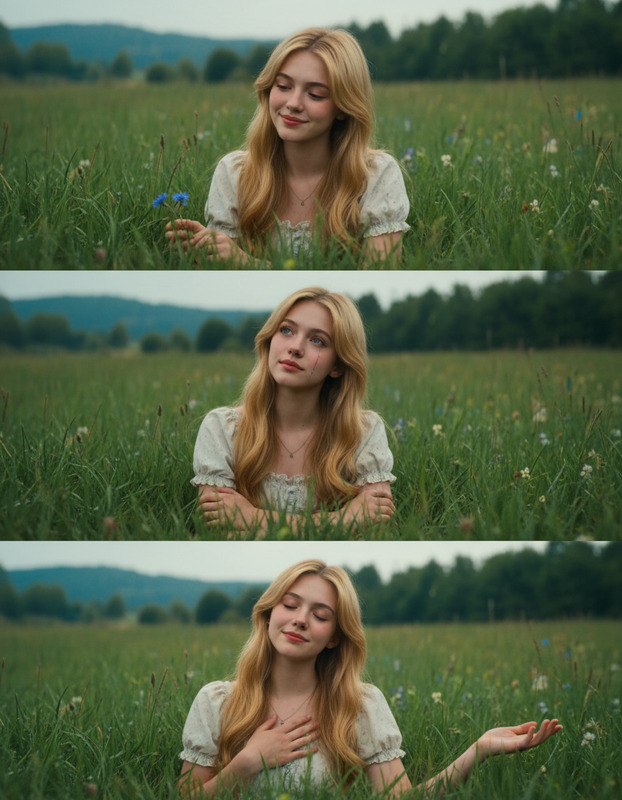
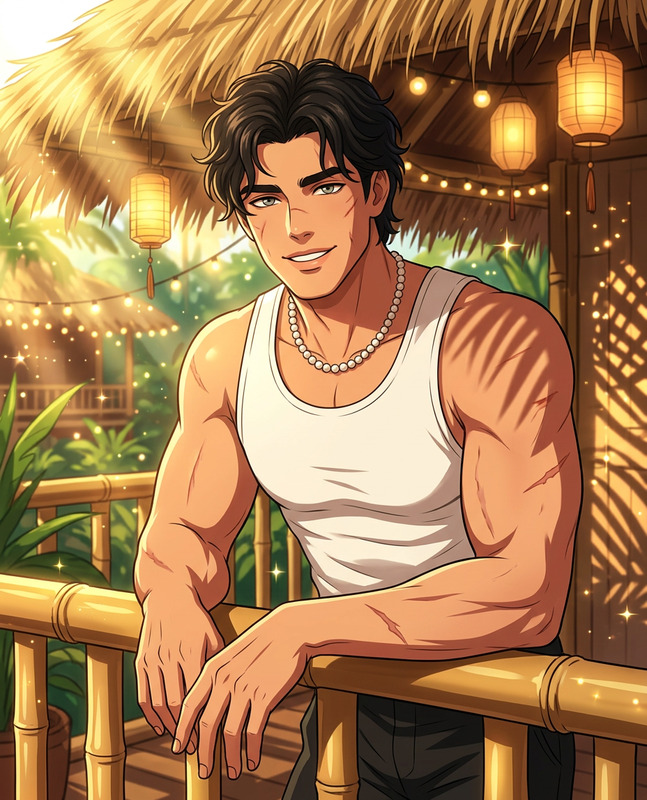
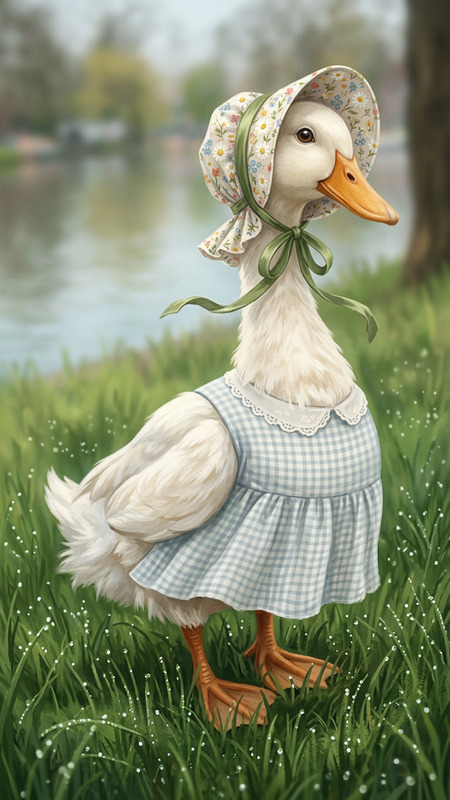
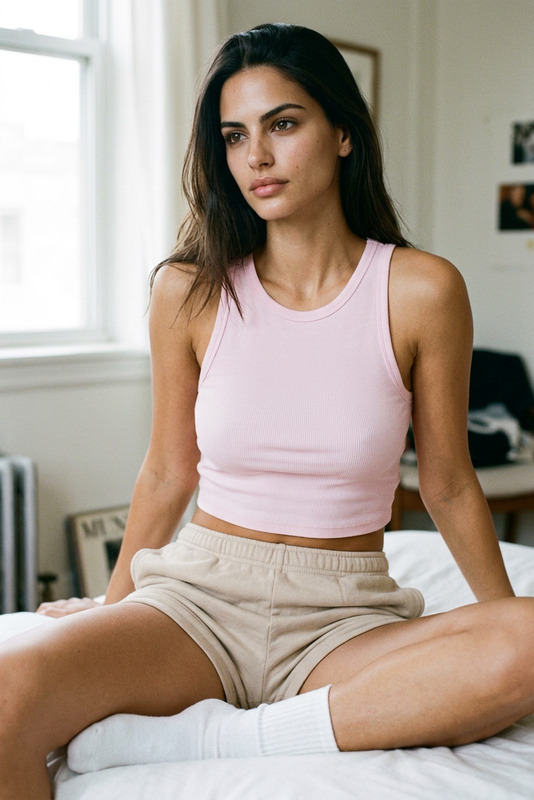
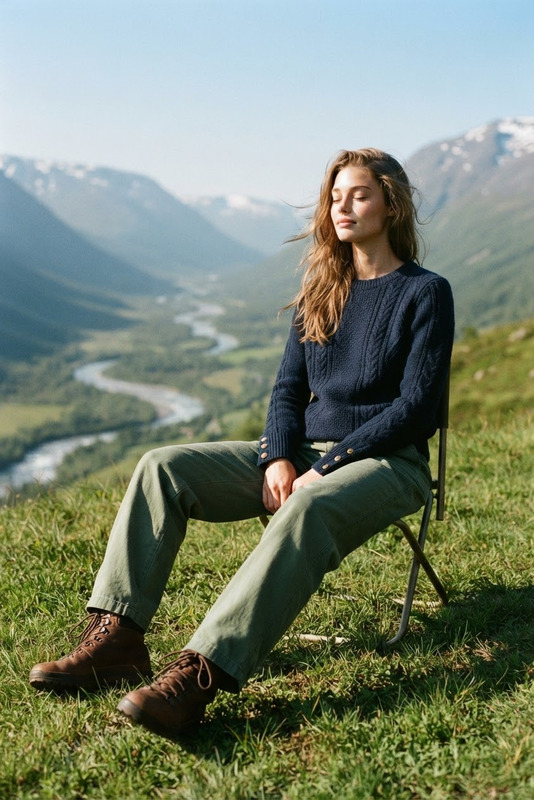
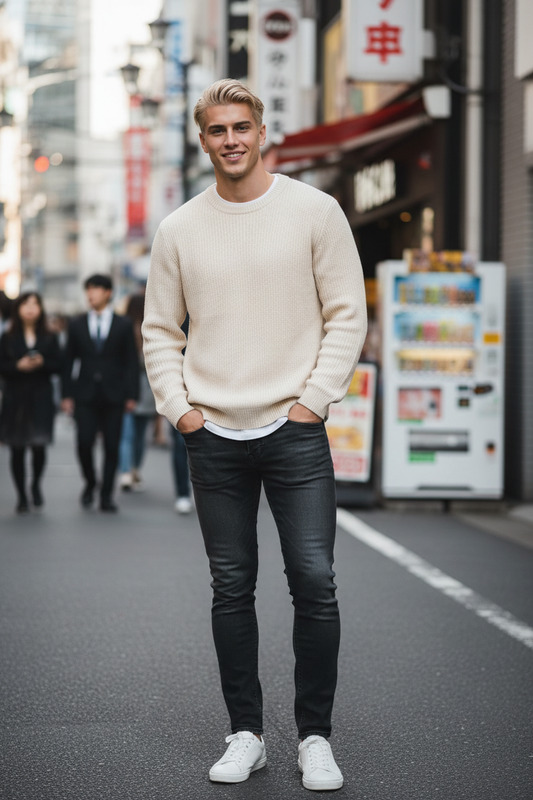
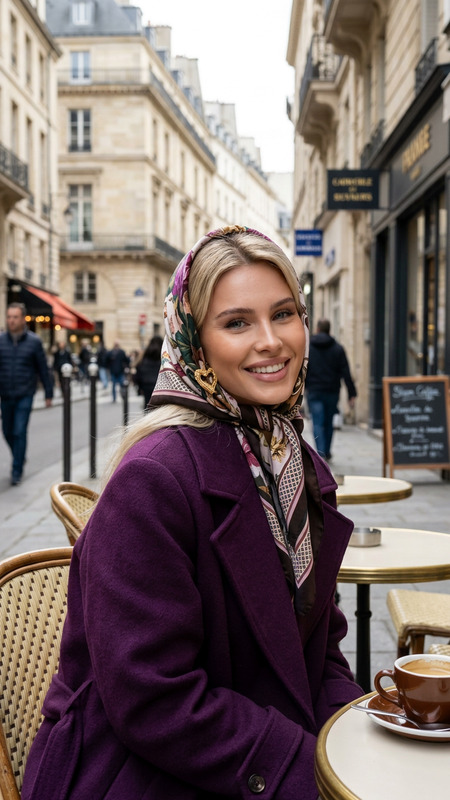
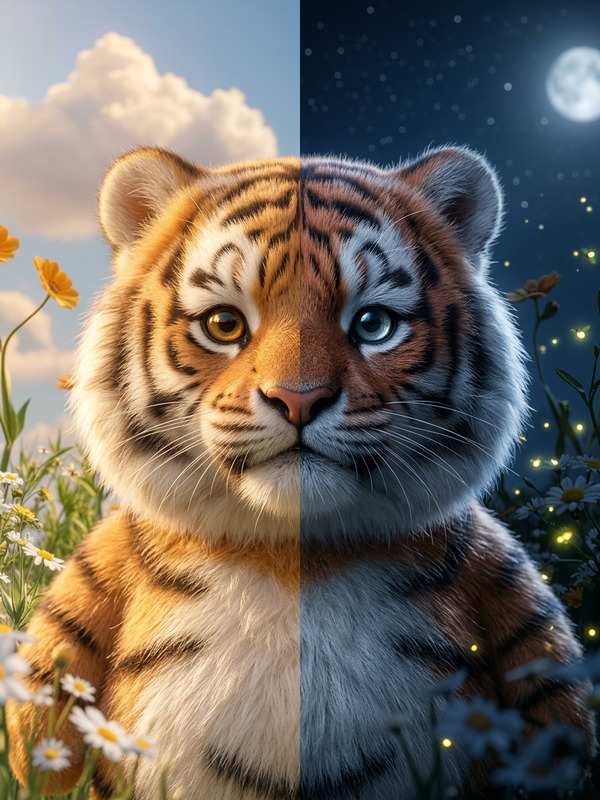
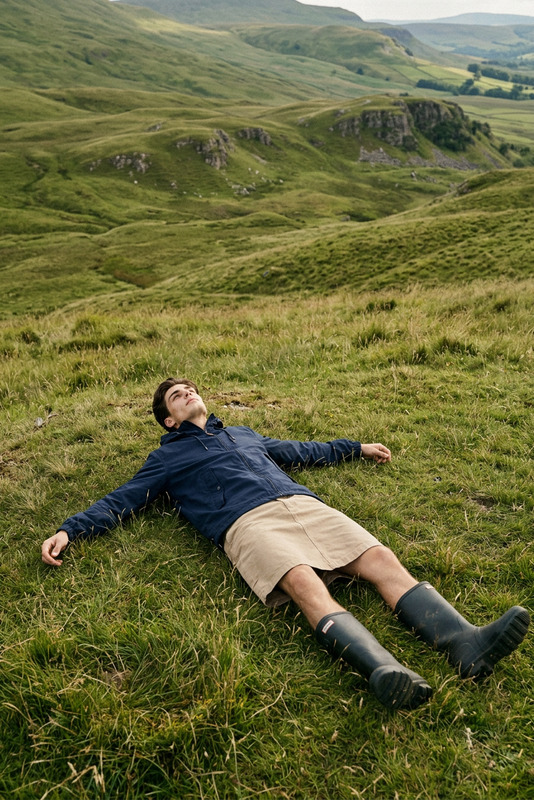
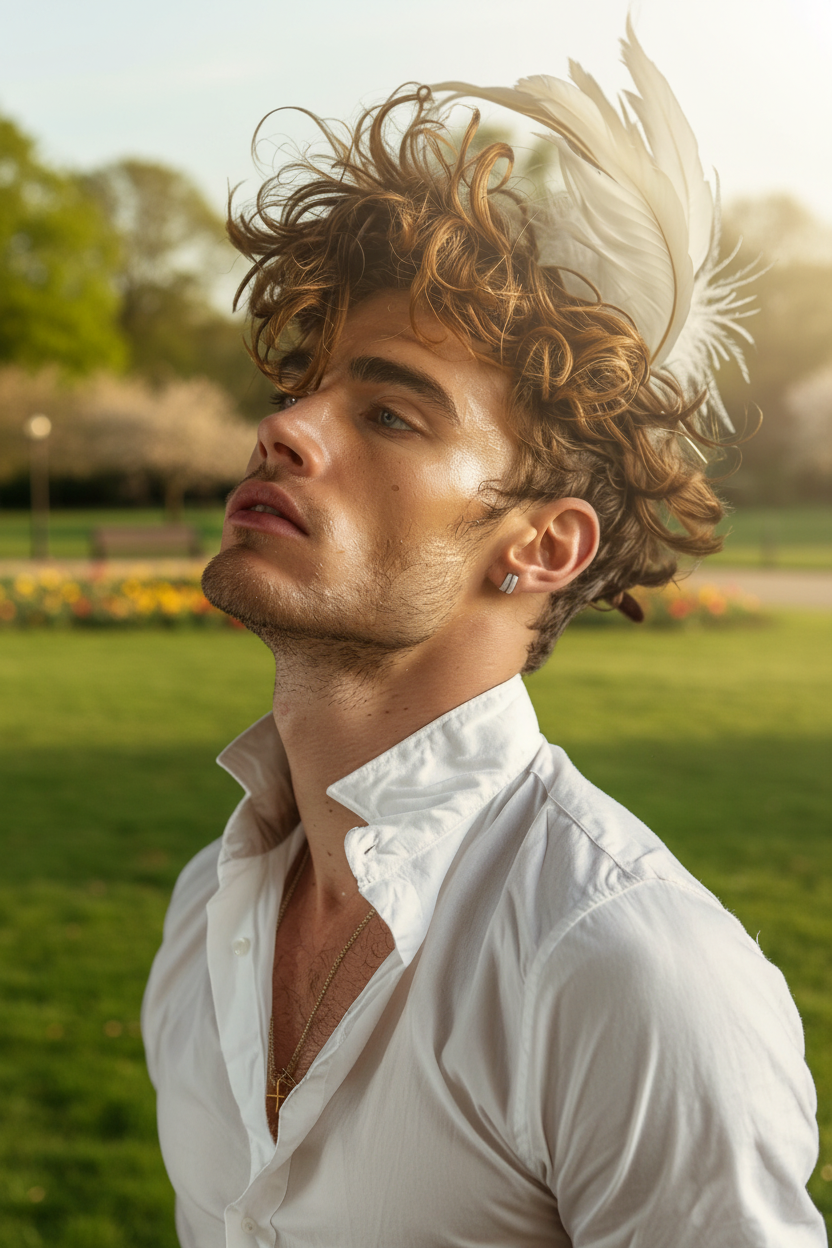
Place the subject into a bright outdoor park scene illuminated by soft morning sunlight coming from the top right. Ensure the lighting direction matches the environment, casting gentle highlights on the subject and creating a soft, natural ground shadow beneath it. Integrate the subject seamlessly with the surroundings by adjusting color saturation, contrast, and temperature to match the warm, fresh morning atmosphere. Maintain realism with subtle ambient light, soft shadows, and balanced tones so the subject naturally blends into the park setting without looking artificial.
Tags
popularTransform Photos into Studio-Quality Scenes with AI Image Editor Templates
Turn any ordinary photo into a polished, on-brand visual in minutes using Magic Hour’s AI Image Editor. This template shows how you can quickly restyle, clean up, and enhance images for marketing, product shots, social content, and prototypes—without needing Photoshop-level skills.
What This Template Does
This AI Image Editor–based template is designed to help you:
- Replace or refine backgrounds to match your brand or concept
- Remove distracting objects or people
- Adjust lighting, mood, or style (e.g., cinematic, minimal, editorial)
- Change outfits, props, or visual details to test creative variations
- Prepare images for use in campaigns, decks, product pages, and pitch materials
It’s especially useful if you need to:
- Build consistent visual systems across multiple images
- Test different visual directions before committing to a full shoot
- Prototype UI, product, or campaign imagery quickly
- Generate assets that can later be animated, upscaled, or turned into video
How to Remix This Template in Magic Hour
You can use this template as a starting point, then remix it to match your project:
Open the template in Magic Hour
Start from this template in the AI Image Editor. You’ll see the base structure of the edit already defined.Swap in your own image
- Upload a product photo, headshot, fashion shot, or scene.
- The model will use your image as the foundation and apply the same kind of edit shown in the template.
Edit the prompt to match your goal
- Describe the style you want: “clean ecommerce product shot on white,” “Moody cinematic portrait,” “Editorial fashion shot in a studio,” etc.
- Add brand details if relevant: “soft natural light, muted color palette, fits a SaaS landing page,” “bold, high-contrast, youth streetwear brand,” etc.
- If you’re editing for a specific platform (e.g., LinkedIn, TikTok cover, product hero), mention that in the prompt.
Refine details with additional passes
Use the AI Image Editor to:- Remove or replace objects with AI Remover or Remove Object from Photo
- Improve resolution with the AI Image Upscaler
- Change clothing or styling ideas using the AI Clothes Changer or AI Fashion Generator
- Swap or refine faces using AI Face Editor or AI Face Generator
Export and reuse across channels
Download your edited image and reuse it for:- Marketing pages, paid ads, and pitch decks
- Social content, thumbnails, or creator assets
- Input to other Magic Hour tools (e.g., image-to-video, talking photos, memes)
Example Use Cases for Creators, Marketers & Builders
1. Startup and Product Marketing
- Create consistent hero images for landing pages
- Turn basic screenshots into polished mockups using AI Photo Generator and then refine them with AI Image Editor
- Rapidly A/B test visual directions for campaigns before handing off to a design team
- Color-correct or restyle assets to fit your brand or a new campaign line
You can also feed your polished images into:
- Text-to-Video or Image-to-Video to generate motion assets
- Thumbnail Maker to turn them into clickworthy YouTube or course thumbnails
2. Personal Branding & Professional Headshots
If you’re building a solo brand or team presence:
- Clean up LinkedIn photos, founder images, and “About” page portraits
- Generate alternate versions using the AI Headshot Generator and refine them with AI Image Editor
- Color-correct, retouch, and adjust background style to align with your personal brand or company aesthetics
You can then:
- Animate portraits using AI Talking Photo
- Turn static images into short GIFs with AI GIF Generator for social or email
3. Content Creators: Social, YouTube, & Newsletters
For creators who need a steady stream of visuals:
- Turn raw photos into branded image templates you can reuse
- Use AI Meme Generator for fast meme concepts, then refine layout and style with AI Image Editor
- Create standout avatars with the Avatar Generator, then clean and recolor them for channel art
AI Image Editor works especially well when chained with:
- AI Illustration Generator or AI Art Generator for initial ideas
- AI Logo Generator to test logo-on-product mockups
- Album Cover Generator or Book Cover Generator to conceptualize campaign visuals
4. Product, Fashion & Ecommerce
- Turn simple product photos into full campaigns with controlled backgrounds and lighting
- Mock up lookbooks using AI Outfit Generator and AI Fashion Generator, then refine each image with AI Image Editor
- Generate consistent catalog imagery without reshooting everything
If you’re working with models or faces:
- Use the Gender Swap tool or Face Swap for inclusive and diverse creative exploration
- Upscale final catalog images with AI Image Upscaler for print or high-res marketplaces
Turn Edited Images into Video, Animation & Interactive Content
Once your images are polished with AI Image Editor, you can expand them into richer formats:
Face-Swap Videos
Use your edited portraits in Face-Swap Video Templates or Face Swap for GIFs to create dynamic content for campaigns, teasers, or social posts.Lip-Sync & Talking Content
Convert a static edited face into speaking content with:- Lip Sync Templates
- AI Talking Photo
Combine these with AI Voice Generator or AI Voice Cloner for highly personalized explainer clips.
Video-to-Video Transformations
If you have simple recorded footage, you can restyle it with Video-to-Video Templates using the same aesthetic defined in your edited images.Character Animation
Turn characters or avatars created via AI Image Editor into animation using:- Animation Templates
- Animated Characters Generator
- AI Anime Generator for stylized, anime-inspired motion
How to Build Your Own AI Image Editor Template
If you want to create your own reusable template, not just remix this one:
Start with a clear use case
Examples:- “Clean SaaS landing page hero images”
- “Editorial-style founder portraits”
- “Minimal product-on-pedestal ecommerce shots”
- “Dark fantasy character art for a game pitch deck”
Define a reusable visual pattern in your prompt
Specify:- Lighting and mood: “soft daylight,” “studio flash,” “no harsh shadows”
- Composition: “centered subject,” “plenty of negative space for copy,” “close-up crop”
- Style reference: “fits a modern B2B SaaS website,” “like a high-end fashion editorial,” “similar to comic-book cover art”
For more specialized looks, consider tools like:
Run multiple test images
- Try with different people, products, or environments.
- Adjust your prompt until the style stays consistent across varied inputs—that consistency is what makes it a good “template.”
Chain with other Magic Hour tools
Create your own workflow, for example:- Generate concepts with AI Image Generator → refine with AI Image Editor → upscale with AI Image Upscaler.
- Restore old assets with Old Photo Restoration or Photo Colorizer → modernize style via AI Image Editor.
- Remove backgrounds using Image Background Remover → design new custom backdrops with AI Background Generator → touch up with AI Image Editor.
Standardize for your team or project
- Document which prompts and base images you use.
- Share the template link with your team so everyone can generate consistent visuals without manual design work for every asset.
Related Tools for Visual Experiments & Prototyping
For founders, marketers, and developers building visual-first products or campaigns, these tools pair particularly well with AI Image Editor:
- AI Selfie Generator for personal branding packs
- AI QR Code Generator to embed scannable codes into on-brand visuals
- AI Interior Design Generator and Architecture Generator for spatial concepts and product-in-environment shots
- AI Character Generator, Superhero Generator, and Pokemon Generator for playful or IP-inspired concept work
- Graffiti Generator and Optical Illusion Generator for experimental campaign visuals
- Watermark Remover and Unblur Image for clean, repolished inputs (only on content you own rights to)
Best Practices and Responsible Use
Respect rights and licenses
Only edit and remix images you have the legal right to use (own content, licensed assets, model-approved shoots, or rights-cleared stock).Maintain authenticity where needed
For professional or journalistic contexts, clearly label AI-edited imagery and avoid misleading edits, especially on people or sensitive topics.Iterate quickly, then standardize
Use AI Image Editor to explore variations rapidly, then lock in a small number of repeatable templates for ongoing campaigns or product visuals.
Use this template as a working example of what’s possible with the AI Image Editor. Remix the prompts, swap in your own images, and connect it with other Magic Hour tools to build a visual pipeline that scales with your content, not your manual editing time.