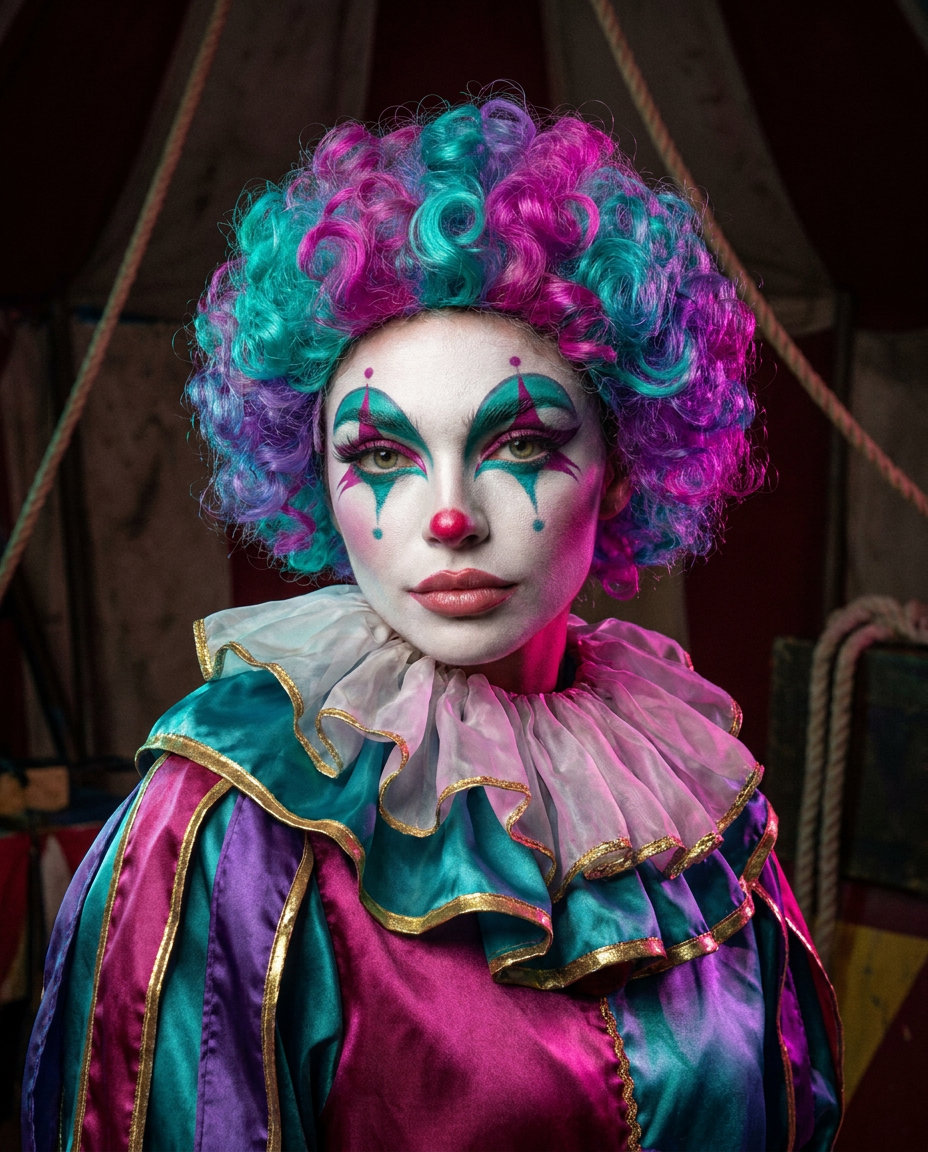
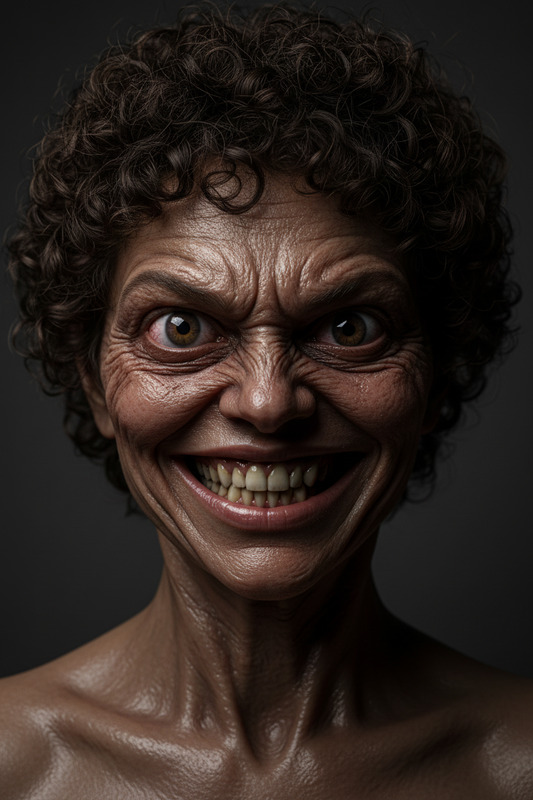
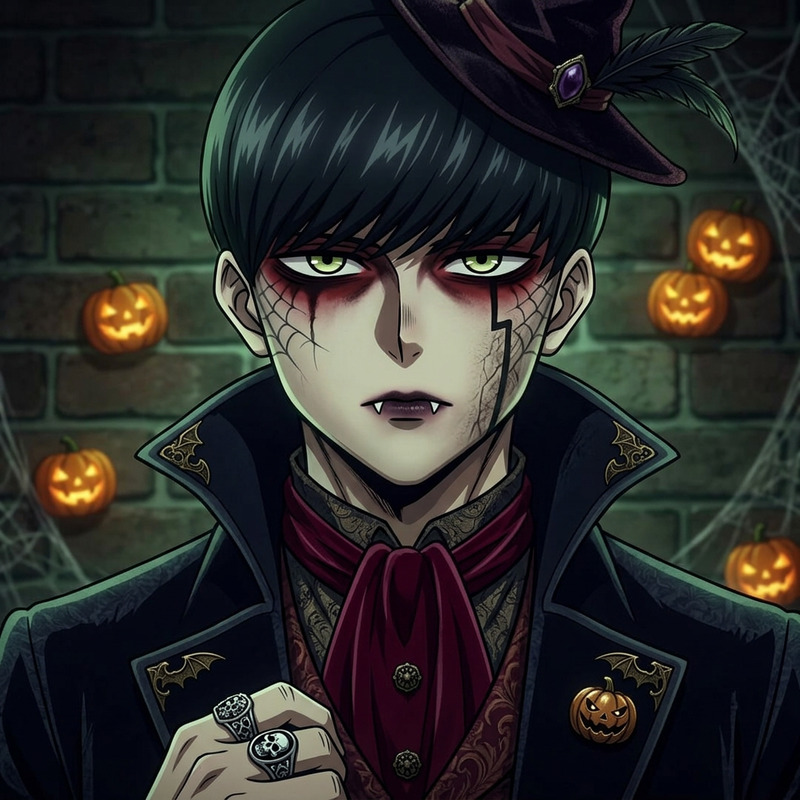
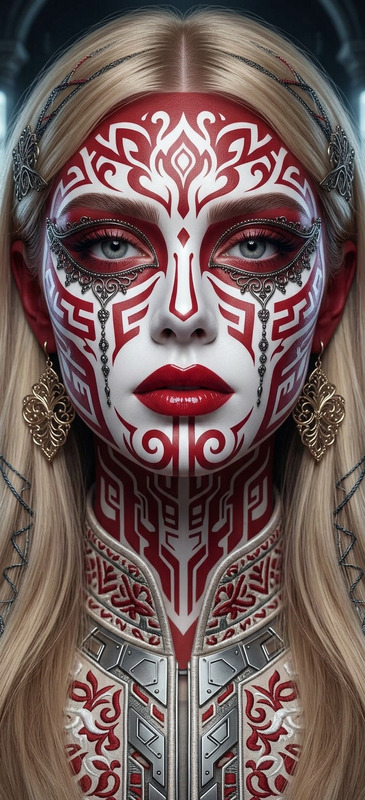
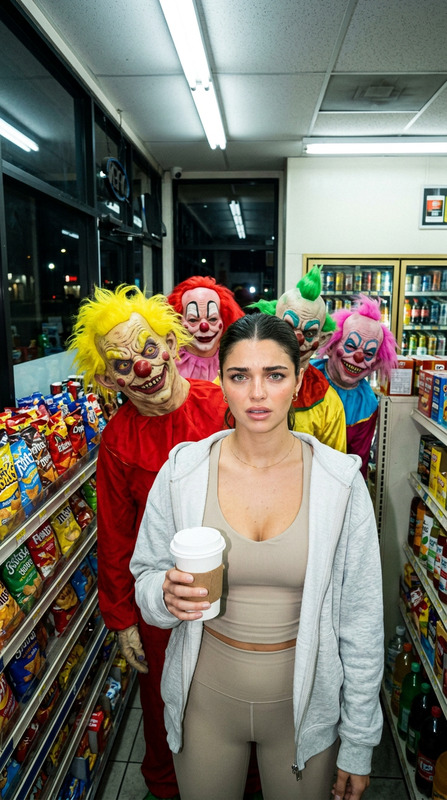
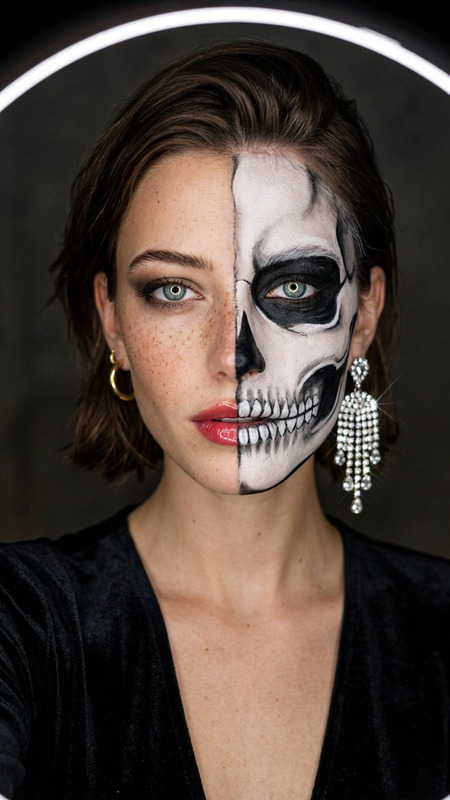
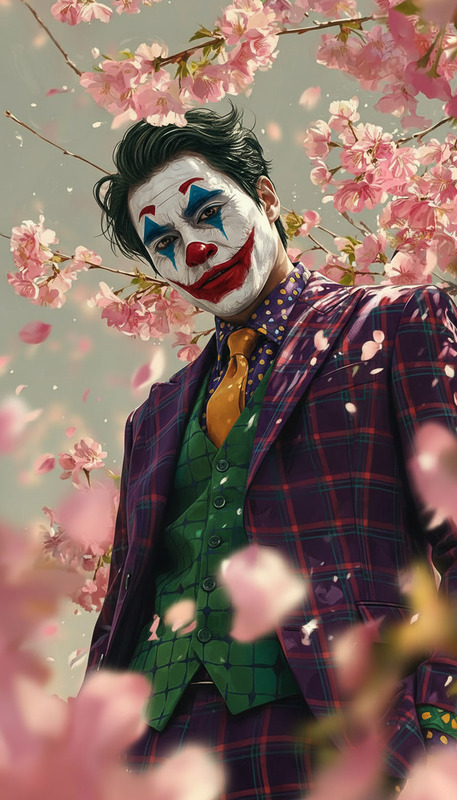
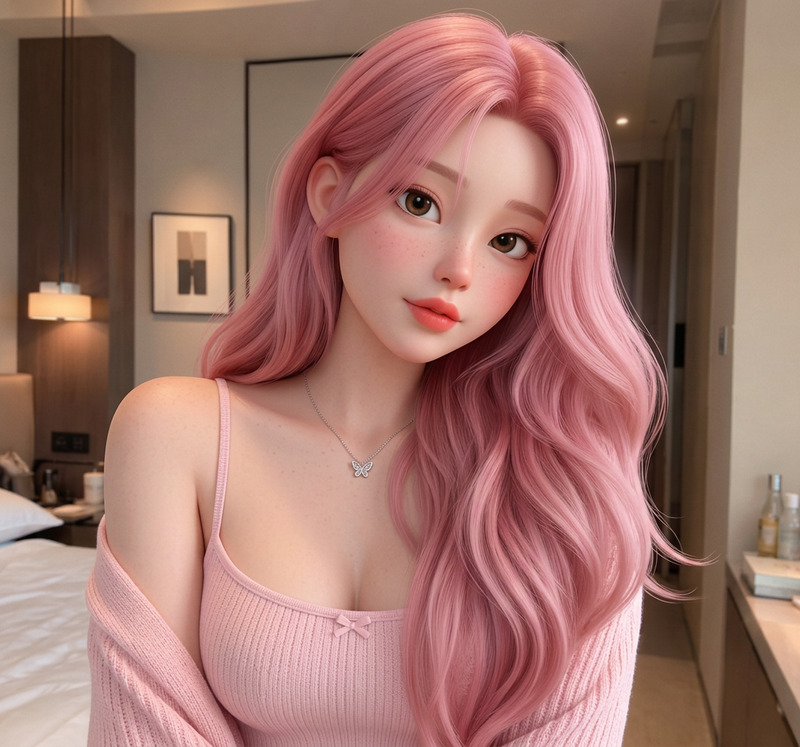
Restyle the person in image upload as an alien circus clown in a realistic Halloween editorial portrait, vertical 4:5 composition.SAME IDENTITY: preserve their facial structure, eye shape, nose, jawline, age and recognizable expression. Add white theatrical makeup, colorful eye accents, a small red clown nose, a bright curled wig, a layered ruffled collar and a satin clown costume.Keep the makeup fitted to the original face without changing its anatomy. Use a dark circus backdrop, magenta and teal rim lighting, realistic skin and makeup textures, and subtle 1980s film grain.One person only. NO DUPLICATE, no monster-face replacement, no oversized mouth, no extra fingers, no text or watermark.
Any aspect ratio
Overview
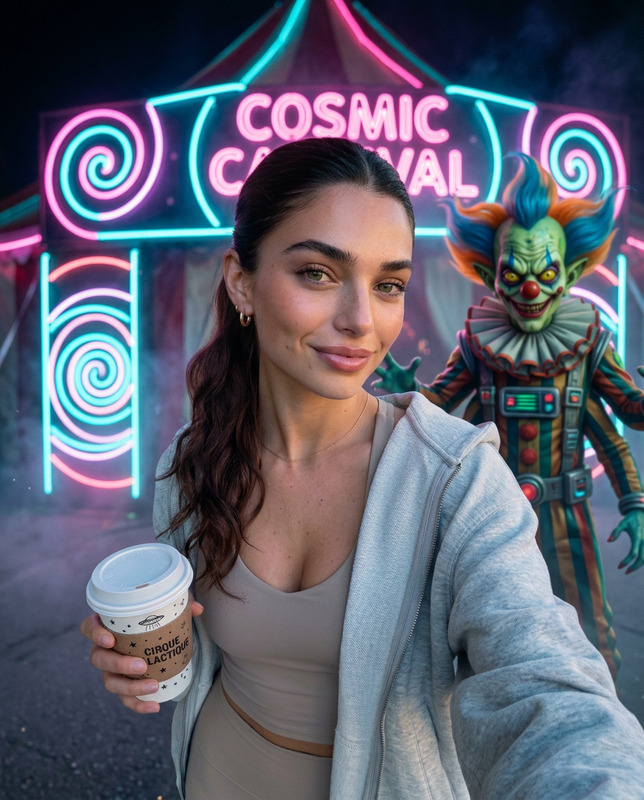
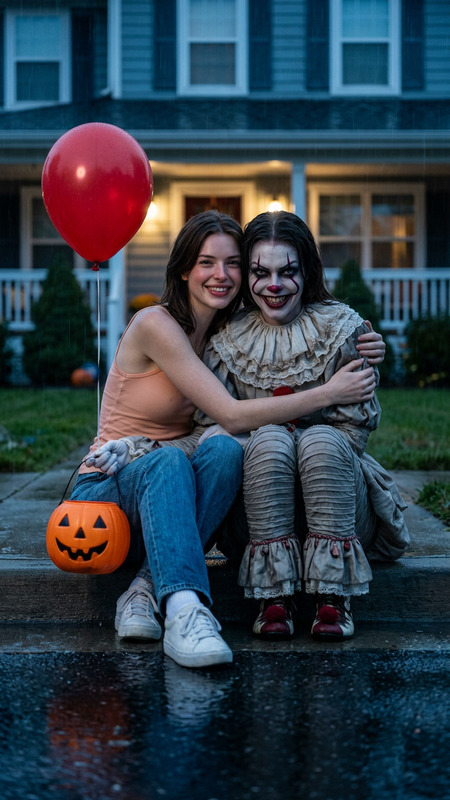
Transform your uploaded image into an alien circus clown. This tool uses AI to preserve your facial identity while adding theatrical makeup and a vibrant clown costume, set against a dark circus backdrop.
How to Use
Step-by-step guide to transforming your photo into an alien clown portrait.
01
Choose an image
Upload a photo of a person to begin the transformation.
02
Apply the template
The template automatically applies the alien clown style to your image.
03
Generate and review
Click 'Generate' to create your image and review the outcome.
Use Cases
Explore creative opportunities with this unique image transformation.
🎃
Halloween Decor
Create eerie and whimsical images for Halloween decorations.
🤡
Social Media Posts
Engage your audience with fun and quirky portrait transformations.
FAQs
Images with a clear view of a person's face yield the best results.
The makeup is automatically applied based on the template settings and cannot be customized.