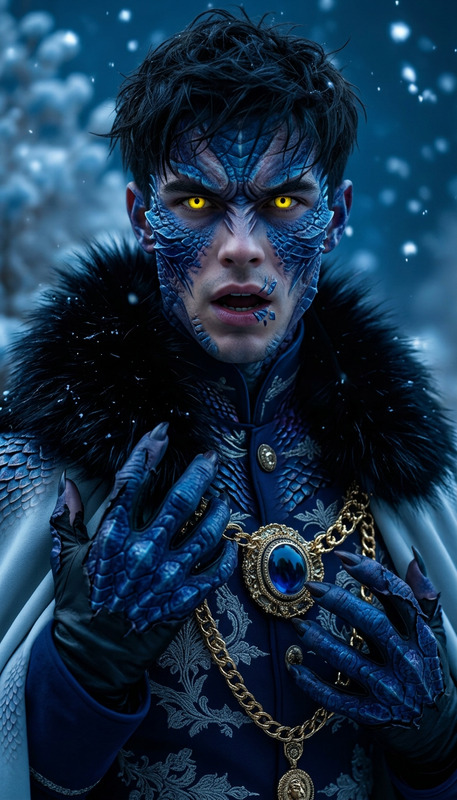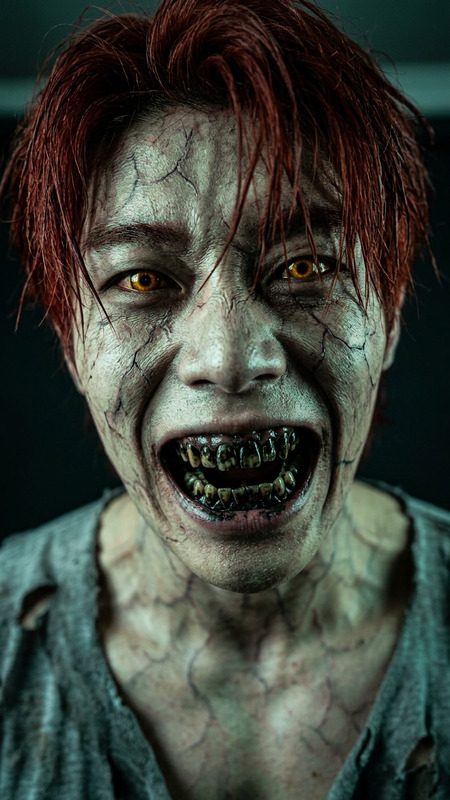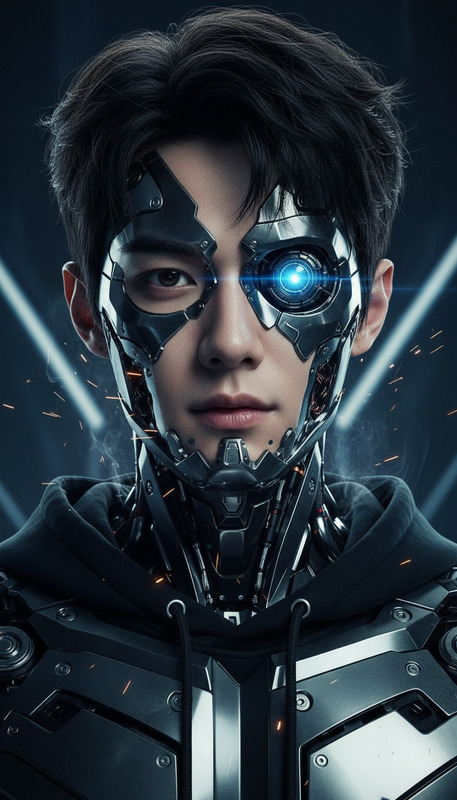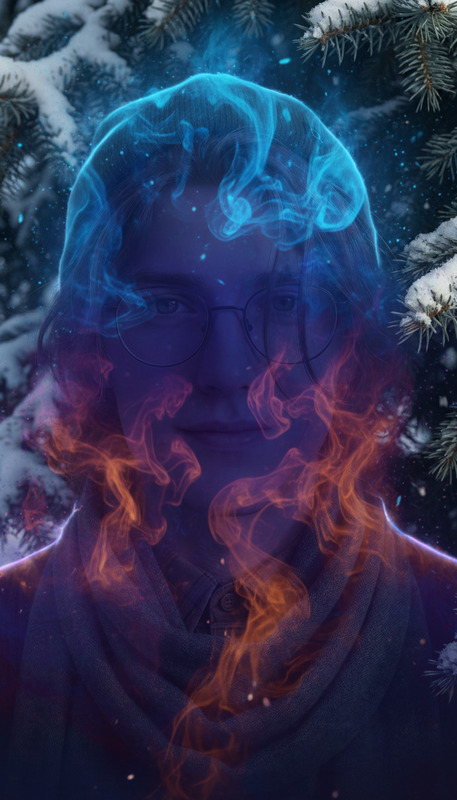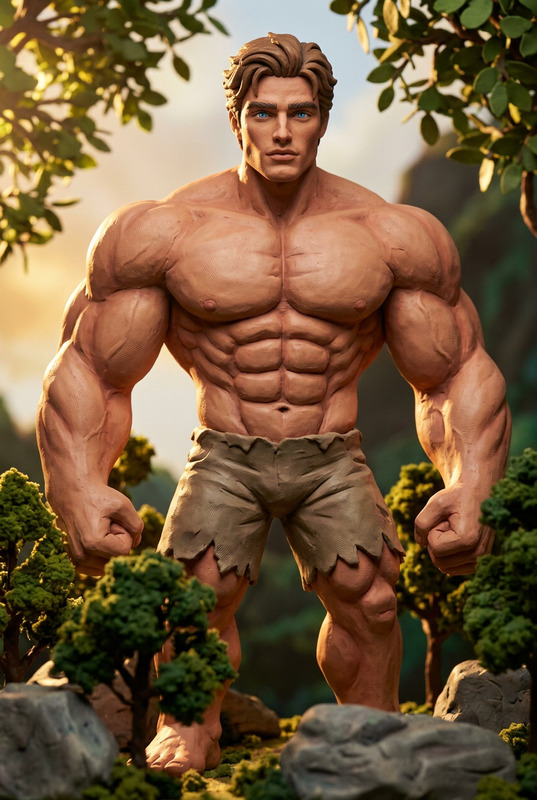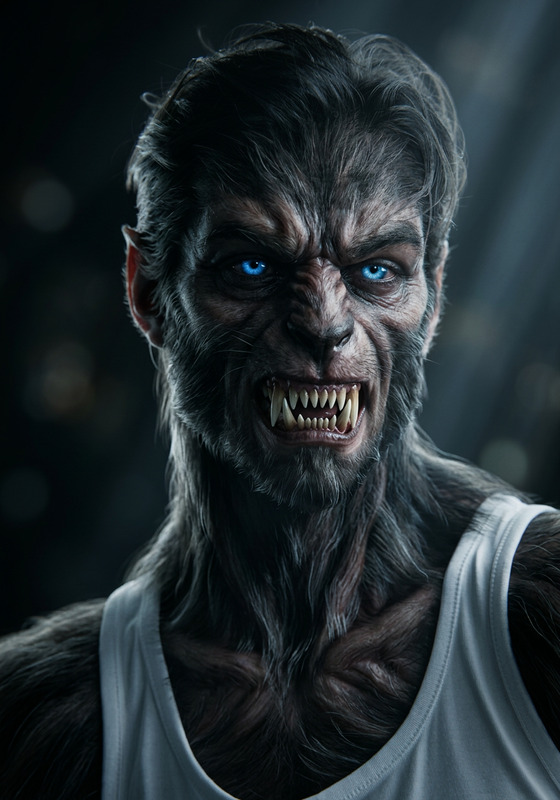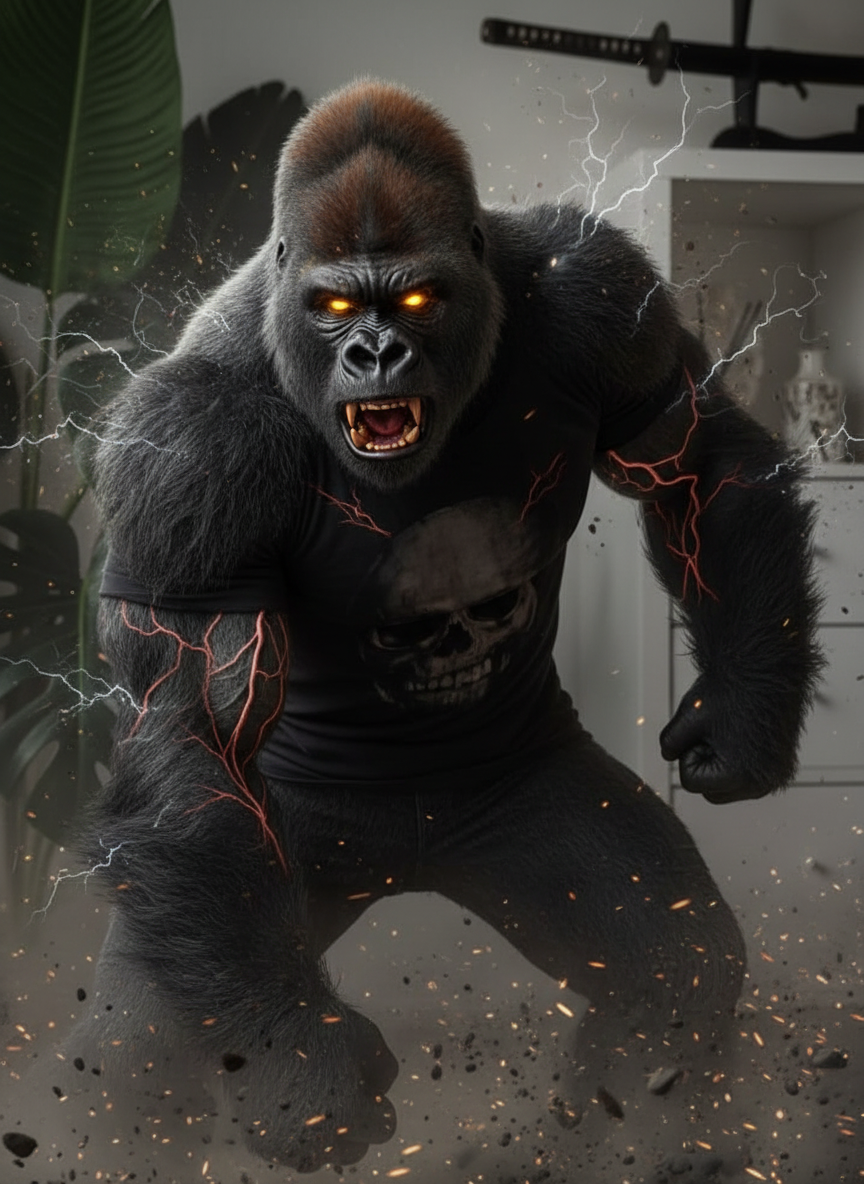
Angry gorilla
- Model
- Nano Banana
- Image
- 864 × 1184 px
Prompt
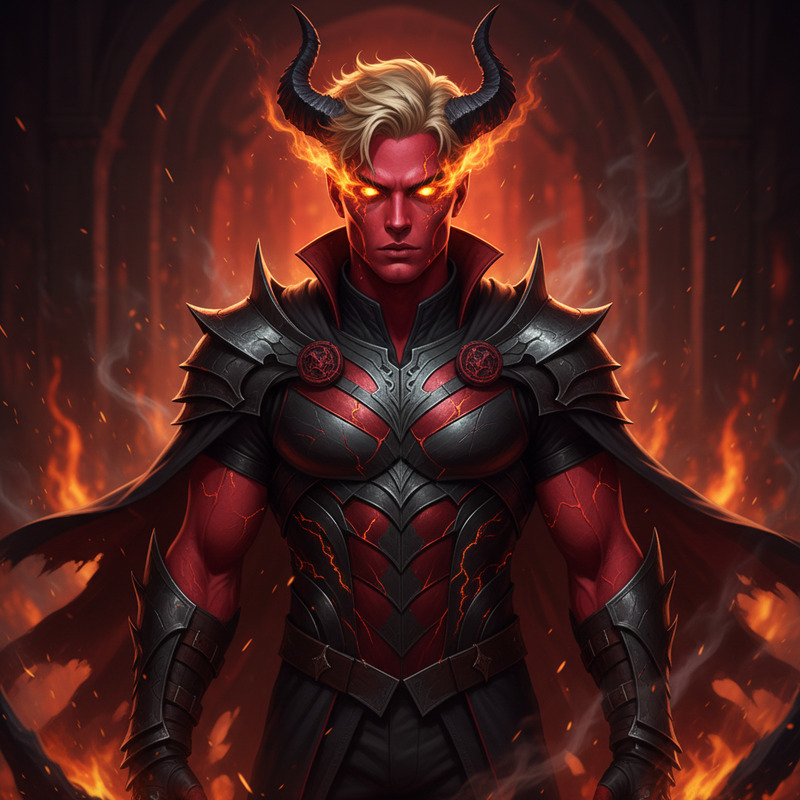
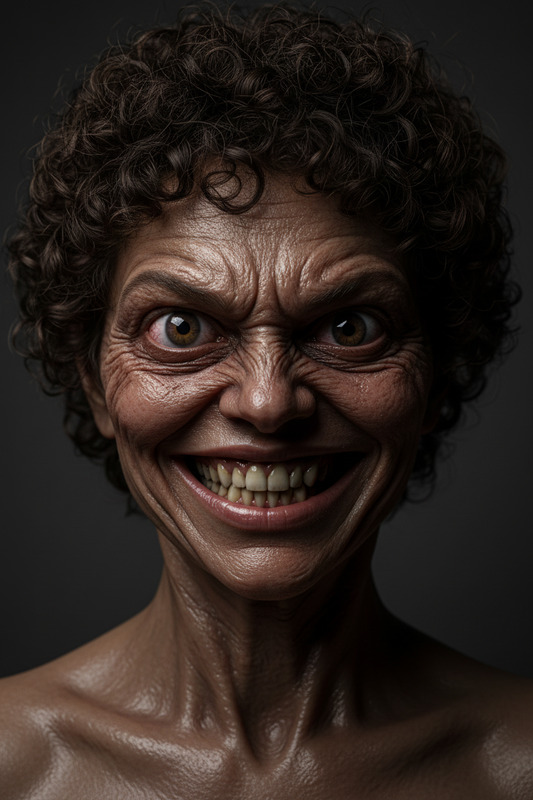
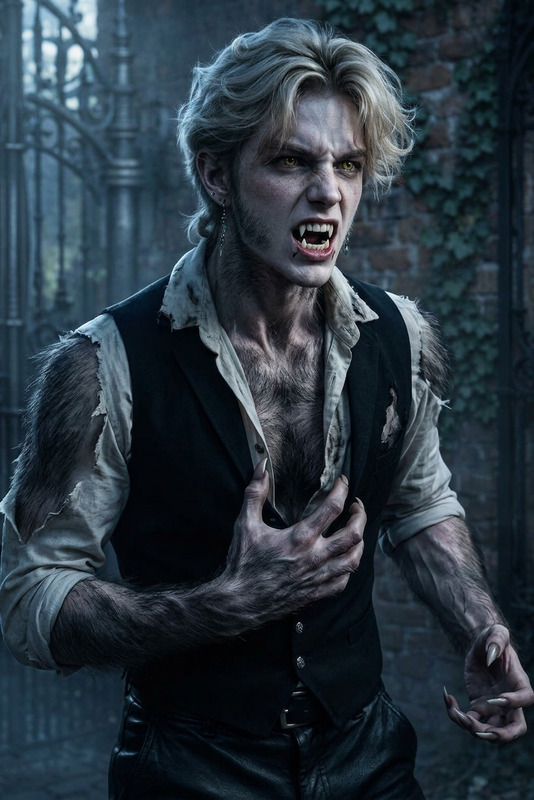
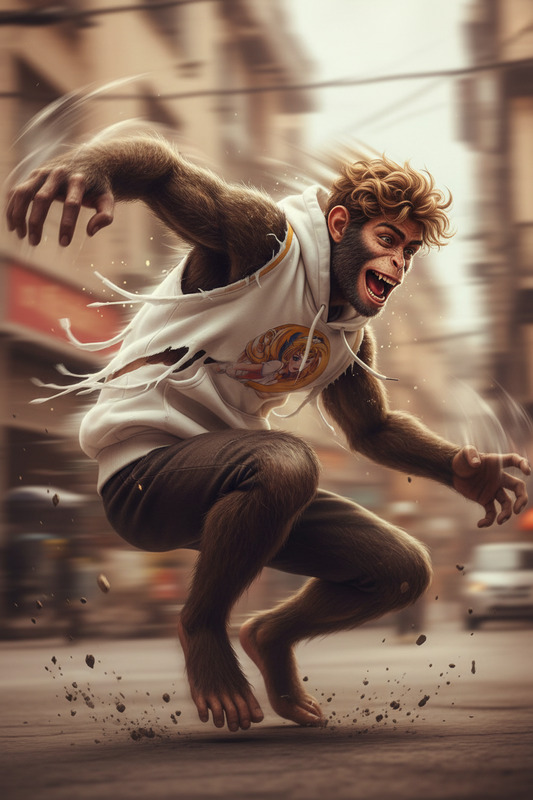
A subject mid-transformation into a powerful gorilla, muscles expanding and posture shifting as dark fur rapidly grows, face morphing into a fierce primal expression, veins bulging, eyes glowing with raw intensity, surrounded by dust and energy bursts, capturing unleashed beastly strength, wild and unstoppable, cinematic lighting, ultra-detailed, 4K.
Any aspect ratio
Overview
Transform ordinary images into extraordinary scenes with the Angry Gorilla AI Image Editor template. Dive into the dynamic process of morphing a human subject into a powerful gorilla, showcasing an awe-inspiring display of muscle expansion and primal intensity. Perfect for adding a cinematic flair to your storytelling.
What It Does
This template leverages the nano-banana model to execute intricate visual transformations. The focus is on the subject's metamorphosis, bringing details like expanding muscles, shifting posture, and glowing eyes to life. Whether you're producing a wildlife documentary or a thrilling jungle narrative, this tool ensures your visuals leave a lasting impact.
Who It's For
The Angry Gorilla template is ideal for filmmakers, content creators, and VFX artists who want to add a punch of primal power to their projects. Its detailed imagery is well-suited for those working on gaming cinematics and other immersive visual experiences.
Summary
Utilize the Angry Gorilla AI Image Editor to elevate your project's visual impact. Seamlessly create fiercely detailed transformations that captivate viewers' attention. Complement this tool with our AI Image Upscaler for even more impressive results in clarity and definition.
How To
Choose

Customize

Generate

Use Cases
Wildlife Documentaries
- Create intense, detailed transformation scenes.
- Capture the raw power of wildlife using advanced AI techniques.
Jungle Adventure Films
- Showcase characters transforming into gorilla form.
- Use dramatic lighting for cinematic effect.
Gaming Cinematics
- Integrate into game trailers or CGI cutscenes.
- Impart a powerful narrative element with visual impact.
Best Practices
Focus on Details
Emphasize small details like glowing eyes or fur texture to enhance the transformation's realism.Use Correct Lighting
Incorporate appropriate lighting settings to highlight muscle definition and dark fur.Iterate and Refine
Experiment with different prompts within the template to achieve the desired look. Combine with the AI Image Generator for varied expressions and poses.