Blossom Fade Away
- Model
- Nano Banana 2
- Image
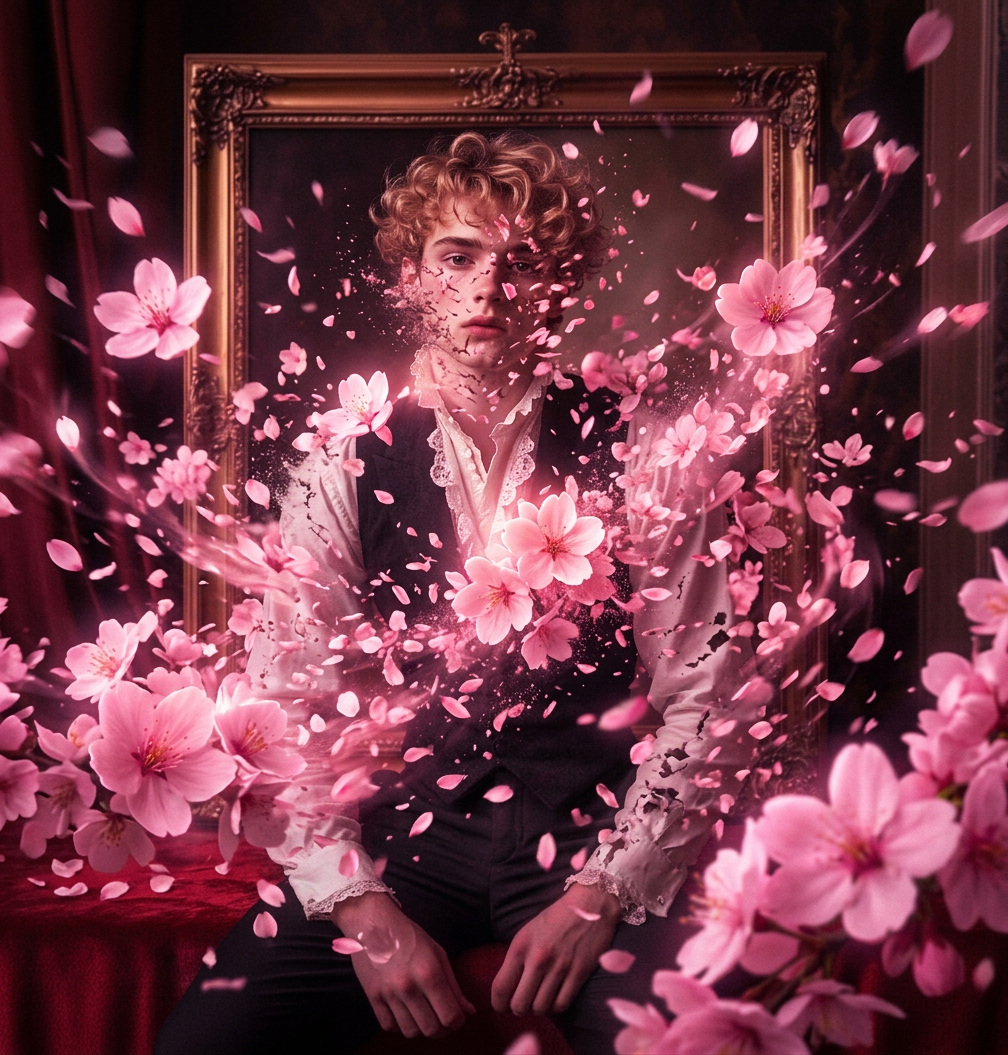
- 1008 × 1055 px
Prompt
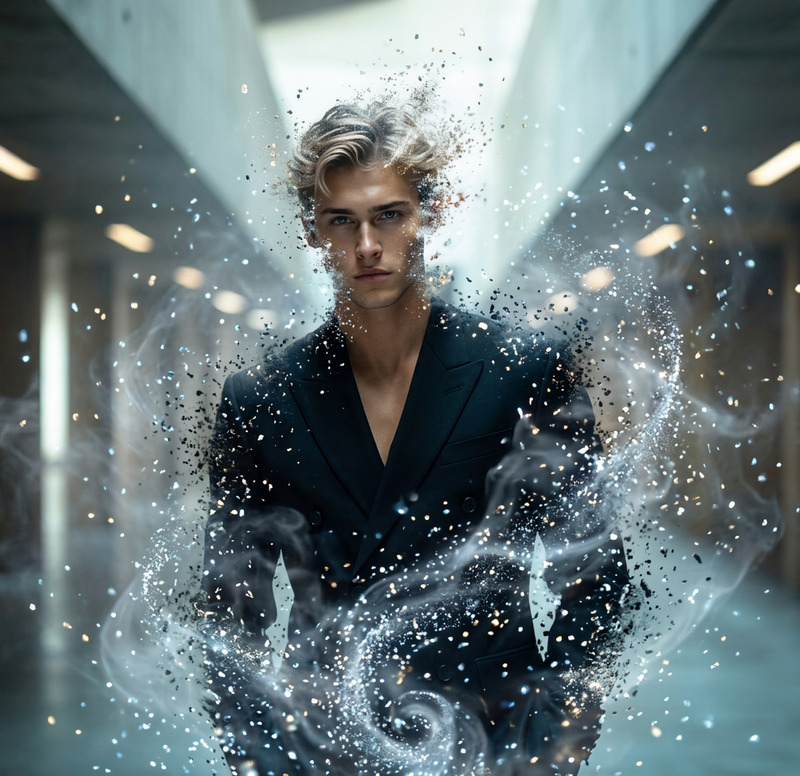
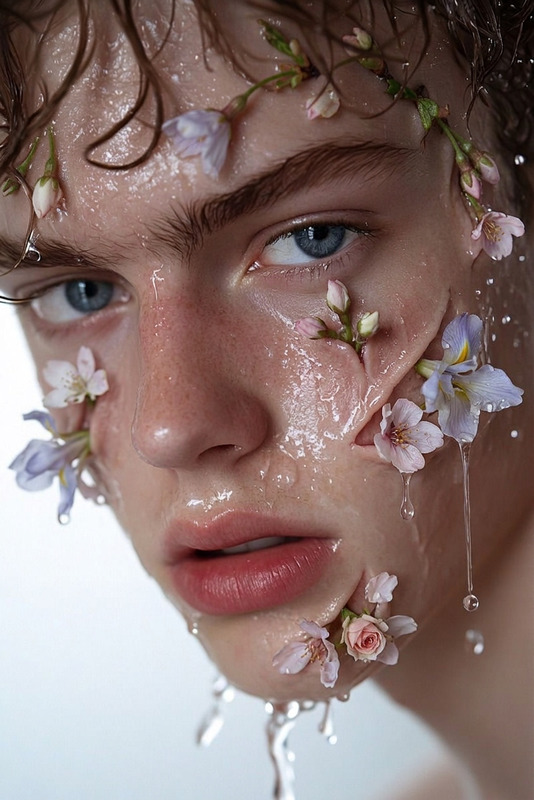
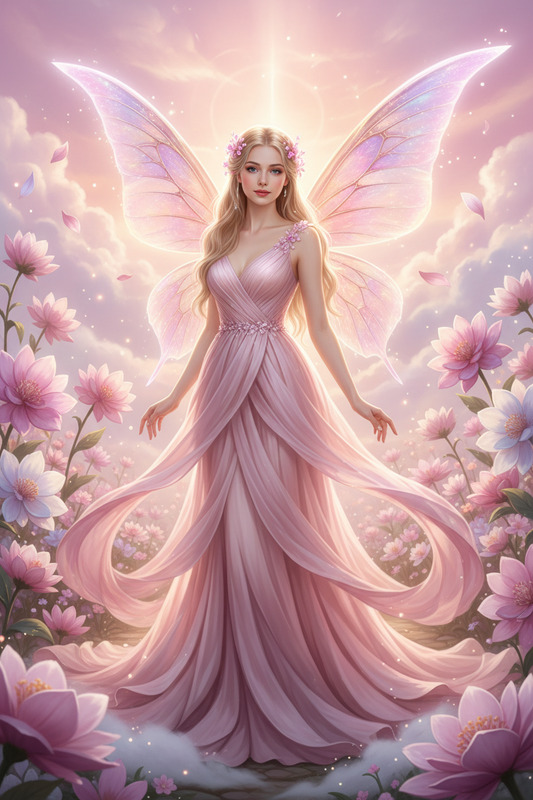
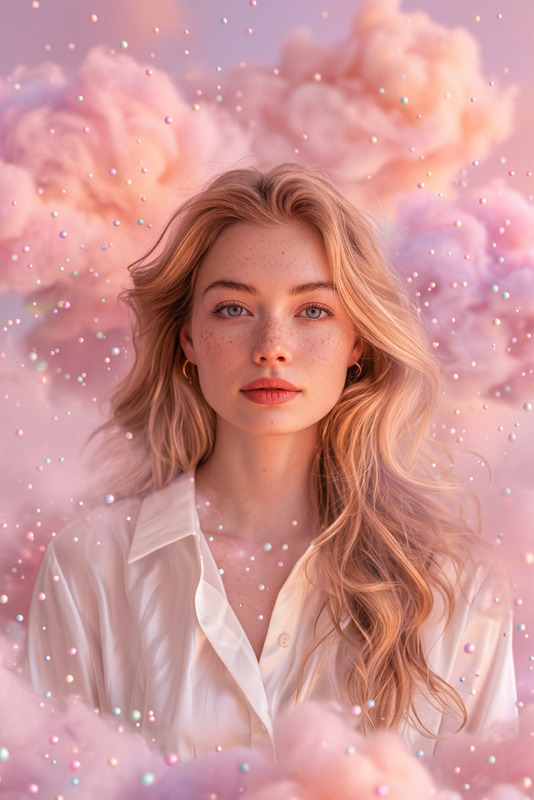
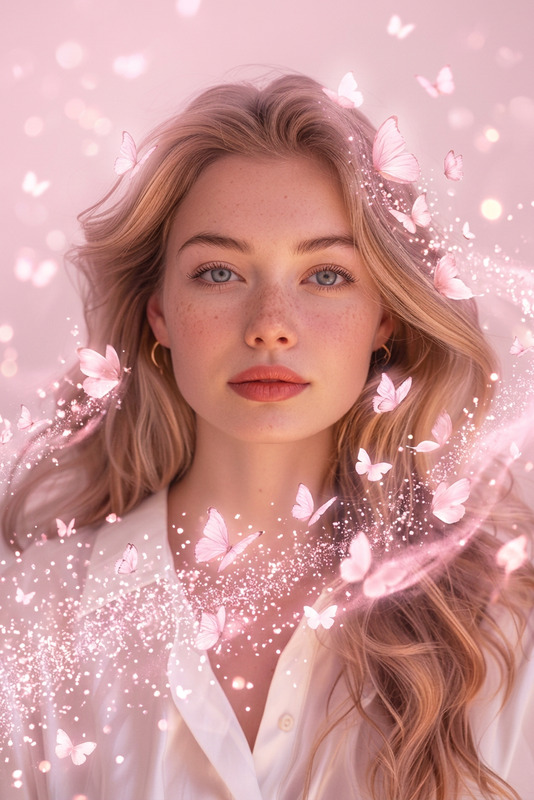
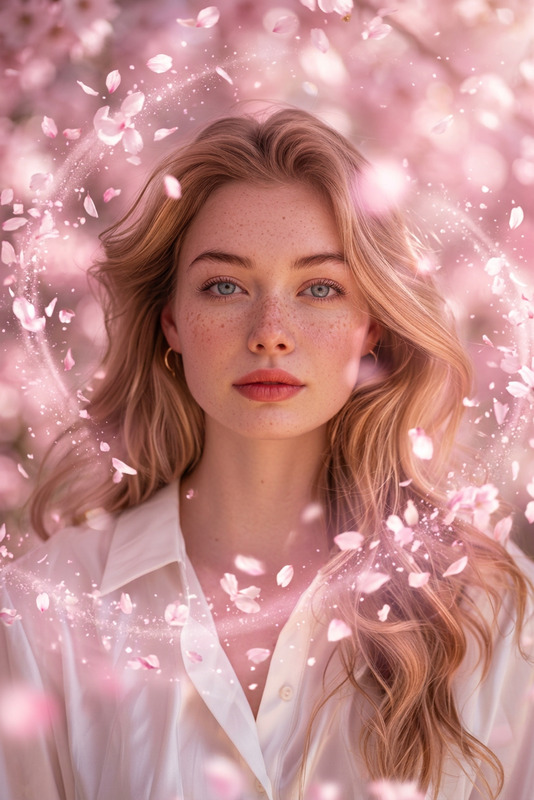
Pink cherry blossom petals emanate from the subject, softly glowing as they drift outward and swirl around the body. The petals rapidly multiply into oversized blossoms, filling the entire scene and densely enveloping the subject in layers of pink. As they scatter dramatically in the wind, the subject slowly dissolves and disappears. Cinematic slow motion, dreamy atmosphere, soft lighting, dense particle effects, vibrant pink tones, emotional magical mood, ultra-realistic, 4K.
Any aspect ratio
Overview
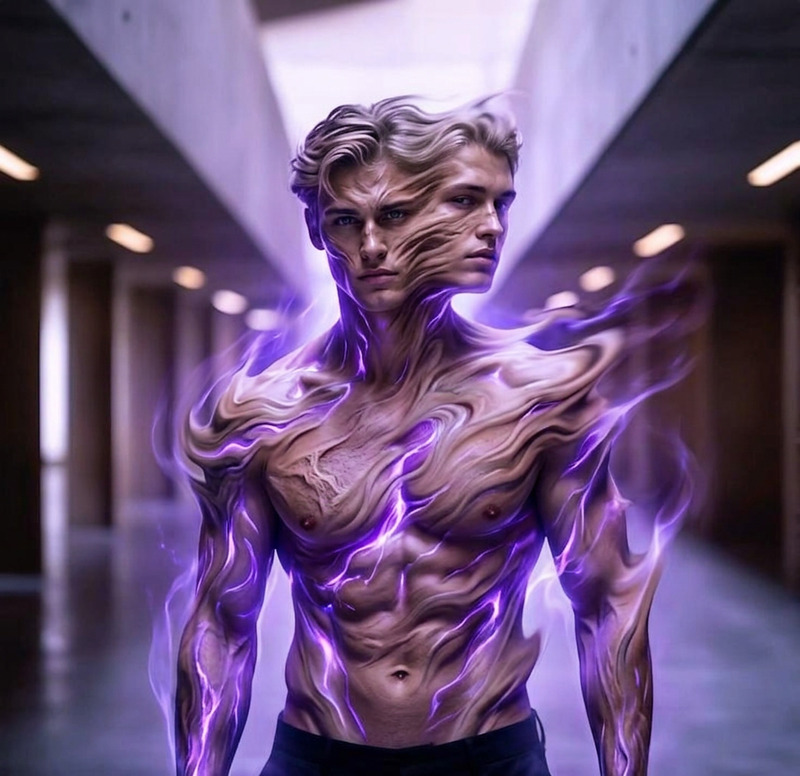
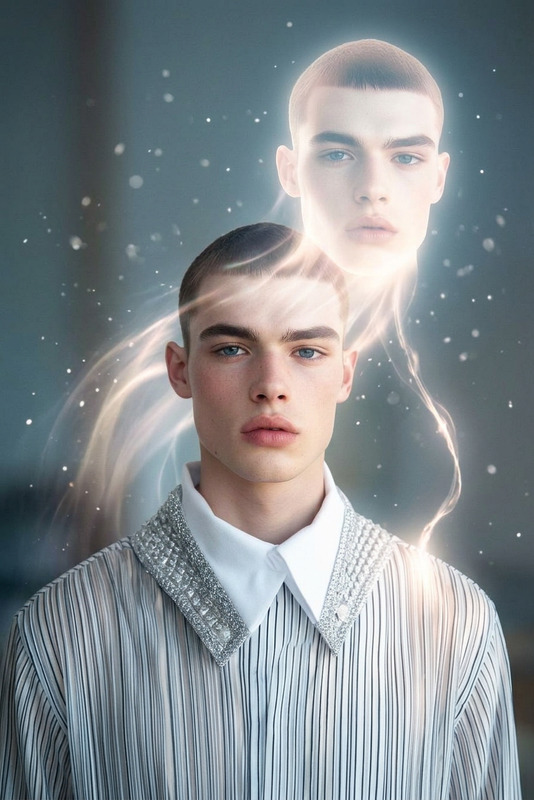
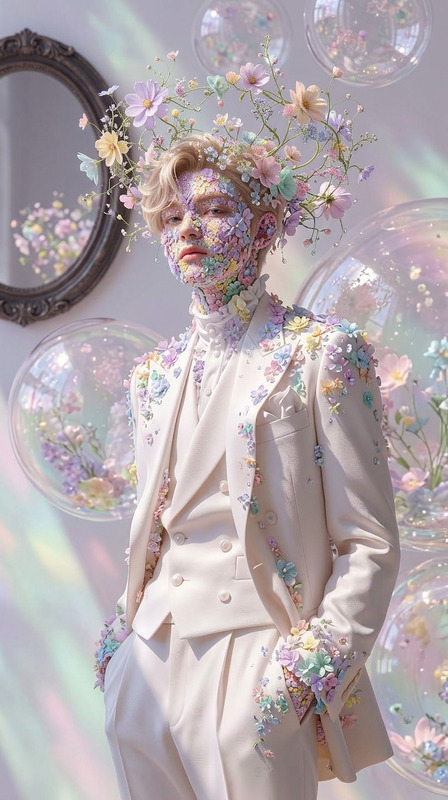
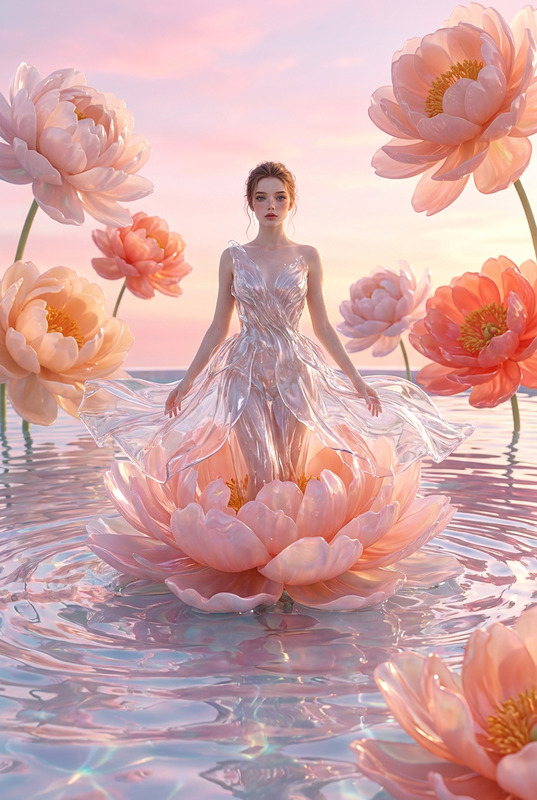
The "Blossom Fade Away" template is a unique addition to our AI Image Editor, utilizing the powerful capabilities of the nano-banana-2 model. This template crafts an ultra-realistic visual spectacle, transforming images with cherry blossom petals that elegantly swirl and disperse around the subject.
What It Does
"Blossom Fade Away" envelops your subject in a dreamy, magical atmosphere using vibrant pink cherry blossoms. The petals multiply and cascade, capturing the viewer's attention with cinematic slow-motion and dense particle effects. As the scene evolves, the subject dissolves into a seamless fade, providing an emotional and magical visual experience.
Who It's For
This template is perfect for filmmakers, social media content creators, and digital artists seeking to enhance their projects with dreamy visual effects. It's also suitable for those focused on storyboarding or creating AI Talking Photo animations where dramatic visual narratives are key.
Summary
Designed for creating stunning, emotionally charged visuals, "Blossom Fade Away" is an adaptable template for users aiming to produce high-quality, cinematic video scenes. Utilize its rich pink hues and soft lighting effects to achieve ultra-realistic imagery, ideal for 4K outputs.
How to Use
Choose the Template

Customize Your Inputs

Generate the Video

Use Cases
Cinematic Trailers
- Draws audience attention instantly
- Adds emotional depth to scenes
Music Videos
- Amplifies lyrical themes
- Engages viewers with stunning visuals
Advertisements
- Creates a strong brand identity
- Captures viewer interest quickly
Best Practices
Optimize Lighting
Ensure your original image is well-lit to complement the template's soft lighting effect.Use High-Resolution Images
Start with high-resolution images to maintain quality, especially for 4K video outputs.Align with Emotional Tone
Match the visual theme with the emotional tone of your project for maximum impact.