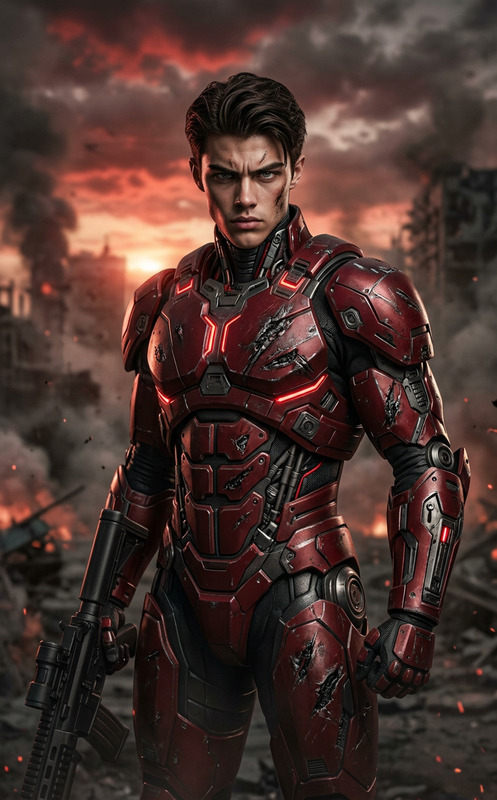
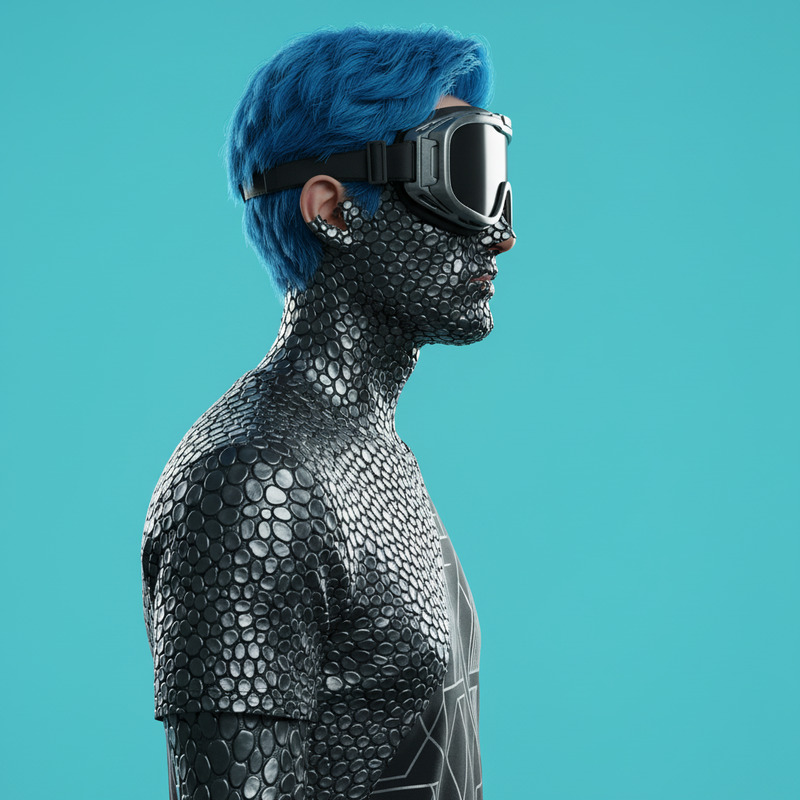
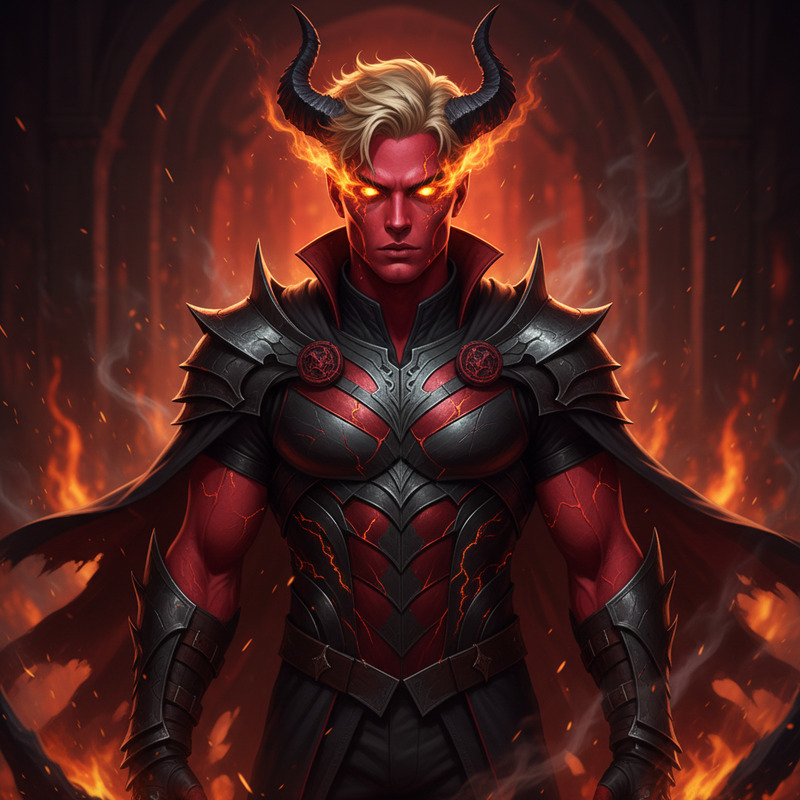
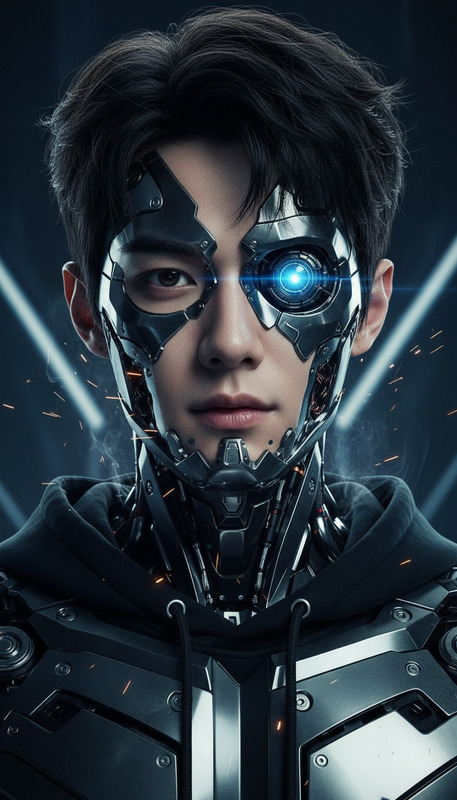
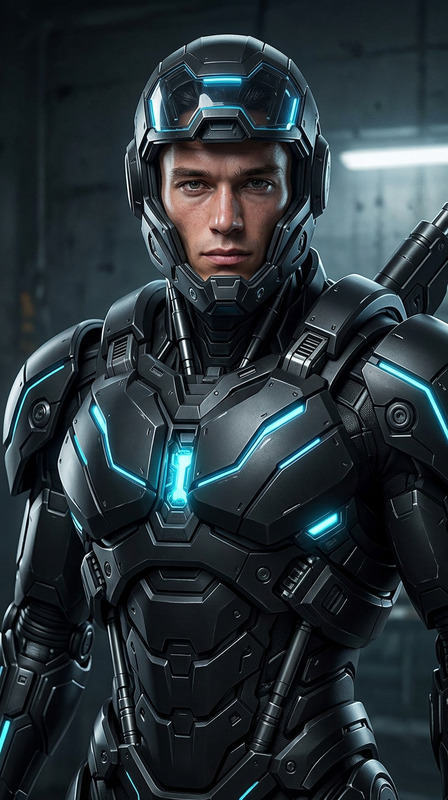
Red Suit to Metal Armor Transformation
- Model
- Nano Banana
- Image
- 768 × 1344 px
Prompt
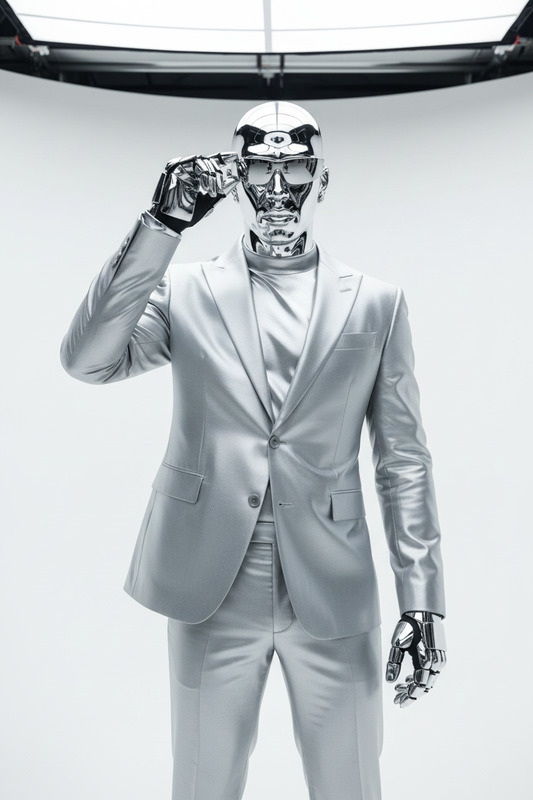
A medium close-up of a subject in a gray studio wearing a red suit and futuristic sunglasses. The outfit transforms into reflective red metallic armor while the head becomes smooth red chrome. The subject removes the sunglasses, revealing glowing red metallic eyes. Bright lighting enhances glossy red reflections for a bold, futuristic aesthetic.
Any aspect ratio
Overview
Step into the future of digital imagery with the Red Suit to Metal Armor Transformation template. Designed for the AI Image Editor, this template uses the cutting-edge nano-banana model to convert ordinary red suits into dazzling metallic armor. Perfect for creators seeking to add a touch of sci-fi brilliance to their images.
What It Does
This template transforms a red suit into reflective metal armor while altering the head into smooth red chrome. The subject's sunglasses are removed to reveal glowing red eyes. Tailored for medium close-up shots, it emphasizes glossy reflections for a bold and futuristic aesthetic, ideal for high-impact visuals or conceptual art pieces.
Who It's For
Graphic designers, digital artists, and video producers looking for unique transformations will find this template indispensable. It's particularly valuable for those curating content for advertising, speculative fiction, or futuristic themes. Elevate your projects with striking imagery enhanced by the AI Clothes Changer capabilities.
Summary
The Red Suit to Metal Armor Transformation offers a futuristic edge to image editing. Harness the power of advanced AI tools like the AI Image Editor to imbue your visuals with a polished, high-tech aesthetic. Whether for artistic purposes or visionary campaigns, this template supports endless creative possibilities.
How-To
Choose the Template

Customize Your Design

Generate and Download

Use Cases
Futuristic Advertising Campaigns
- Product launches
- Brand storytelling
- Sci-fi themed promotions
Film and Game Concept Art
- Character design
- Scene visualization
- Storyboard enhancements
Creative Personal Projects
- Graphic novels
- Art portfolios
- Print media
Best Practices
Image Selection
Choose high-resolution images for best results. Medium close-ups work particularly well with this template.Adjust Lighting
Ensure that lighting settings complement the metallic reflections to enhance realistic shading and highlights.Consider Composition
Strategically position subjects to maximize the visual impact of the transformation, emphasizing focal points like the eyes and armor details.