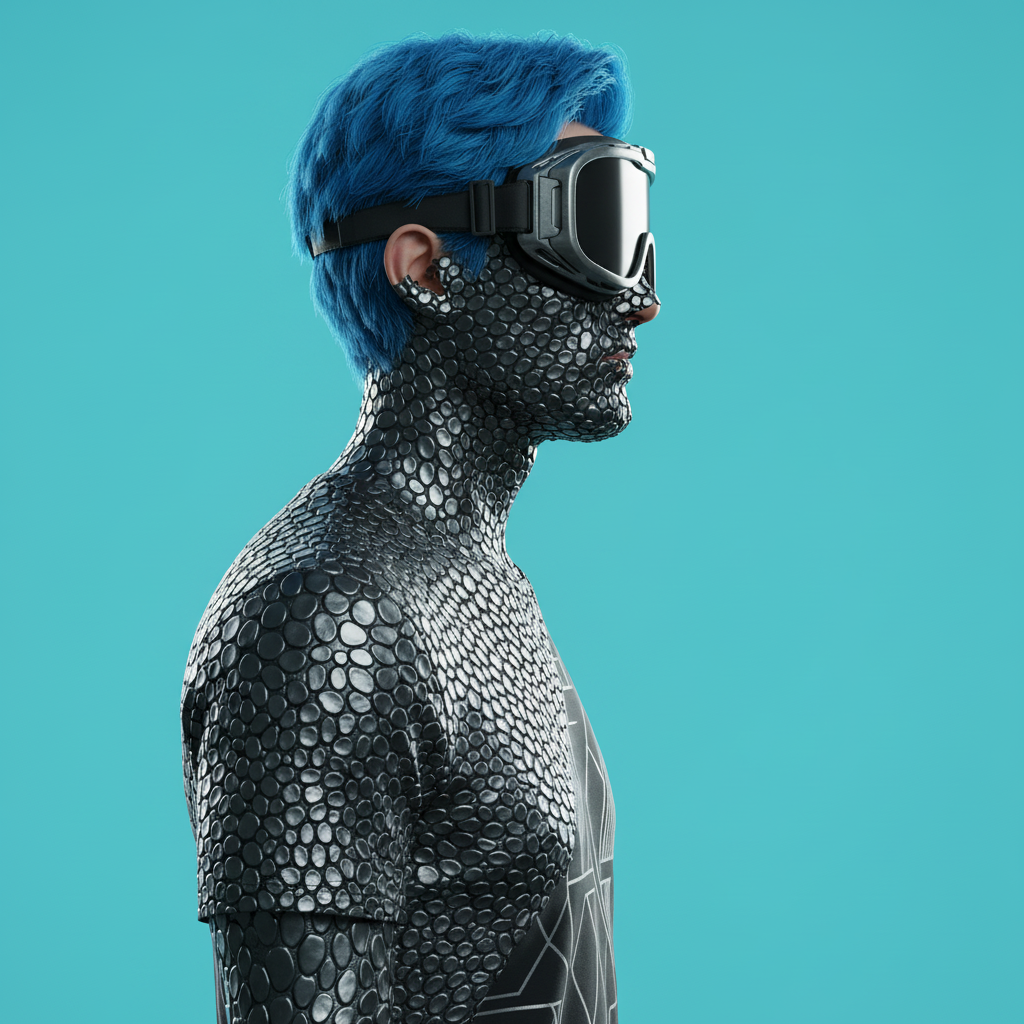
Metal Scales Transformation

Metal Scales Transformation

ai-image-editor

1 clip
0 uses

Any aspect ratio

Prompt

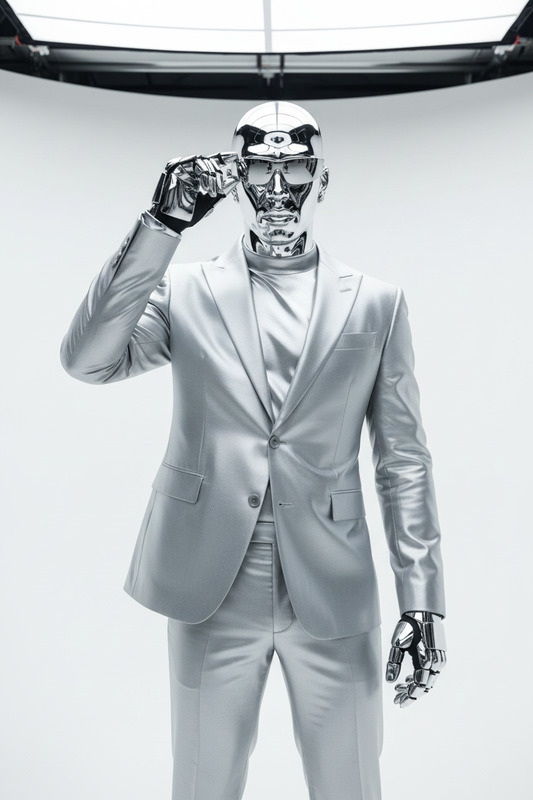
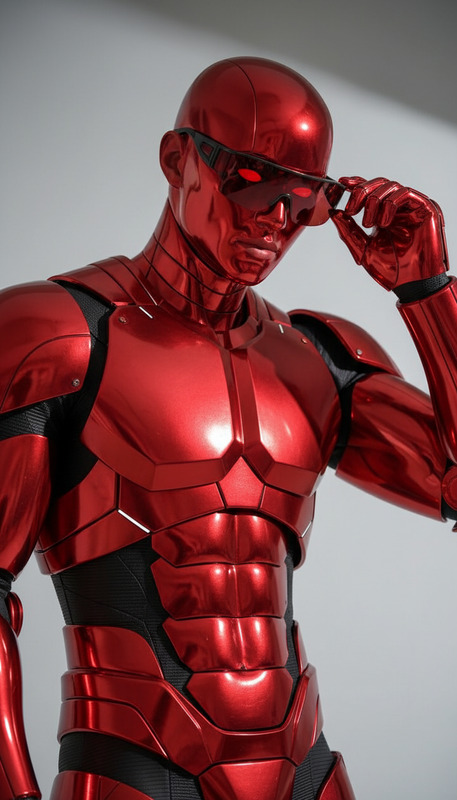
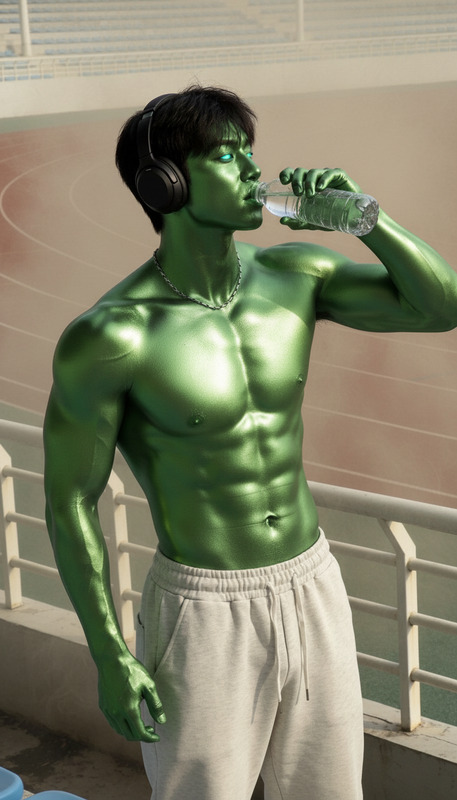
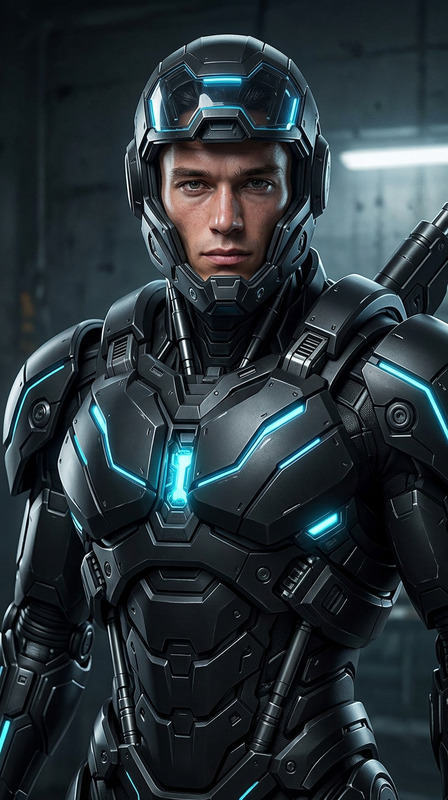
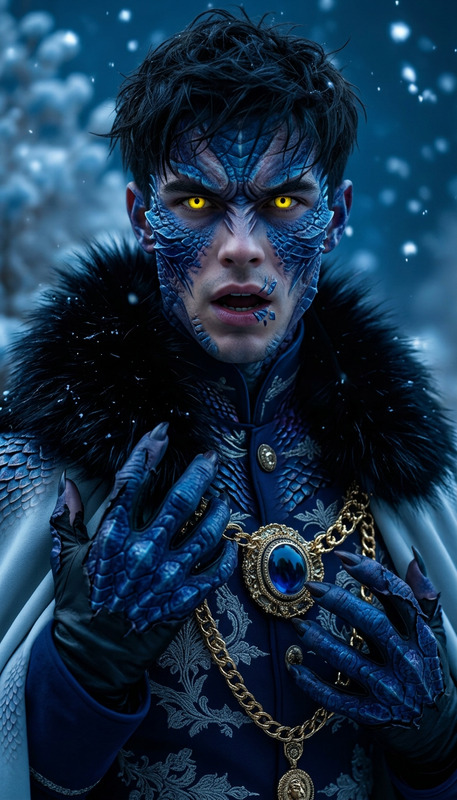
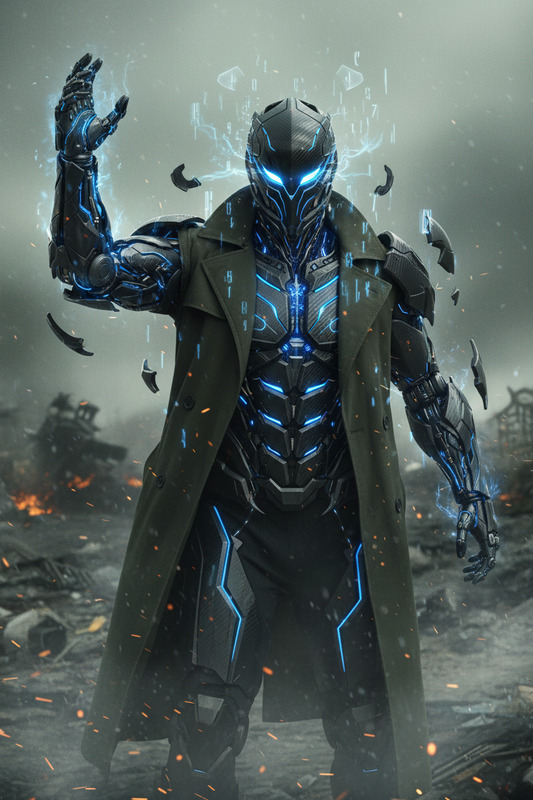
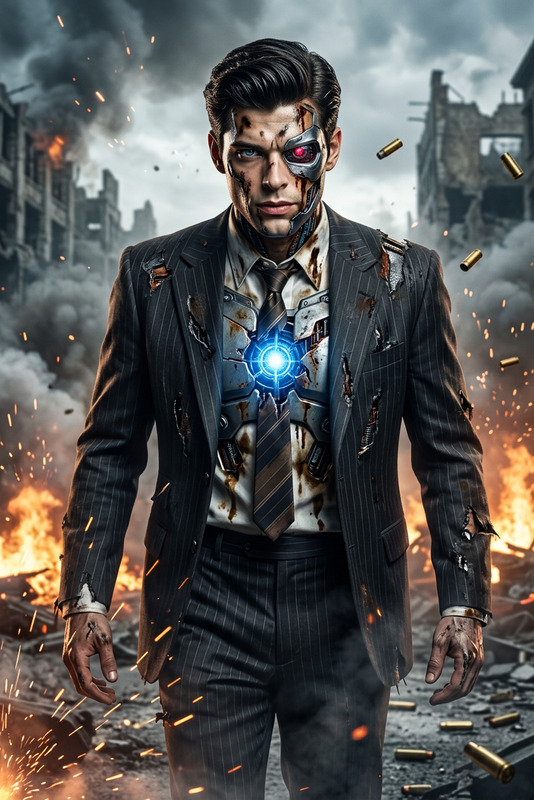
A side-profile medium shot of a subject with vibrant blue hair, oversized goggles, and a graphic shirt, set against a solid cyan studio background. As the subject stands still, dark metallic scales begin forming on the neck and face, rapidly spreading across the entire body—covering skin, hair, and clothing—until fully transformed into interlocking steel-gray armor. The camera slowly pans right, tracking the transformation. The scales preserve the original form while creating a sleek, reptilian metallic texture with subtle reflective shimmer. Clean lighting, hyperrealistic detail, cool and tense atmosphere.

Tags

transformations

AI Image Editor Template: Turn Any Photo Into High-Impact Creative Assets

Use this template to transform, enhance, and repurpose any image in seconds with the AI Image Editor. Whether you’re a marketer optimizing ad creatives, a founder building landing pages, or a creator polishing social content, this template gives you a repeatable, remixable workflow you can adapt to your own brand and projects.


What This Template Is Best For

This AI Image Editor–based template is designed for:

  • Marketing & ads

    • Generate multiple variations of a single product or hero shot
    • Test different backgrounds, vibes, and compositions
    • Localize visuals for different markets
  • Brand & product imagery

    • Turn rough product photos into polished visuals
    • Remove distractions and unwanted objects
    • Align images with your brand’s visual language
  • Social & content creation

    • Create eye-catching thumbnails, feed posts, and banners
    • Repurpose one shoot into many content pieces
    • Turn static images into assets for video, GIFs, and memes
  • Founders & teams

    • Rapidly iterate hero images for landing pages
    • Produce investor deck visuals without a designer
    • Generate clean, consistent team or founder portraits

How to Remix This Template in Magic Hour

You can recreate and customize a version of this template in a few steps:

  1. Open the AI Image Editor
    Go to the AI Image Editor.

  2. Upload your base image
    Start with:

    • A product shot
    • A portrait or headshot
    • A screenshot or app mockup
    • An illustration, logo, or concept sketch
  3. Decide what you want to change
    Common, high-impact edits using AI Image Editor:

    • Replace or clean up backgrounds
    • Remove logos, text, or unwanted objects
    • Swap outfits, styles, or art directions
    • Extend the canvas for banners and hero images
    • Fix faces, lighting, or small visual defects
  4. Describe your target outcome clearly
    Use short, specific instructions like:

    • “Turn this into a clean ecommerce product shot on a white background with soft shadows.”
    • “Make this look like a cinematic movie poster, dramatic lighting, dark blue tones.”
    • “Convert this selfie into a professional LinkedIn-style headshot, neutral office background.”
    • “Remove the person on the left and extend the sky to the right for a web banner.”
  5. Iterate and version rapidly
    Remix your own template by:

    • Reusing the same base image with different styles or backgrounds
    • Swapping in new products or faces while preserving overall composition
    • Keeping one “master” version and branching variations for campaigns, channels, and A/B tests

For a more structured workflow, many users keep a short written “template spec” (style, background, mood, use-case) and apply it consistently across all edits. That’s how you get a coherent brand look without hand-designing each asset.


Advanced Remix Ideas Using Other Magic Hour Tools

Once you have strong edited images from this template, you can plug them into other Magic Hour tools to build richer content:

1. Turn edited images into video

  • Use Image to Video to animate your AI-edited image into short motion clips for ads, reels, or hero sections.
  • Use Text to Video to build sequences where your edited image is one scene in a longer narrative.

2. Create animated or talking characters

3. Feed your edited assets into video face & lip tools

If your template focuses on faces or characters:

4. Enhance quality and fix imperfections

  • Upscale and sharpen using the AI Image Upscaler if you need final outputs for print, large banners, or high-res product images.
  • Use Unblur Image to rescue slightly soft photos before you run them through the editor.
  • Restore or clean older assets with Old Photo Restoration and then refine them in the AI Image Editor.

5. Generate new supporting visuals around your edited image

Extend your template into a broader asset system:

6. Clean, remove, and isolate elements

If your template’s purpose is cleanup and isolation:


Example Use Cases and Recipes You Can Copy

Below are example “recipes” you can adapt by swapping in your own assets and instructions in the AI Image Editor. Treat each as a starting point for your own Magic Hour template.

1. High-Converting Product Ad Template

Goal: Turn any raw product photo into a set of ad-ready images.

Workflow:

  1. Upload raw product image into AI Image Editor.
  2. Instruct: “Clean studio shot, soft shadows, neutral light grey background, ecommerce-ready.”
  3. Duplicate the edited result and re-run edits for variations:
    • Seasonal version (e.g., warm autumn scene, snow, beach)
    • Lifestyle version (e.g., on a desk, in a kitchen, outdoors)
  4. Optional:
  5. Save your instructions as a personal “Product Ad Template” and reuse it for every new item.

2. Consistent Founder / Team Headshot Template

Goal: Produce consistent, professional headshots from varied source photos.

Workflow:

  1. Upload a clear photo of each person into AI Image Editor.
  2. Instruct something like:
    • “Professional corporate headshot, neutral office background, soft natural lighting, shoulders-up framing.”
  3. Apply the same instruction set to every team member for visual consistency.
  4. For more variations or stylized portraits, you can:

3. Social-First Thumbnail & Meme Template

Goal: Rapidly generate compelling thumbnails, memes, or social visuals from a base shot.

Workflow:

  1. Upload a reaction or expressive face image into AI Image Editor.
  2. Edit background and overall style to match your channel aesthetic (e.g., YouTube, TikTok, Twitter/X).
  3. Use Thumbnail Maker to optimize layout, text, and framing.
  4. Turn stills into short looping clips with AI GIF Generator.
  5. For text overlays and formats specific to memes, plug visuals into the AI Meme Generator.

Tips for Getting Reliable, Reusable Results

  • Be specific in visual language
    Terms like “cinematic,” “flat illustration,” “studio lighting,” “neon cyberpunk,” or “minimalist ecommerce” are widely understood by modern image models. Combine 2–3 descriptors plus your use case.

  • Keep a reusable style spec
    Many teams standardize on:

    • 1–2 background types
    • 1 lighting style
    • 1 color palette direction
      and reuse them across all image edits for a consistent brand.
  • Start simple, then layer complexity
    First fix basic issues (cropping, background, unwanted objects), then add stylization. Chaining multiple small, predictable edits is often more controllable than one big complex request.

  • Leverage complementary tools, not just one
    The AI Image Editor is often the “hub” in a workflow that also uses:


Who This Template Is For

This template is especially useful if you are:

  • Performance marketers running continual creative tests and need fast, systematic image variations.
  • Startup founders / PMs building landing pages, pitch decks, and product shots without a full design team.
  • Content creators producing YouTube thumbnails, shorts, channel art, and social posts on tight schedules.
  • Designers and creative technologists who want a controllable AI-assisted pipeline integrated into their broader design system.

Where to Go Next

Use this template as a base, customize the prompts to your brand, and then remix repeatedly across Magic Hour tools to build a full AI-powered visual pipeline.

More Like This