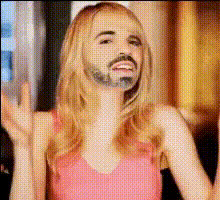
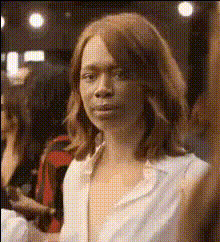
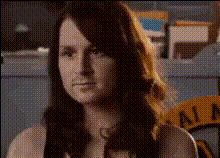
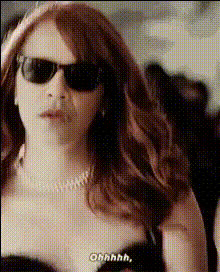
Emma Stone Dancing in a Bar
- Video
- 18.8 sec
Any aspect ratio
Overview
Step into the world of Hollywood glamor and fun with our Emma Stone Dancing in a Bar video template. This Video Face Swap experience lets you or a character of your choosing join the exuberant dance scene, offering a unique overlay of real glamour and customizable creativity.
What It Does
Our video face swap technology allows you to place a different face into Emma Stone's lively dance performance. This template captures her charismatic movements and fuses them with your selected face seamlessly to create compelling and entertaining videos.
If you're looking to explore similar creative avenues, check out our Audio-To-Video tool that enhances videos with captivating soundtracks.
Who It's For
This template is perfect for content creators, video editors, or filmmakers looking to add a twist to their social media projects, promotional videos, or event highlights. It's also a fantastic choice for anyone eager to dazzle friends with unique and personalized video content.
Summary
Use the Emma Stone Dancing in a Bar video face swap template to merge the worlds of celebrity and personal flair. With an intuitive process aligned with our AI Video Generator, creating engaging, shareable content has never been simpler.
How-to Guide
Choose the Template

Customize Your Video

Generate and Download

Use Cases
Social Media Content
- Stand out with celebrity-filled clips
- Increase audience engagement and shares
Event Highlights
- Catch viewers' attention
- Enhance storytelling
Promotional Material
- Unique ad content
- Flexible integration
Best Practices
Select High-Resolution Photos
To achieve the best results, start with high-resolution images of the subject whose face will replace Emma's. This ensures clarity and seamless integration.Consider Lighting and Angles
Ensure the lighting and angles of your chosen photo match the video scene for a more natural appearance.Preview Before Finalizing
Utilize the preview feature to check and adjust the alignment before finalizing your video, ensuring the best possible outcome.