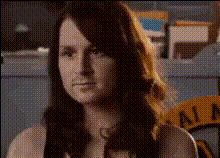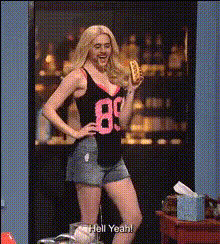
Emma Stone Making A Face
Overview
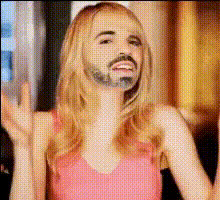
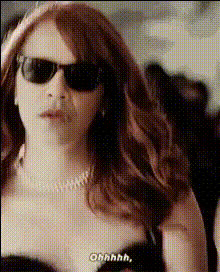
Transform your videos with the "Emma Stone Making A Face" template, designed to add a playful twist to your content. Swap your face with Emma Stone's for hilarious outcomes, capturing her iconic expressions. This template allows content creators to dive into the world of video transformations, experimenting with new and exciting visual effects. Explore a range of possibilities with our Video Face Swap feature, available to all users looking to enhance their media content.
What It Does
With this template, you can insert your face into scenes featuring Emma Stone's playful expressions. By leveraging advanced facial recognition technology, the Video Face Swap captures intricate details and expressions to match the original footage perfectly. This adds a humorous edge to any video, perfect for social media shares or personal entertainment. To maximize your creative potential, pair this with our AI Talking Photo tool.
Who It's For
Ideal for social media enthusiasts, comedians, and fans of Emma Stone. This template allows users to create engaging and shareable content easily. Educational content creators and digital marketing professionals utilizing video ads might also find value, integrating these fun effects into campaigns. For a comprehensive editing experience, consider our AI Image Editor to refine other elements in your projects.
Summary
In summary, the "Emma Stone Making A Face" template is your gateway to creating entertaining, shareable videos through effective face swaps. It caters to creators looking to add humor and personality to their work. Whether for laughs, branding, or education, this tool expands your creative toolkit, making it easy to deliver engaging visual content. Enhance your video transformations by exploring our AI Video Generator for additional dynamic effects.
How To

Customize

Generate

Use Cases
Social Media Content
- Instagram Reels
- TikTok challenges
- YouTube shorts
Personal Entertainment
- Virtual birthday greetings
- Personalized messages
Marketing Campaigns
- Quirky ads
- Brand ambassador content
Best Practices
Use High-Resolution Images
Upload high-quality images to ensure the face swap integrates seamlessly.Adjust Lighting
Choose photos with similar lighting conditions to the source scene for better blending.Keep it Natural
Align facial features closely to maintain a natural look, enhancing realism.