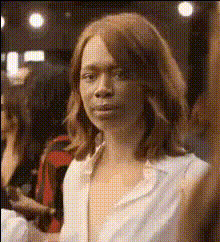
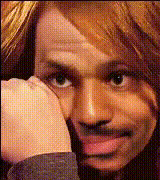
Poor Things Dance - Emma Stone
Overview
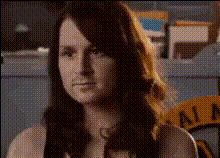
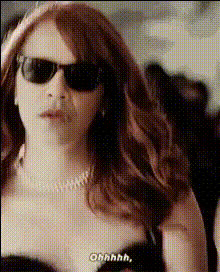
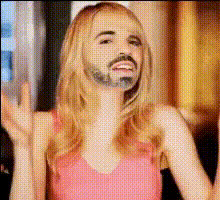
The "Poor Things Dance - Emma Stone" template brings the excitement of movies directly to your personal projects through dynamic Video Face Swap capabilities. Immerse yourself in this whimsical and lively character by swapping faces with Emma Stone and capturing the essence of her performance.
What It Does
This template lets you replace Emma Stone's face with your own or someone else's to create a unique dance moment. Utilizing advanced video editing models, it accurately maps facial expressions to maintain the lively essence of the character. With support for popular file formats, your face swap video maintains high quality for various platforms.
Who It's For
Ideal for content creators, movie enthusiasts, and social media influencers, this template offers an exciting way to share personalized content. Whether you're looking to enhance your AI Video Generator projects or create engaging videos for social media, this template adds a creative flair.
Summary
Transform how you engage with videos and your audience using the "Poor Things Dance - Emma Stone" face swap template. It's perfect for anyone wanting to infuse their projects with a touch of cinematic magic. Combine it with tools like the AI Image Editor for even more creative possibilities.
How-To
Choose Your Template

Customize Your Content

Generate and Download

Use Cases
Social Media Videos
- TikTok dance challenges
- Instagram reels
Marketing Campaigns
- Product launches
- Brand storytelling
Personal Projects
- Birthday greetings
- Event invitations
Best Practices
Choose High-Quality Images
Use clear and well-lit images to ensure accurate face swaps and optimal video quality.Adjust Facial Alignment
Fine-tune the facial alignment settings for more natural and believable results.Combine with Other Tools
Incorporate related products like the AI GIF Generator to expand your content's reach across formats.