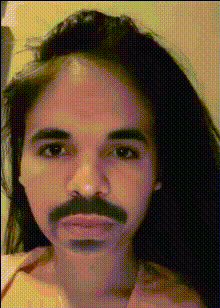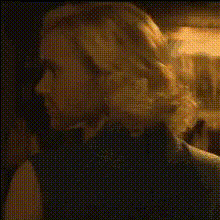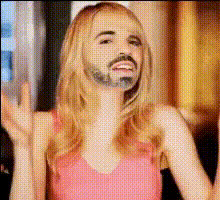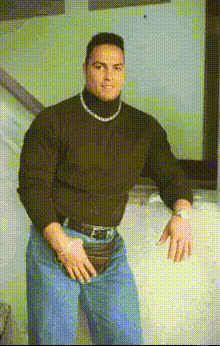
Emma Stone Portrait
Overview
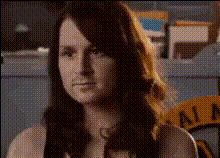
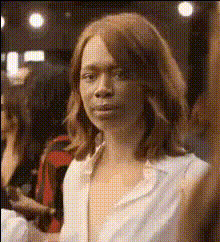
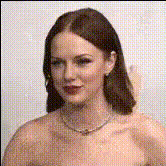
The Emma Stone Portrait video face swap template brings Hollywood flair to your creative projects. With this tool, you can place Emma Stone's face onto your videos to achieve stunning visual transformations. Ideal for fan edits, parody videos, and creative projects, this template uses cutting-edge AI technology to ensure realistic and expressive overlays.
What It Does
This Video Face Swap template allows users to overlay Emma Stone's face onto any video. By employing advanced algorithms, it maintains natural facial expressions and lighting to ensure authenticity and detail. Integrate this with the AI Video Generator for creating dynamic content that engages viewers in new and exciting ways.
Who It's For
This template is perfect for video creators, social media influencers, and marketing professionals looking to inject a spark of celebrity charisma into their projects. It's also a great fit for educators or creators involved in eCommerce ads who want to create eye-catching promotions.
Summary
The Emma Stone Portrait template offers a seamless and professional face swap tool to add a touch of Hollywood glamour to your videos. Whether you're crafting a small project or a detailed production, integrate this tool with others like the AI Image Editor for more complex edits. Maximize the impact of your content by tapping into the allure of celebrity with just a few clicks.
How-To
Choose the Template

Customize Your Inputs

Generate Your Video

Use Cases
Celebrity Mashups
- Create unique parody videos
- Engage social media audiences
Marketing Campaigns
- Increase click-through rates
- Enhance brand recognition
Fan Projects
- Craft fan edits and tributes
- Share on fan forums and social media platforms
Best Practices
Use High-Quality Inputs
Ensure that both your source video and face image are of high resolution to achieve the best results in face swapping.Adjust Lighting
Align lighting conditions between the base video and the face to maintain a natural look. Use the AI Video Generator for lighting adjustments.Review Edits
After generating your video, review the swap for alignment and any necessary adjustments before finalizing the export.