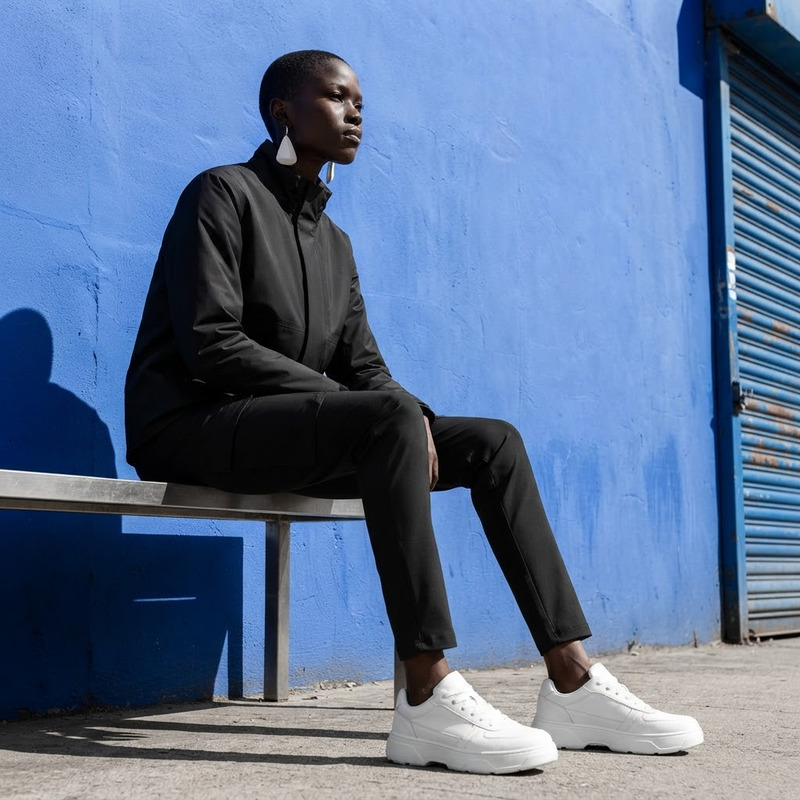
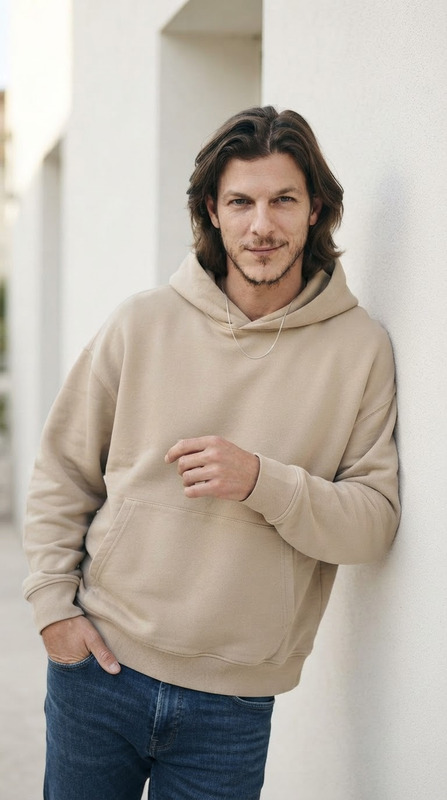
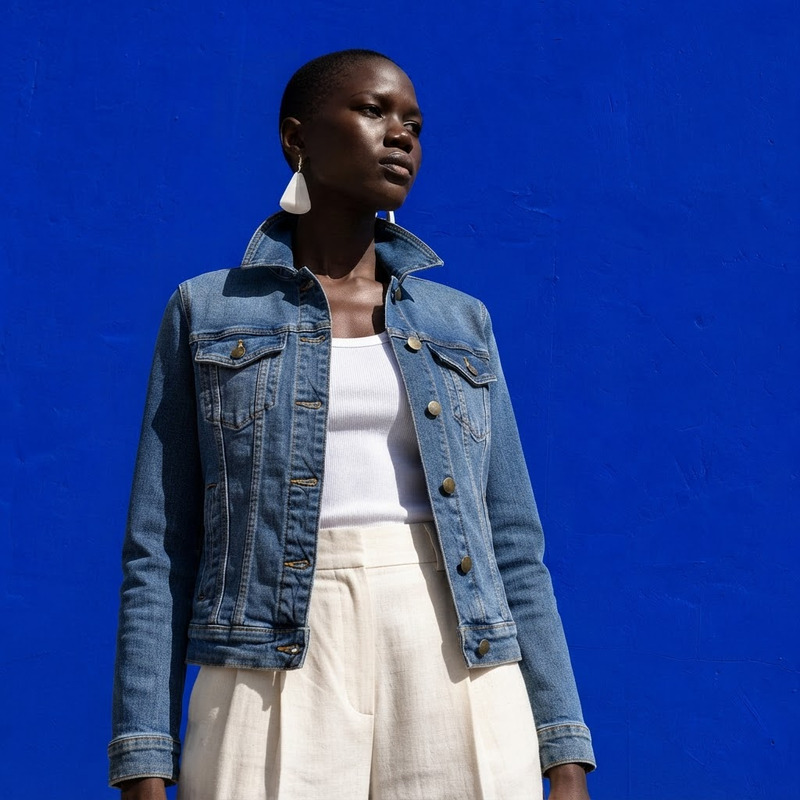
AI Image Editor · Change the outfit into minimal
84
AI Image Editor · Change the outfit into minimal
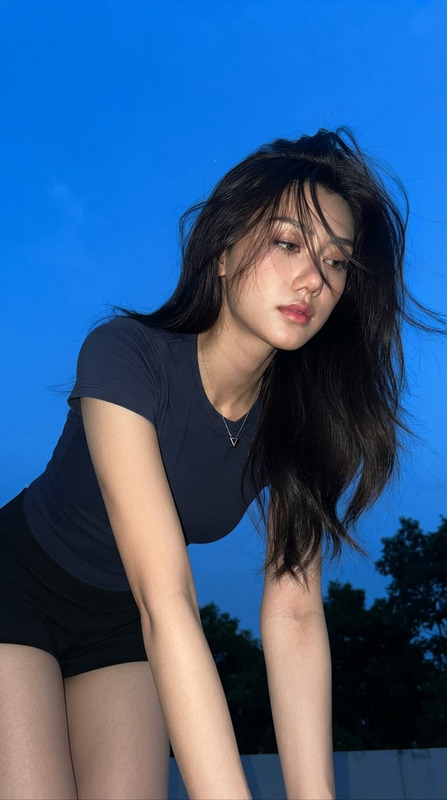
Blue-Hour Direct Flash Snapshot
32
Blue-Hour Direct Flash Snapshot
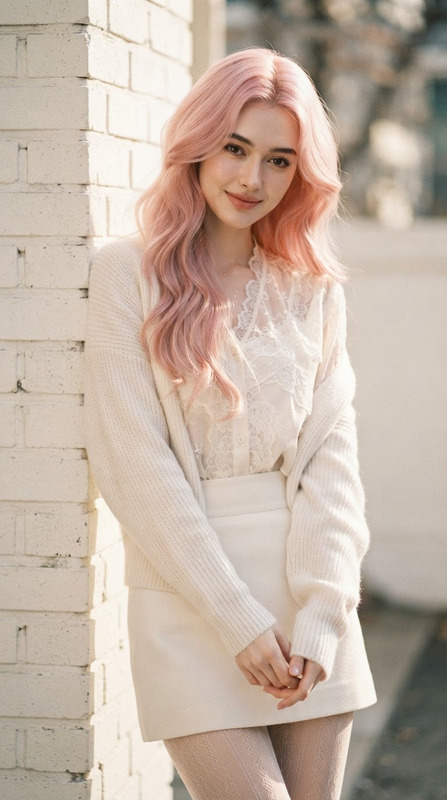
Pastel Romance
30
Pastel Romance
Pastel Romance
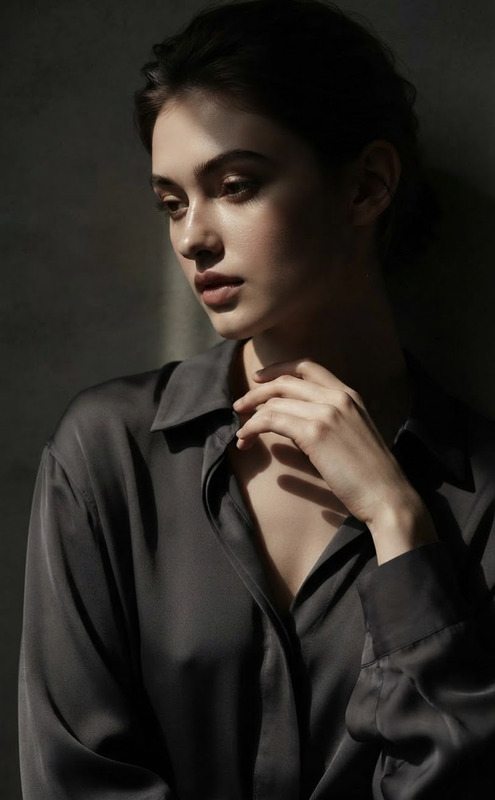
Half-Light Intimacy
26
Half-Light Intimacy
Half-Light Intimacy
Hoodie Portrait
22
Hoodie Portrait
Hoodie Portrait
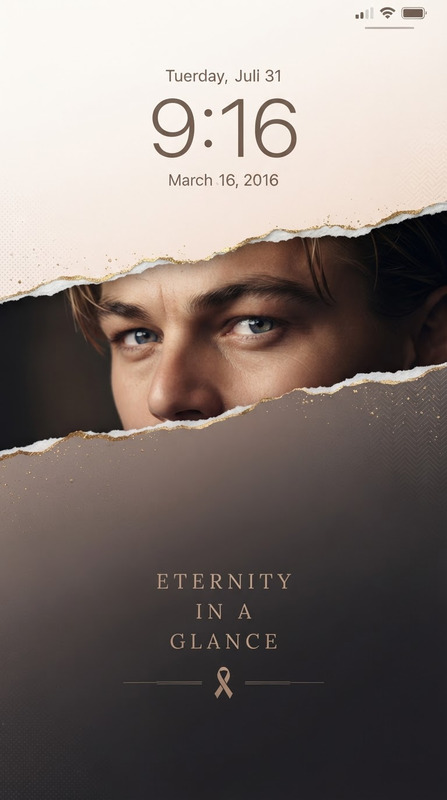
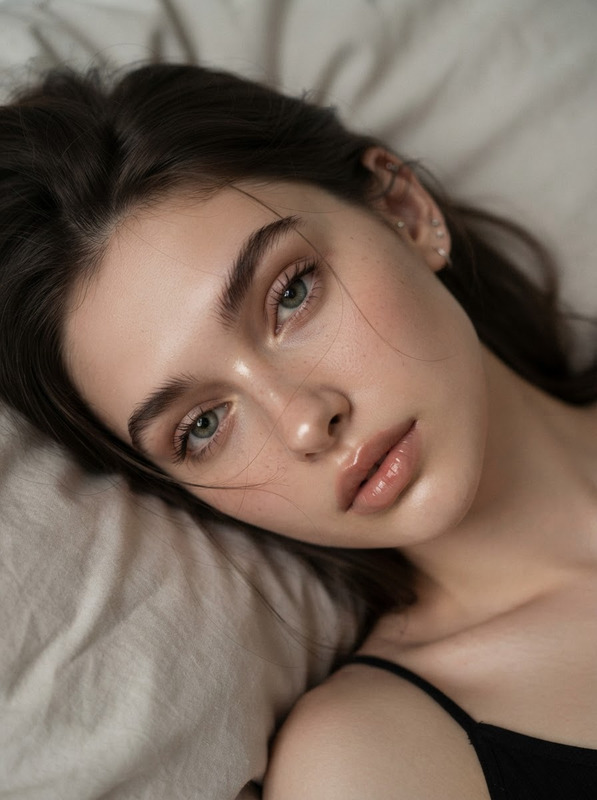
Character Depth-Lock Screen — Kintsugi Editorial Wallpaper
10
Character Depth-Lock Screen — Kintsugi Editorial Wallpaper
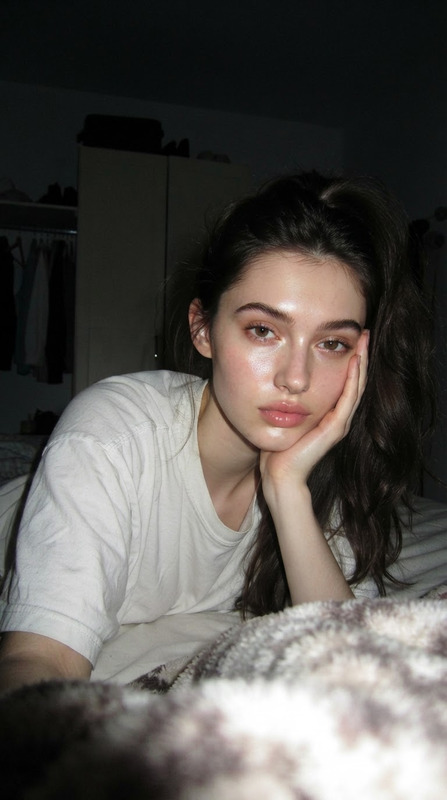
Intimate Freckled Bed Portrait
6
Intimate Freckled Bed Portrait
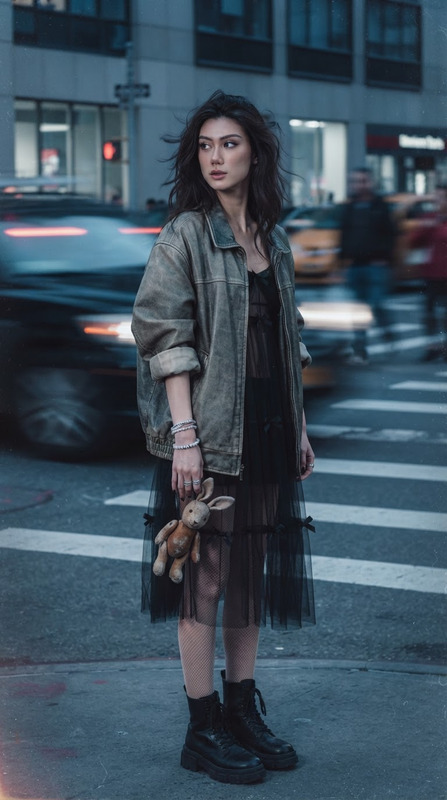
Gloomy Coquette Long-Exposure Identity
5
Gloomy Coquette Long-Exposure Identity
Late-Night Flash Portrait
5
Late-Night Flash Portrait
Golden Hour Wind
4
Golden Hour Wind
Golden Hour Wind
Golden Hour Reverie
4
Golden Hour Reverie
Golden Hour Reverie
AI Image Editor · Change the white dress to a ca
3
AI Image Editor · Change the white dress to a ca

How to Use Nano Banana 2 Lite Templates

1
Pick a Template
Browse the gallery and select a Nano Banana 2 Lite template for a fast draft or edit.
2
Customize It
Edit the prompt, upload an image, or change the subject, background, outfit, and style.
3
Generate & Download
Click Generate for a quick 1K result. Download it or iterate on another variation.
Try a Template

Why Use Nano Banana 2 Lite Templates?

Nano Banana 2 Lite prioritizes speed and cost for high-volume drafts and lightweight edits. These templates make it easy to explore proven visual directions before moving a selected concept into a higher-resolution model.

All templates