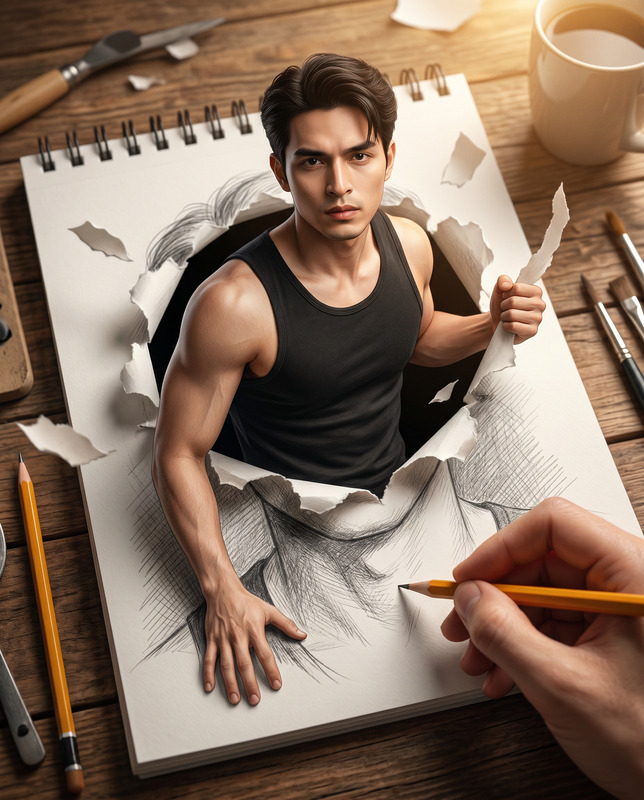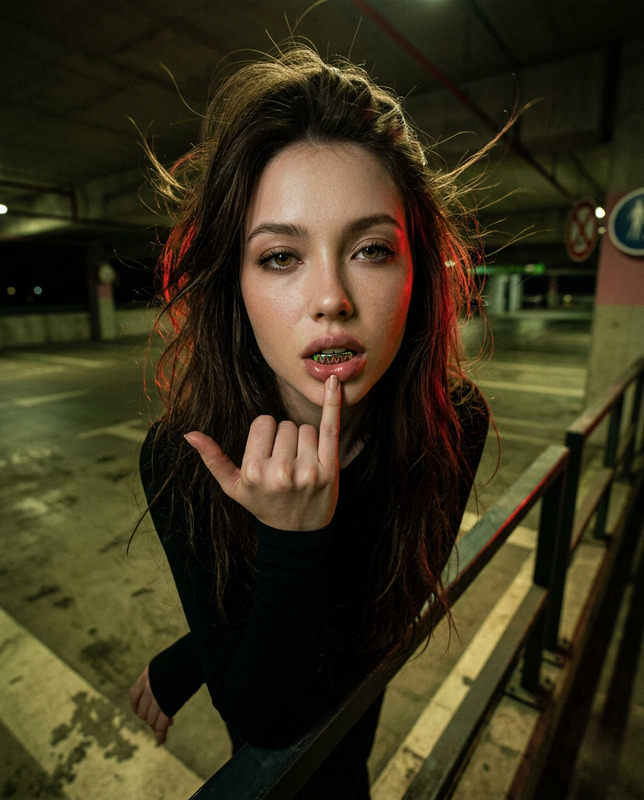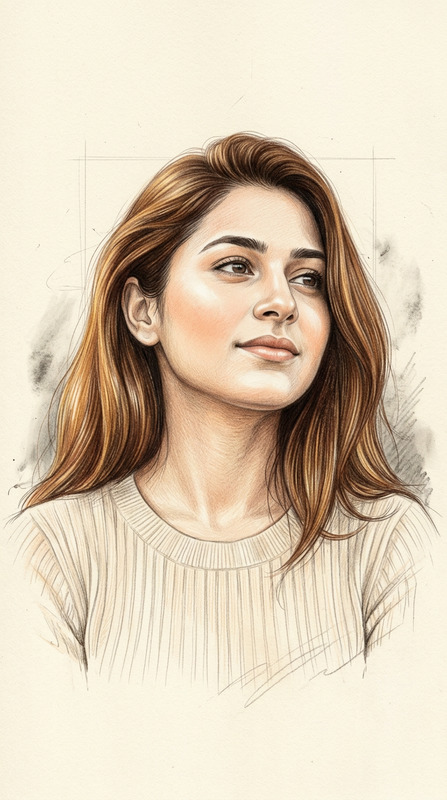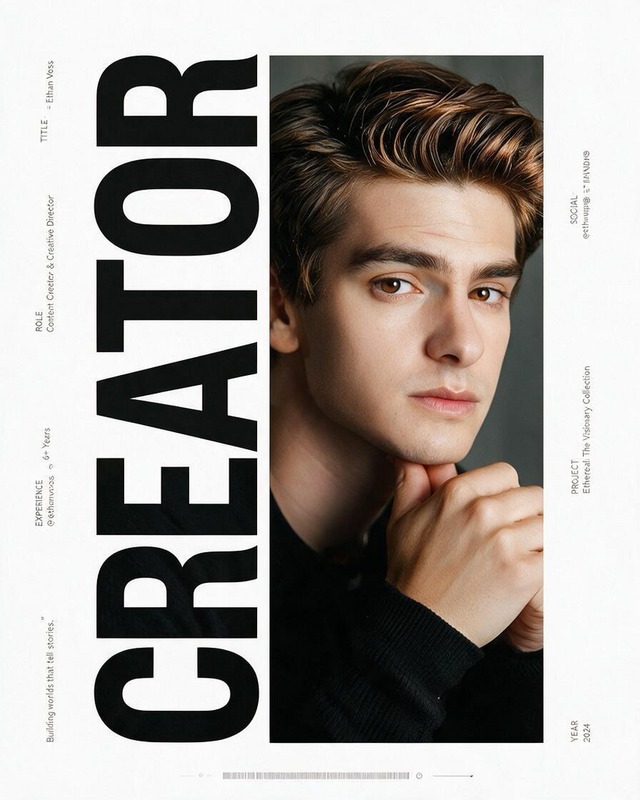
Character Depth-Lock Screen — Kintsugi Editorial Wallpaper
- Model
- Nano Banana 2 Lite
- Image
- 768 × 1376 px
Prompt
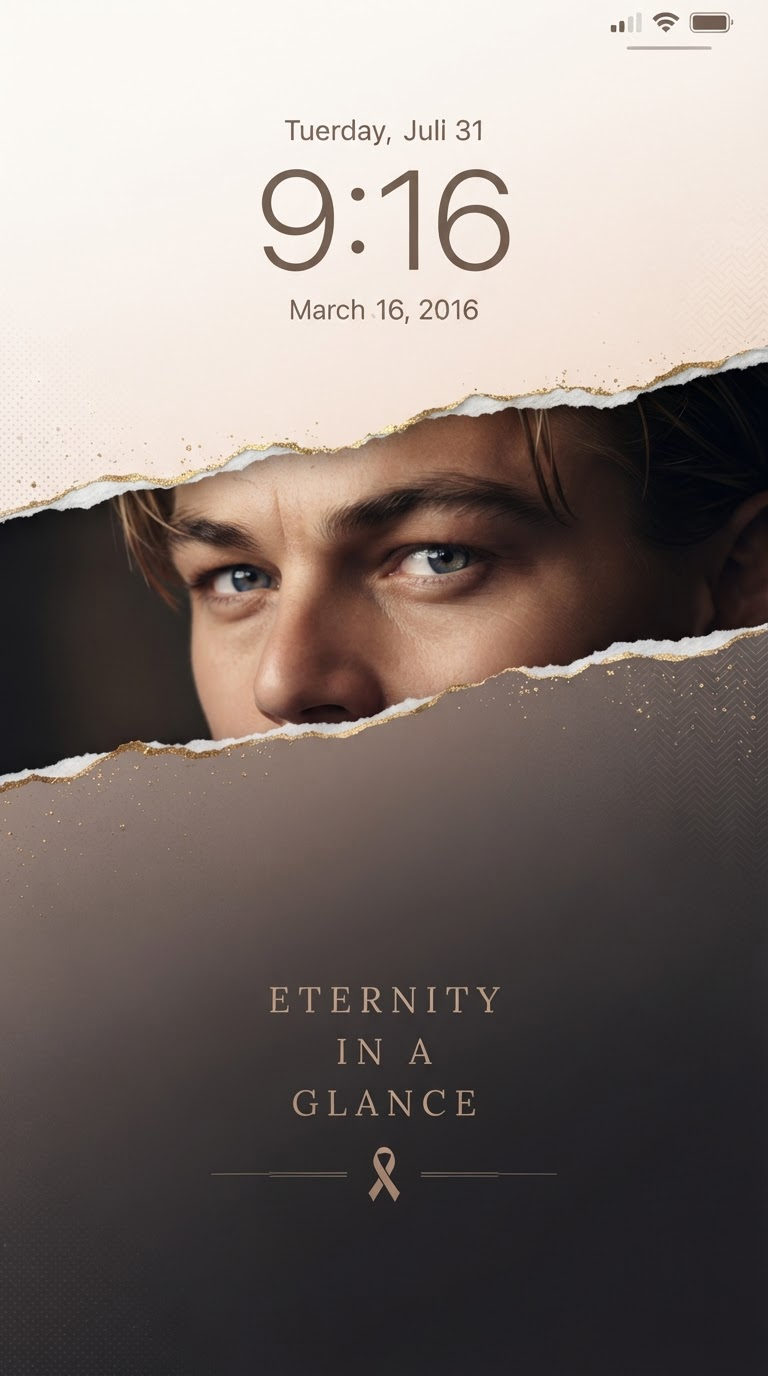
Create a premium 9:16 ultra-high-definition smartphone lock-screen wallpaper using the uploaded character reference as the sole visual source for the subject. Treat the character’s name, origin, and background as unknown; derive only the visibly established features from the reference, including facial proportions, eye shape and color, hairstyle and hair color, accessories, clothing details, signature patterns, material language, color palette, and overall personality. Preserve the character’s core visual identity with high consistency. Reconstruct only naturally missing areas needed for the close-up while keeping the same design language, colors, materials, and styling as the reference. Blend luxury fashion editorial design, premium brand advertising, contemporary East Asian paper art, minimalist smartphone wallpaper, art-book cover aesthetics, and cinematic character portraiture. Prioritize a lock-screen-friendly composition: keep the upper 30–35% bright, clean, and spacious for the system clock, date, status bar, and widgets, with minimal visual elements in the safe area. Build clear depth separation between a bright upper washi-paper foreground layer, a full-width horizontal kintsugi torn-paper reveal, the character portrait behind the opening, a darker lower washi-paper foreground layer, and a softly graded background. The background palette should be derived from 3–5 dominant colors visible in the reference, transitioning vertically from a lighter version of the character palette at the top into the core identifying color in the middle and deeper, quieter tones toward the bottom, with subtle washi fibers, matte silk, frosted glass, mineral pigment, and delicate pearlescent texture. Extract only a few low-contrast motifs from the character’s visible clothing patterns, headwear, jewelry, weapons, natural symbols, or geometric details and integrate them as subtle embossed patterns, fine lines, restrained metallic accents, or sparse particles. Across approximately 37–54% of the canvas height, create a continuous full-width horizontal torn-paper opening extending completely beyond both left and right edges. The upper tear enters around 37% on the left and exits around 42% on the right; the lower tear enters around 49% and exits around 54%, producing a gentle left-to-right downward slope. Keep both torn boundaries clearly separated and approximately parallel, maintaining a stable opening thickness of roughly 12–15% of the image height. The torn edges should have authentic handmade irregularities—small rises and falls, paper fibers, tiny gaps, layered paper thickness, curled fragments, slight overlaps, and subtle shadows—while remaining visually continuous and stable across the entire width. Apply refined kintsugi along both independent torn edges, following every small irregularity with delicate metallic foil, tiny gold particles, subtle highlights, and handcrafted repair texture. Adjust the metallic tone according to the reference palette, such as champagne gold, pale gold, rose gold, cool silver-gold, or antique bronze. Behind this opening, place an ultra-detailed cinematic close-up of the referenced character, primarily showing the eyes, eyebrows, upper nose bridge, part of the forehead and cheek, internal hair strands, and visible head ornaments. Keep the entire portrait cleanly contained within the horizontal opening. Use a refined 3/4 profile with the head turned approximately 30–45 degrees and the character subtly looking back toward the viewer. Preserve the reference’s eye color, iris structure, eyelashes, eyebrow shape, facial proportions, hairstyle, hairline, accessories, and defining visual traits. Add extremely subtle environmental reflections and catchlights consistent with the character’s established palette, making the eyes the primary focal point. Use soft cinematic side lighting across the brows, eyes, nose bridge, and cheek, with the opposite side blending naturally into thematic shadows. Preserve realistic skin, hair, fabric, and metallic material detail without excessive retouching. The lower half should remain spacious, quiet, and uncluttered. Around 73–84% of the canvas, add a small, elegant editorial text treatment occupying only about 7–9% of the total height. Generate a short, poetic English phrase inspired only by the character’s visible mood, styling, and atmosphere, arranged in 2–3 centered lines using a refined high-contrast serif typeface, generous letter spacing, restrained line spacing, and a subtle character-derived accent color. Beneath it, include a small abstract emblem inspired by one recognizable decorative element from the reference, accompanied by two extremely thin horizontal divider lines. Maintain strong visual hierarchy: character eyes → kintsugi reveal → character-specific gradient → subtle editorial typography. The final result should feel like a collectible luxury character poster designed specifically for a premium smartphone depth-effect lock screen, with clean foreground extraction, stable depth masking, clear clock-safe space, sophisticated Eastern paper craftsmanship, cinematic portrait lighting, ultra-fine eye detail, natural material texture, and an elegant 8K finish. No excessive decoration, no generic character redesign, no unrelated motifs, no modern UI elements, no clutter, no watermark.
Any aspect ratio
Overview
The Character Depth-Lock Screen — Kintsugi Editorial Wallpaper template transforms character references into high-definition lock-screen wallpapers. It leverages AI Image Editor capabilities to craft stunning visuals that highlight a character's core design while introducing a luxury editorial twist. Achieve a seamless blend of artful composition and technology with this template, specifically crafted for smartphone lock screens.
What It Does
This template uses the nano-banana-2-lite model to create a refined 9:16 wallpaper from character images you provide. By extracting visible features such as facial attributes and clothing details, it maintains the original's essence while adding elements of luxury fashion and sophisticated design. With distinct composition areas, it offers an elevated visual experience by integrating motifs and textures through advanced AI editing.
Who It's For
Ideal for content creators, digital artists, and luxury brand designers seeking to create exquisite smartphone lock screens. This template especially suits those interested in character design, brand storytelling, and those who appreciate Character Replace features. It's perfect for individuals looking to convert character artwork into high-value personal or commercial use-cases.
Summary
By using the Character Depth-Lock Screen template, you can convert character references into sophisticated wallpapers featuring refined paper art elements, visual depth, and cinematic lighting. Incorporating elements such as kintsugi and luxury material textures, this tool helps generate distinctive and visually remarkable smartphone lock screens, offering users a unique artistic expression.
How To
Choose a Template

Customize Your Design

Generate Your Image

Use Cases
Luxury Brand Campaigns
- Create bespoke wallpapers for premium products
- Offer artistic digital collectibles for brand enthusiasts
Character Storytelling
- Integrate character features into narrative visuals
- Design minimalist yet expressive backgrounds
Digital Artistry
- Explore innovative design techniques for lock screens
- Craft unique pieces for art portfolios
Best Practices
Maintain Character Integrity
Always focus on preserving the core visual details of the character to ensure authenticity in the final depiction.Optimize Color Palette
Derive the background color palette directly from the character's traits to create a cohesive visual experience.Emphasize the Focal Points
Ensure that eyes remain the primary focus by enhancing details like lighting and contrast, making your wallpaper striking.