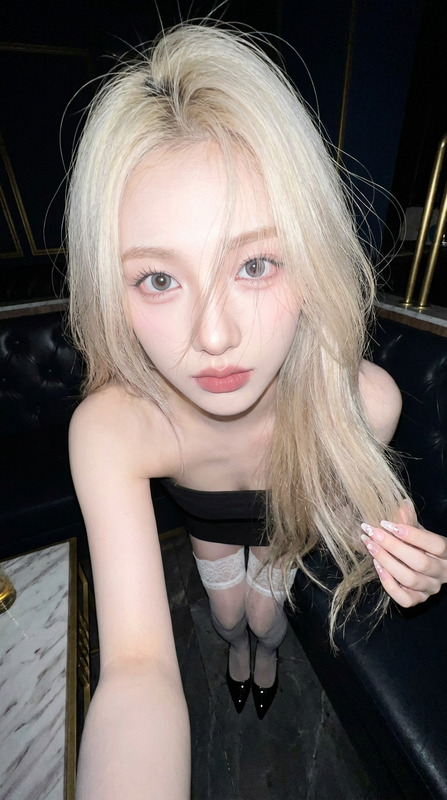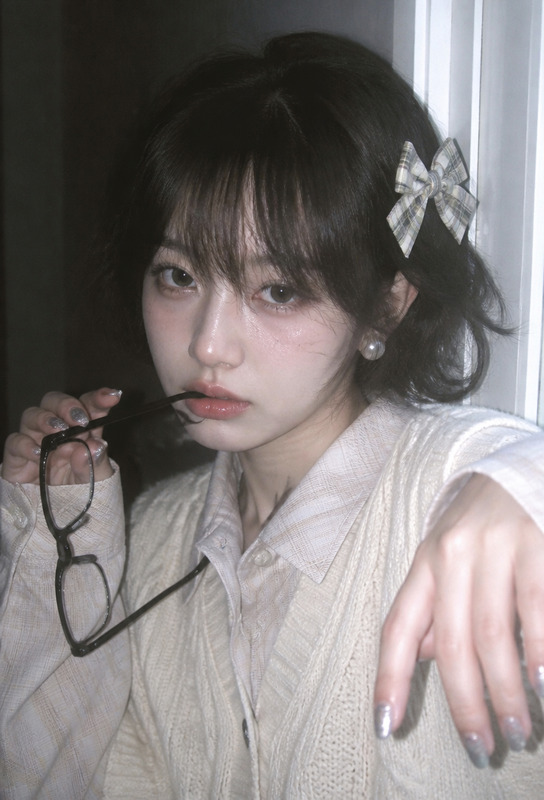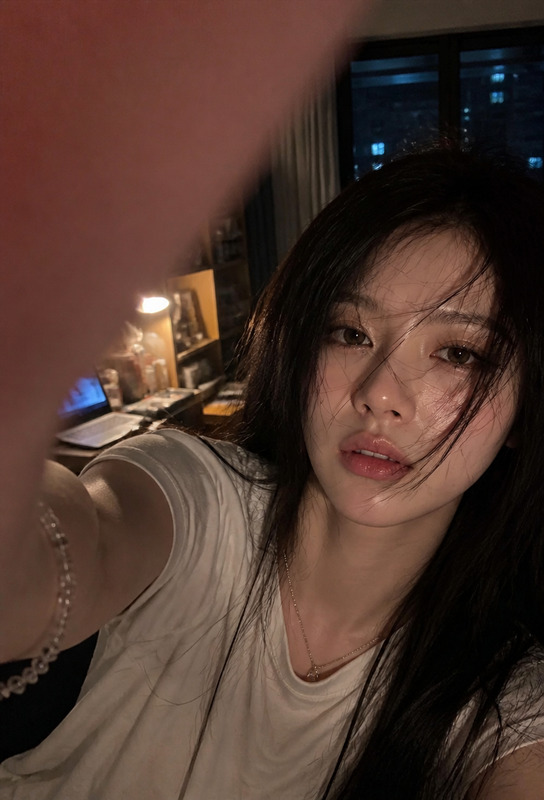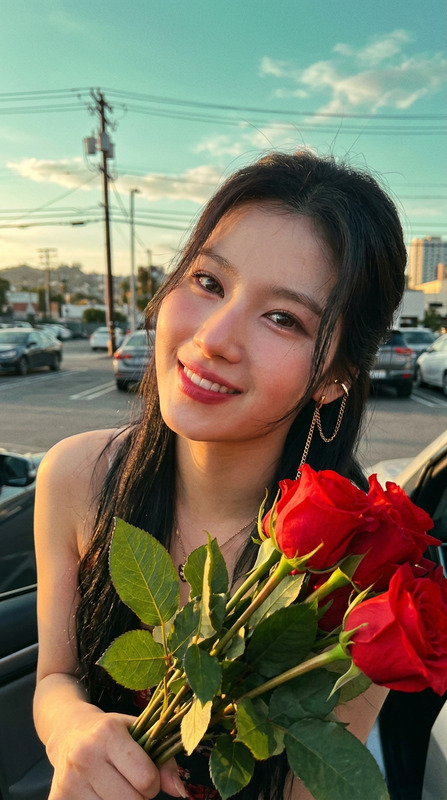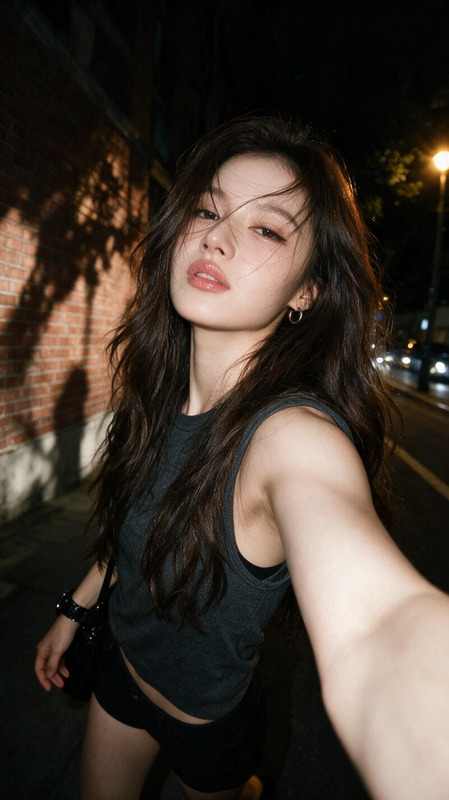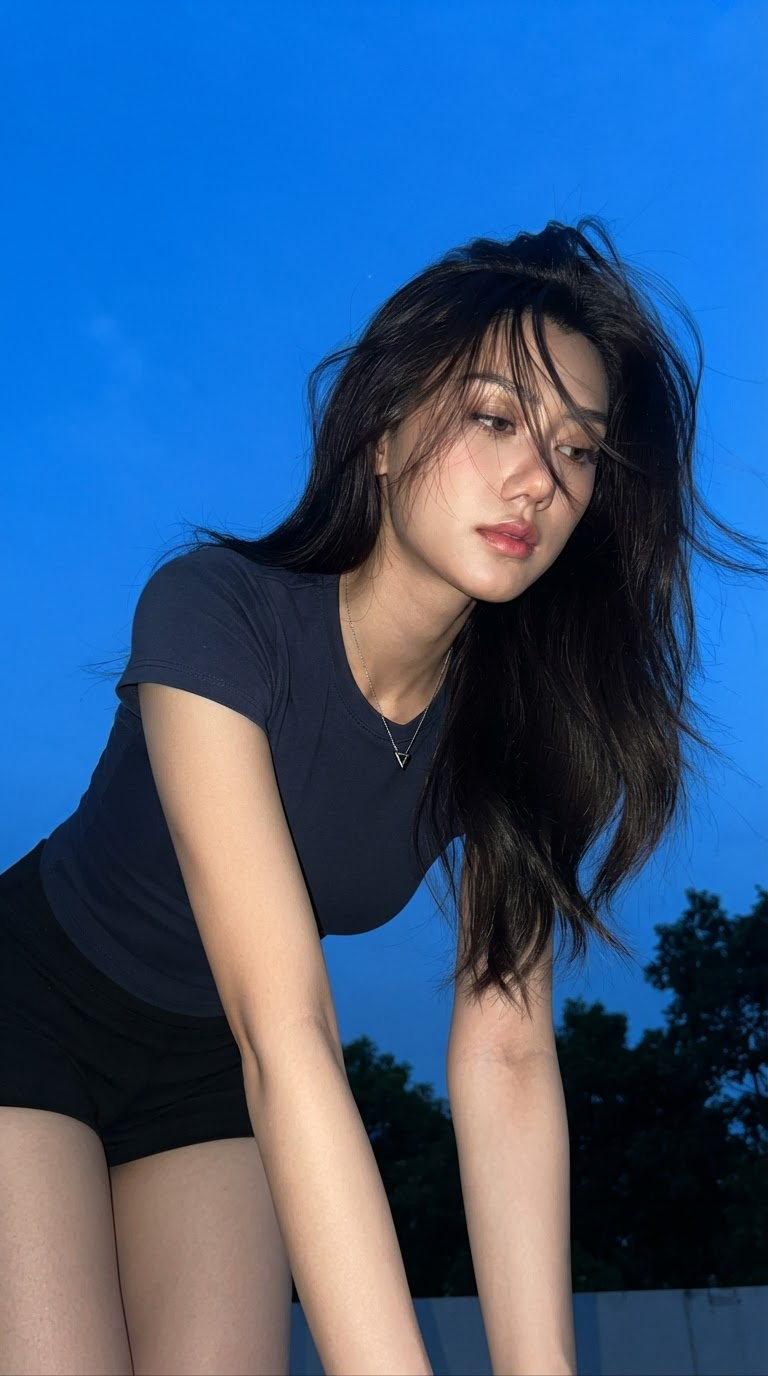
Blue-Hour Direct Flash Snapshot
- Model
- Nano Banana 2 Lite
- Image
- 768 × 1376 px
Prompt
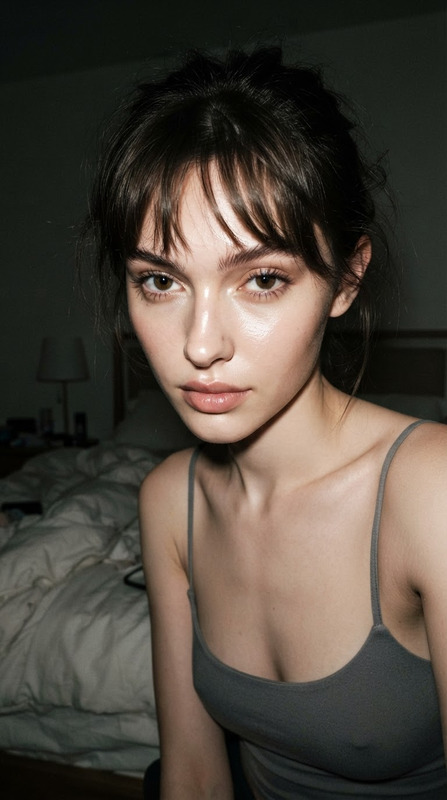
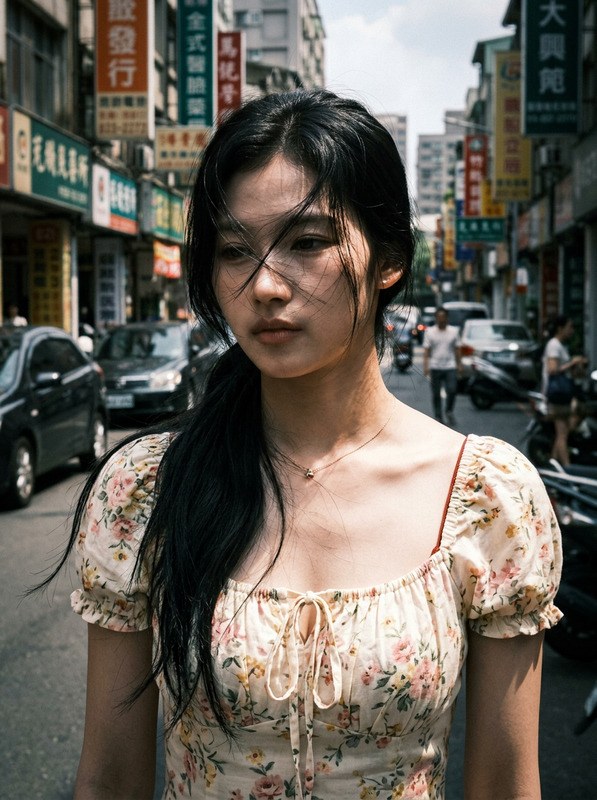
Create a realistic 9:16 vertical smartphone flash portrait of the adult subject outdoors at blue hour, leaning forward close to the camera with the upper body lowered, head slightly tilted, and the body positioned toward the right and lower portion of the frame, leaving a large expanse of deep blue evening sky in the upper-left as negative space. The subject has delicate cool-toned features, fair ivory skin with subtle natural texture, clean East Asian-inspired makeup, soft pink-coral lips, minimal blush, natural eyeliner and lashes, and a quiet, slightly tired expression with the eyes lowered toward the side rather than looking directly at the camera. Long dark black-brown hair falls loosely and messily around the face, with windblown strands crossing the forehead and partially covering the eyes, accompanied by subtle frizz and realistic flyaways that catch the flash. The subject wears a fitted low-saturation navy short-sleeve T-shirt and black shorts, with a thin silver necklace and small triangular pendant visible near the collarbone. Both arms extend downward naturally as if resting on the knees or a nearby support, creating a relaxed but slightly tense forward-leaning pose. Use a close-range slightly low camera angle with mild upward perspective, capturing the head, upper body, arms, and upper thighs while maintaining the expansive sky. A hard cool-white smartphone flash brightly illuminates the nearby subject, producing crisp highlights on the face, arms, thighs, and hair while casting defined shadows beneath the chin and through the hair; the distant environment remains in deep blue darkness. Keep black tree silhouettes along the lower-right and bottom edges, with the evening sky remaining dominant and recognizable rather than blurred into bokeh. Preserve authentic smartphone characteristics including hard flash, slight shadow noise, compression artifacts, imperfect framing, realistic skin texture, and natural hair movement. The overall mood is quiet, cool, introspective, and intimate, resembling a spontaneous friend-taken blue-hour snapshot rather than a staged fashion portrait. Avoid warm sunset tones, heavy makeup, plastic skin, commercial studio lighting, strong background bokeh, perfect hair, excessive retouching, exaggerated anatomy, sexualized posing, indoor backgrounds, text, logos, watermarks, usernames, app icons, or social-media interface elements.
Any aspect ratio
Overview
The Blue-Hour Direct Flash Snapshot template offers a precise AI solution for generating realistic outdoor portraits during the enchanting blue hour. Designed to capture intimate, candid moments, this template uses the nano-banana-2-lite model to emphasize natural elements like subtle makeup, wind-tossed hair, and genuine expressions. It's perfect for creators looking to produce authentic and atmospheric smartphone-style imagery with professional-level detail.
What It Does
This AI Image Editor specializes in creating vertical flash portraits that embody the spontaneous charm of a blue-hour snapshot. The template highlights the subject with cool, natural lighting effects typical of smartphone flash. It captures subtle details like real hair textures and the play of light and shadow, while perfectly framing the subject against an expansive evening sky. This tool is ideal for projects that require believable outdoor photography with a personal touch.
Who It's For
Perfect for photographers, social media influencers, and creative professionals who need to produce high-quality imagery without elaborate setups. Whether you're capturing mood boards or composing scenes for social media ads, this tool enhances raw photos with the nuanced lighting and detail of the blue hour. Use it to add authenticity and depth to content creation workflows, particularly in settings that demand a natural, introspective aesthetic.
Summary
With the Blue-Hour Direct Flash Snapshot template, quickly transform basic outdoor photos into rich visual narratives. Ideal for digital storytelling, this tool uses AI to create vivid imagery that retains the candid essence of spontaneous captures. For additional enhancement, integrate with the AI Image Upscaler to refine image resolution, or use in conjunction with the AI Image Generator for other creative edits.
How-To
Choose Your Template

Customize Your Inputs

Generate and Download

Use Cases
Social Media Campaigns
Personalized Portraits
Realistic Outdoor Scenes
Best Practices
Optimize Composition
Frame your subject with ample negative space to emphasize the expansive evening sky and enhance the portrait's natural ambiance.Fine-tune Lighting
Adjust flash settings to balance highlights and shadows, maintaining the genuine look of a spontaneous snapshot.Preserve Textural Details
Leverage the AI to maintain authentic skin and hair textures, avoiding over-smoothing or artificial enhancements.