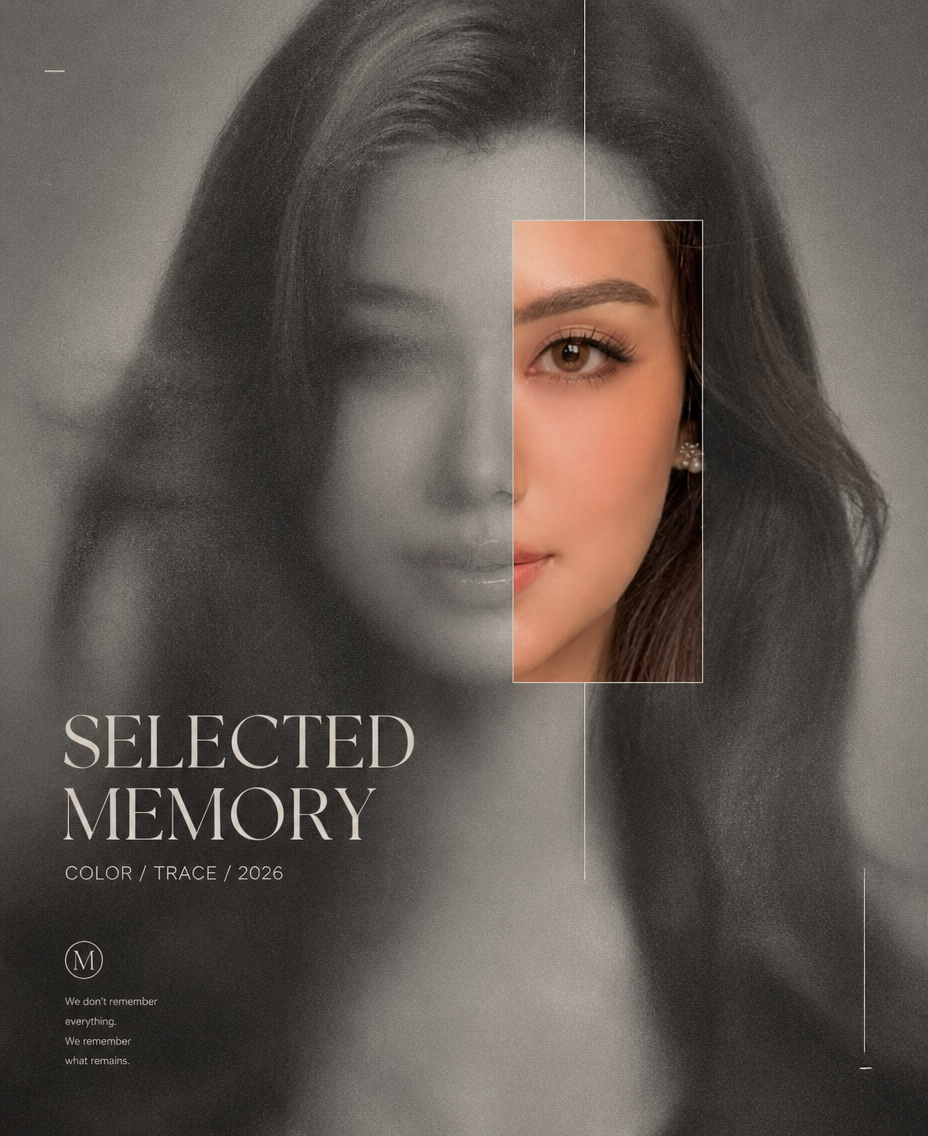
Color Reveal — Selected Memory
- Model
- GPT Image 2
- Image
- 928 × 1136 px
Prompt
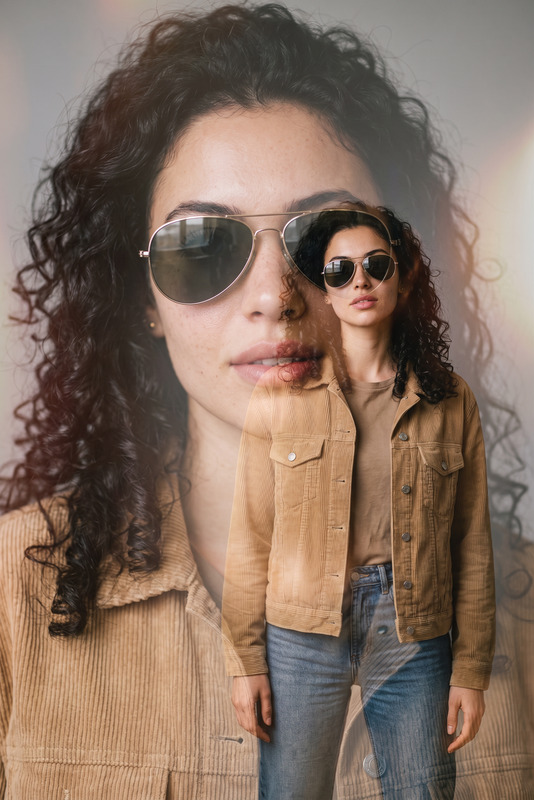
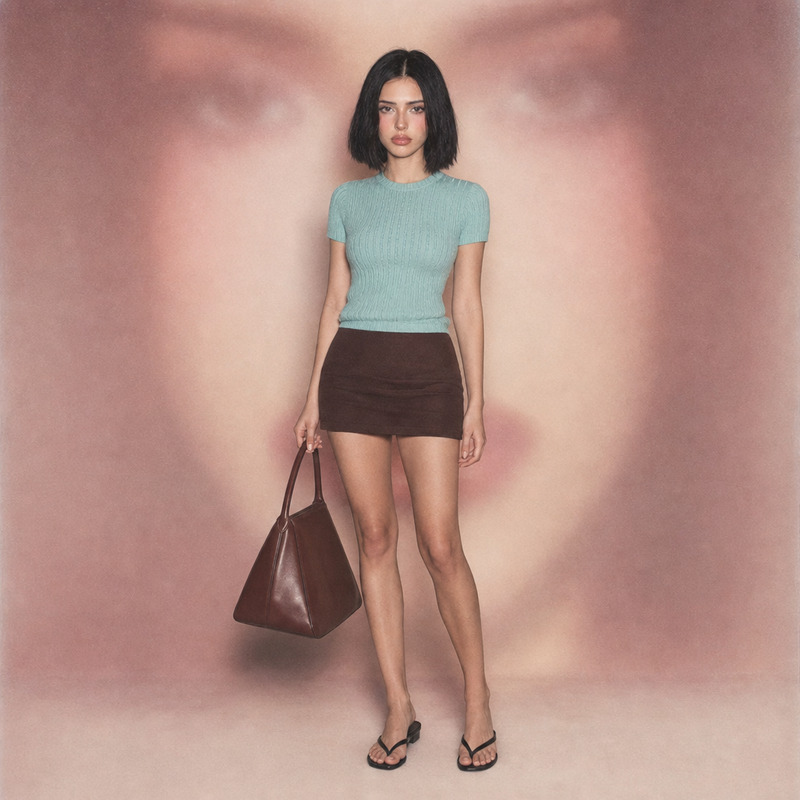
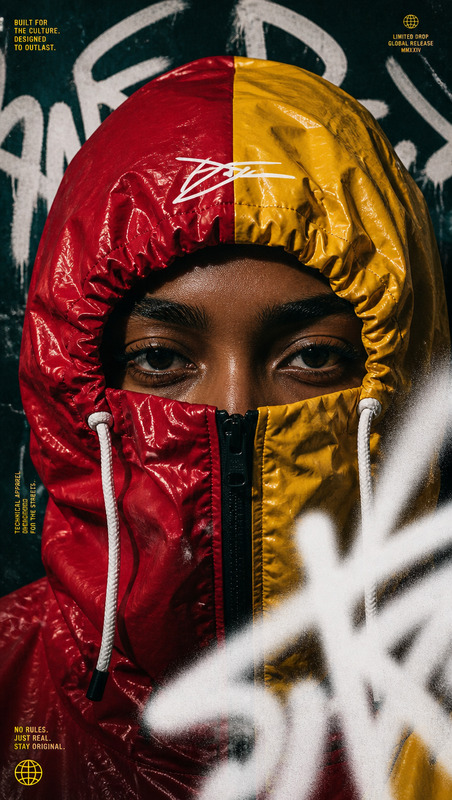
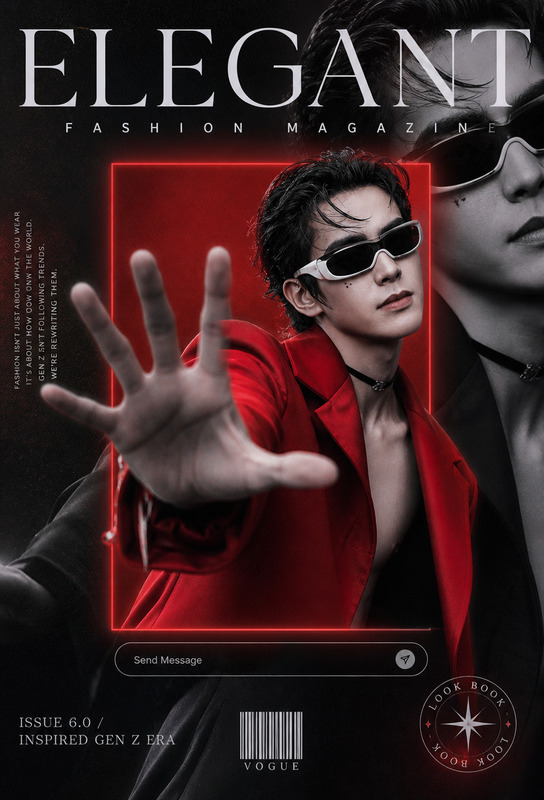
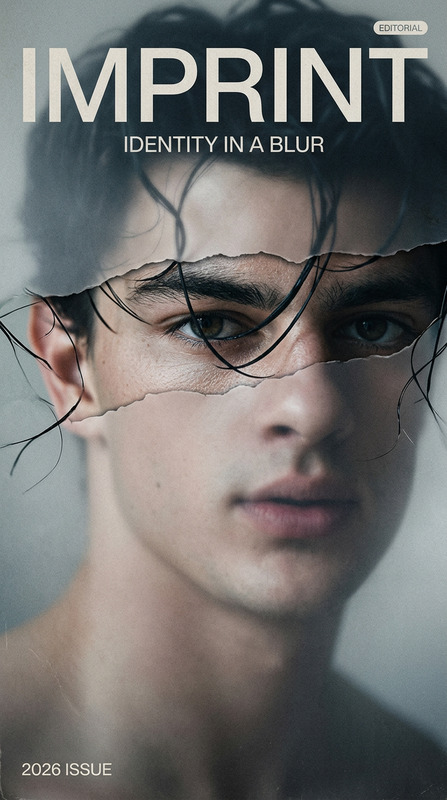
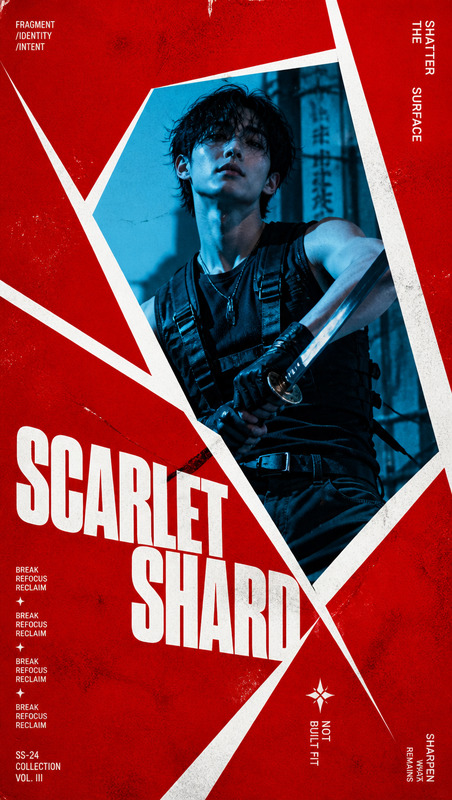
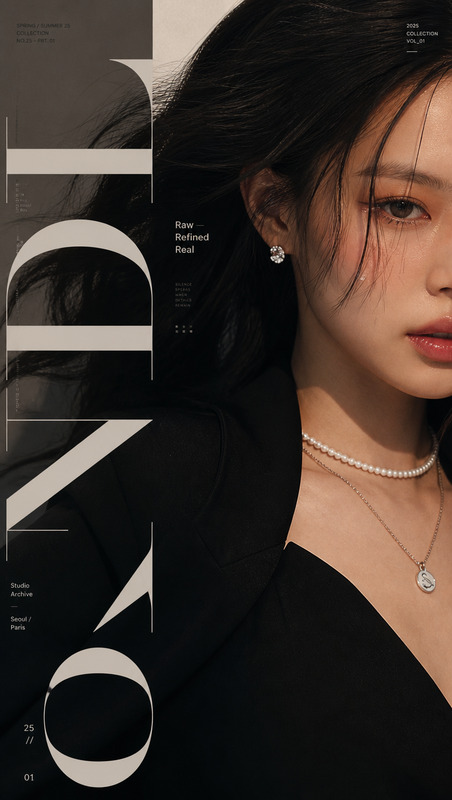
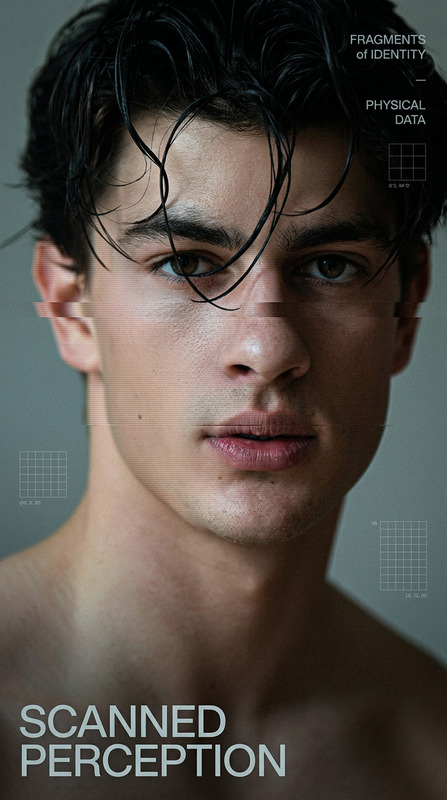
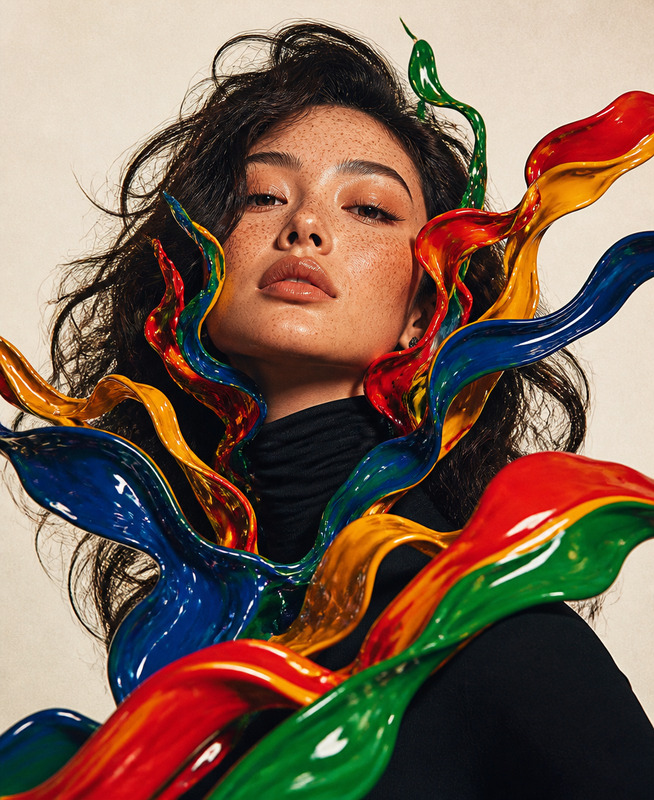
Create a 9:16 high-end experimental fashion editorial poster featuring the subject in a blurred portrait, with most of the face and body softened by mist, grain and muted focus while one precisely aligned reveal window exposes a sharp, memorable facial fragment. Use a grayscale-to-color contrast, with the reveal area showing natural skin, hair and eye detail in rich cinematic color while remaining perfectly aligned with the same underlying portrait. Frame the reveal with thin refined lines and minimal editorial typography, using the title “SELECTED MEMORY”, supporting text “COLOR / TRACE / 2026”, and generous negative space. Apply soft cinematic lighting, subtle film grain, muted shadows, restrained texture and a sophisticated fashion-magazine layout. The overall image should feel mysterious, modern and refined, combining experimental beauty photography with contemporary graphic design; avoid duplicated faces, misaligned reveal areas, excessive distortion, clutter, or overly decorative typography.
Any aspect ratio
Overview
The Color Reveal — Selected Memory template brings a sophisticated touch to your editorial projects, utilizing Magic Hour's AI Image Editor capabilities. Designed for high-end fashion shoots, this AI-powered tool artfully combines blurred portraits with vivid, color-rich reveal windows.
What It Does
This template uses the advanced features of the AI Image Generator model to transform your photos into modern fashion editorials. The sharpened reveal window allows a striking contrast between grayscale surroundings and color-detailed facial fragments, creating a memorable visual impact. The tool adds refined lines and minimalist typography for that perfect magazine layout.
Who It's For
Ideal for professional photographers, fashion designers, and graphic artists seeking to create engaging editorial content. Whether you're crafting a new marketing campaign or a sophisticated portfolio piece, this template is an excellent choice for those needing precise, artistic image editing without the hassle.
Summary
With the Color Reveal — Selected Memory template, effortlessly craft captivating fashion editorials. This AI Image Editor template offers stunning blend of traditional photography and modern graphic design, making it a must-have tool in the innovative designer's toolkit. Explore its potential alongside tools such as the AI Headshot Generator to further enhance your projects.
How To
Choose the Template

Customize Your Image

Generate and Download

Use Cases
Fashion Editorials
- Enhance brand presentations
- Upgrade lookbooks or style guides
Art Exhibitions
- Perfect for solo artist collections
- Augment mixed media displays
Advertising Campaigns
- Ideal for luxury brand ads
- Incorporate into social media strategies
Best Practices
Select the Right Image
Choose high-quality, blurred portraits for the best reveal effect. Make sure lighting is soft and shadows are muted.Align the Reveal Precisely
Ensure the reveal window accurately highlights a memorable facial detail, avoiding misalignment for authenticity.Refine Typography
Use minimal typography that complements the imagery without overpowering the visual narrative.