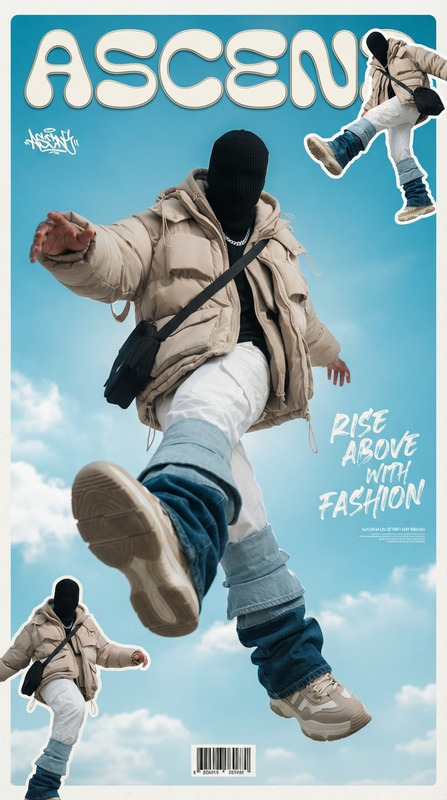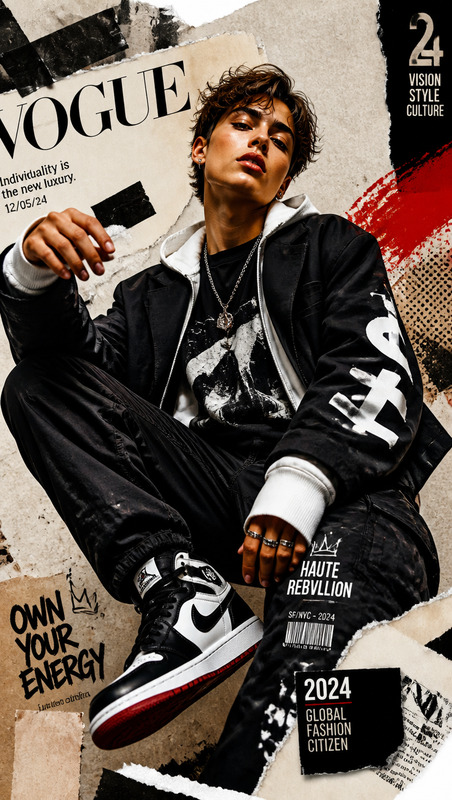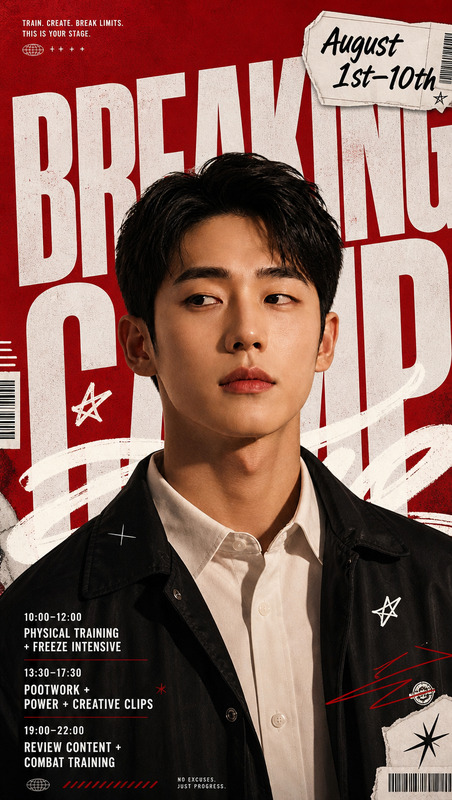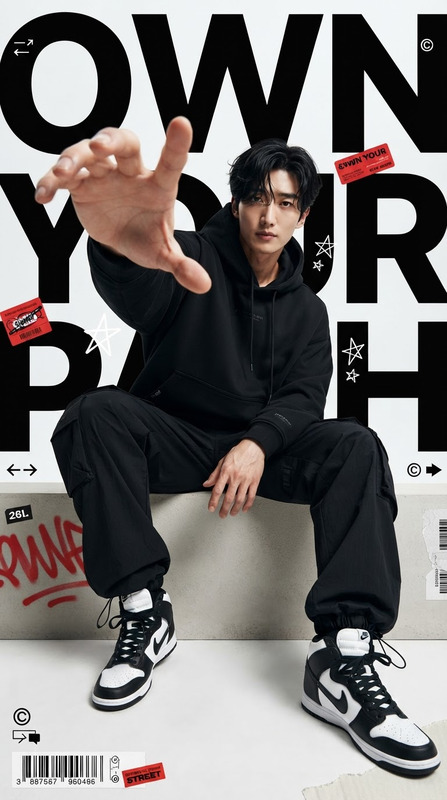
AI Image Editor · aadfbb7f828231b4ffe440ade22de4
- Model
- GPT Image 2
- Image
- 768 × 1360 px
Prompt
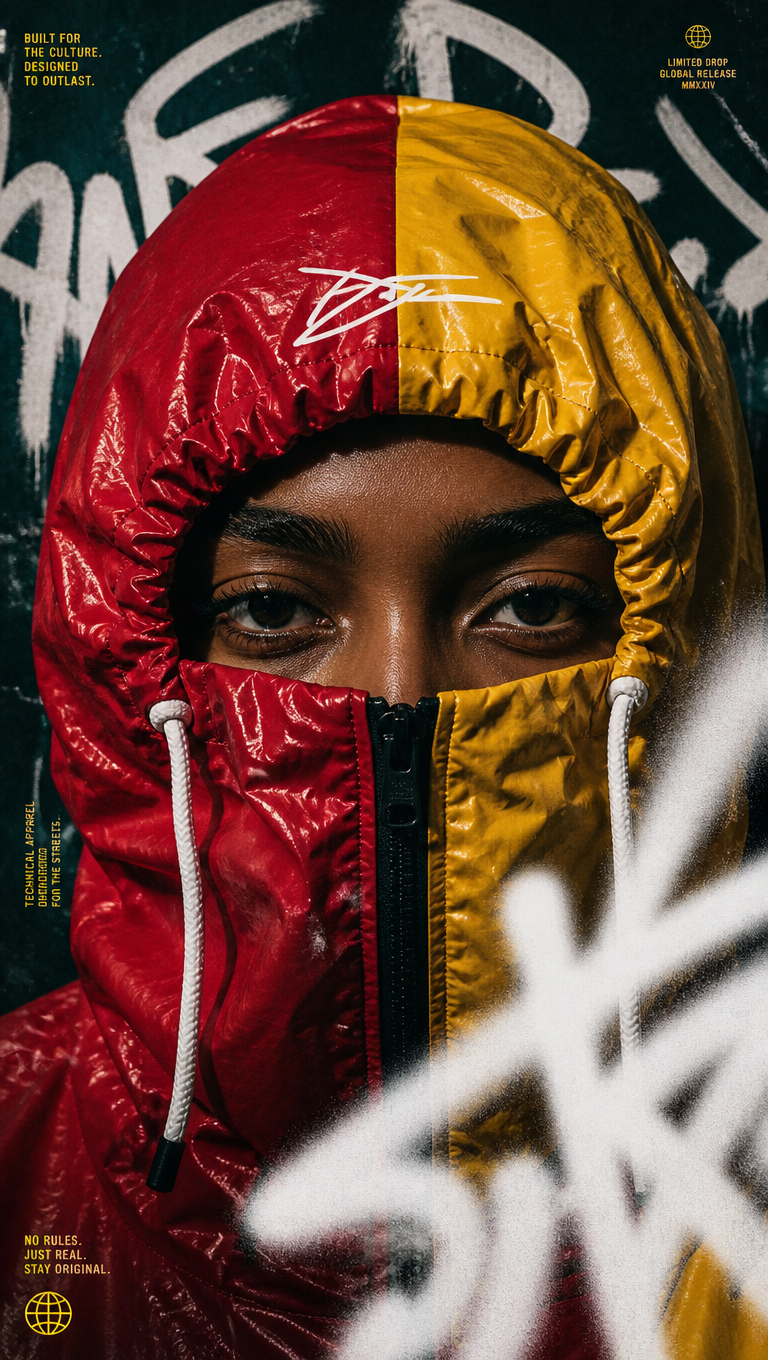
Create an extreme close-up streetwear campaign portrait featuring a gender-neutral subject in a vibrant waterproof windbreaker, with glossy crinkled red vinyl texture on one side and mustard yellow on the other, the hood pulled tightly around the head and a black zipper raised over the mouth to conceal the lower face, leaving only the eyes and upper nose bridge visible within deep, dramatic shadows. The subject has a warm deep-brown skin tone, defined eyelashes, structured dark brows, and an intense direct gaze locked into the camera. Add a white signature-style graphic mark on the hood forehead area with white drawstrings hanging naturally. Use tight commercial streetwear editorial framing with high-contrast lighting and shallow depth of field focused exclusively on the eyes, while blurred thick white graffiti spray-paint strokes intentionally obscure the lower-right foreground to disrupt the symmetry. Set the subject against a dark teal grunge-textured background layered with large off-white graffiti typography and small yellow editorial campaign text blocks, creating a bold urban poster aesthetic with printed imperfections, subtle paper texture, heavy film grain, and authentic analog artifacting. Premium streetwear photography, gritty urban editorial, cinematic contrast, realistic skin and fabric texture, glossy material reflections, sharp eyes, controlled shadows, sophisticated color blocking, edgy contemporary fashion campaign, ultra-detailed; avoid visible lower-face features, distorted anatomy, extra facial features, blurry eyes, excessive noise, overprocessed skin, plastic textures, messy typography, illegible graphic elements, cartoon aesthetics, CGI appearance, or cluttered composition.
Any aspect ratio
Overview
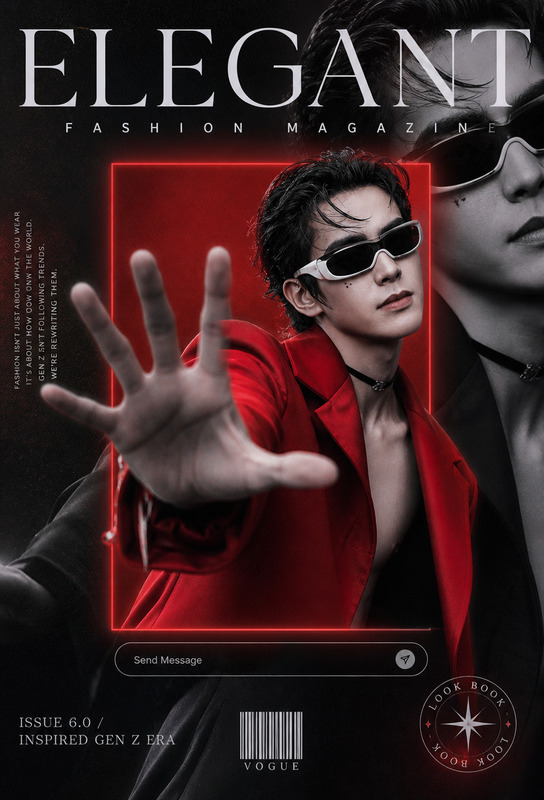
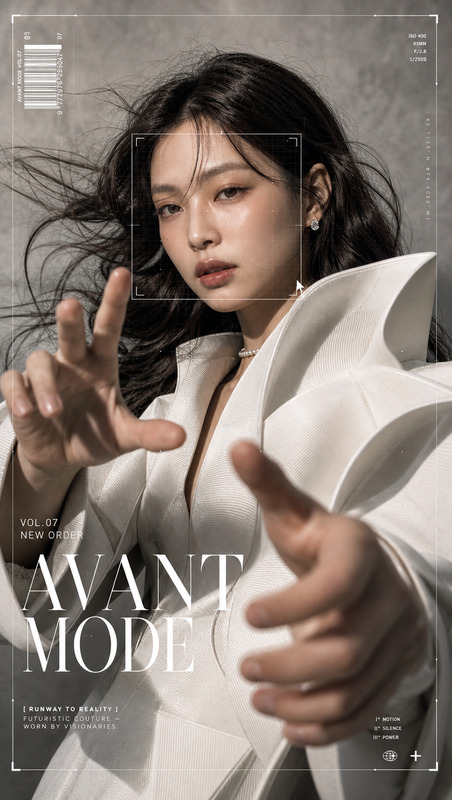
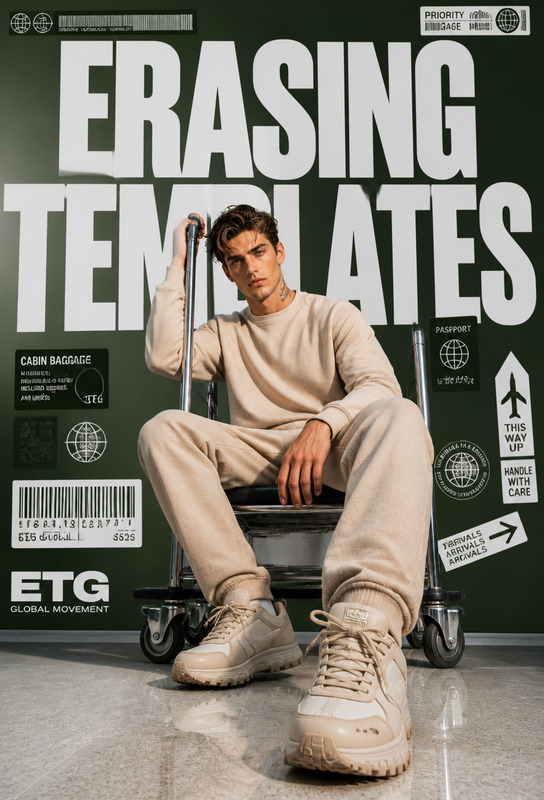
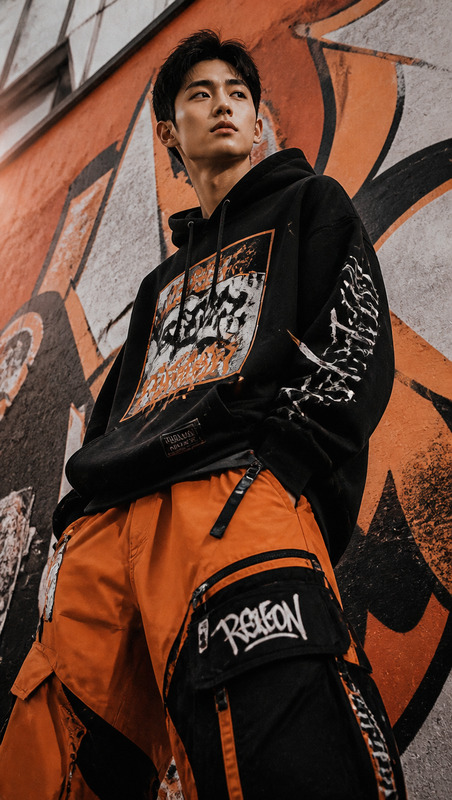
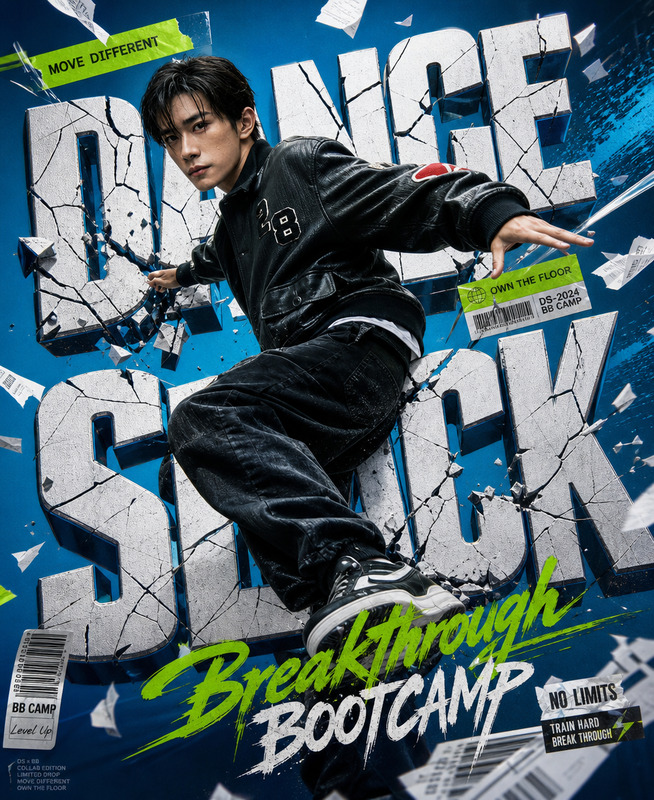
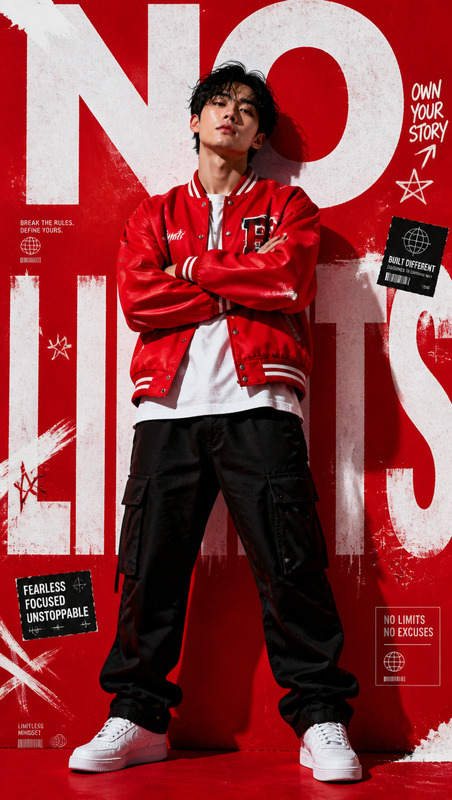
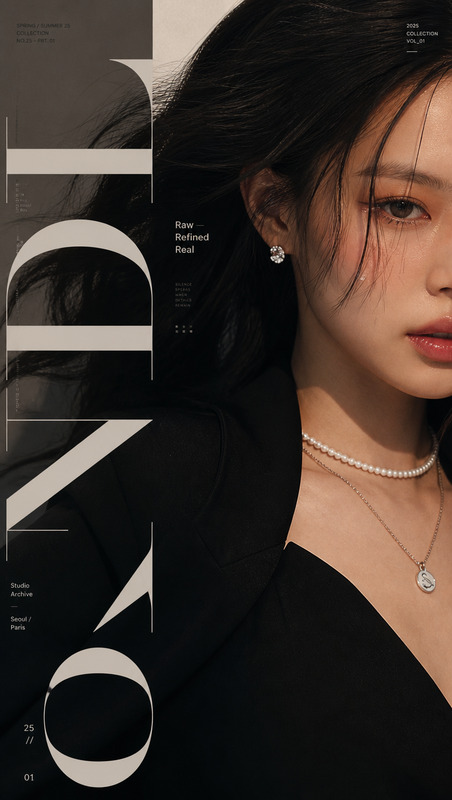
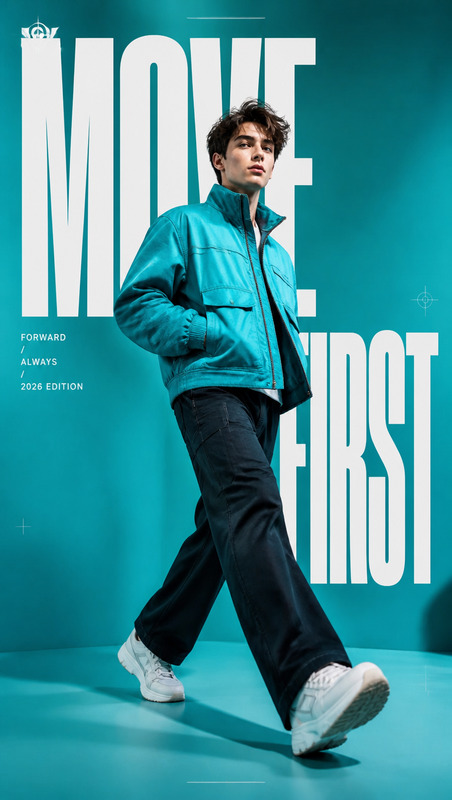
The AI Image Editor template is crafted to deliver striking visual narratives for streetwear campaigns. Using the cutting-edge gpt-image-2 model, this template realizes high-definition, hyper-realistic portraits with a distinct streetwear flair. The template embraces the gritty urban aesthetic, focusing on deep contrast and bold compositions.
What It Does
This template facilitates the creation of ultra-detailed streetwear images by leveraging advanced AI capabilities. It conditions style, mood, and elements such as color blocking and fabric textures to construct vibrant portraits that align with contemporary fashion trends. Whether for a campaign ad or editorial showcase, this tool ensures a polished finish capturing every nuanced detail.
Who It's For
Designed for photographers, fashion brands, and creative directors wishing to innovate beyond traditional photography. This template is essential for teams that produce high-impact visuals for digital and print media. It's particularly valuable for those who also utilize services like the AI Talking Photo to create multimedia campaigns.
Summary
The AI Image Editor excels at transforming your creative vision into reality, delivering realistic textures and dynamic lighting. Coupled with tools like the AI Image Upscaler for enhanced output quality, it achieves the perfect balance between art and technology.
How To
Choose Your Template

Customize Your Inputs

Generate the Image

Use Cases
High-Impact Streetwear Campaigns
- Vibrant color contrasts
- Gritty urban aesthetics
- Editorial-level detail
Fashion Editorials
- Premium fashion shots
- Consistent brand messaging
- Cinematic quality
Social Media Content
- Sophisticated compositions
- Instant shareability
- Enhanced engagement
Best Practices
Focus on Key Features
Ensure the eyes and color contrasts are your focal points for a dramatic impact.Avoid Overprocessing
Keep textures natural by avoiding the temptation to over-edit or apply excessive noise.Leverage Complimentary Tools
Use the Face Swap tool to experiment with different model features without losing realism.