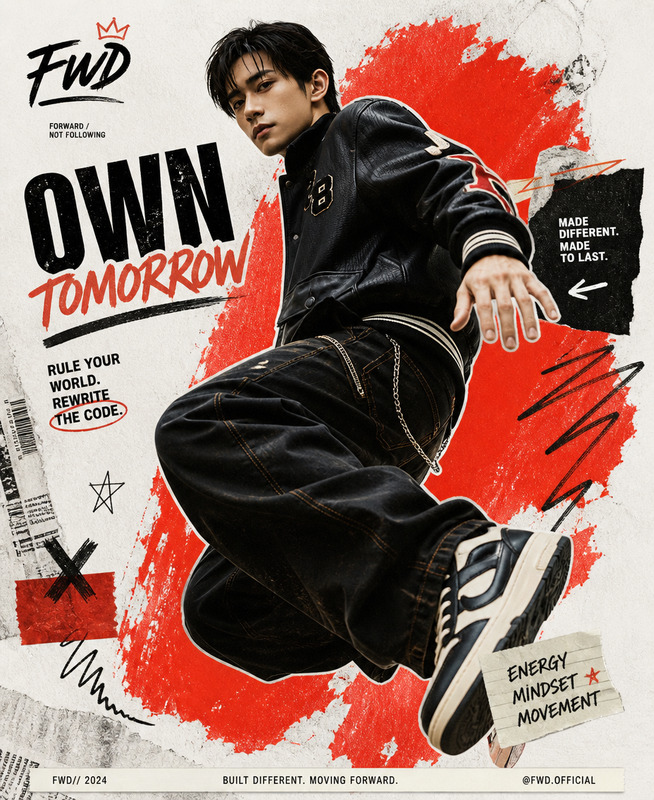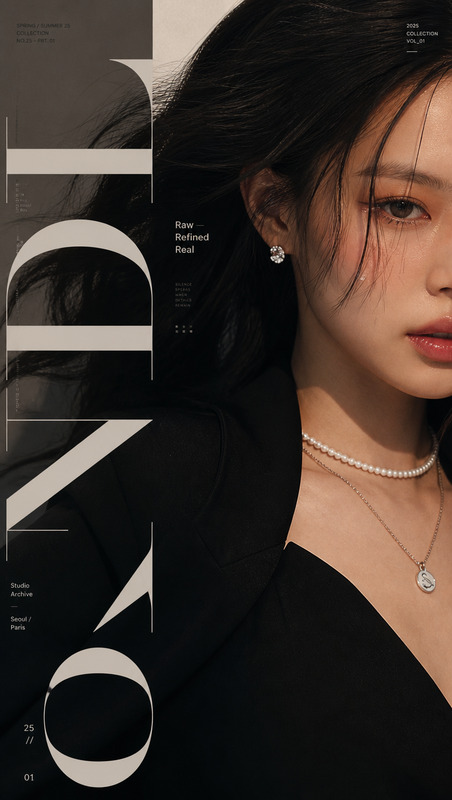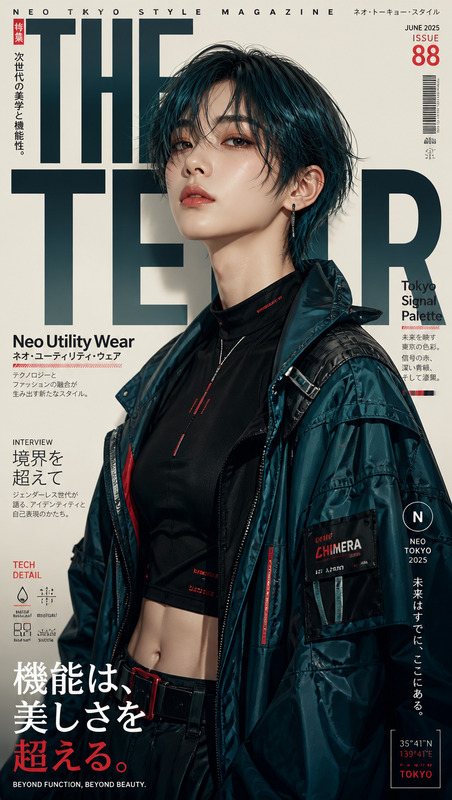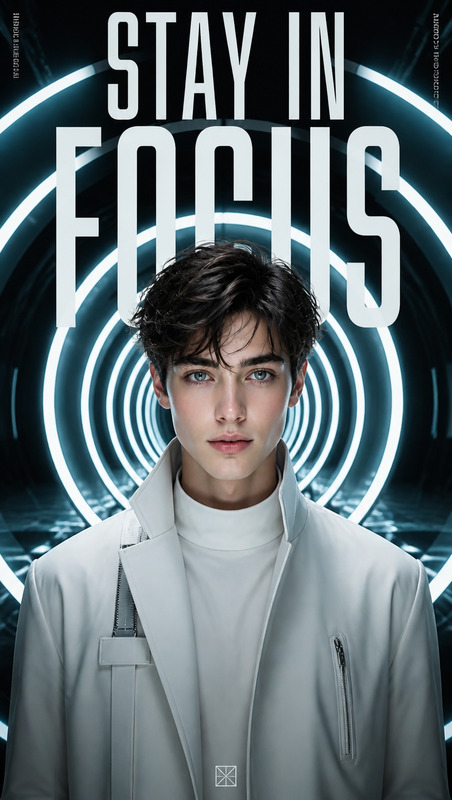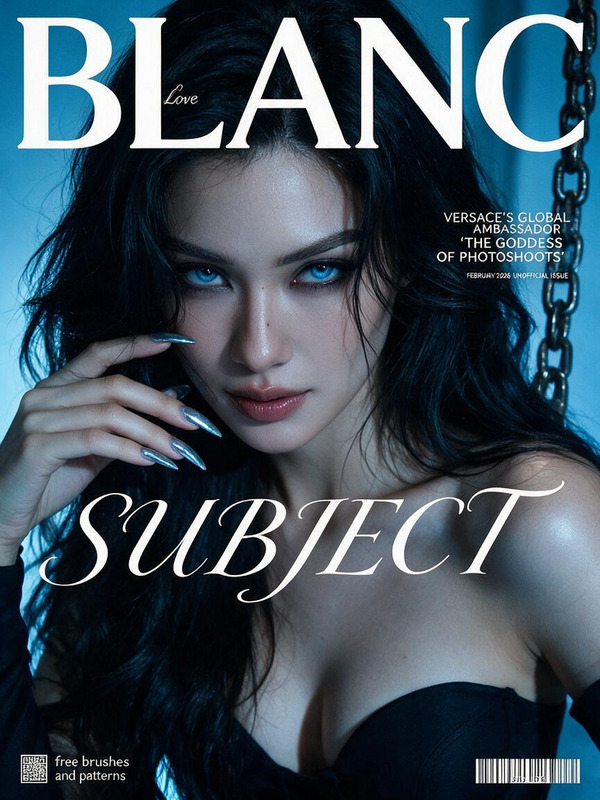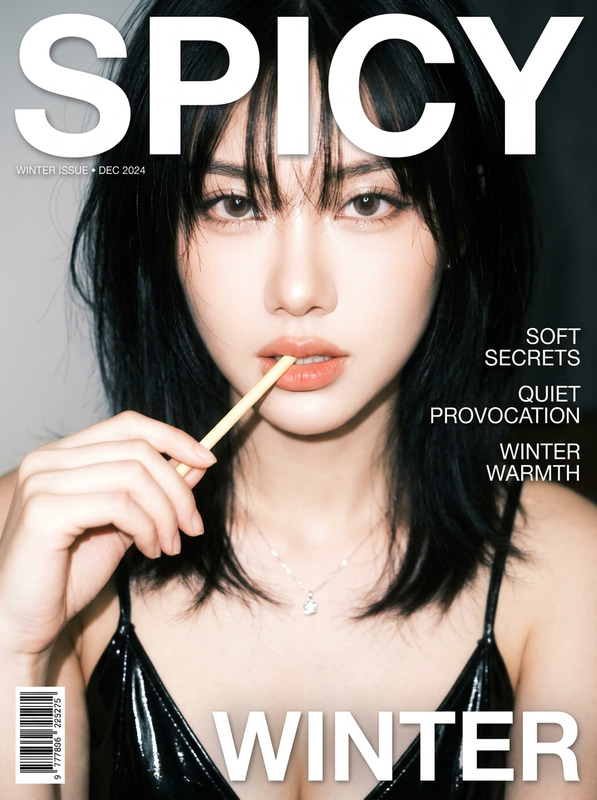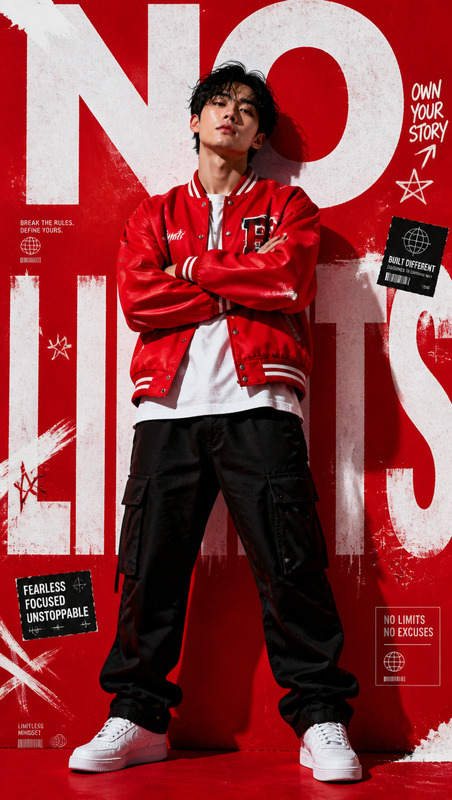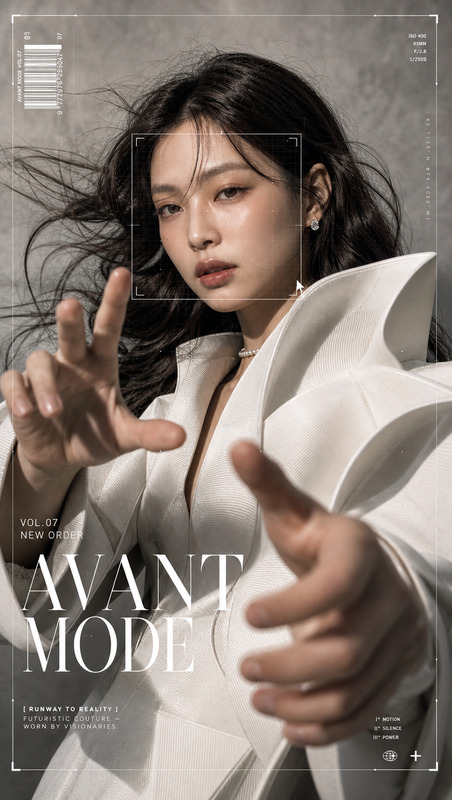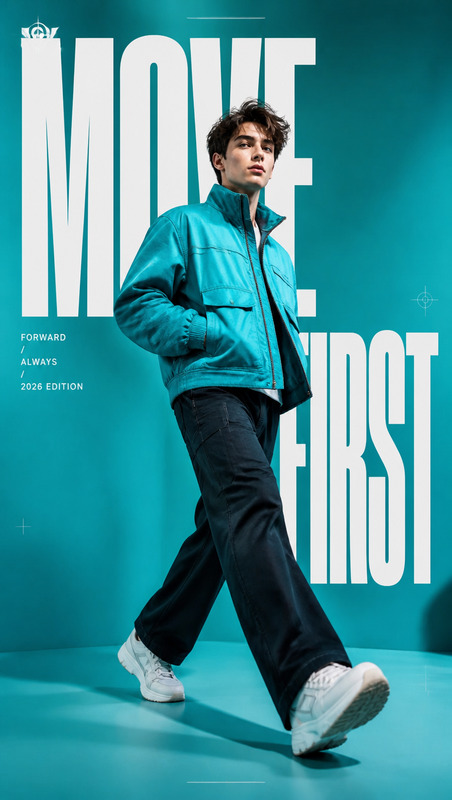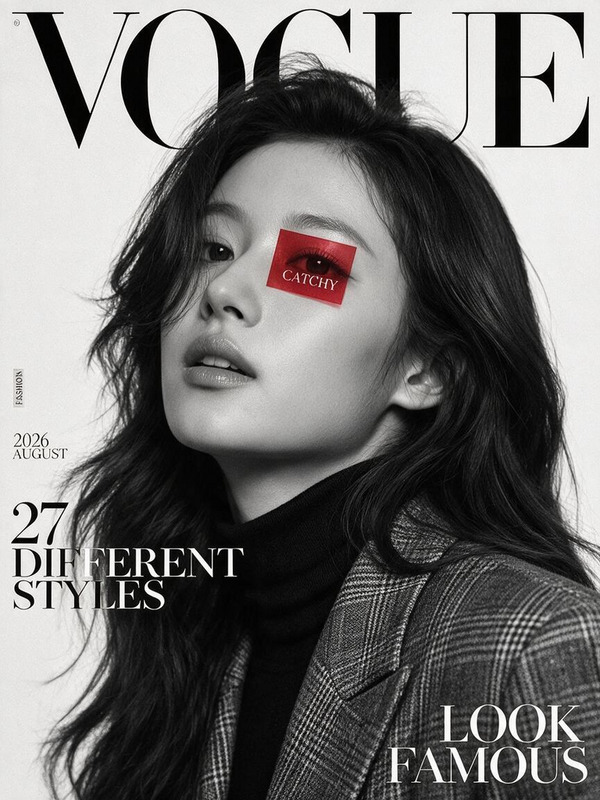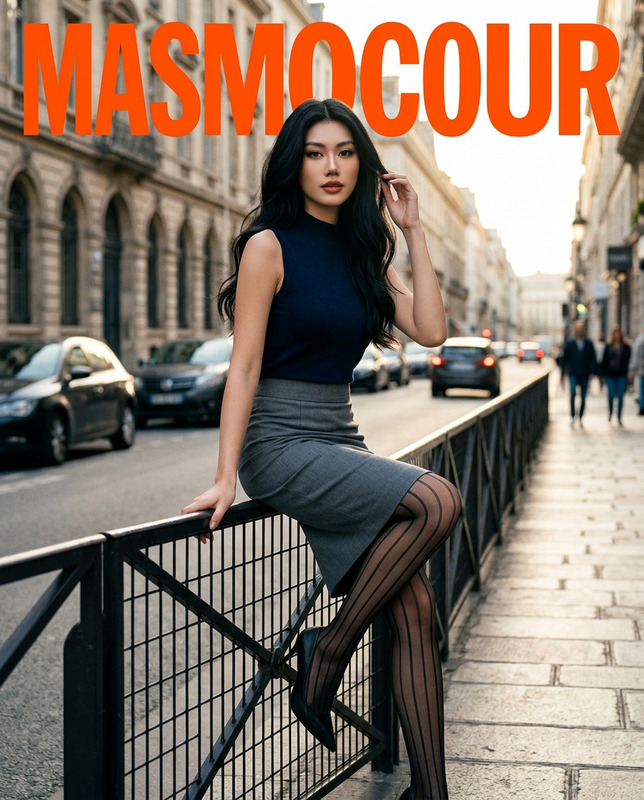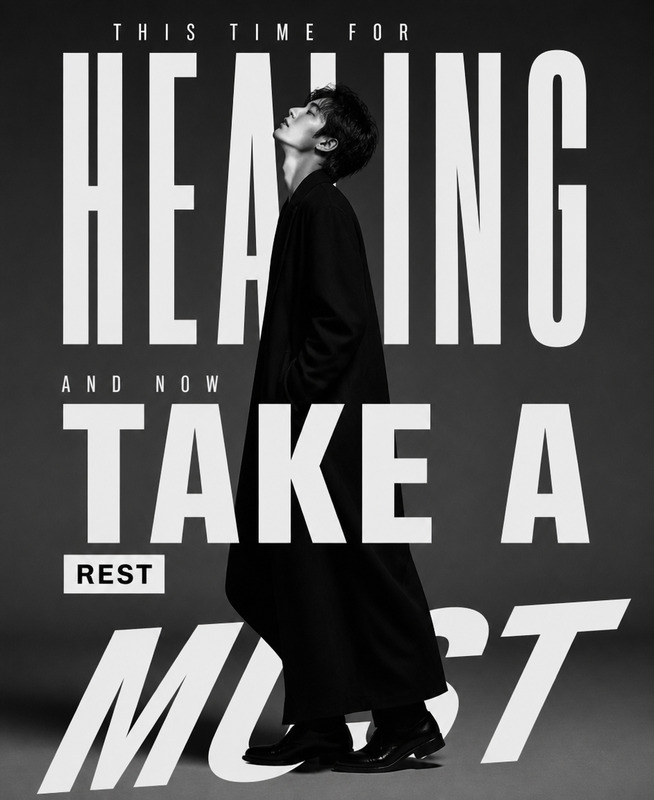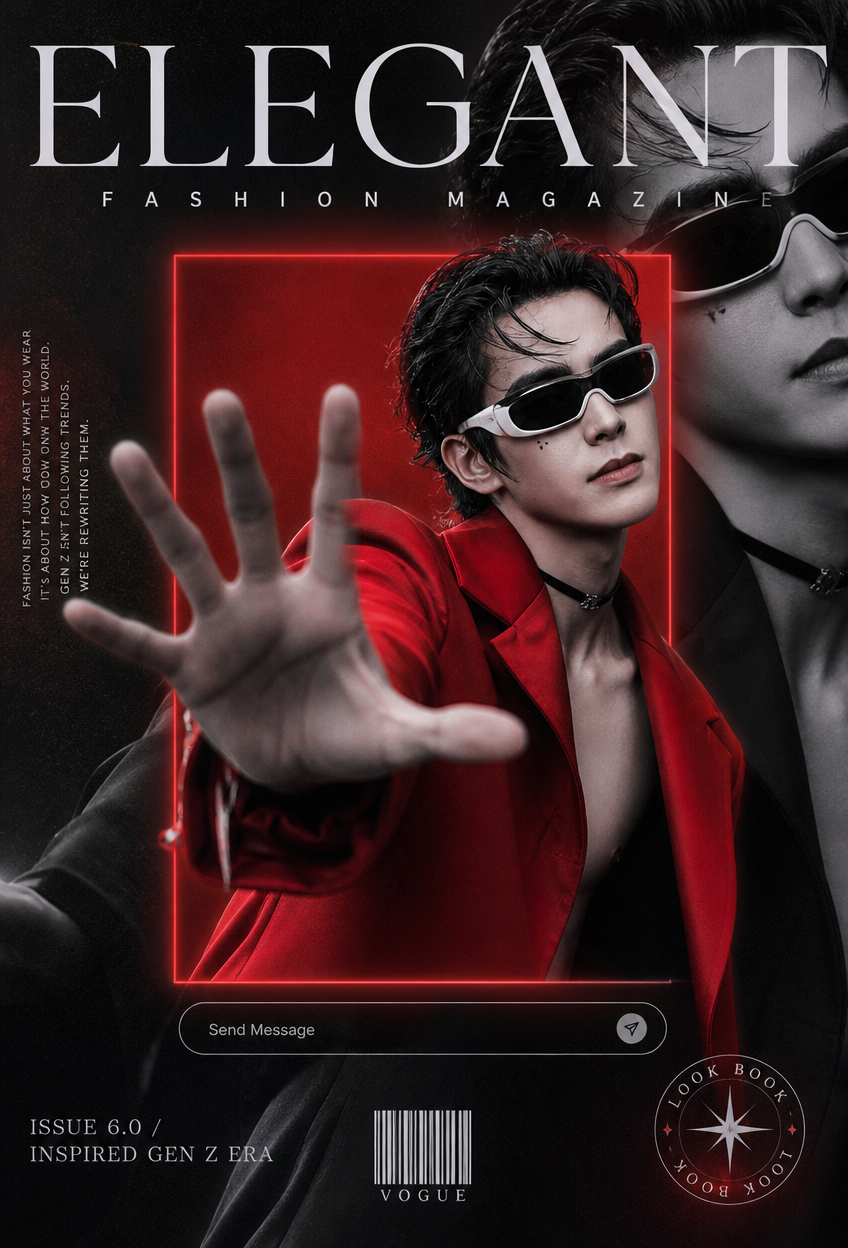
Gen Z High-Fashion Double Exposure
- Model
- GPT Image 2
- Image
- 848 × 1248 px
Prompt
Create a high-fashion editorial magazine cover in a 9:16 portrait composition featuring a gender-neutral young adult fashion model as the central subject, preserving a sophisticated Gen-Z avant-garde aesthetic. Dress the subject in a bold oversized crimson-red blazer with an open collar, minimal styling underneath, slicked-back wet dark hair, subtle facial beauty accents beneath one eye, a black choker, and futuristic white wraparound sunglasses. Capture a dramatic editorial pose with the subject leaning forward toward the camera and one arm fully extended, palm facing outward in a commanding “stop” gesture, creating strong foreshortening, depth, and visual impact while maintaining natural anatomy and realistic proportions. Build the composition around a layered double-exposure concept: a vivid full-color version of the subject appears inside a glowing crimson rectangular frame, while a larger desaturated black-and-white version of the same subject occupies the background in a dark tailored look, slightly softened to create cinematic depth. Surround the inner frame with a subtle crimson atmospheric glow and filmic halation. Integrate refined editorial interface elements, including a sleek light-gray “Send Message” bar beneath the inner frame, while maintaining the appearance of a sophisticated mixed-media fashion magazine rather than a generic social-media graphic. Use elegant editorial typography with the magazine title “ELEGANT” at the top, “FASHION MAGAZINE” beneath it in widely tracked capitals, “ISSUE 6.0 / INSPIRED GEN Z ERA” at the lower left, a small barcode labeled “VOGUE” near the bottom center, and a circular “LOOK BOOK” stamp with a decorative compass-star motif at the lower right. Apply selective color isolation so the crimson blazer, glowing frame, and subtle red atmospheric accents remain vividly saturated in deep crimson #CC1A1A while the remaining imagery transitions into cool monochrome gray and black-and-white tones. Use high-contrast cinematic lighting with luminous matte whites, lifted blacks, subtle cyan-blue shadow undertones, warm golden highlights, cool teal shadows, realistic skin texture, detailed fabric surfaces, crisp optical depth, subtle Kodak Vision3-inspired film grain, and restrained halation around the red elements. The final image should feel like an internationally produced Gen-Z luxury fashion editorial combining cinematic photography, digital art, magazine typography, and experimental print design, with premium composition, strong visual hierarchy, sophisticated negative space, realistic materials, and polished art direction. Avoid cartoon or anime aesthetics, illustration or painting styles, smiling expressions, static symmetrical poses, generic studio backgrounds, rainbow colors, excessive saturation, low resolution, blurry faces, deformed hands, extra limbs, duplicated facial features, accidental multiple faces, watermarks, random logos, stock-photo aesthetics, casual styling, flat lighting, plastic skin, excessive HDR, or obvious AI-generated artifacts.
Any aspect ratio
Overview
The "Gen Z High-Fashion Double Exposure" template harnesses the power of the AI Image Editor to craft a sophisticated fashion magazine cover that embodies modern avant-garde aesthetics. It leverages the precision of the gpt-image-2 model to create stunning visual hierarchies and refined theoretical elements.
What it Does
This template is designed to produce a striking high-fashion editorial cover with a layered double-exposure effect. It integrates cinematic photography, digital art, and print design to deliver premium compositions with realistic textures and sophisticated aesthetics. The template allows you to manipulate elements like lighting, color isolation, and typography for high-impact imagery.
Who it's For
This tool is ideal for photographers, designers, and content creators seeking to produce top-tier fashion visuals with a Gen-Z influence. Marketers in the fashion industry will find this invaluable for creating impactful content that resonates with young, style-conscious audiences.
Summary
Designed for those who crave cutting-edge aesthetics in editorial content creation, the "Gen Z High-Fashion Double Exposure" template is a powerful tool for crafting visually stunning magazine covers. It seamlessly integrates with AI Image Upscaler to ensure your final output is crisp and high-resolution. With its focus on realism and artistic direction, this template excels in generating visuals that both captivate and inspire.
How to Use
Choose Your Template

Customize the Details

Generate Your Image

Use Cases
Fashion Magazines
- International fashion publications
- Avant-garde fashion campaigns
Marketing Materials
- Social media ads
- Billboard promotions
Art Exhibitions
- Fashion photography exhibitions
- Digital art showcases
Best Practices
Focus on Lighting and Composition
Ensure the lighting settings highlight the model and provide depth to the image. Experiment with shadows and highlights for cinematic effects.Maintain Realistic Proportions
Adjust the pose of the model carefully to keep anatomical accuracy. This maintains the realistic appeal crucial for high-fashion visuals.Use Complementary Tools
Consider integrating with tools like the Image to Video feature for creating a dynamic version of your editorial images.