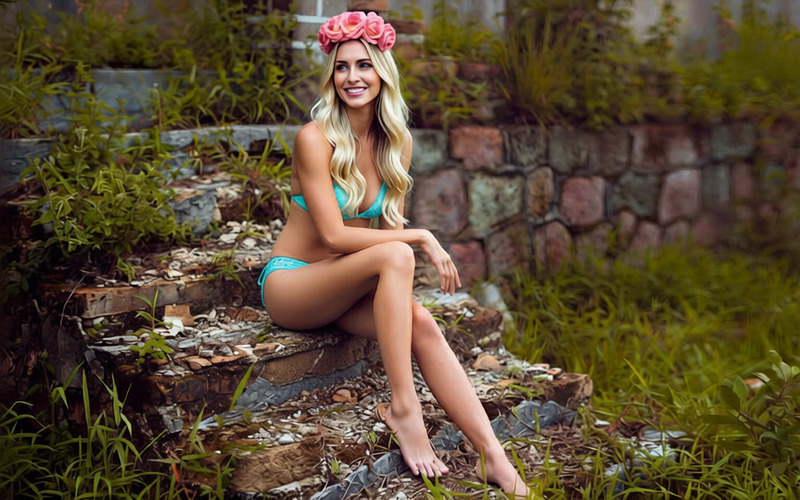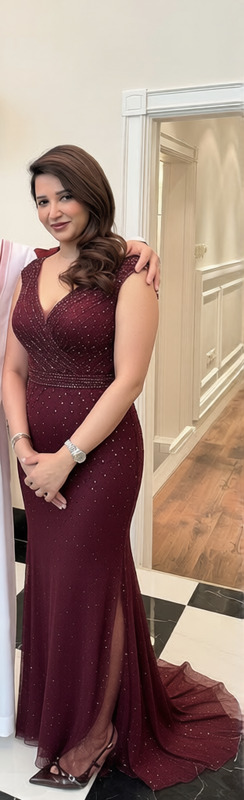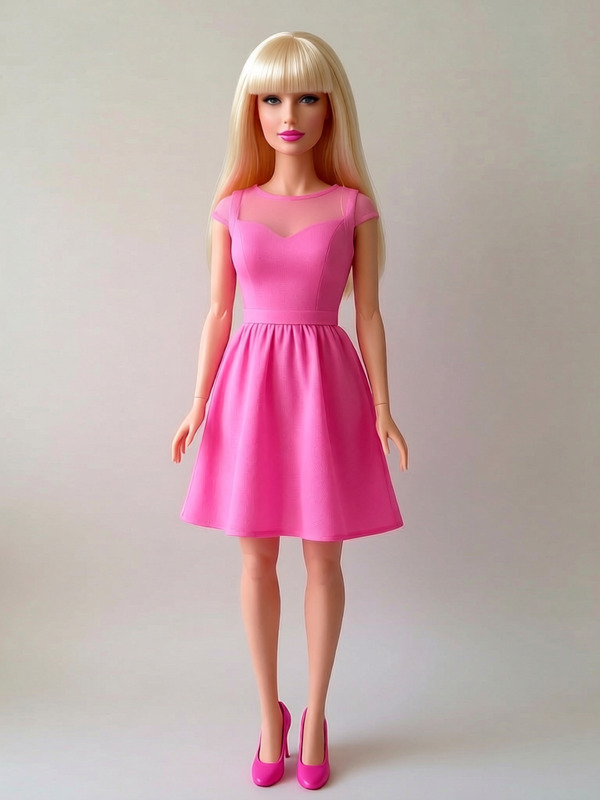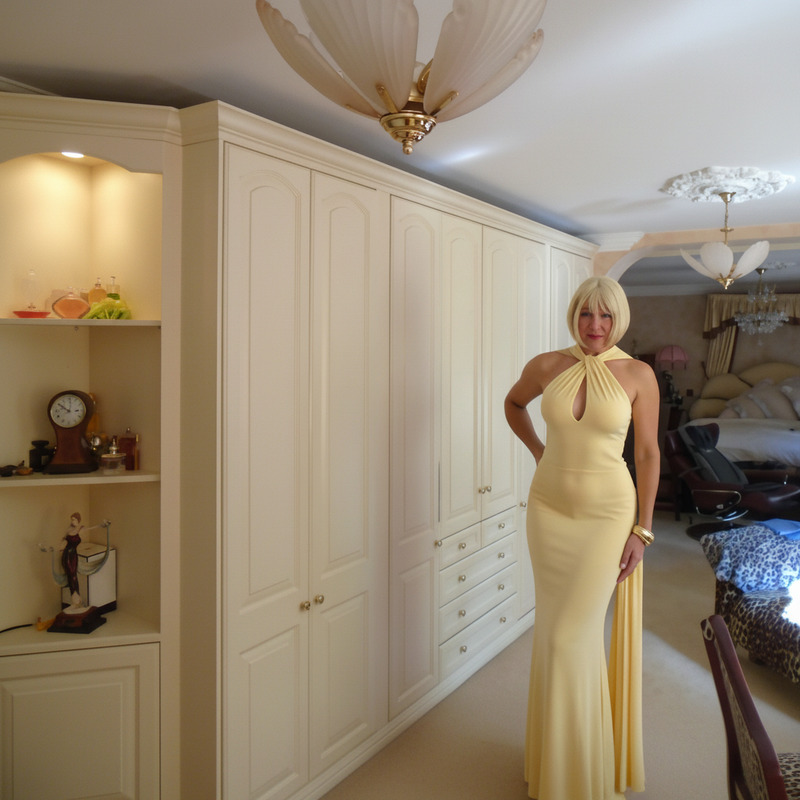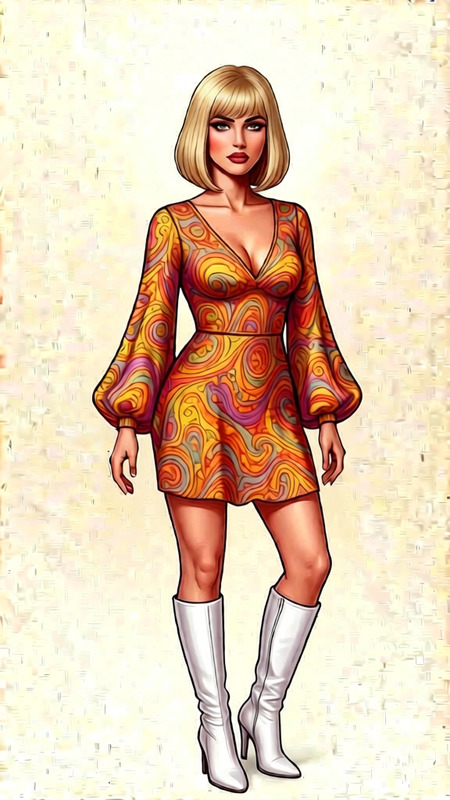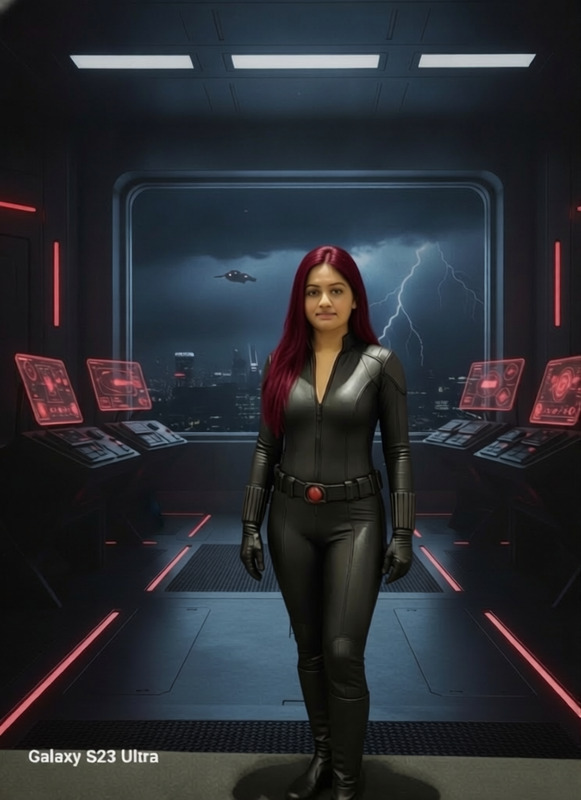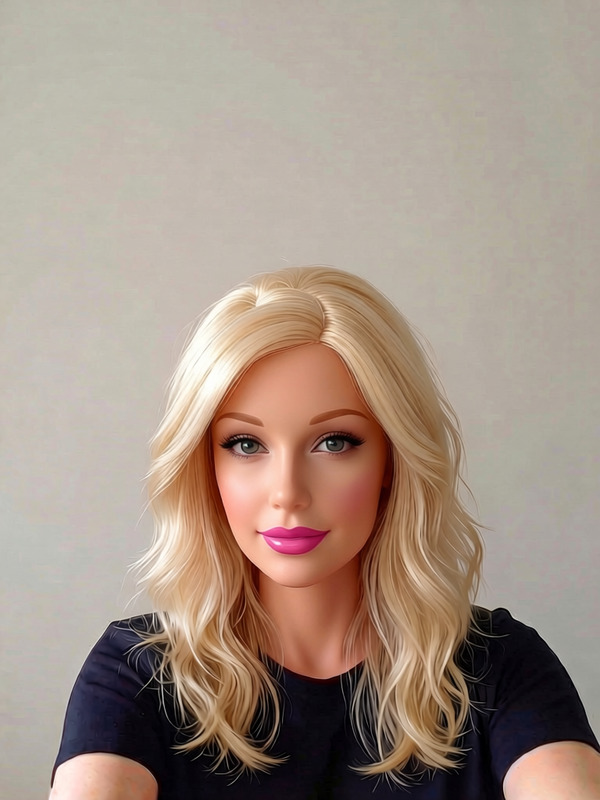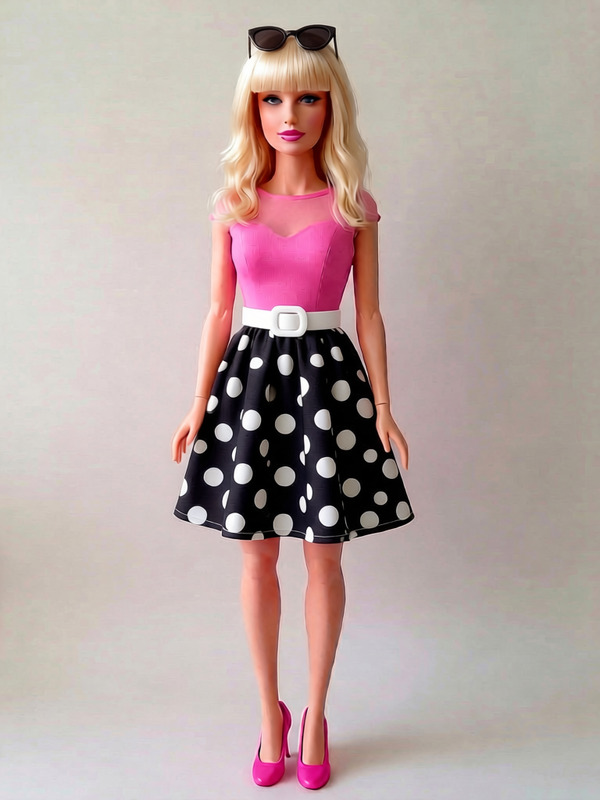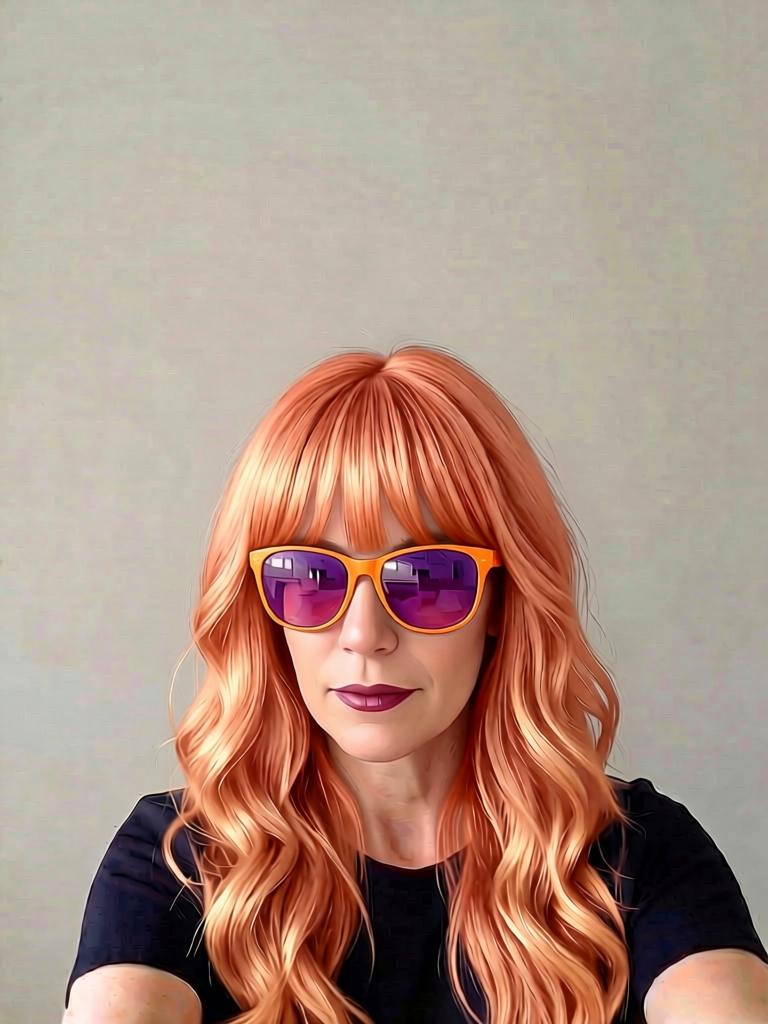
Redhead Sunglasses Style
- Model
- Qwen Edit
- Image
- 768 × 1024 px
Prompt
Change the color of the sunglasses to a more vibrant color to match the peachy tone of the wig and add a pop of color to the image
Any aspect ratio
Overview
The "Redhead Sunglasses Style" template is a versatile tool within our AI Image Editor. Designed for creative professionals looking to bring a dash of vibrancy to their images, this template is particularly effective in enhancing your photos with a stylish twist. Using the robust qwen-edit model, it allows you to adjust elements like the color of sunglasses to match or amplify the tones present within the scene.
What It Does
This template focuses on modifying the color of sunglasses to complement the peachy tones of a wig, adding a vibrant element that makes images stand out. By utilizing the AI Image Generator capabilities, it ensures coherent color adjustments that enrich the overall aesthetic of your photographs.
Who It's For
Ideal for photographers, digital artists, and fashion marketers, the "Redhead Sunglasses Style" template is for anyone looking to create a more engaging visual presentation. It's particularly useful for professionals in the AI Product Photography industry striving for impactful imagery that captures attention with bold designs.
Summary
Incorporate a fresh look into your images with the "Redhead Sunglasses Style" template. Capitalize on AI-driven editing to achieve a cohesive and attractive style that draws the viewer's eye. This tool simplifies the process of enhancing photos by applying precise color adjustments quickly and effectively.
How To
Choose Your Template

Customize Your Inputs

Generate and Refine

Use Cases
Fashion Photography
- Make marketing materials more engaging
- Create standout images for social media platforms
Product Promotion
- Illustrate product vibrancy in catalogs
- Increase visual appeal in online stores
Best Practices
Choose Complementary Colors
Select colors that naturally enhance the existing tones in your image for a cohesive look.Balance Saturation
Keep saturation levels in check to avoid over-saturation, ensuring the image remains realistic and alluring.Preview and Adjust
Always preview the changes and make necessary adjustments to achieve the desired outcome.