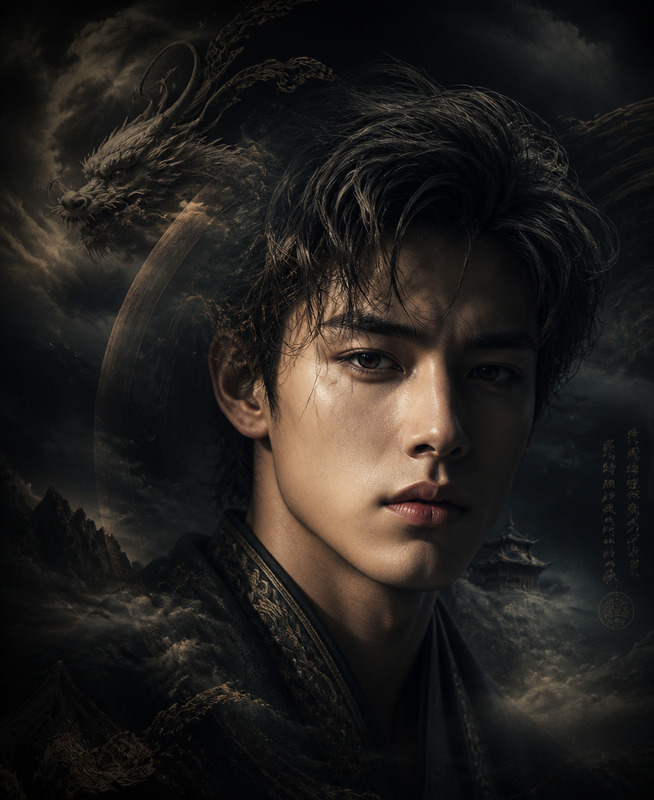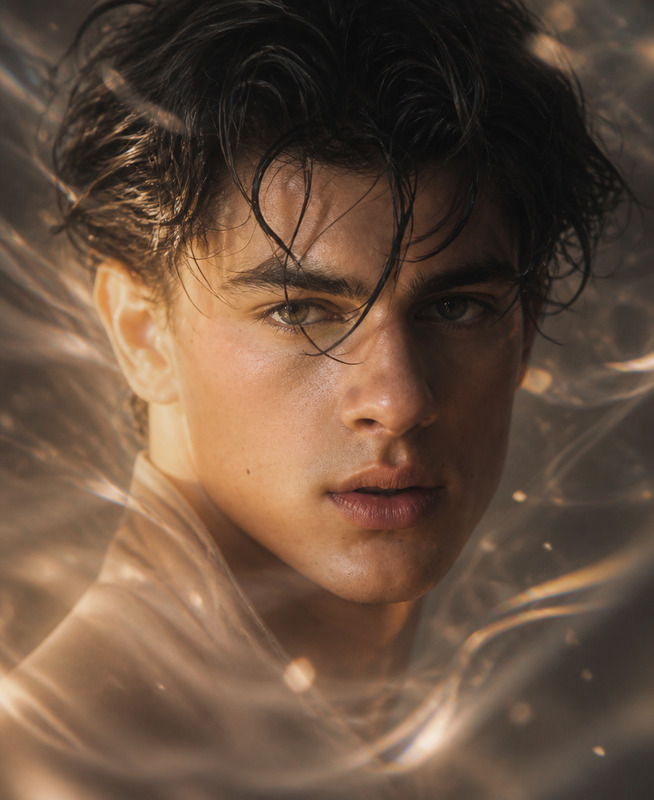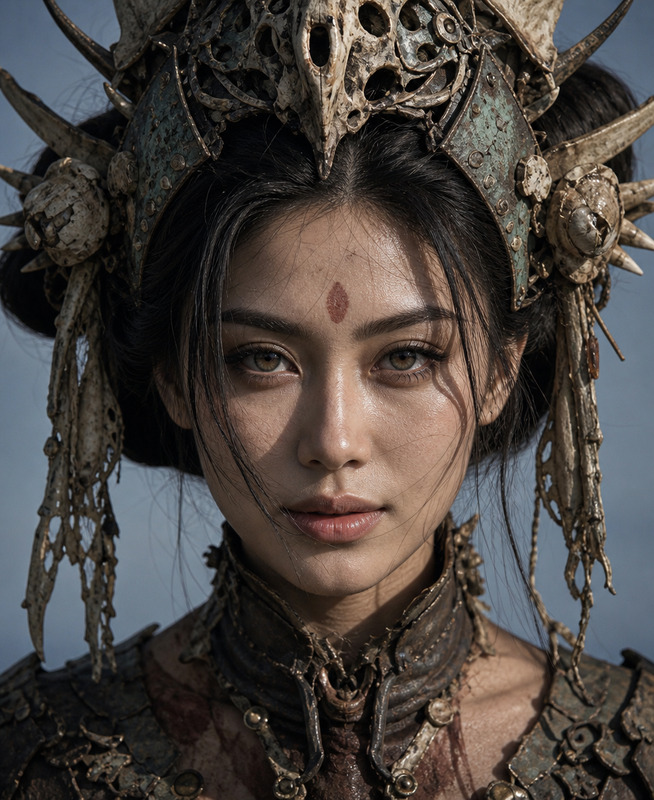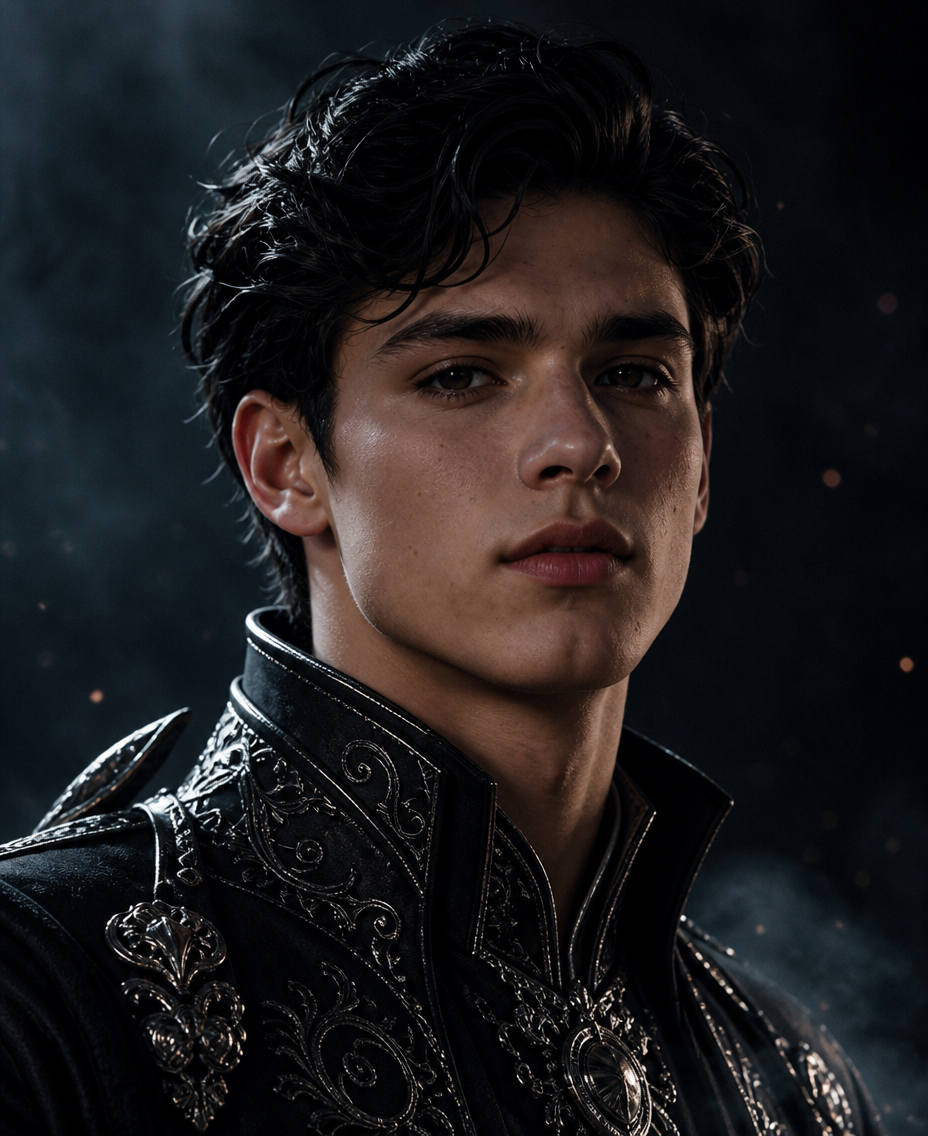
King Portrait
- Model
- GPT Image 2
- Image
- 928 × 1136 px
Prompt
Create a close-up portrait of a striking young adult subject with black hair, a sharply defined jawline, and deep expressive eyes, rendered in a semi-realistic anime aesthetic blended with high-end 3D CG illustration while preserving realistic facial proportions and natural anatomy. Give the subject a calm, mysterious, composed expression and dress them in elegant black fantasy-inspired clothing decorated with refined silver embroidery and subtle luxurious details. Render the hair with highly detailed individual strands and the skin with a smooth, luminous porcelain-like appearance while retaining believable natural texture. Use dramatic cinematic lighting with soft Rembrandt-style illumination to sculpt the face, creating controlled highlights and deep shadows against a dark, restrained background. Add a subtle misty atmosphere and atmospheric depth, with sophisticated tonal contrast, premium fantasy-editorial composition, polished rendering, and exceptionally detailed visual quality, while avoiding excessive plastic skin, unnatural facial proportions, overly exaggerated anime features, flat lighting, cluttered backgrounds, or artificial-looking textures.
Any aspect ratio
Overview
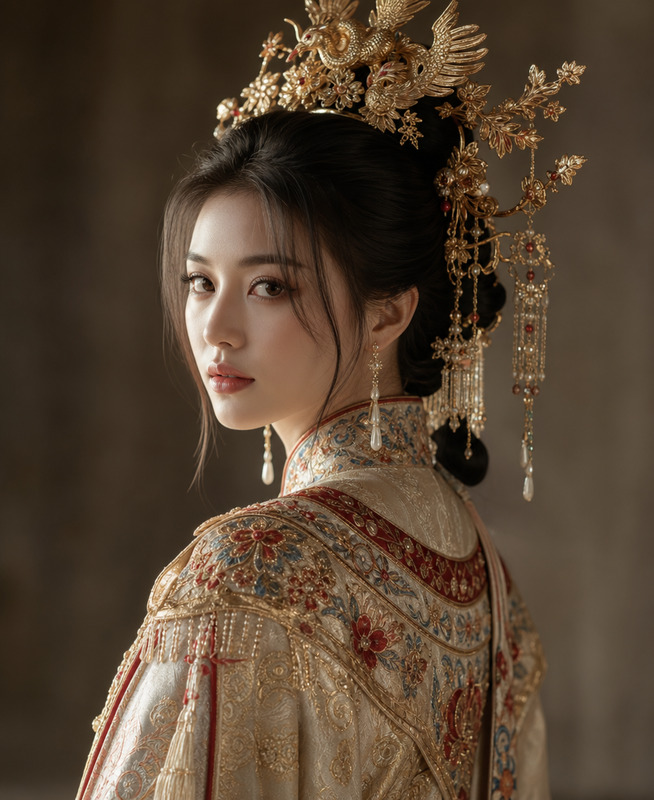
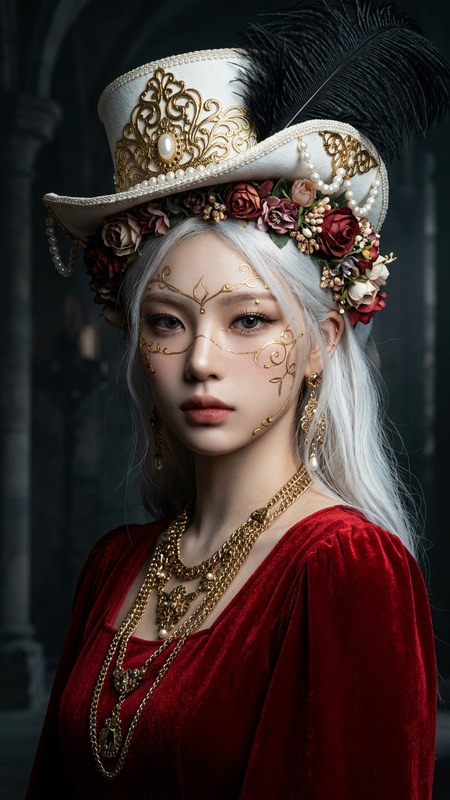
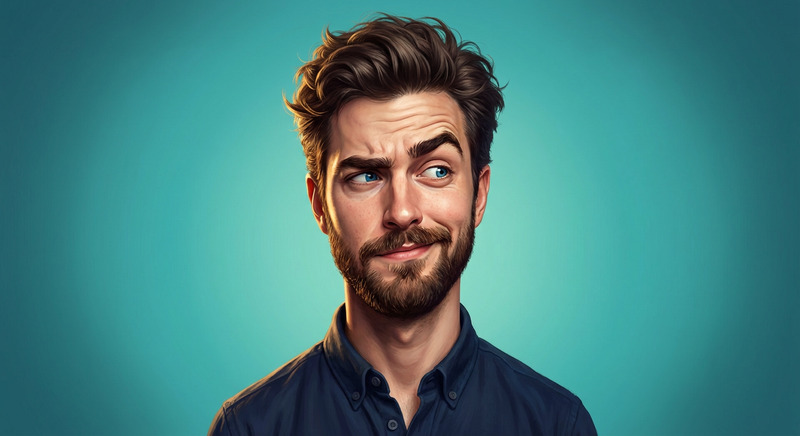
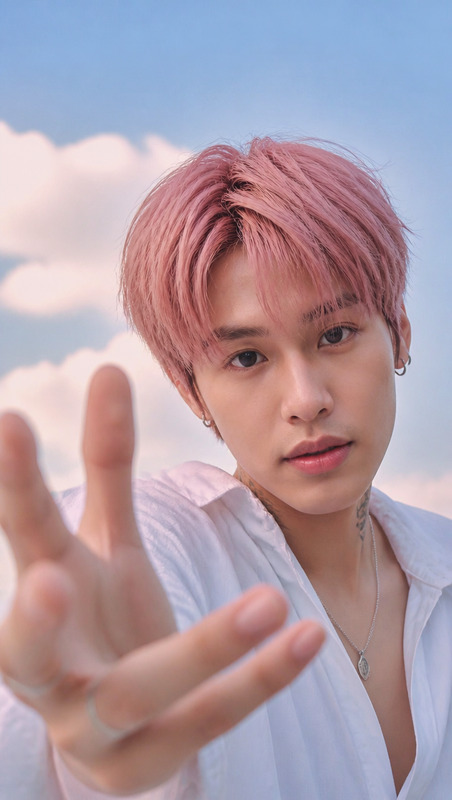
The King Portrait template in the AI Image Editor category is designed for creators aiming to craft high-quality, detailed portraits with a blend of semi-realistic anime and 3D CG styles. It leverages the power of the gpt-image-2 model to deliver exceptional visual artistry and intricate details.
What It Does
This template transforms a basic image input into a stunning close-up character portrait, featuring refined fantasy clothing, sophisticated lighting, and atmospheric depth. The focus is on realism merged with anime aesthetics, providing natural textures and a dynamic composition suitable for premium editorial projects.
Who It's For
Ideal for graphic designers, illustrators, and digital artists who specialize in character design or fantasy artwork. This tool also caters to content creators in the gaming and video upscaling industries, where high-quality, detailed visuals are required.
Summary
With the King Portrait template, elevate your character portraits to the next level. Benefit from the polished rendering techniques that offer dramatic lighting effects and meticulous attention to detail, ensuring each creation stands out in any AI-driven video extension or design project.
How-To
Choose the Template

Customize Your Image

Generate and Download

Use Cases
Fantasy Character Design
- Enhance characters with detailed fantasy attire
- Utilize cinematic lighting for dramatic effects
Editorial and Advertising
- Produce premium quality artwork
- Adapt for fashion or lifestyle editorials
Social Media Content
- Generate shareable art for platforms like Instagram
- Enhance personal brand aesthetics
Best Practices
Define Clear Features
Ensure the input parameters clearly describe the desired facial features and mood to guarantee alignment with your creative goals.Focus on Lighting
Experiment with lighting adjustments to achieve the perfect balance of highlights and shadows, enhancing realism and depth.Refine Textures
Utilize the editing tools to smooth textures while maintaining natural skin appearance, keeping character visuals both realistic and artistically appealing.