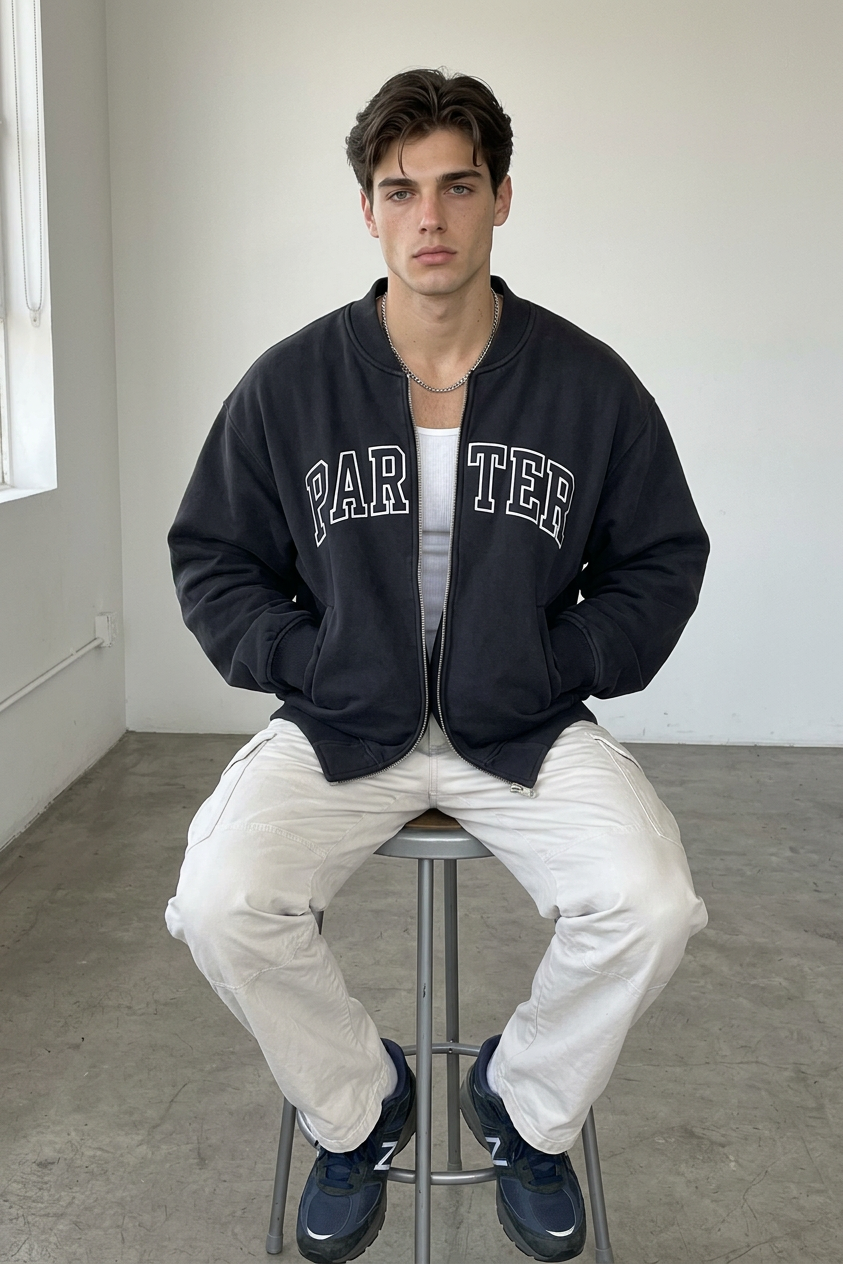
Raw Stool Portrait
- Model
- Nano Banana 2
- Image
- 843 × 1264 px
Prompt
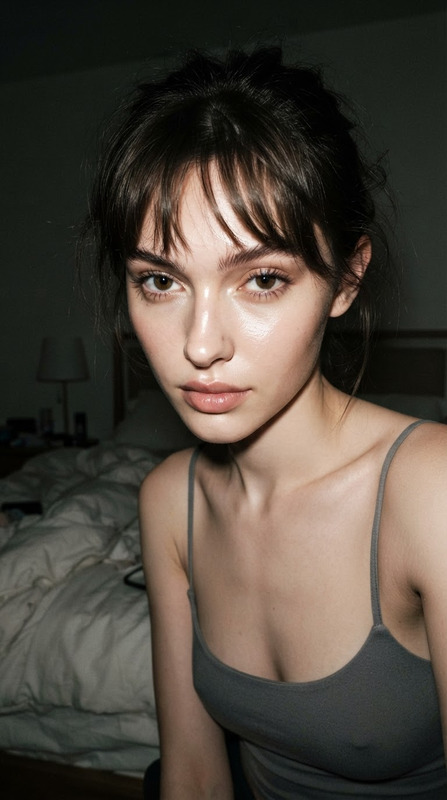
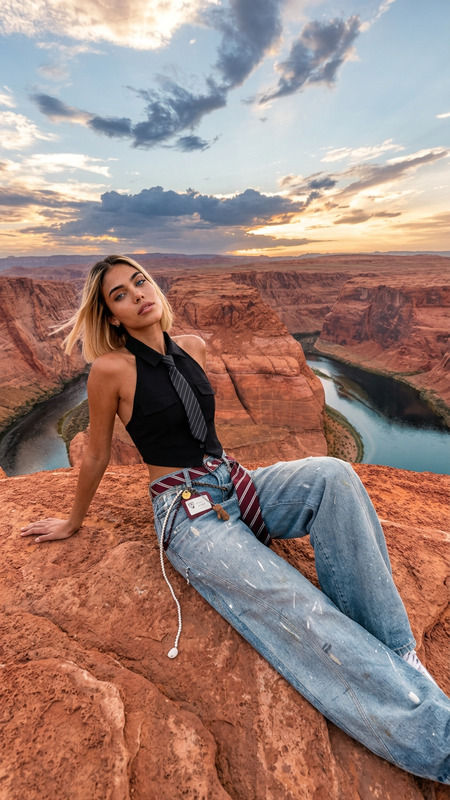
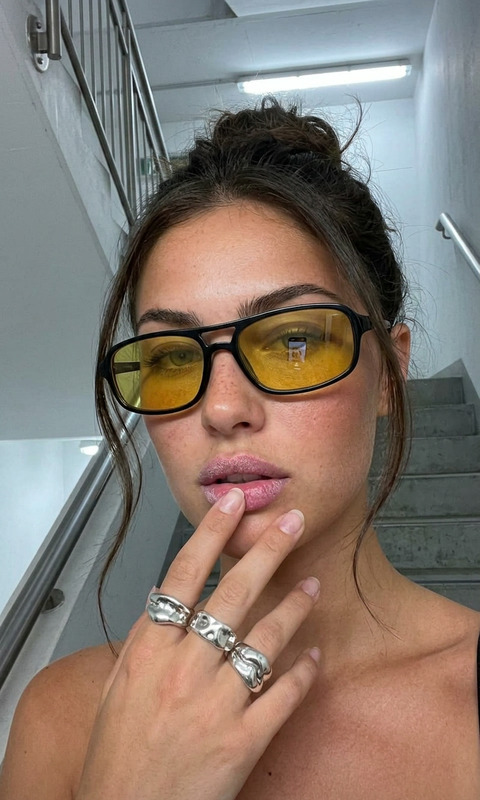
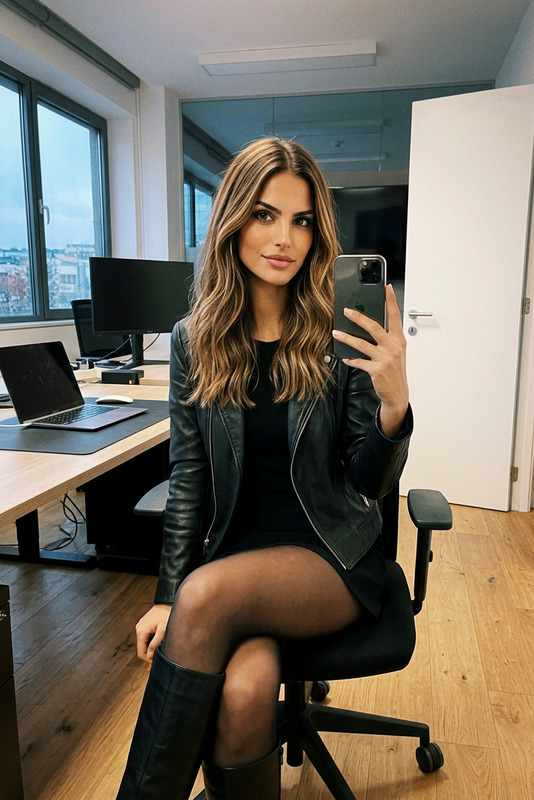
A raw, unedited iPhone snapshot capturing a subject seated on a tall metal stool in a minimalist indoor space. The environment features a plain off-white wall with subtle natural texture variations and a flat concrete floor, creating a clean, industrial, understated aesthetic. The subject wears an oversized dark-colored zip-up bomber jacket with large white block lettering on the chest, layered over a simple white tank top. A thick silver-link chain necklace with a prominent pendant sits naturally on the chest. The subject also wears light-colored cargo pants and dark sneakers with white soles. The pose is centered and casual: the subject sits on the stool with both hands in the jacket pockets, one leg extended to the floor and the other foot resting on a stool rung. The posture feels relaxed and candid, with natural body weight distribution. Lighting is soft, natural, and evenly balanced, resembling Smart HDR from a modern iPhone camera. Subtle ISO grain is present, with no artificial bokeh, no cinematic grading, and no studio enhancement—preserving a true candid smartphone capture look. The composition is straightforward, documentary-style, and unposed. Maintain the subject’s identity and facial features with full consistency and accuracy. Ultra-realistic texture rendering for fabric, skin, and metal surfaces, with authentic smartphone color science and dynamic range.
Any aspect ratio
Overview
The Raw Stool Portrait template from the AI Image Editor offers creators a unique tool to craft compelling, ultra-realistic images using the nano-banana-2 model. Designed to replicate a genuine smartphone photo aesthetic, it provides a natural, unembellished portrait style. This template captures subjects in a minimalist environment, highlighting unique textures and authentic lighting without artificial enhancements.
What It Does
This template allows you to create detailed, lifelike portraits that appear as if taken directly with a modern iPhone camera. The output reflects realistic textures for clothing, skin, and metal, maintaining the subject's true identity with accuracy. By leveraging the power of AI Image Editor, it delivers subtle ISO grain and a balanced dynamic range without cinematic filters or artificial bokeh, offering a natural snapshot experience.
Who It's For
The Raw Stool Portrait template is ideal for photographers, content creators, and digital artists who desire to capture authentic and candid moments. Whether you're generating content for social media or working on a personal project, this template ensures a professional yet authentic aesthetic. It's perfect for those who appreciate minimalist design and realistic imagery.
Summary
Achieve an understated and candid photographic style with the Raw Stool Portrait template. Designed for the AI Image Editor, it offers creators the ability to craft ultra-realistic images that mimic modern smartphone captures. Use this template to portray subjects in a clean, industrial setting while highlighting natural light, textures, and colors.
How To
Select the Template

Customize Your Image

Generate the Image

Use Cases
Professional Social Media Content
- Capture a candid look.
- Maintain true-to-life textures.
Portfolio Development
- Add variety to your portfolio.
- Present lifelike subject portrayals.
Personal Projects
- Reflect authenticity in every shot.
- Capture casual, everyday scenarios.
Best Practices
Maintain Authenticity
Stick to the realistic settings provided to keep the candid and unembellished look of the template.Focus on Textures and Lighting
Use the template's capabilities to emphasize detailed textures and balanced lighting.Preserve Identity Consistency
Ensure any modifications respect the subject's identity and natural features to maintain credibility.