Garden in the morning
- Model
- GPT Image 2
- Image
- 768 × 1360 px
Prompt
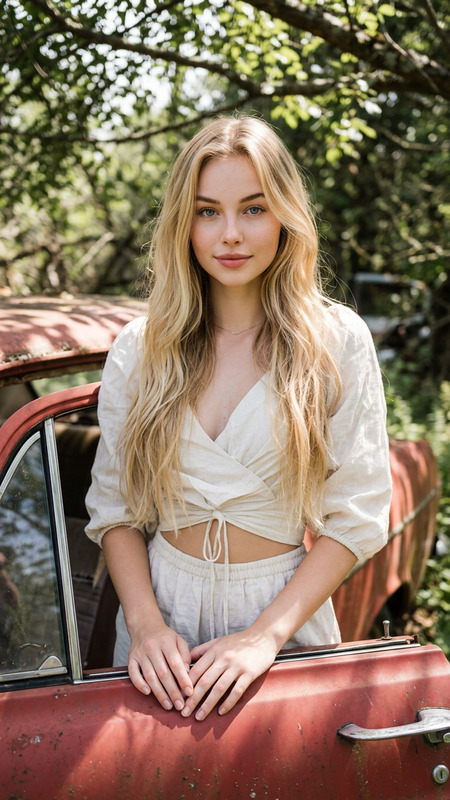
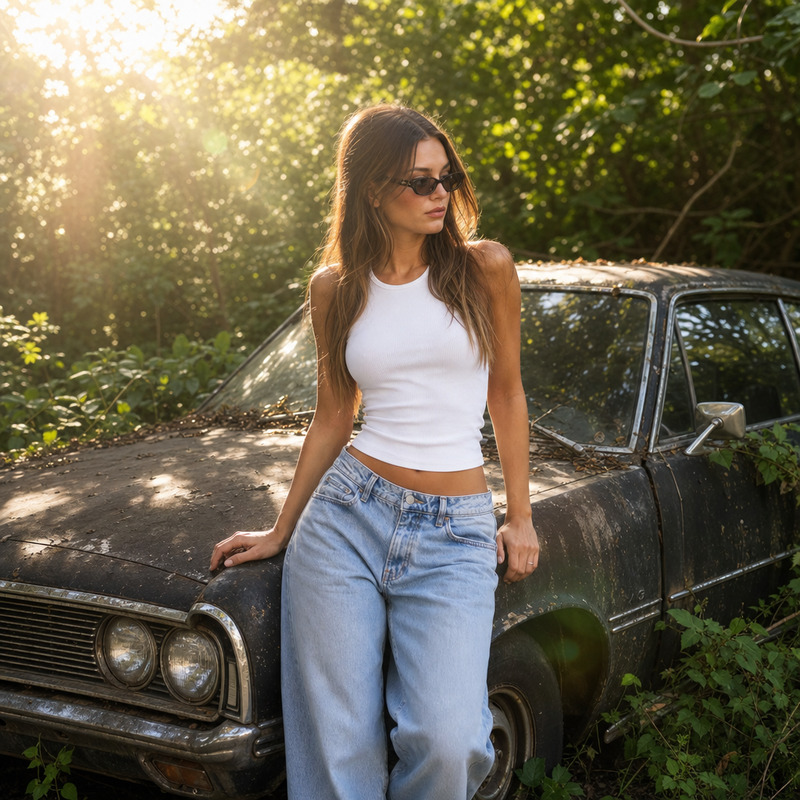
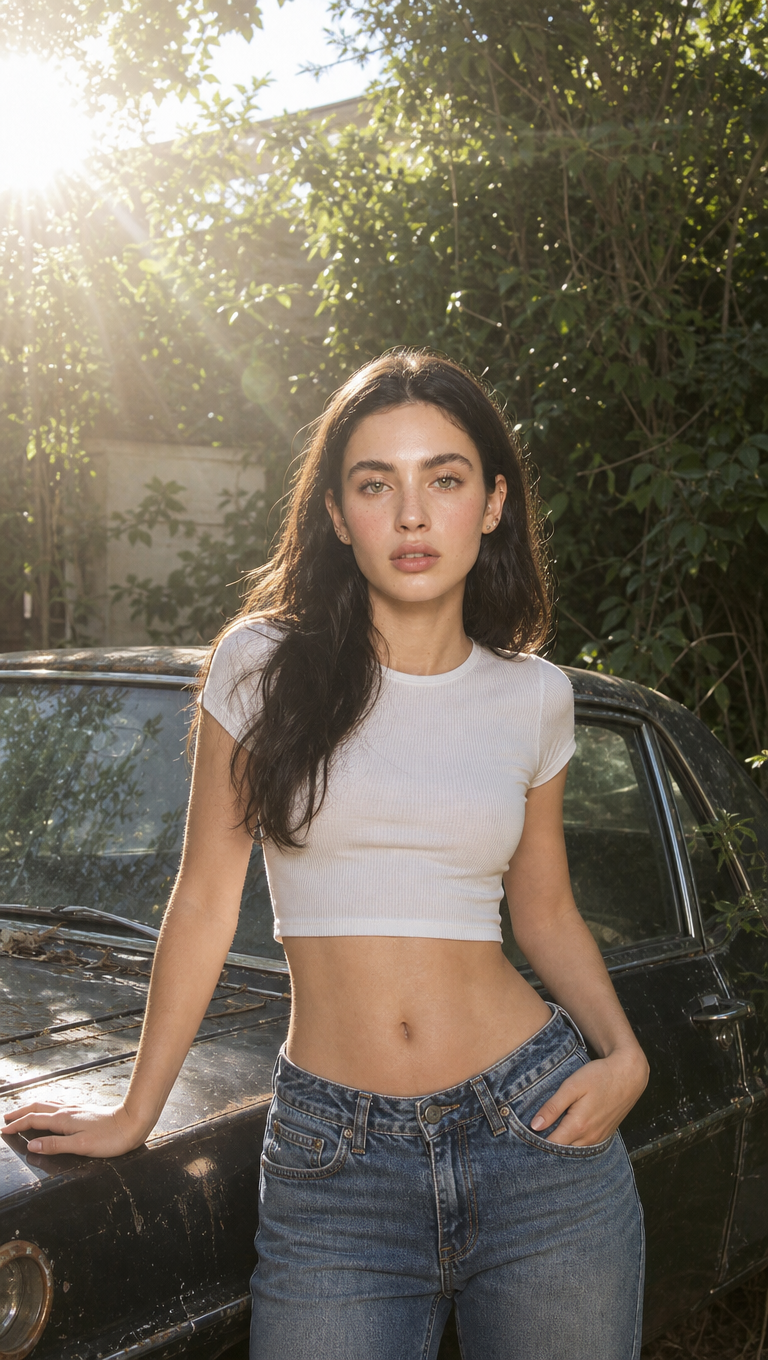
A straight-on medium shot features a young woman with light skin and long brown hair, standing outdoors beside a weathered black car. The woman is dressed in a white cropped top and blue denim jeans, leaning slightly to her left. Natural sunlight from the upper left casts a bright, diffused glow, creating lens flare and soft highlights around her silhouette. The background is dense with green foliage, suggesting an overgrown, possibly abandoned area. A Web-like pattern of sunbeams and light scatter are noticeable, adding a dreamy, ethereal quality to the image. The overall atmosphere is a mix of romantic and rustic, with the bright daylight contrasting against the overgrown and slightly neglected environment.
Any aspect ratio
Overview
The "Garden in the Morning" template leverages the advanced capabilities of the AI Image Editor powered by the gpt-image-2 model. With this template, capture the serene and ethereal qualities of morning light as it paints a captivating scene bathed in warm, natural tones.
What It Does
This template expertly edits images by integrating natural sunlight effects and enhancing ambient elements. Utilizing the AI Image Editor, it creates a dreamy, ethereal scene rich with soft highlights and lens flare that transform an ordinary photograph into an atmospheric composition.
Who It's For
This template is ideal for photographers and creative professionals looking to add a touch of romance and rustic charm to their visuals. It suits projects focused on storytelling through imagery, marketing campaigns, and personal portfolio enhancements.
Summary
"Garden in the Morning" is a perfect choice for those who wish to evoke a romantic and rustic atmosphere in their images. The AI Image Editor, part of Magic Hour's suite, effectively blends sunlight and shadow, creating compositions that resonate with warmth and subtle intensity. Discover related presets like AI Photo Relighting and AI Multi-Angle Generator for varied creative outcomes.
How to Use
Choose the Template

Customize Your Inputs

Generate and Download

Use Cases
Photography Enhancements
- Create dreamy outdoor portraits
- Enhance images for wedding photography
- Develop fine art photography series
Advertising Campaigns
- Produce compelling campaign visuals
- Design captivating social media ads
- Create mood boards for ad concepts
Personal Projects
- Beautify scrapbook events
- Enrich personal blog imagery
- Craft engaging photo stories
Best Practices
Optimize Lighting
Ensure the original image has manageable light levels to allow the template to effectively apply enhancements.Fine-tune Details
Experiment with variations in foliage density and sunlight angles for diverse visual atmospheres.Complementary Tools
Consider combining this with the AI Face Editor for polished subject edits in your compositions.