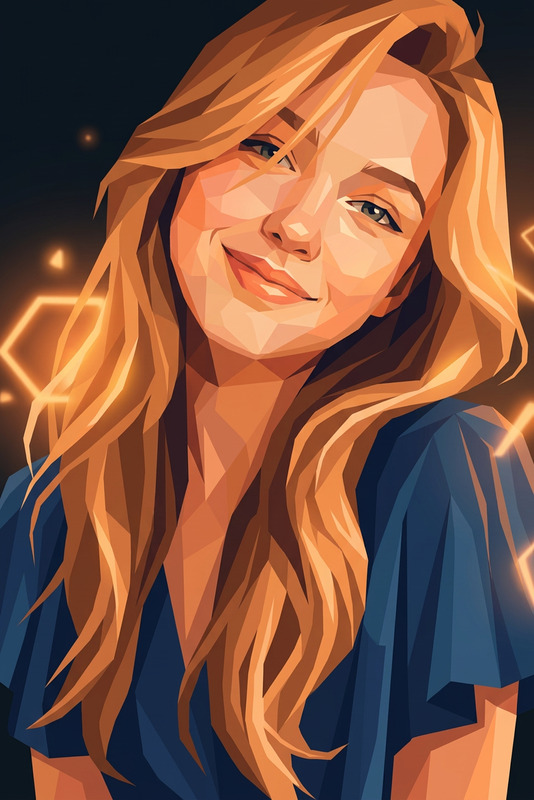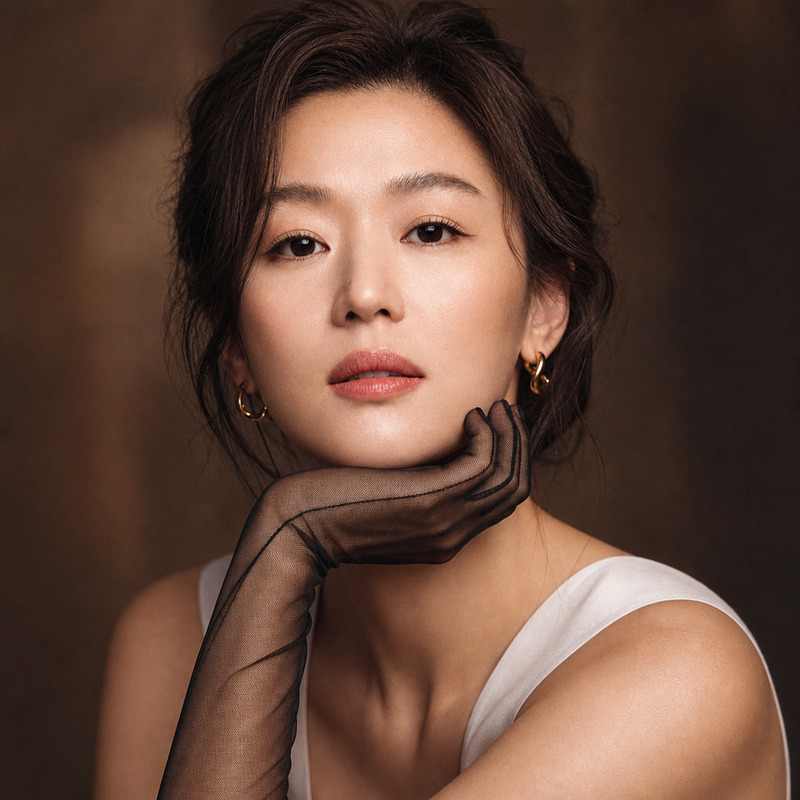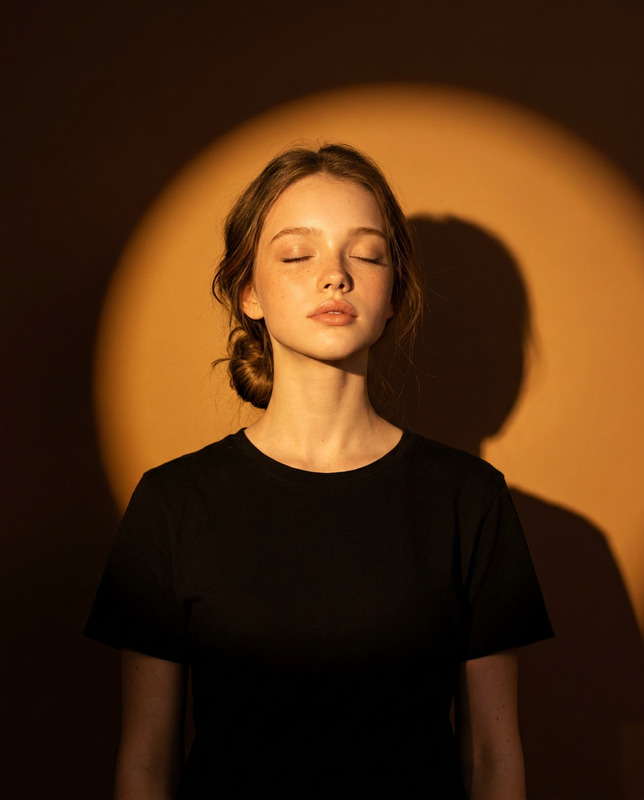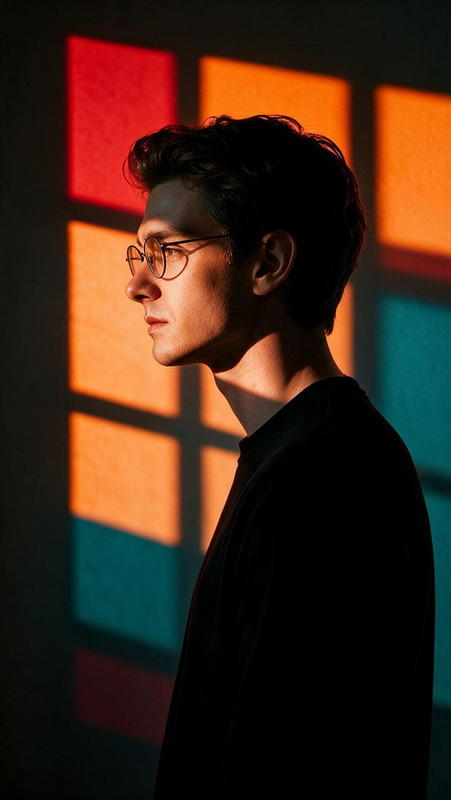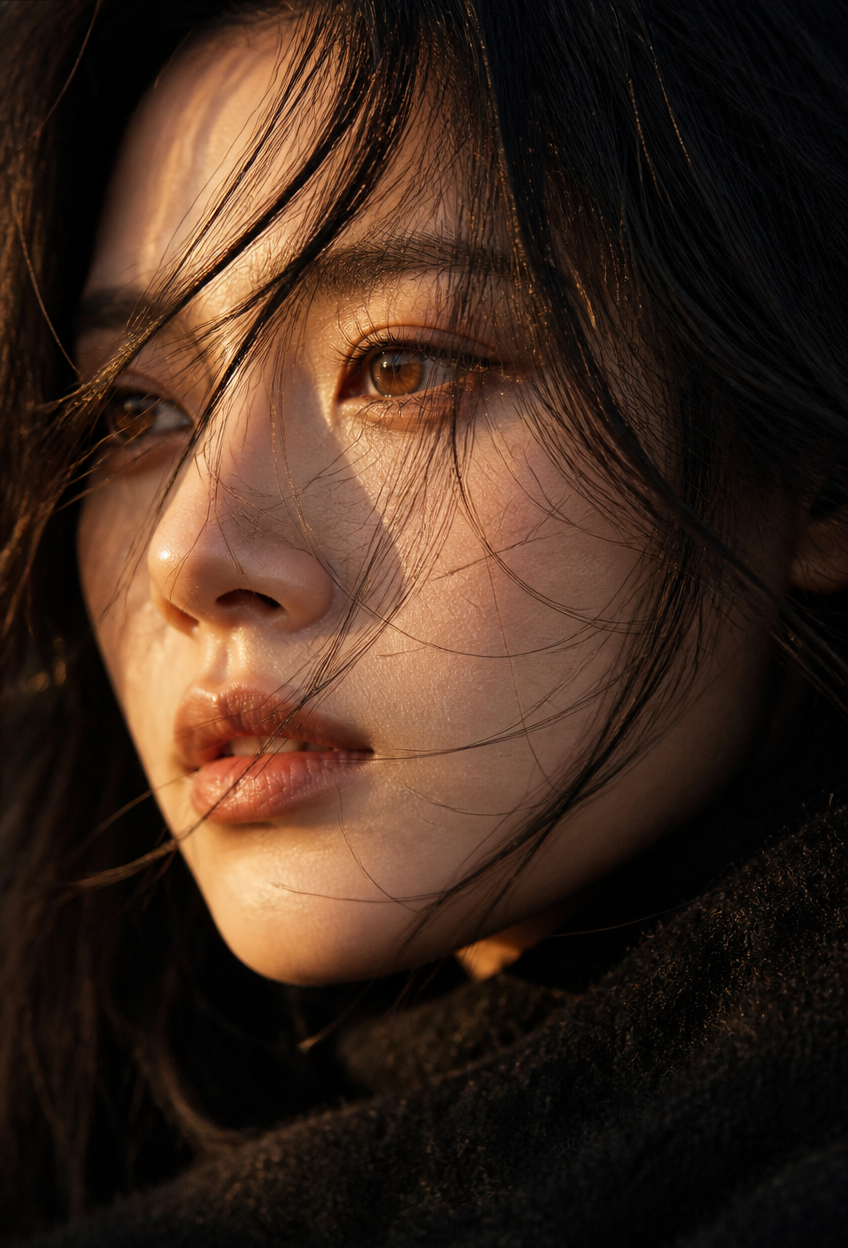
Amber Gaze — Golden Hour Close-Up
- Model
- GPT Image 2
- Image
- 848 × 1248 px
Prompt
Extreme close-up facial portrait of a young adult subject at a tilted side angle, gaze directed naturally out of frame, with a shallow depth of field and a dark softly blurred background. Cinematic golden-hour lighting creates strong highlight-and-shadow contrast while preserving realistic naturalism and subtle film texture. The subject has warm amber-toned eyes with bright natural catchlights, fine slightly messy hair strands softly brushing across the face in the breeze, subtly flushed cheeks, naturally smooth skin with visible realistic pores, and soft natural lips with a no-makeup appearance. Warm sunlight passes gently through the skin and illuminates individual backlit hair strands, creating delicate translucency and luminous edges. The subject wears a black wool-blend garment, with detailed fuzzy textile fibers visible in the foreground. Photorealistic human photography, authentic skin texture, natural imperfections, realistic light falloff, cinematic depth, restrained color grading, organic film grain, intimate atmosphere, refined editorial composition. The subject should remain gender-neutral and visually compelling without assuming or emphasizing any specific gender. No excessive retouching, no plastic skin, no anime, no illustration.
Any aspect ratio
Overview
The Amber Gaze — Golden Hour Close-Up template offers a unique opportunity to craft photorealistic portraits with an enchanting cinematic glow. Using the advanced AI Image Editor capabilities, this template captures the mellow yet sharp contrasts of golden-hour lighting, providing an authentic visual experience.
What It Does
This template transforms standard images into high-quality, cinematic portraits using the gpt-image-2 model. It emphasizes natural light interactions and intricate details like realistic skin texture, finely defined hair strands, and subtle makeup nuances. The template generates a photorealistic effect that is perfect for close-up and editorial portraiture.
Who It's For
The Amber Gaze template is ideal for photographers, content creators, and digital artists seeking to elevate their portrait photography with a cinematic touch. It caters to those prioritizing authenticity and detail in their work, as well as those looking to experiment with AI-driven video enhancements.
Summary
Create captivating and photorealistic close-up portraits with the Amber Gaze — Golden Hour Close-Up template. Use it to highlight the delicate interplay of light and texture, showcasing an editorial style enhanced by AI. Explore its use in storytelling and portrait illustrations to deliver impactful, high-quality visuals.
How To
Choose the Template

Customize Your Settings

Generate Your Image

Use Cases
Editorial Portraits
- High fashion editorials
- Magazine cover shoots
- Advertising campaigns
Cinematic Narratives
- Short film promotions
- Artwork showcases
- Music video stills
Social Media Content
- Influencer collaborations
- Brand storytelling
- Personal branding
Best Practices
Embrace Natural Textures
Maintain the realism by preserving natural imperfections and textures. Use the inherent lighting and shadows to accentuate details.Focus on Lighting
Ensure your original image is well-lit to maximize its transformation during the editing process.Avoid Over-Editing
Steer clear of excessive retouching to maintain authenticity and the artistic intent of the template.