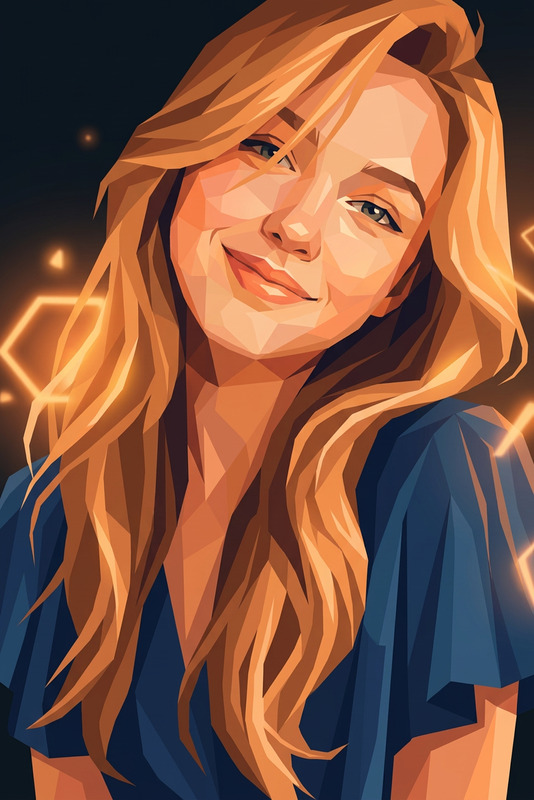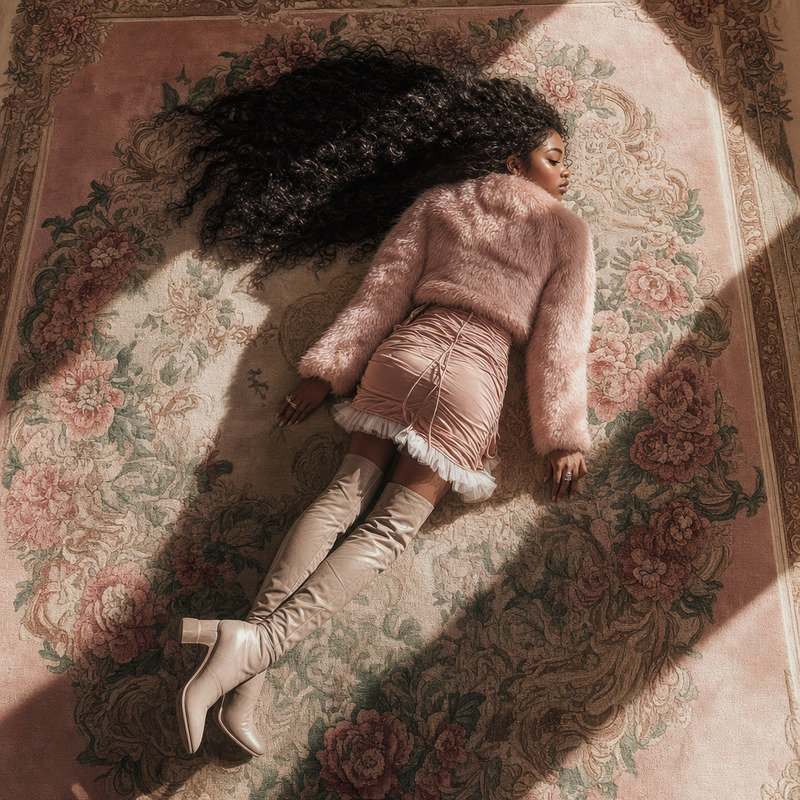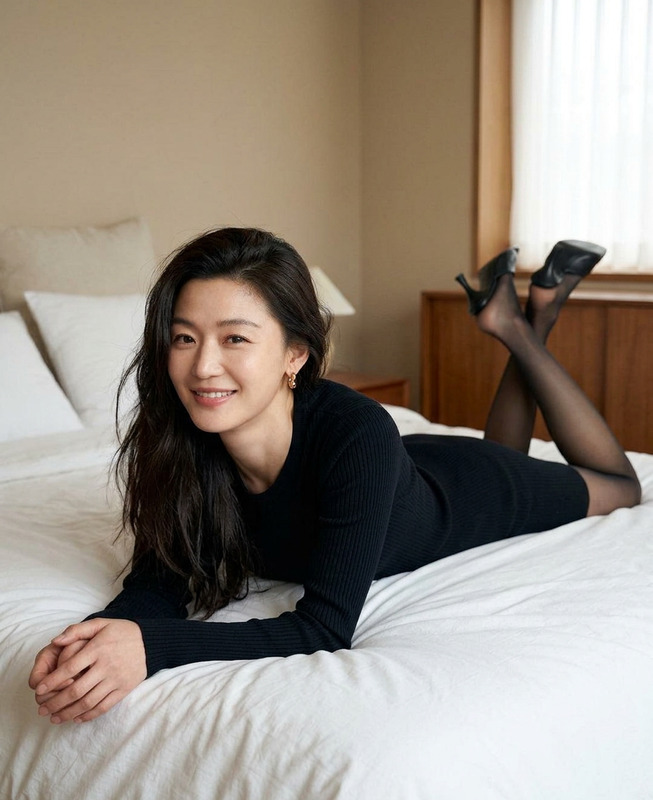
Amber Silence
- Model
- GPT Image 2
- Image
- 1024 × 1024 px
Prompt
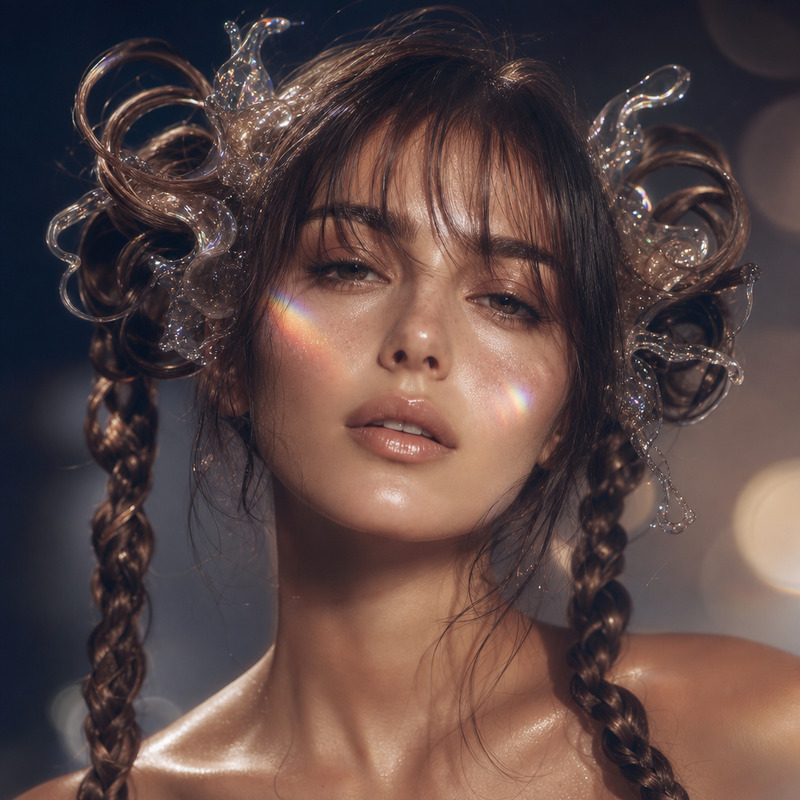
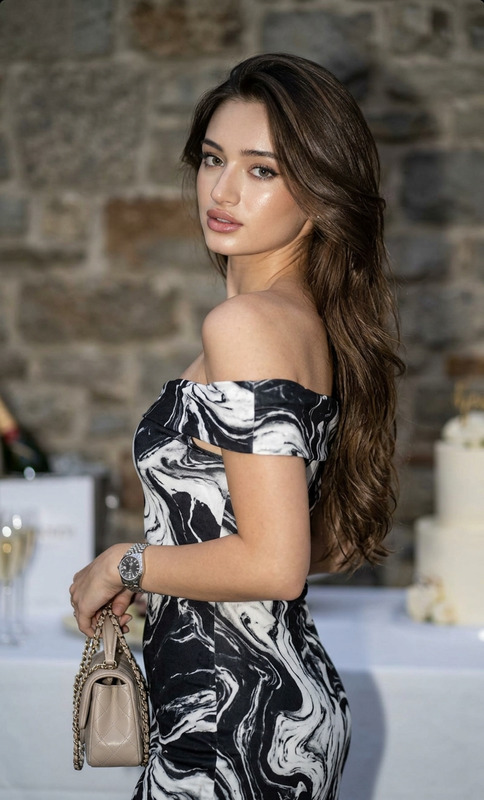
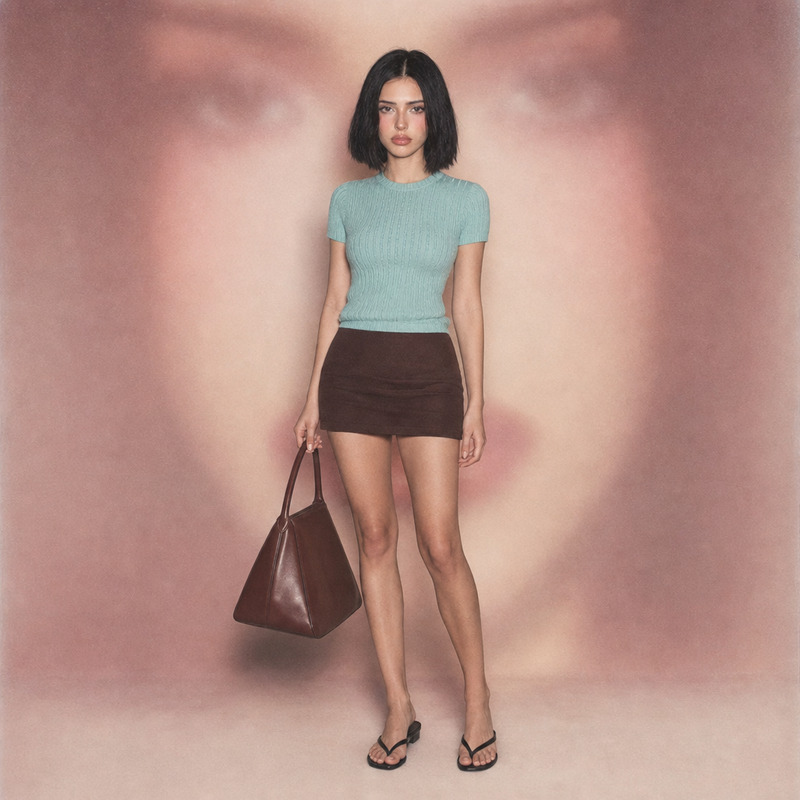
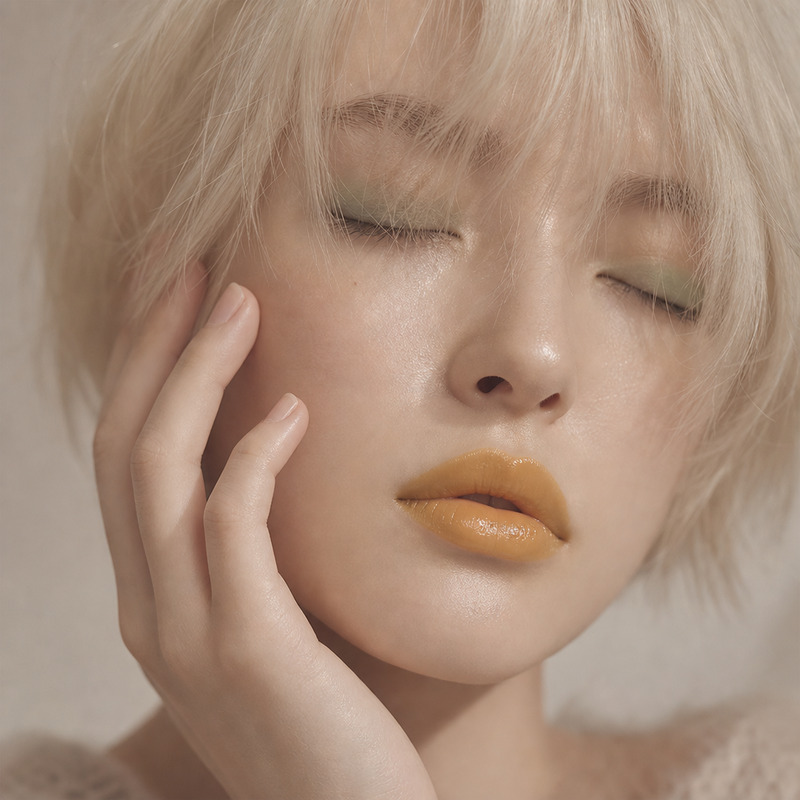
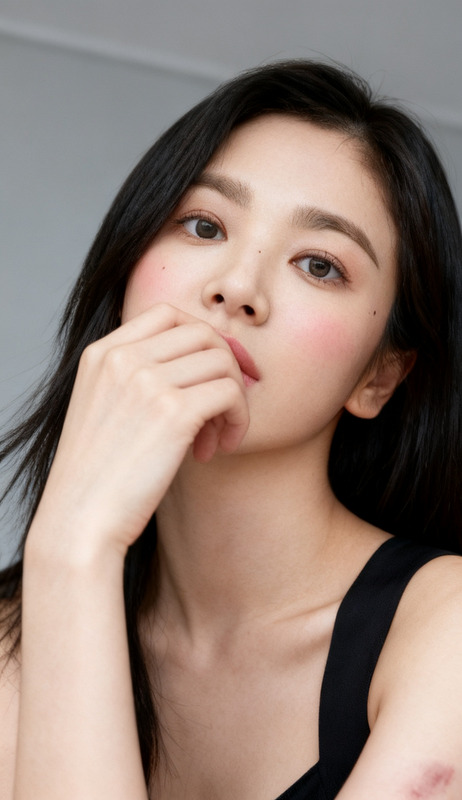
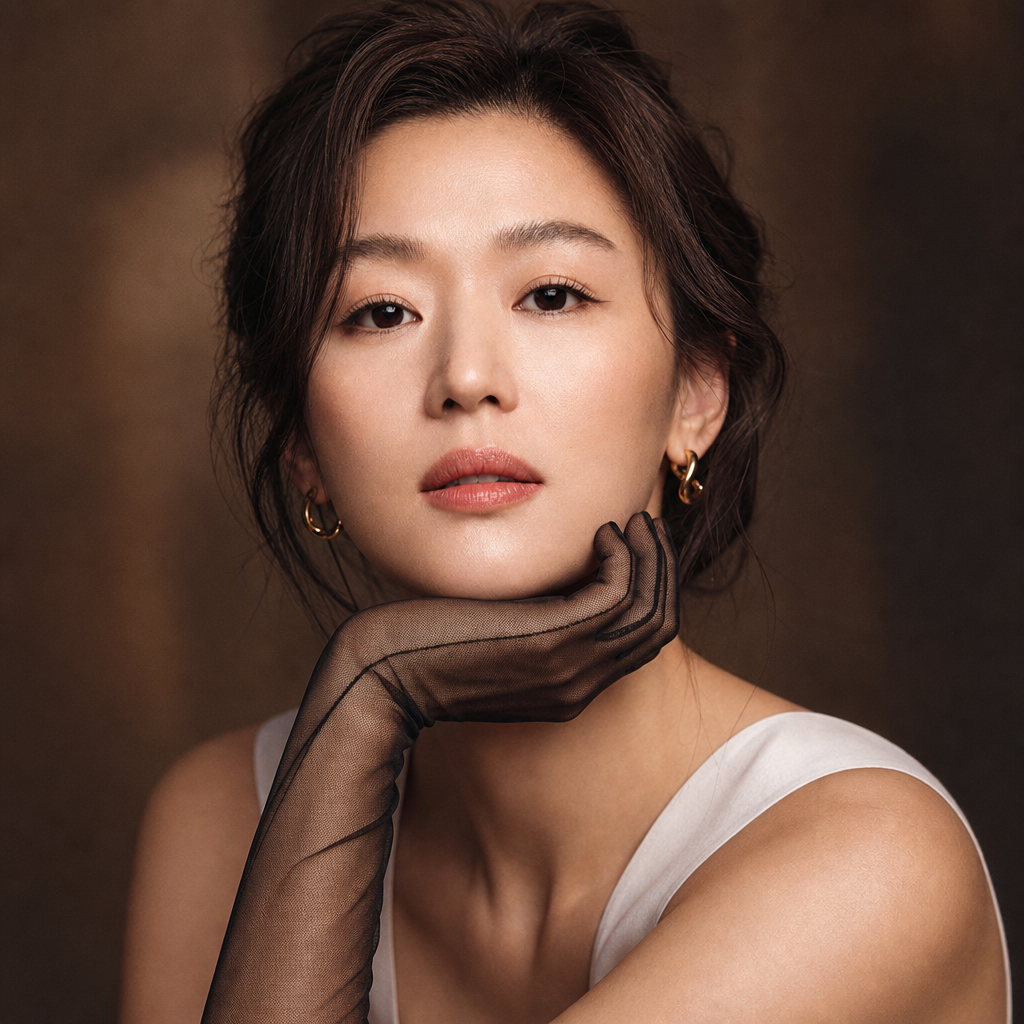
A close-up editorial portrait featuring the subject with softly styled hair gathered into a relaxed updo, gazing directly into the camera with a calm, confident, and effortless presence. The expression is composed and intimate, conveying quiet self-assurance. Makeup is refined and understated, emphasizing natural elegance through softly defined eyes, subtle blush, warm-toned contouring, and muted rose lips. Delicate eyeliner adds depth without overpowering the softness of the portrait. The subject gently rests their chin upon one hand, which is adorned with a black sheer mesh glove that introduces rich texture and visual contrast against the skin. The gesture feels thoughtful, graceful, and naturally posed. Warm, diffused lighting envelops the face, creating a luminous glow with soft transitions between highlights and shadows. The illumination enhances facial contours while preserving realistic texture and an inviting sense of intimacy. The atmosphere remains elegant, cinematic, and timeless. The background is intentionally blurred with a shallow depth of field, removing distractions and focusing attention entirely on the expression, textures, and subtle emotional tone of the portrait. The composition prioritizes warmth, simplicity, and understated sophistication. Captured with a high-resolution digital camera in a controlled studio environment, featuring exceptional detail, realistic skin rendering, smooth tonal gradation, natural color separation, and premium editorial image quality. The overall aesthetic evokes contemporary beauty campaigns and intimate fashion portraiture, balancing refinement, warmth, and quiet confidence. Color palette reference: #1b1e1e, #24221e, #2d241e, #0a1a1c, #38251c, #42291d, #4c2c1e, #7d4122, #58301e, #8e4b25, #6e3920, #633520, #a15a29, #b56e32.
Any aspect ratio
Overview
Amber Silence is a specialized template within the AI Image Editor domain that focuses on crafting exquisite editorial portraits. Using the state-of-the-art gpt-image-2 model, this tool enhances photography with detailed, high-end retouches suitable for professional beauty campaigns. It's perfect for creating images that exude warmth and sophistication while capturing the subject's essence with finesse.
What It Does
The Amber Silence template transforms portrait photography into refined editorial-grade images. This is achieved by emphasizing natural elegance and subtle emotional tones using advanced image processing. The AI Image Editor enriches the details, such as gently styled hair and refined makeup, with lighting techniques that bring out the subject's inner glow. The goal is to achieve a sophisticated yet intimate portrayal.
Who It's For
This template is perfectly suited for professional photographers, beauty editors, and creative directors aiming to produce high-quality portraiture that stands out in beauty and fashion campaigns. Additionally, marketers seeking to enhance brand imagery with warmth and detailed beauty will find it invaluable.
Summary
Amber Silence combines artistry with technology to deliver editorial portraits of exceptional quality. Ideal for professionals in creative and marketing fields, it leverages gpt-image-2 to streamline the creation process, ensuring beautifully refined images that retain natural elegance and emotional depth.
How to Use
Choose the Template

Customize Your Inputs

Generate Your Portrait

Use Cases
Beauty Campaigns
- Highlight natural elegance and confidence
- Use for digital and print media campaigns
Fashion Editorials
- Focus attention on model's presence
- Enhance with cinematic lighting and depth
Portrait Photography
- Capture warmth and emotion
- Perfect for personal or professional portfolios
Best Practices
Use High-Resolution Images
Starting with a high-resolution image will allow the template to apply more detailed enhancements.Adjust Lighting Settings
Take advantage of the lighting options to emphasize the model's features and create a rich atmosphere.Consider Color Harmony
Utilize the color palette to harmonize visual elements, accentuating the warmth and sophistication of the portrait.