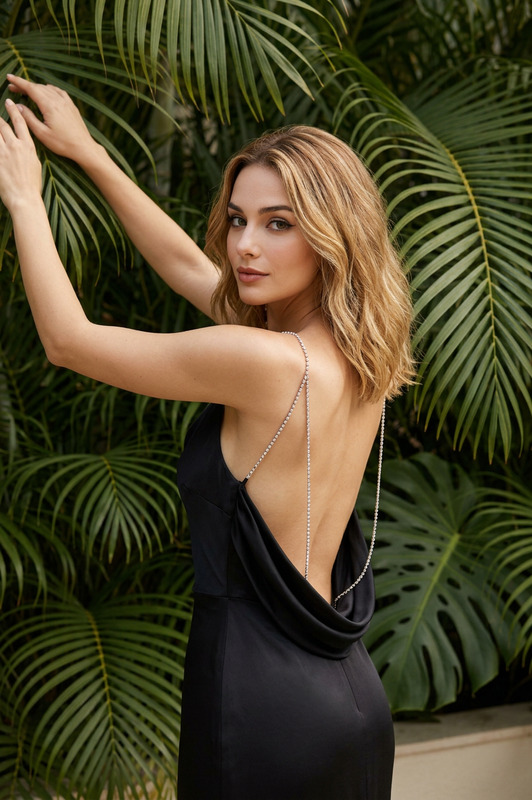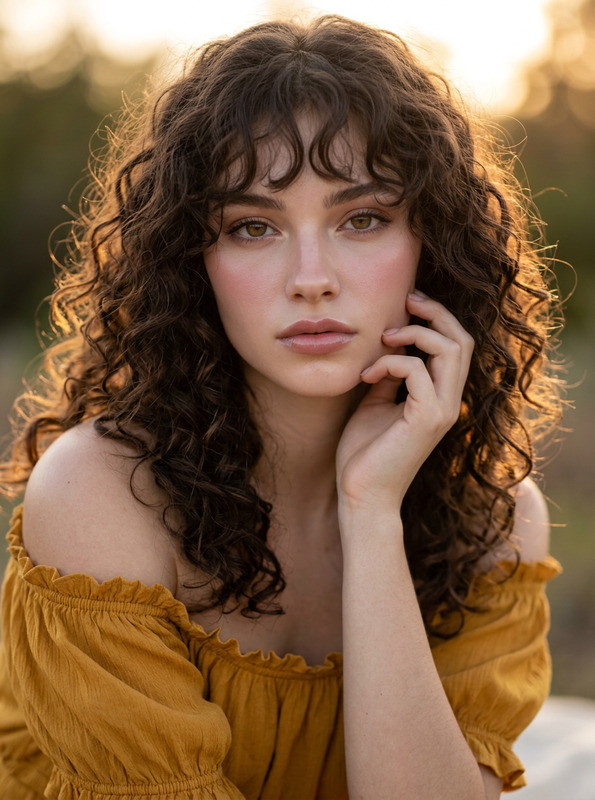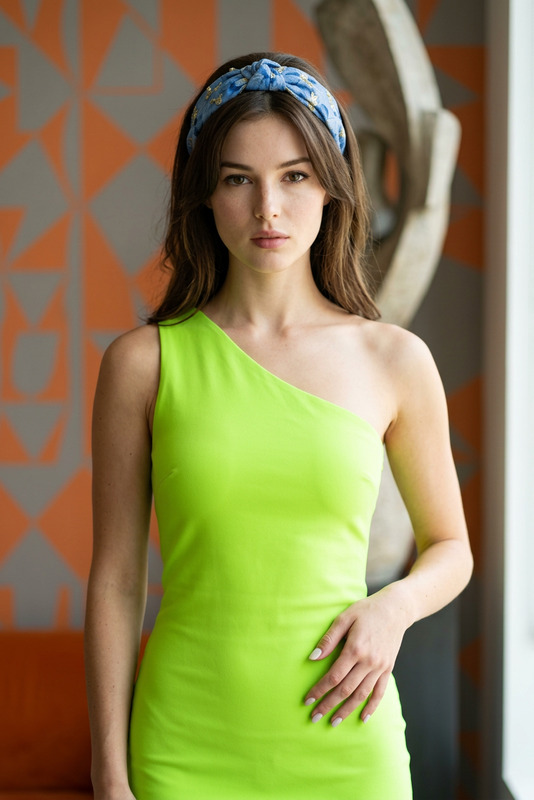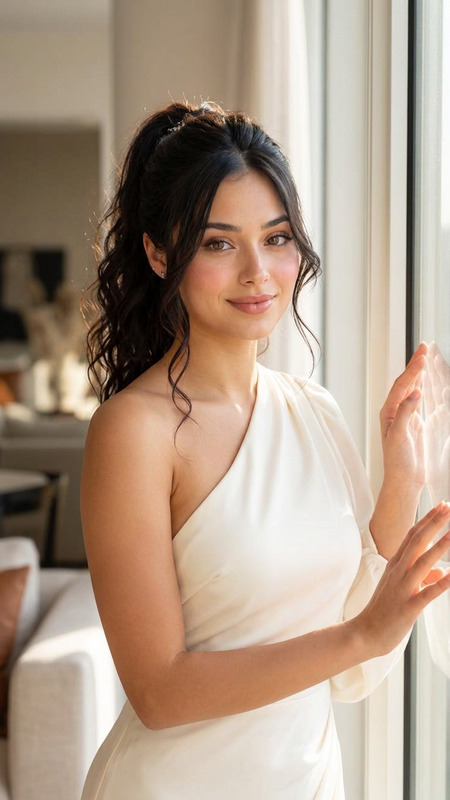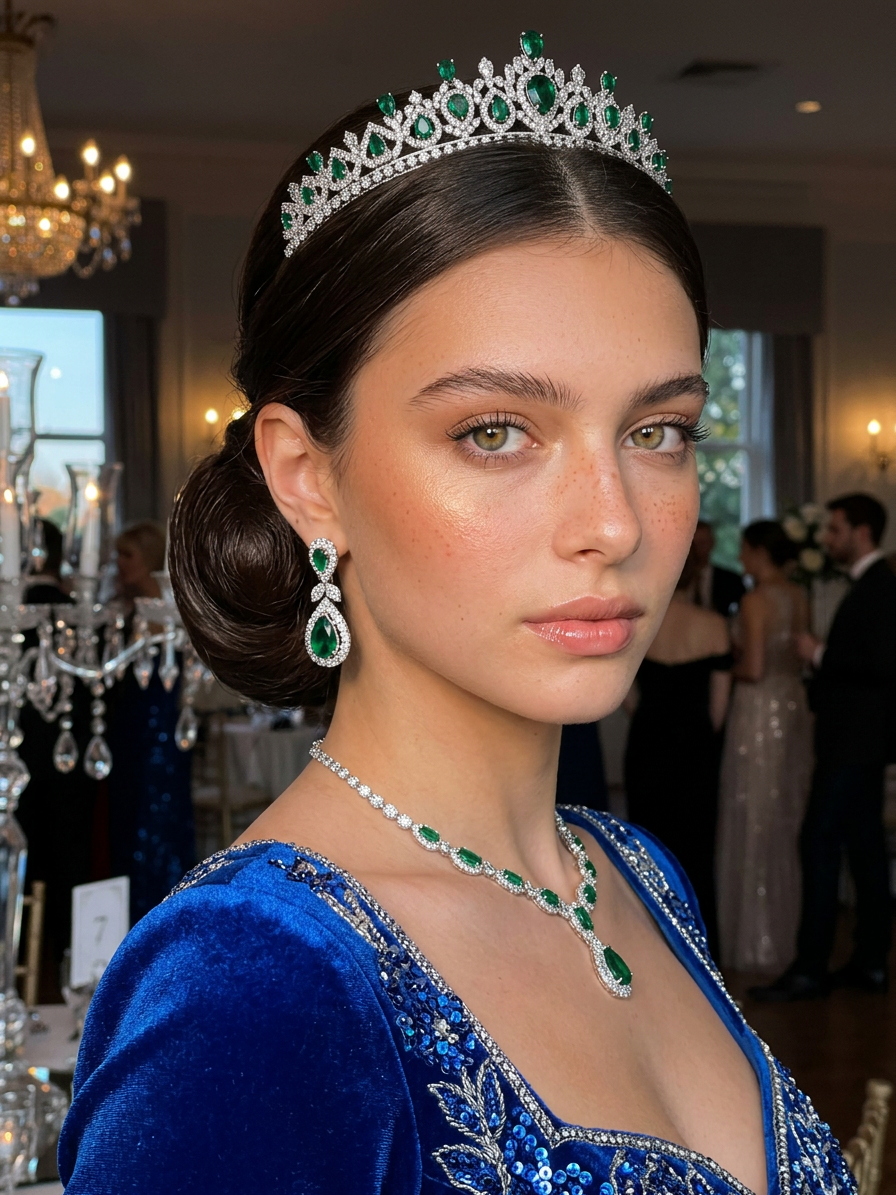
Sapphire Royalty
- Model
- Nano Banana 2
- Image
- 896 × 1195 px
Prompt
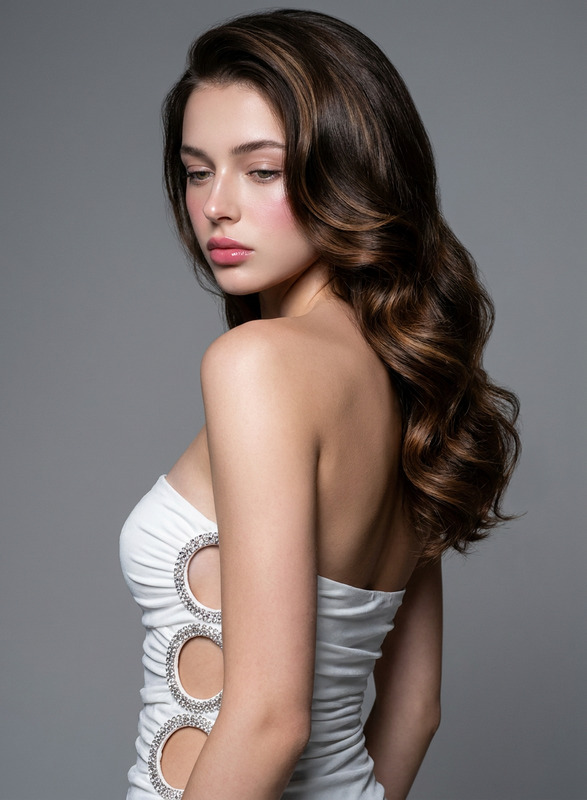
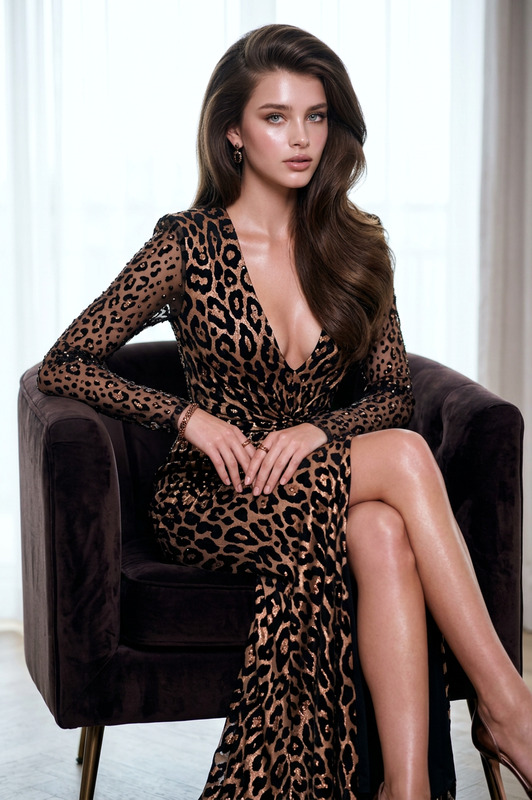
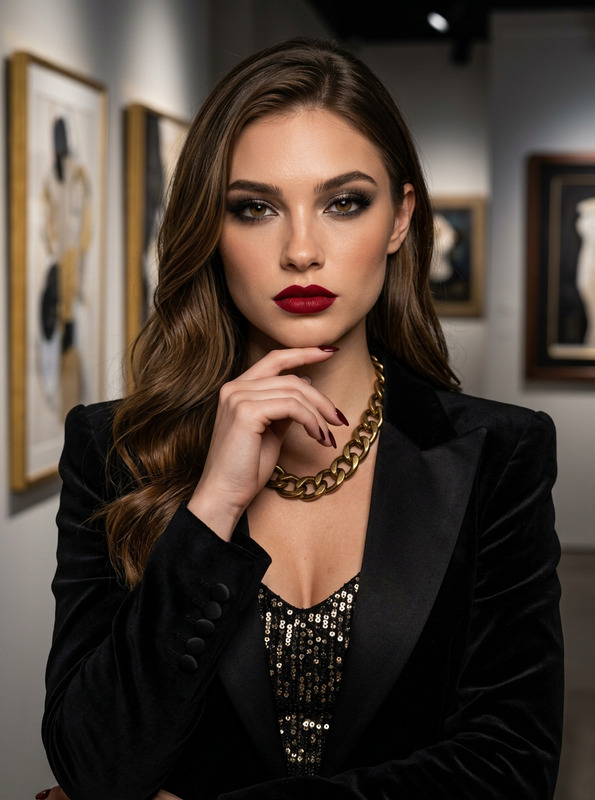
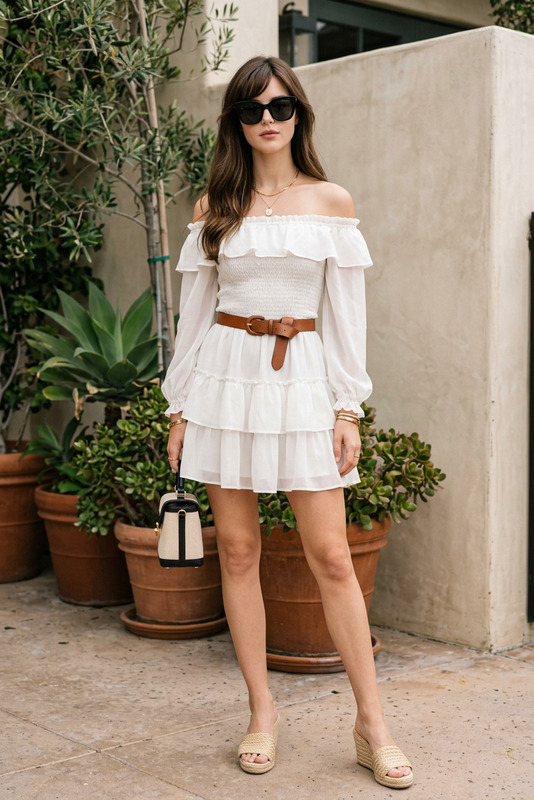
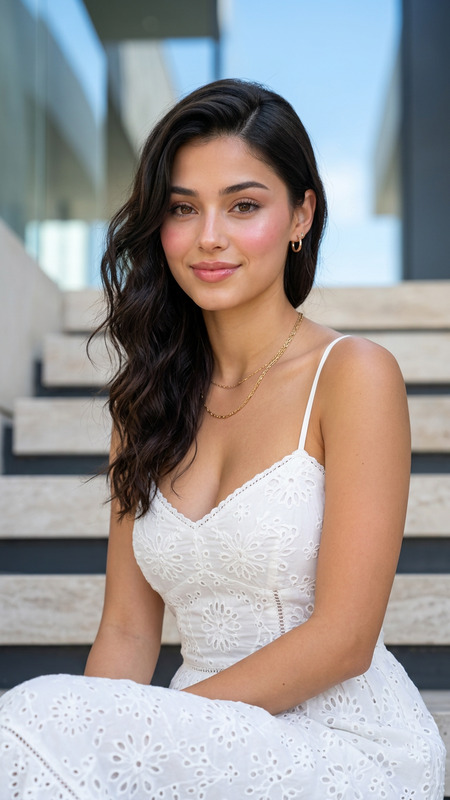
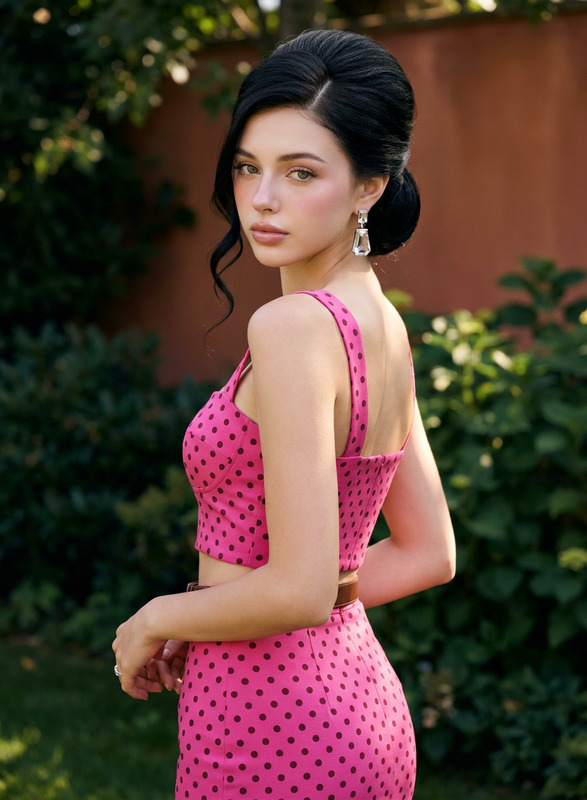
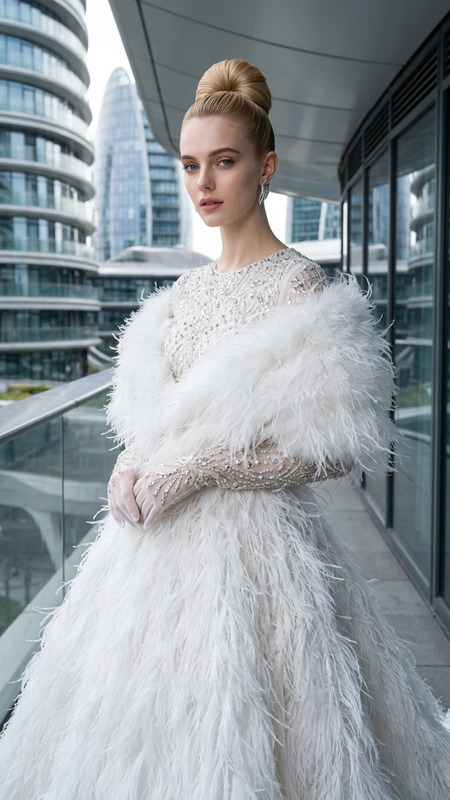
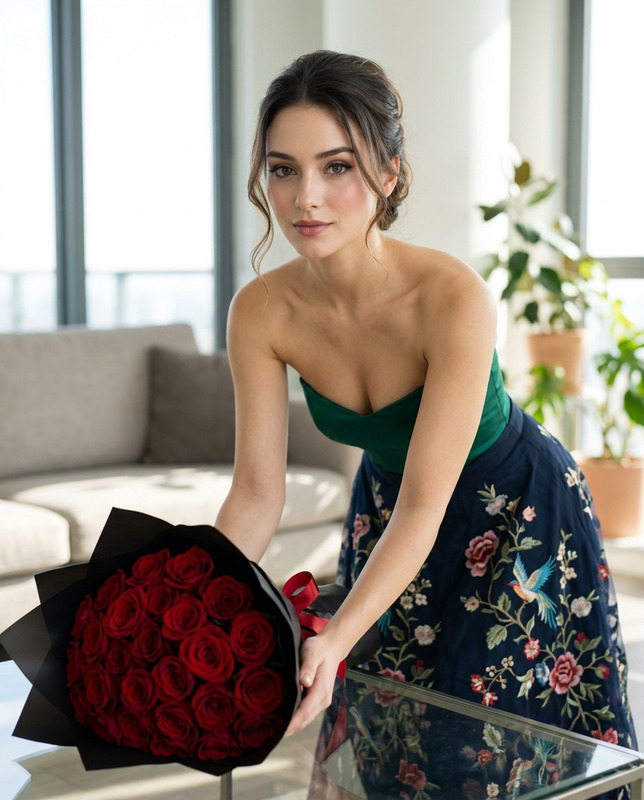
A hyper-realistic Fashion Photography portrait featuring [PRIMARY CHARACTER], take the face 100% from the reference image and do not change the facial identity. Her face features very delicate and symmetrical features, and her skin is super flawless, porcelain-white with no visible pores. Douyin makeup style: a very smooth matte-glow base with a high brightening effect, leaving skin looking clean, glowing, and healthy. A soft sun-kissed blush is quite visible on the cheeks and a little on the nose, subtle highlighting on the nose and cheekbones, natural nude pink eyeshadow, thin, precise eyeliner, naturally long, curled eyelashes, neat eyebrows that follow a natural, slightly curved shape, and glossy nude pink lips with a plumping effect. porcelain glass skin with Korean pinkish glow makeup, radiant smooth complexion, soft pink blush on the cheeks, glossy natural pink lips, luminous youthful glass-skin glowThe character has dark brown hair styled in a sleek, polished updo, with the front hair smoothly swept backward and gathered into a voluminous bun. A dramatic crystal tiara or jeweled hair ornament sits across the upper back of the hairstyle, featuring clear faceted crystal spikes and small emerald-green gemstone accents. She is wearing matching jewelry on BOTH ears: identical dangling chandelier-style earrings, each featuring a small sparkling upper stud followed by delicate gold-toned links and blue/green gemstone drops, with the SAME design, size, color, and arrangement on the left and right ears. Both earrings must be clearly visible and symmetrical. She has an inviting, elegant, alluring expression with relaxed slightly narrowed eyes, direct gaze toward the camera, chin subtly raised, and softly parted lips, absolutely no smile and no teeth visible.The character is wearing a luxurious royal-blue evening gown with a wide draped neckline and an off-shoulder effect, covered in intricate layered blue sequins, shimmering beadwork, metallic embroidery, and reflective embellishments. The fabric gathers elegantly across the neckline and bodice, creating a rich couture texture.Pose and body posture: upper body turned slightly away from the camera in a graceful three-quarter pose, shoulders relaxed, head turned back toward the camera, chin subtly raised, neck elongated, and face angled slightly upward. The composition emphasizes her face, neckline, matching earrings, jeweled hair ornament, and sparkling blue gown.The scene takes place in a dark, elegant luxury interior with a deep black background. A tall translucent decorative glass object or lamp is softly visible on the left side, heavily blurred and partially cropped, adding depth without distracting from the subject.Lighting is dramatic warm directional spotlight lighting from the upper-left/front, illuminating one side of the face and creating luminous highlights across the cheekbones, nose, lips, earrings, tiara, and blue sequins, while the opposite side falls into controlled cinematic shadow. Subtle warm rim light outlines the hair.Captured using a very close-to-camera vertical fashion portrait composition, framing from approximately the upper chest to slightly above the head, subject filling most of the frame, three-quarter facial angle, slightly low camera perspective, shallow depth of field, strong subject isolation, sharp focus on both eyes and facial features, professional luxury editorial framing.Color palette includes deep royal sapphire blue, midnight black, emerald green, crystal silver, subtle gold jewelry tones, and warm natural skin tones.Ultra-detailed textures, photorealistic rendering, HDR, sharp focus, professional cinematic color grading, ultra-high resolution, 4K, masterpiece quality.
Any aspect ratio
Overview
Sapphire Royalty is an advanced AI Image Editor template inspired by high fashion photography. It utilizes the nano-banana-2 model to craft hyper-realistic portraits focusing on the elegance and detail synonymous with luxury editorials. This template transforms your subject into a majestic figure against a dramatic and elegant backdrop, ideal for creating stunning visual content in AI Image Editor workflows.
What It Does
This template is designed to generate a detailed and sophisticated fashion portrait. It integrates specific artistic and photographic techniques including the Douyin makeup style, precise lighting, and high-definition results that highlight every feature with cinematic flair. The AI Headshot Generator enhances the character's facial details further by preserving identity from the reference image, ensuring the final output is both personalized and professional.
Who It's For
Content creators, fashion photographers, and digital artists who need to produce high-quality fashion portraits will find Sapphire Royalty particularly beneficial. It's ideal for anyone aiming to create detailed, lifelike images that capture an audience's attention and enhance brand storytelling.
Summary
Utilize Sapphire Royalty to craft high-fashion photography portraits with the realism and detail expected from industry-leading magazines. With rich textures and intricate detailing, your subjects achieve a unique representation that stands out in both digital and print formats, seamlessly fitting into your AI Product Photography projects.
How to Use
Choose the Sapphire Royalty template

Customize your input

Generate your portrait

Use Cases
Fashion Editorials
Product Launch Campaigns
Social Media Content
Best Practices
Focus on Lighting
Adjust lighting in the model prompt to ensure balance and highlight key features effectively, mimicking a luxury editorial effect.Jewelry Details
Emphasize the design of jewelry by clearly specifying colors and placements in the prompt to achieve symmetry and elegance.Skin Tone and Texture
Coordinate descriptions with the makeup and skin details given in the prompt for a realistic and flawless finish that complements the scene.