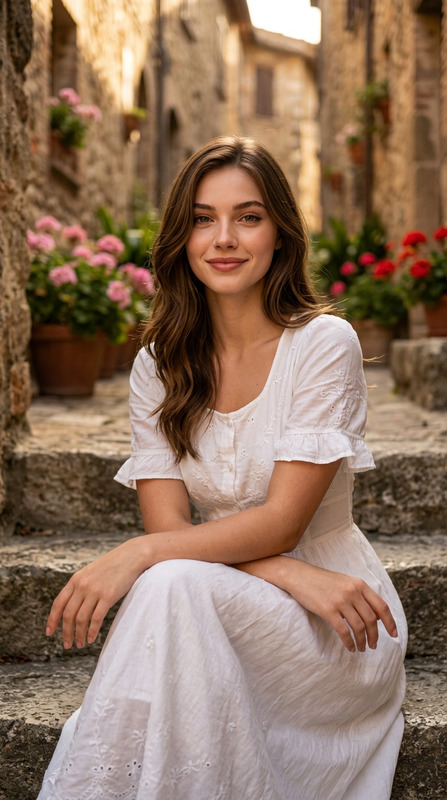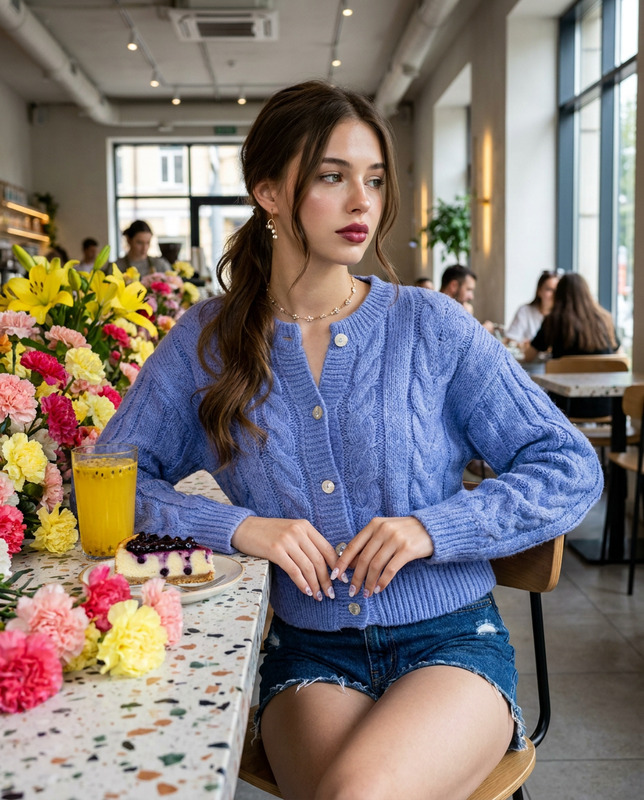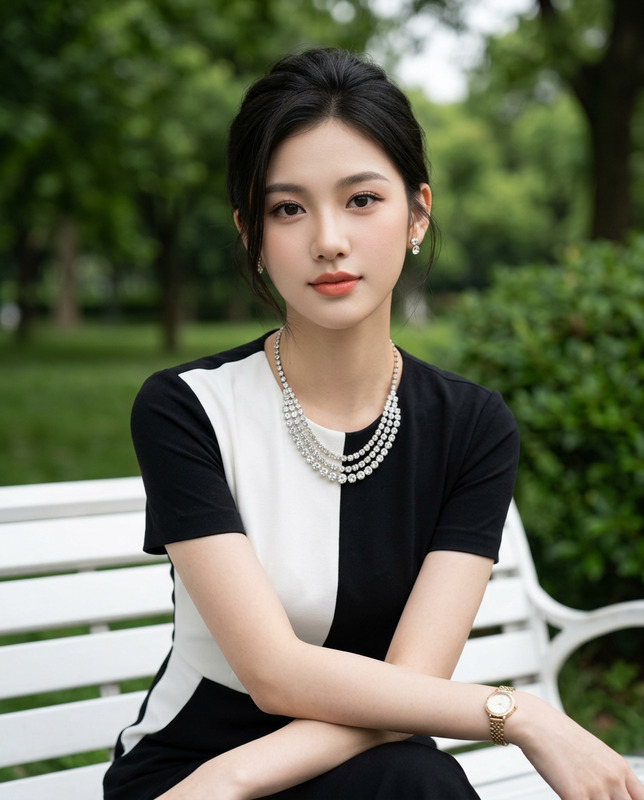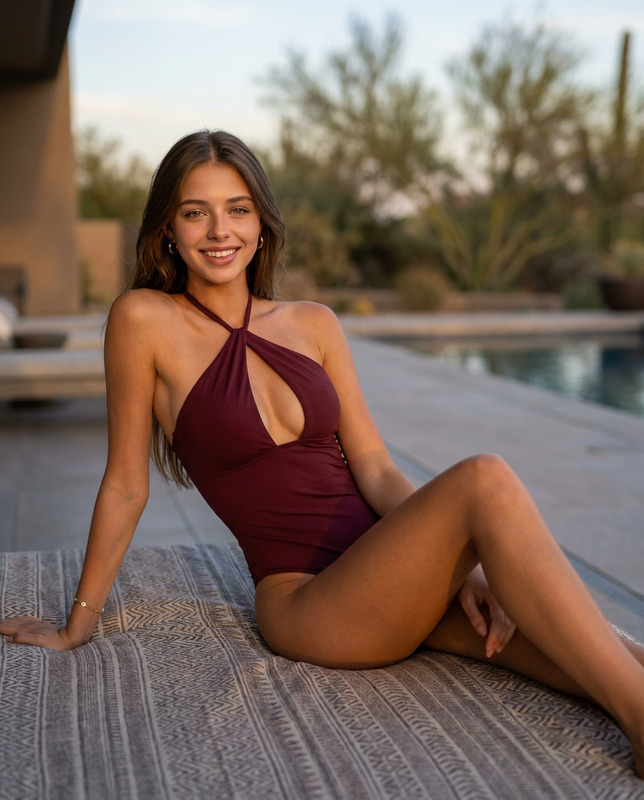
Flower Street
- Model
- Nano Banana 2
- Image
- 768 × 1376 px
Prompt
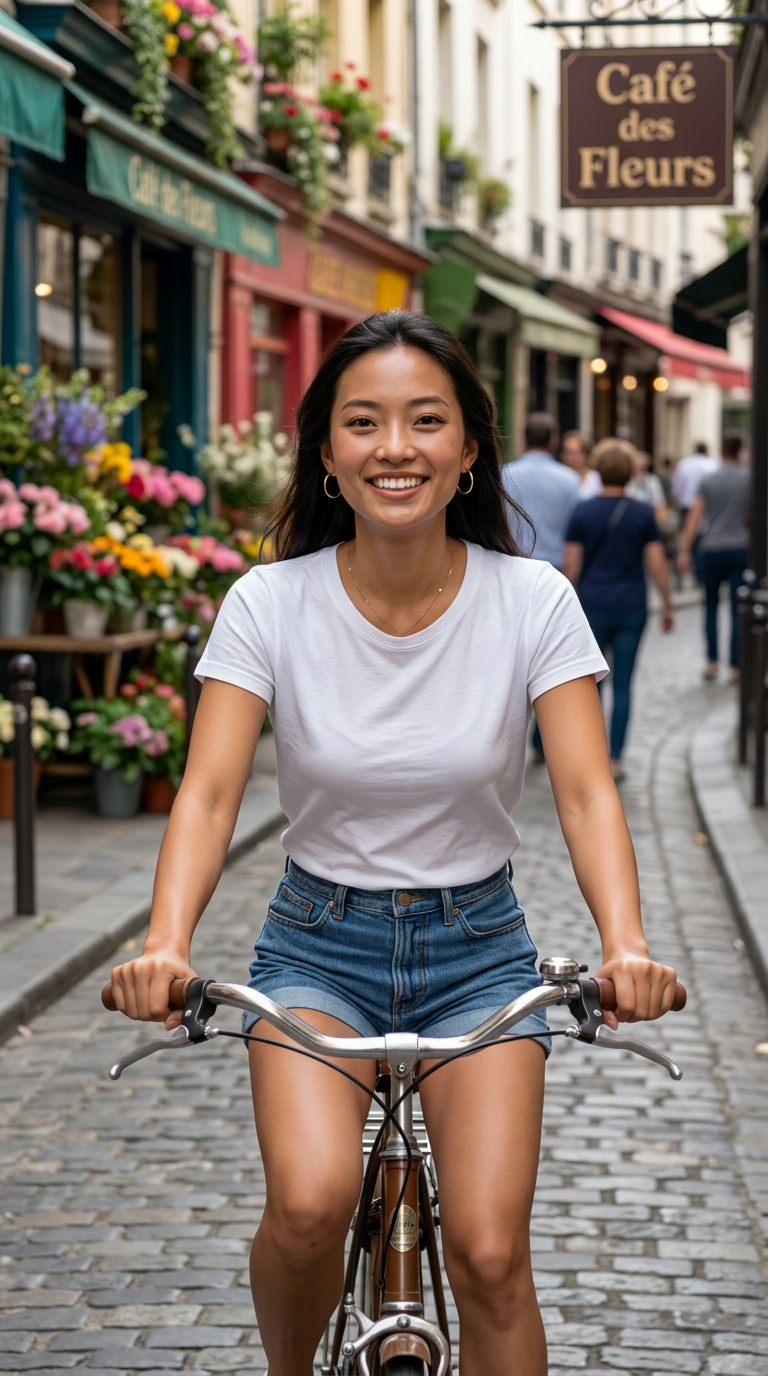
Use the uploaded reference image only to preserve the subject's facial identity, hairstyle, and natural facial proportions. Change only the environment, pose, clothing, lighting, and compositionA photorealistic, cinematic medium shot of a beautiful woman with soft brown eyes, and a bright, joyful smile, riding a vintage bicycle down a charming European cobblestone street lined with colorful floral storefronts and a rustic cafe sign that reads "Café des Fleurs." She is positioned centrally in the frame, captured from a straight-on, eye-level perspective with a vertical aspect ratio, leaning forward slightly as she holds onto the handlebars. Her face features clear skin texture, subtle rosy cheeks, and a genuine smile ,lips partly open , while her eyes look directly into the camera lens with a warm and lively expression, styled casually with simple gold hoop earrings and a delicate thin necklace. Her posture is active and energetic, leaning forward with bent elbows gripping the bicycle handlebars and her head tilted slightly upward with a confident, cheerful chin posture. The scene is illuminated by soft, natural daylight filtering down a narrow village street, creating gentle shadows beneath the bike and soft highlights on her face and shoulders, conveying a cheerful and carefree afternoon atmosphere. Captured with high sharpness and clarity, rich texture fidelity on the fabric of her white cotton t-shirt and denim shorts, realistic leather textures on the bicycle seat and saddlebags, shallow depth of field with a softly blurred background of colorful storefronts and blooming flower pots, and natural, vibrant color grading. Shot on 35mm lens, f/2.8, ISO 200, 1/500s shutter speed, photorealistic editorial photography, 8k resolution,aspect ratio 9:16 hyper-detailed, masterpiece, award-winning travel photography. --negative prompt: deformed, distorted, disfigured, poorly drawn, bad anatomy, wrong anatomy, extra limbs, missing limbs, floating limbs, disconnected limbs, mutation, mutated, ugly, disgusting, blurry, amputation, airbrushed, cartoon, illustration, painting, low quality, grainy.
Any aspect ratio
Overview
The "Flower Street" template offers a sophisticated approach to transforming your images while maintaining the natural identity of the subject. Utilizing advanced capabilities from the AI Image Editor, this template focuses on refining the environment and stylistic elements surrounding your subject while preserving intrinsic facial qualities.
What It Does
This template allows you to change the environment, pose, clothing, lighting, and composition of your photos while retaining key facial features like identity, hairstyle, and proportions. It delivers a photorealistic scene featuring a woman on a vintage bicycle amidst a European backdrop, captured with cinematic detail—perfect for captivating visual storytelling in photography.
Who It's For
"Flower Street" is ideal for photographers and designers who want to enhance their visuals without altering the subject's core identity. It's also suited for content creators wanting to add a cinematic touch to their social media posts or marketing materials. This template fits well into workflows involving tools like the AI Talking Photo, which can add lively animations to your stills.
Summary
Leverage the power of the AI Image Upscaler to ensure high-resolution outputs for your "Flower Street" transformations. This template is part of a suite of tools that offer hyper-detailed, award-winning quality, perfect for visual storytelling in a professional setting.
How To
Select the "Flower Street" template

Customize your inputs

Generate your image

Use Cases
Editorial Photography
- High-resolution and rich color depth
- Perfect for magazine spreads and online articles
Social Media Content
- Ideal aspect ratio for stories and reels
- Engage viewers with vibrant and dynamic images
Travel Blogs
- Capture the essence of European streets
- Enhance travel photography with detailed backgrounds
Best Practices
Preserve Key Features
Focus on maintaining the subject's facial characteristics while altering environmental details for best results.Experiment with Lighting
Adjust the lighting to achieve different moods; soft daylight works well for cheerful atmospheres.Review Composition
Ensure the subject is centrally positioned with a clear storyline through the visual elements in the frame.