Vector Muse
- Model
- Nano Banana Pro
- Image
- 768 × 1376 px
Prompt
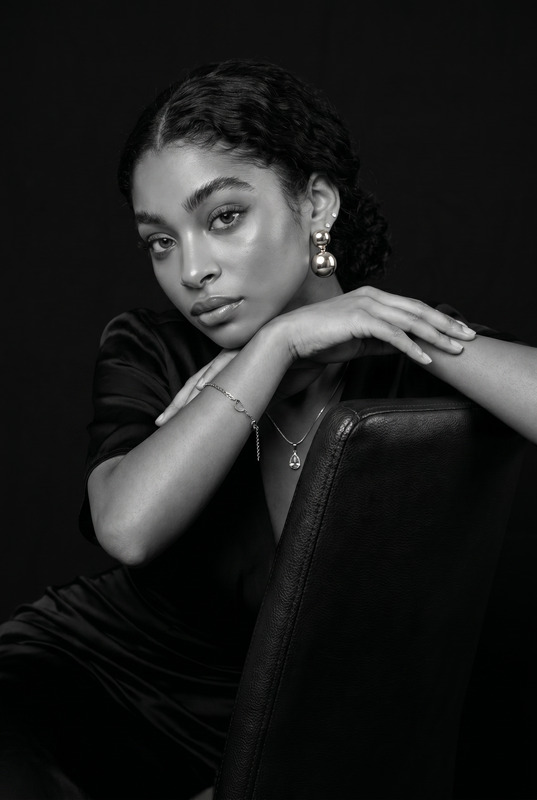
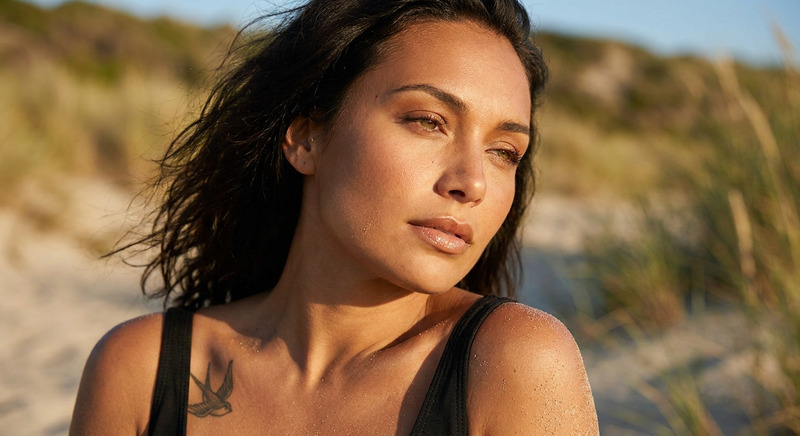
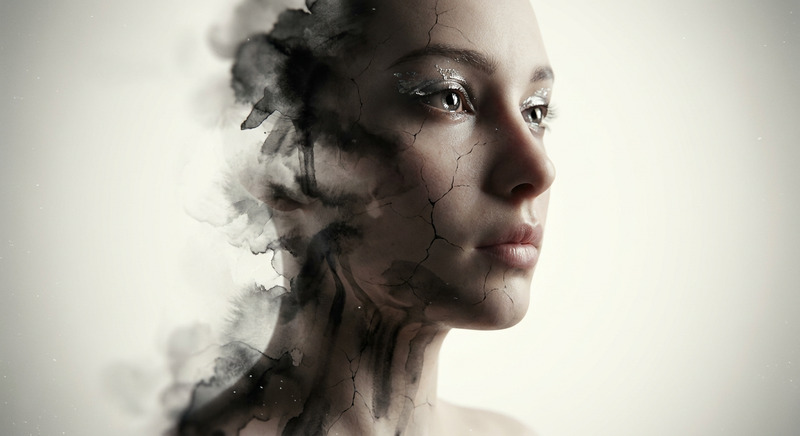
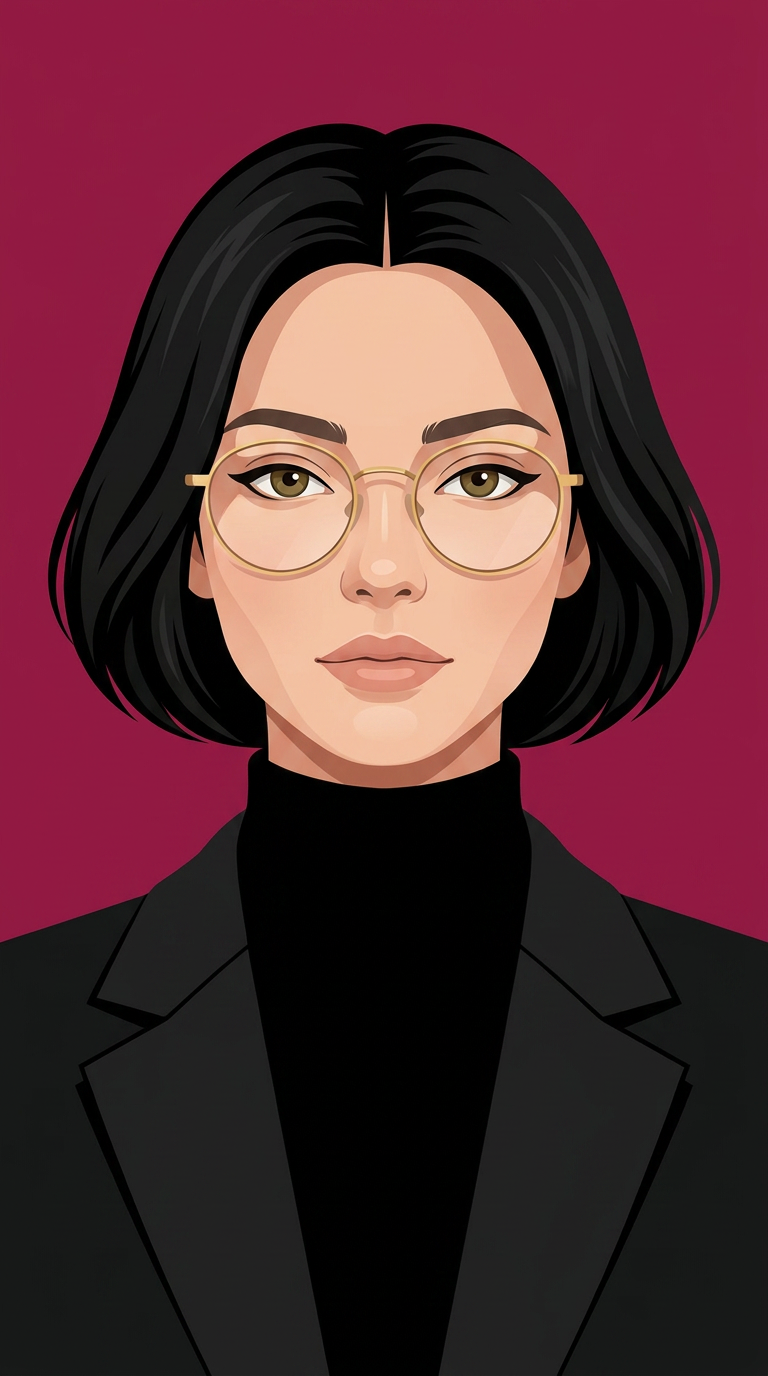
A stunning evolved female character inspired by the facial features, makeup, and elegant expression of the reference image, illustrated as a premium modern flat vector portrait. Front-facing, perfectly symmetrical composition, confident and sophisticated expression, elegant almond-shaped hazel eyes, defined natural eyebrows, soft nude lips, flawless smooth skin with subtle gradient shading, refined facial proportions, short sleek black bob haircut with soft volume and center part, thin round gold metal eyeglasses, wearing a black turtleneck under a tailored black blazer. Minimal luxury aesthetic, corporate elegance, clean geometric shapes, smooth crisp line art, subtle depth with soft vector shadows, vibrant solid royal maroon background, high contrast, centered composition, Adobe Illustrator vector style, Dribbble-quality branding illustration, Behance featured artwork, premium avatar design, minimalist yet expressive, ultra-clean edges, flat colors with soft gradients, modern UI illustration, editorial fashion illustration, luxury startup branding, 4K, ultra-detailed, SVG-style vector artwork.
Any aspect ratio
Overview
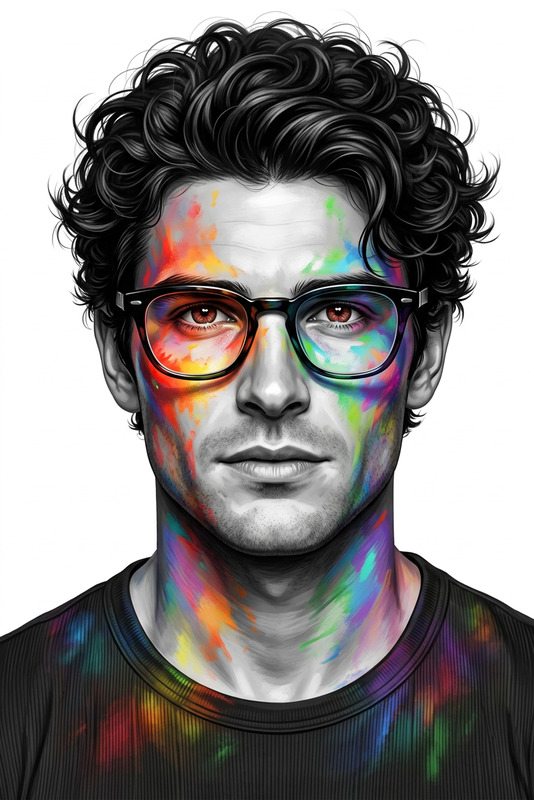
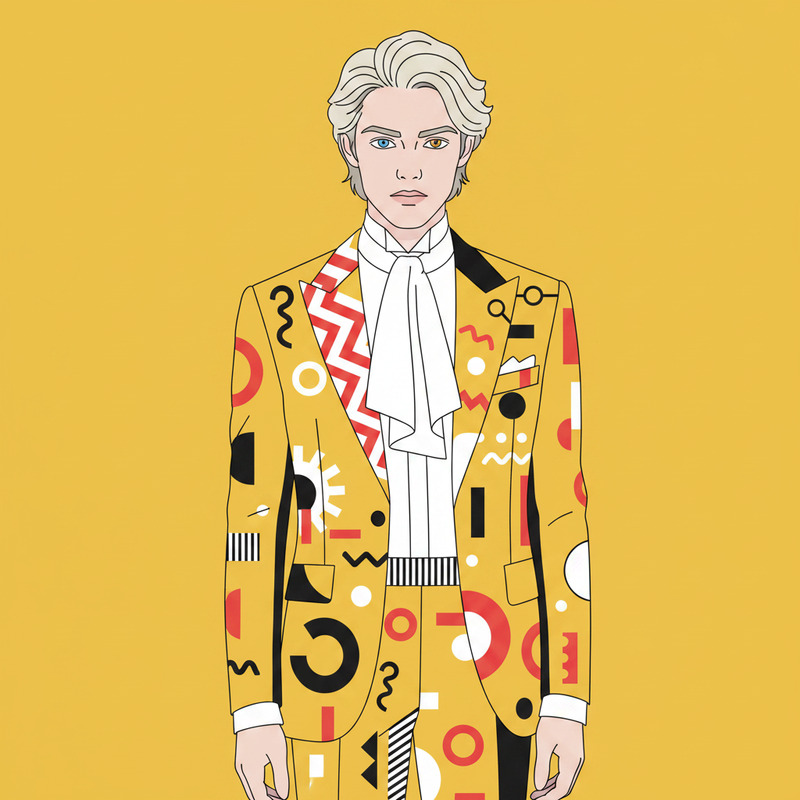
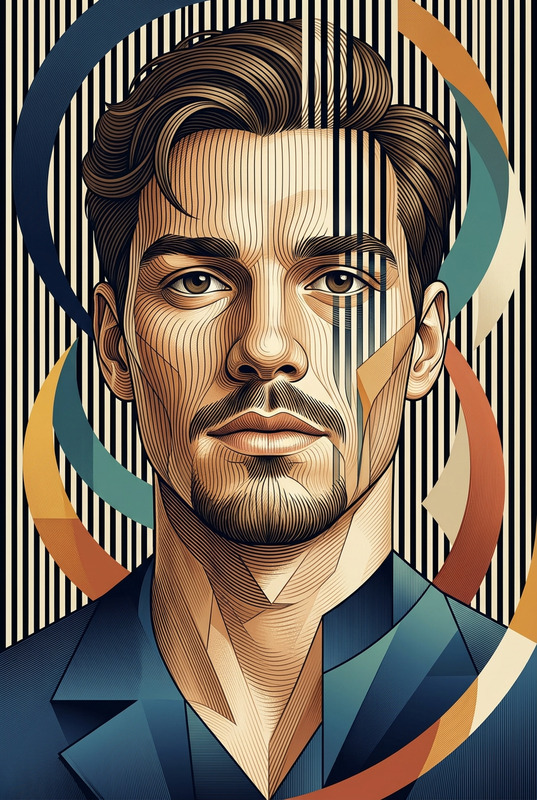
Vector Muse leverages the advanced capabilities of the nano-banana-pro model to transform reference images into stunning vector portraits. This AI Image Editor template is designed to produce high-quality, modern flat vector illustrations suited for luxury branding, editorial fashion, and more. With its attention to detail and artistic precision, Vector Muse is ideal for creating premium avatars and illustrative designs.
What It Does
Vector Muse converts a reference image into a sophisticated flat vector portrait with detailed attention to features, expressions, and style. The final artwork includes elements like a sleek bob haircut, subtle vector shadows, and a polished maroon backdrop. Designed in the style of YouTube Shorts quality and suitable for applications demanding cleanliness and polish, Vector Muse outputs scalable SVG-style vector art, perfect for both web and print media.
Who It's For
This tool is ideal for graphic designers, corporate branding experts, and fashion illustrators looking to create sophisticated vector portraits. Professionals in the startup branding space can use Vector Muse to produce creative ad graphics for promotional material. It's also suited for artists who want to ensure their work stands out on platforms like Behance and Dribbble.
Summary
Vector Muse efficiently transforms complex character references into minimalist, yet expressive vector artwork. With an emphasis on smooth lines and subtle gradient shading, it maintains a luxury aesthetic perfect for high-end brands and editorial projects. Use the AI Product Photography tool alongside for a cohesive visual portfolio.
How to Use Vector Muse
Choose Your Template

Customize Your Inputs

Generate Your Vector Art

Use Cases
Luxury Branding
- High-end corporate materials
- Minimalist marketing collateral
Fashion Editorial
- Runway-featured editorials
- Magazines and digital media
Social Media Profiles
- LinkedIn profile pictures
- Instagram branding
Ad Campaigns
- Online and offline ad graphics
- High conversion ad banners
Best Practices
Choose a Quality Reference Image
Select a high-resolution image with clear features to ensure the best output quality.Adjust Vector Details
Fine-tune vector illustration settings, such as color palettes and line thickness, to match your brand's aesthetic guidelines.Integrate with Other Tools
Use in conjunction with AI Image Generator or AI Meme Generator for a complete creative suite.