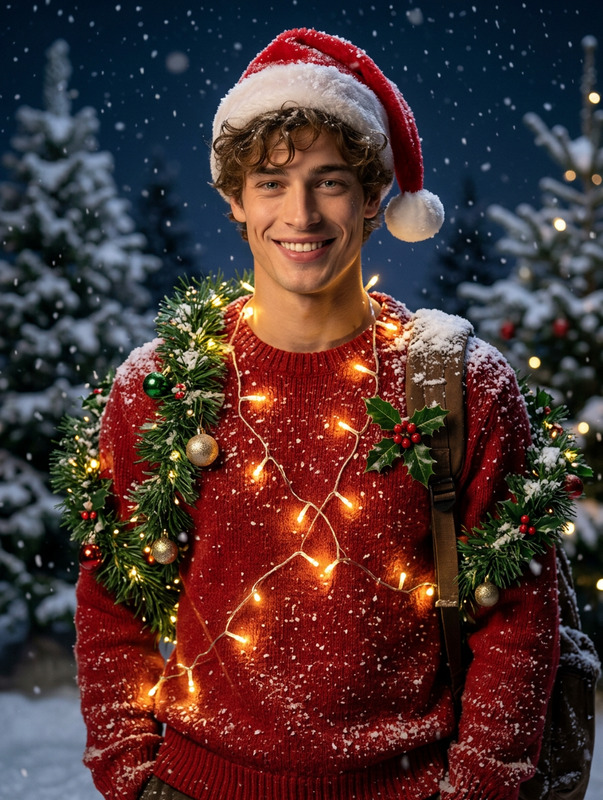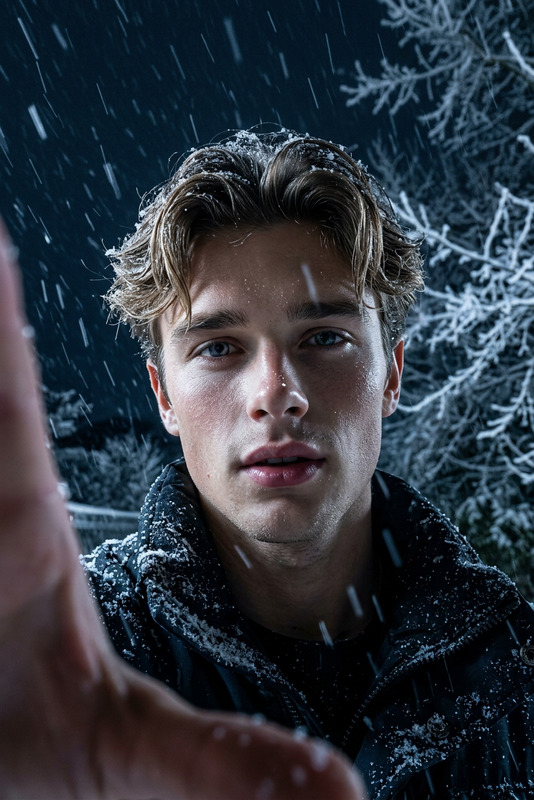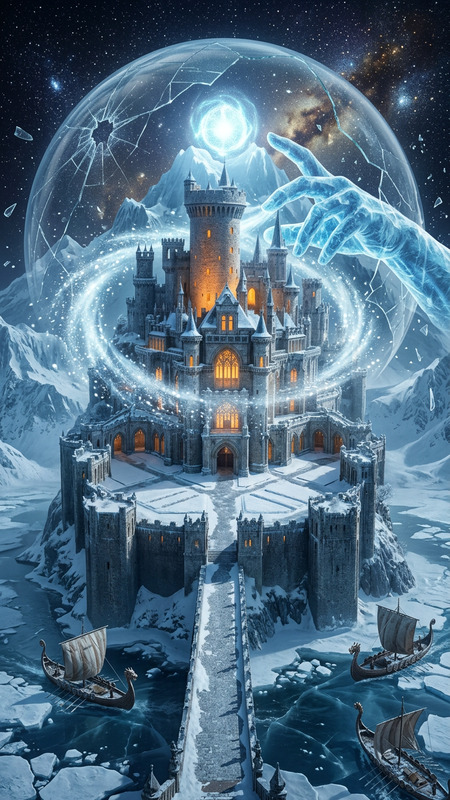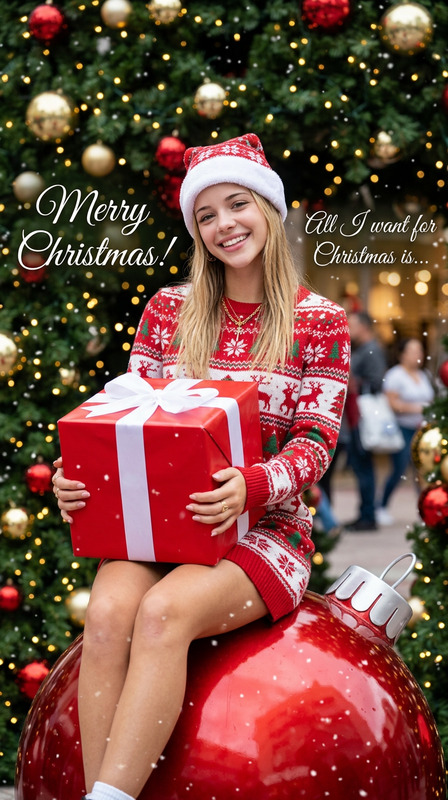
Snow Globe Magic
- Model
- Nano Banana 2
- Image
- 843 × 1264 px
Prompt
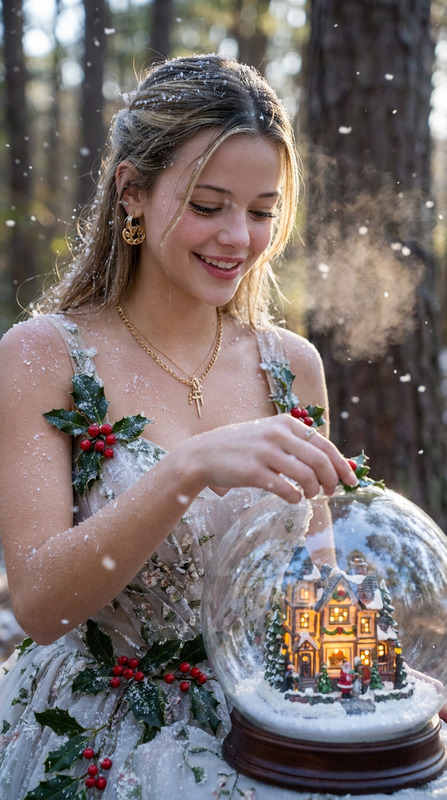
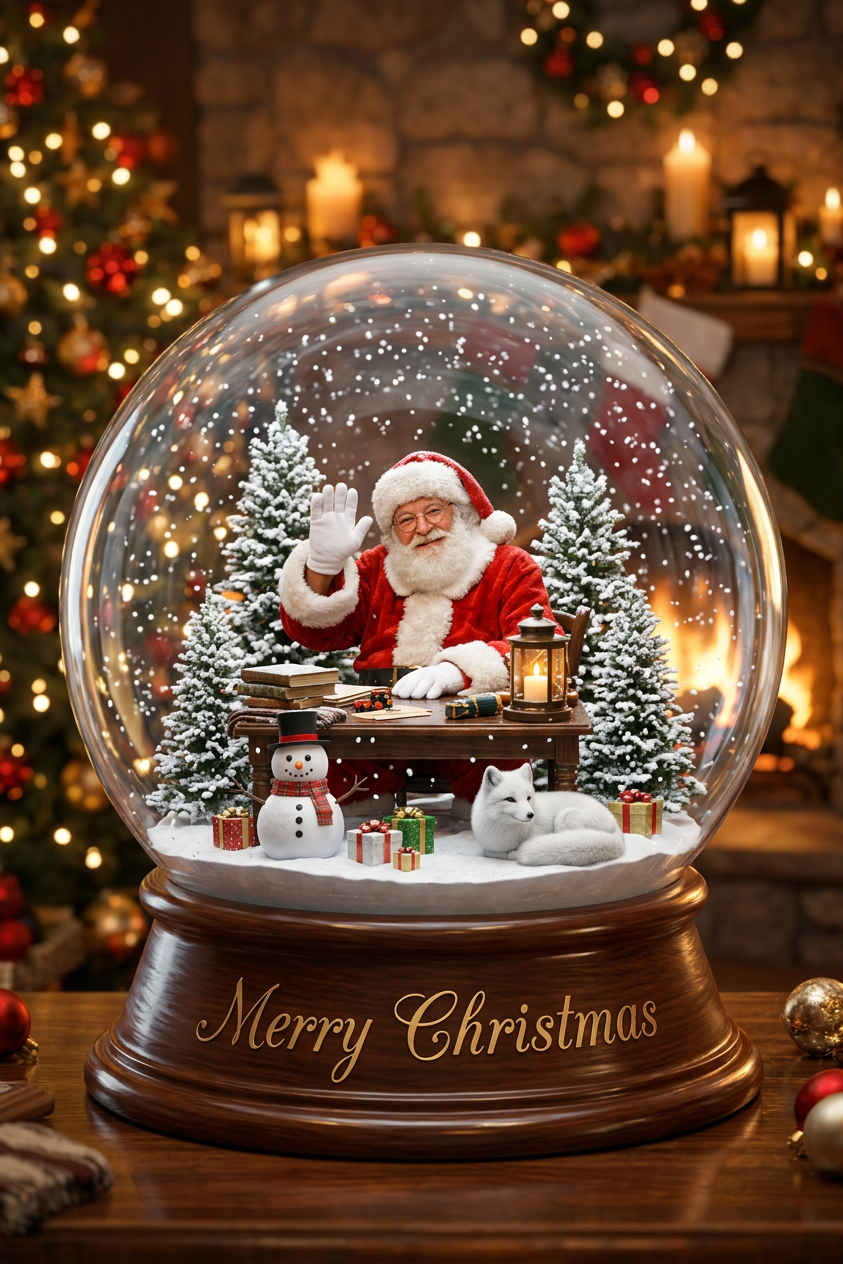
A subject sits as gentle snow falls. The camera slowly zooms out, revealing they are inside a glass snow globe. Snow accumulates while miniature pine trees, a snowman, wrapped gifts, and a white fox appear. The full globe rests on a wooden base engraved “Merry Christmas,” surrounded by a cozy room with decorated Christmas trees and warm lights. Sparkling glass, floating snow, cinematic lighting, dreamy atmosphere, soft bokeh, 3D render, 4K
Any aspect ratio
Overview
Transform your visual storytelling with the Snow Globe Magic template, a specialized AI Image Editor offering on Magic Hour. Ideal for crafting engaging holiday-themed imagery, this template utilizes the nano-banana-2 model to turn any subject or scene into a mesmerized centerpiece enclosed in a snow globe. Perfect for both professionals and hobbyists.
What It Does
The Snow Globe Magic template takes your selected subject and places it within an intricately detailed snow globe environment. As snow gently falls, the camera reveals more elements such as miniature pine trees, a snowman, and a whimsical white fox, creating an enchanting winter scene. This template leverages 4K cinematic lighting and 3D rendering to produce a high-quality, dreamy effect.
Who It's For
This template is perfect for marketing professionals looking to create compelling holiday promotions, graphic designers seeking creative assets for festive greetings, and social media influencers wanting unique winter-themed content. It's also a great fit for educators and anyone interested in creating personalized holiday visuals.
Summary
With Snow Globe Magic, you can effortlessly bring a winter wonderland to life. Whether you're crafting a festive greeting or a product showcase, this template offers unlimited creative possibilities. It complements other Magic Hour offerings such as the AI Video Generator and AI Meme Generator, broadening the scope of what you can achieve.
How to Use It
Choose Template

Customize Elements

Generate and Save

Use Cases
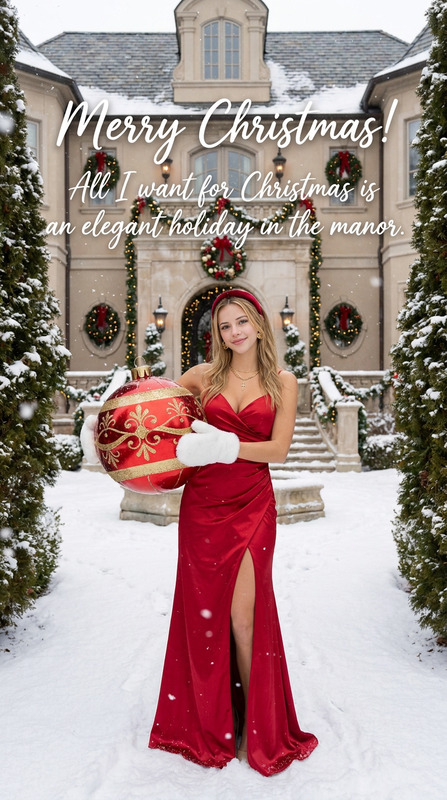
Festive Greeting Cards
- Personalized messages
- Custom scenes
- Instant sharing
Product Advertisements
- Eye-catching visuals
- Enhanced branding
- Seasonal themes
Social Media Content
- Increased engagement
- Memorable visuals
- Trend-setting posts
Best Practices
Optimize Lighting
Use cinematic lighting adjustments to enhance the dreamy atmosphere and improve the overall aesthetic of your image.Focus on Details
Pay attention to elements like the snowman's attire or the texture of the wooden base to add depth and realism.Experiment with Angles
Try different camera angles to discover unique perspectives that make your scene stand out.