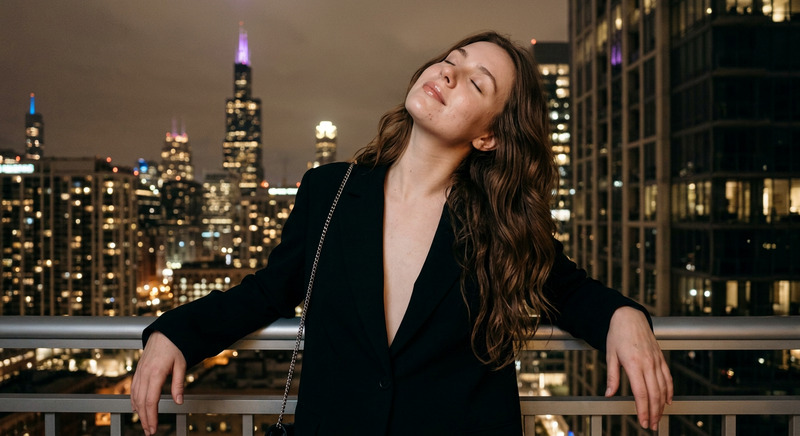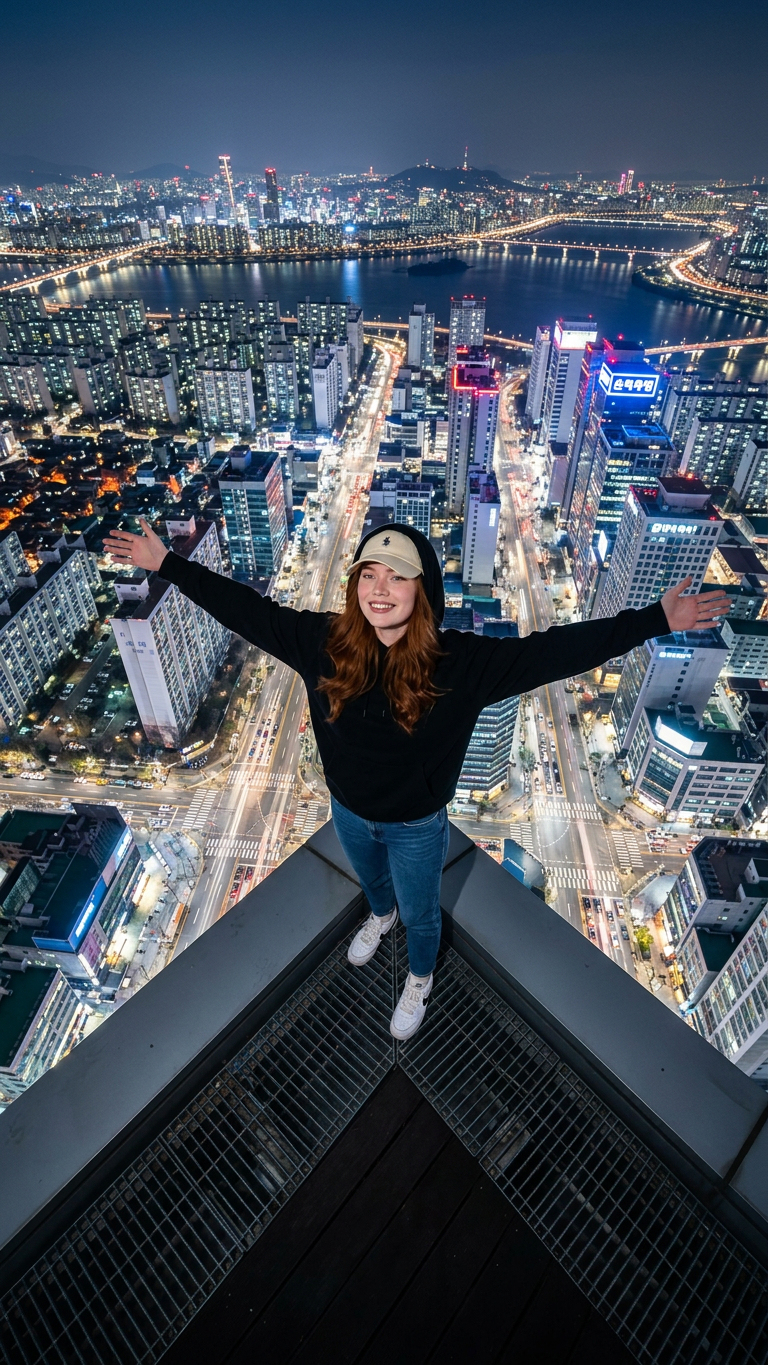
Seoul Skyline
- Model
- Nano Banana 2
- Image
- 768 × 1365 px
Prompt
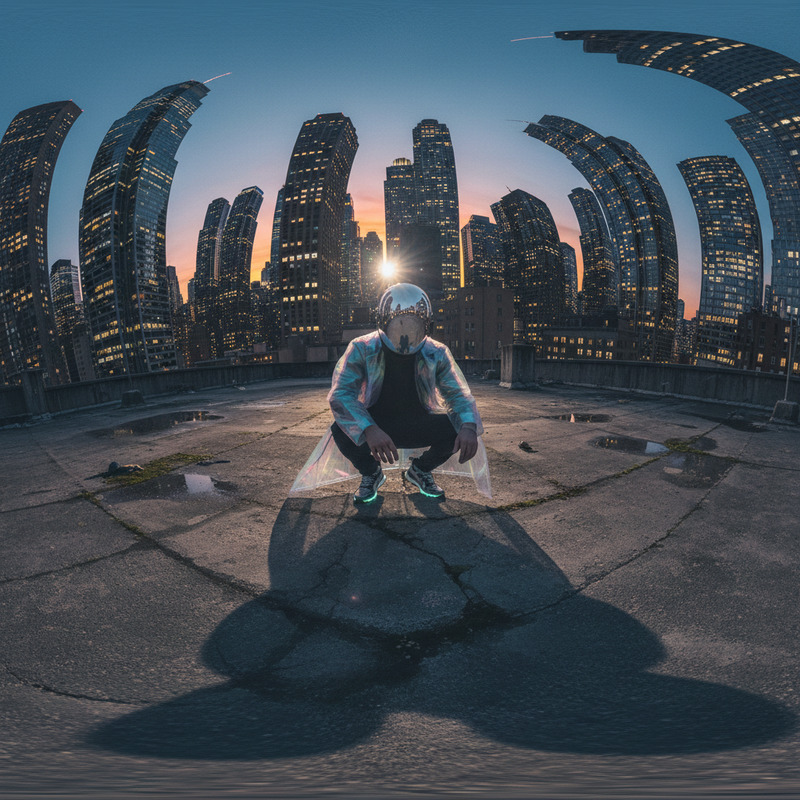
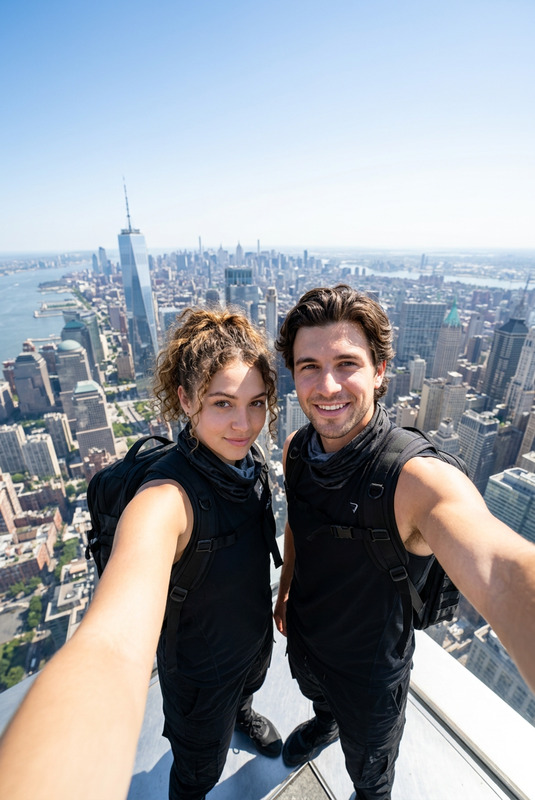
Change the background to the edge of a very tall skyscraper in the middle of a South Korean metropolis. She wears a plain black hoodie, blue jeans, a cream baseball cap, and white Nike sneakers. His arms are wide open, as if her reaching out for a sense of freedom. The wide-angle camera captures a panoramic view of Seoul from above—the bustling streetlights and the sea of glowing buildings are visible. The camera's perspective is from above, and the 360⁰ wide-angle lens effect creates a dramatic perspective, highlighting the elegant and majestic urban atmosphere at night. City lights, neon rooftop lights. Modern, calm, and fashionable, with a metropolitan nighttime feel, tense yet cool, with natural nighttime lighting and sharp details like a DSLR photo.
Any aspect ratio
Overview
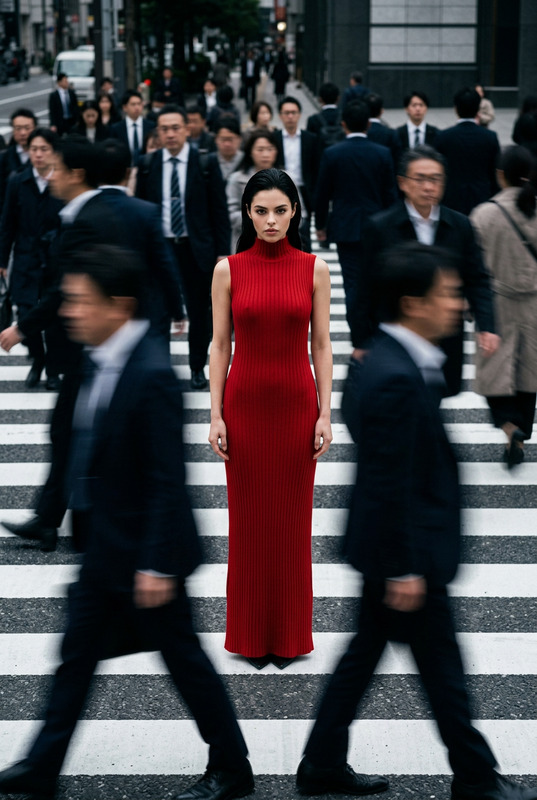
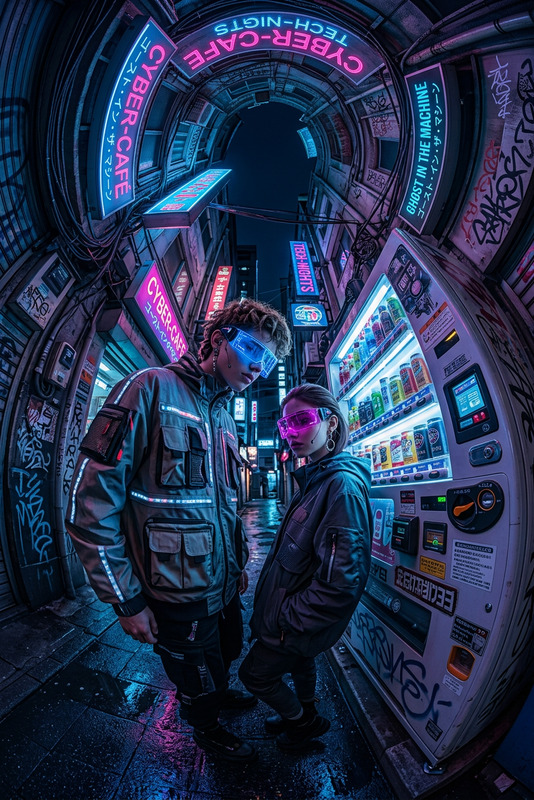
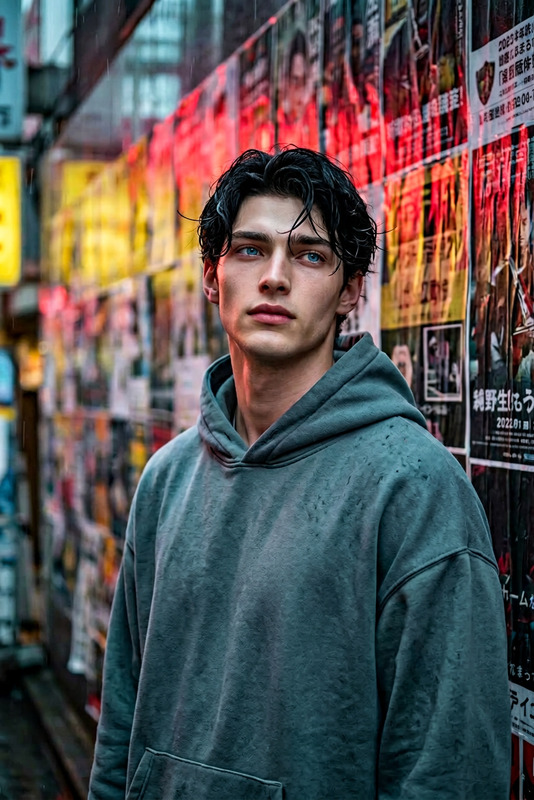
The "Seoul Skyline" AI Image Editor template transforms any image into a breathtaking metropolitan view from the vantage point of a skyscraper. Utilizing the nano-banana-2 model, this template enhances images with a panoramic lens effect, capturing the vibrant lights and bustling energy of Seoul at night.
What It Does
This AI Image Editor template modifies the background of your subject to place them atop a skyscraper in Seoul, complete with a 360⁰ wide-angle perspective. The urban backdrop is alive with the glow of city lights and neon signs, giving a modern, fashionable feel to the photograph. The template ensures sharp details akin to those captured with a DSLR, perfect for creating stunning, high-quality visuals.
Who It's For
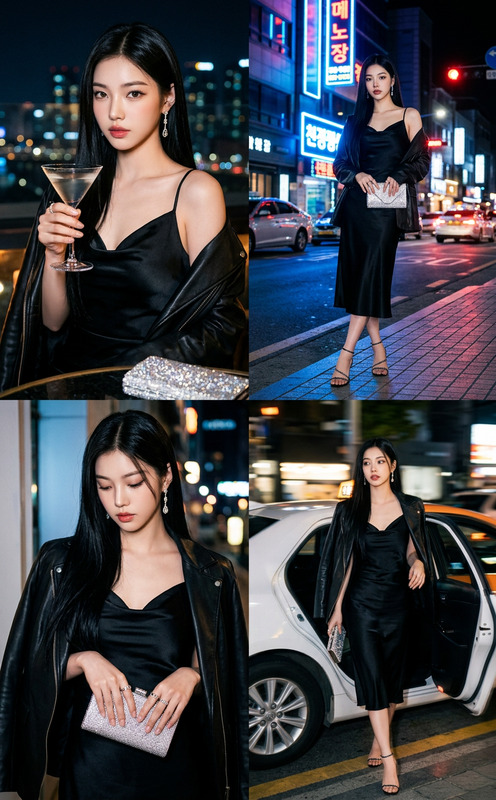
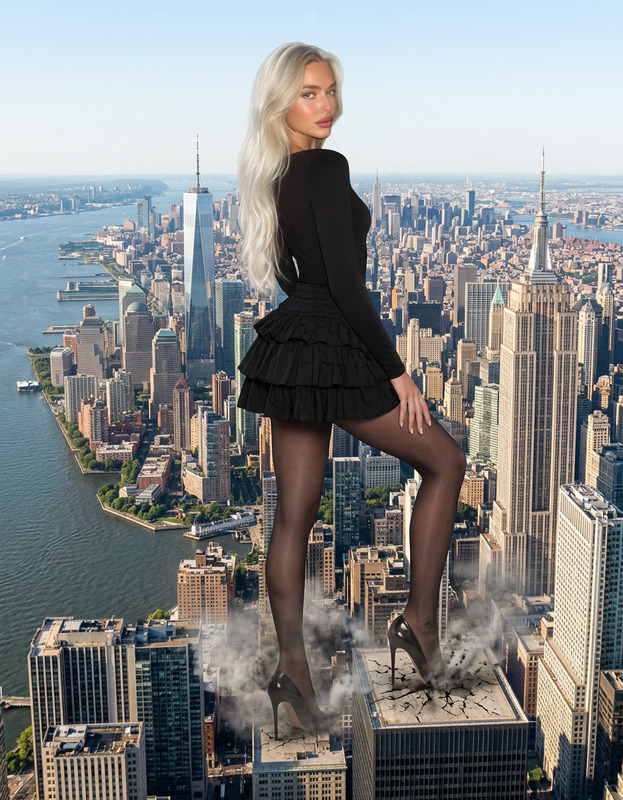
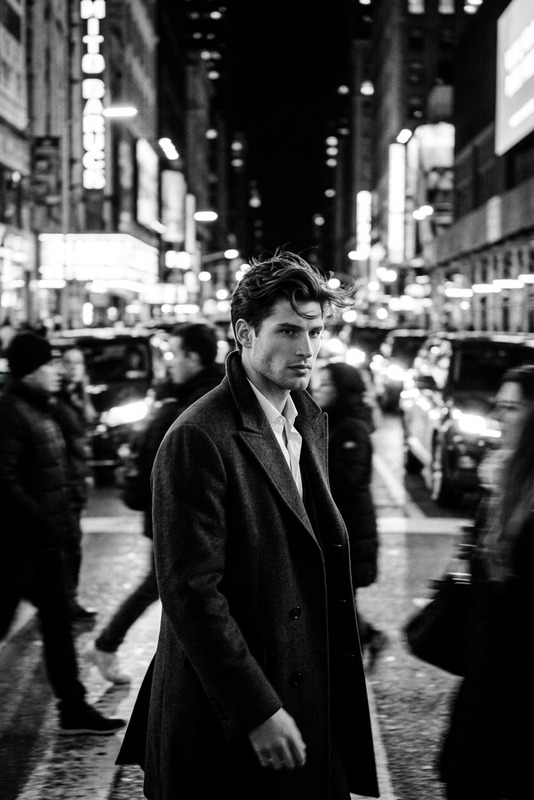
Ideal for photographers, graphic designers, and social media influencers, the "Seoul Skyline" template offers a creative way to enhance visual projects. If you're involved in social media advertising or eCommerce promotions, this tool is designed to help your images stand out with a unique, metropolitan vibe.
Summary
Step into the bustling heart of Seoul with the "Seoul Skyline" AI Image Editor. This template provides an awe-inspiring urban panorama while offering customizable features that enhance the subject's sense of freedom and style. Perfect for capturing dramatic cityscapes at night, it adds a cool, modern touch to any project.
How To
Choose

Customize

Generate

Use Cases
Social Media Campaigns
- Ideal for Instagram stories and posts
- Boosts engagement with modern, dramatic visuals
Product Photography
- Great for eCommerce platforms
- Highlights products in a high-end cityscape
Personal Photo Editing
- Perfect for travel blogs
- Adds a sophisticated edge to personal galleries
Best Practices
Choosing the Right Image
Select images with clear subjects and sufficient contrast to ensure the added background enhances rather than overshadows.Adjust Lighting
Optimize lighting to maintain natural nighttime effects, balancing exposure and saturation for a more realistic look.Focus on Details
Use high-resolution images to maximize the effectiveness of the AI's sharpening capabilities, ensuring every detail pops.