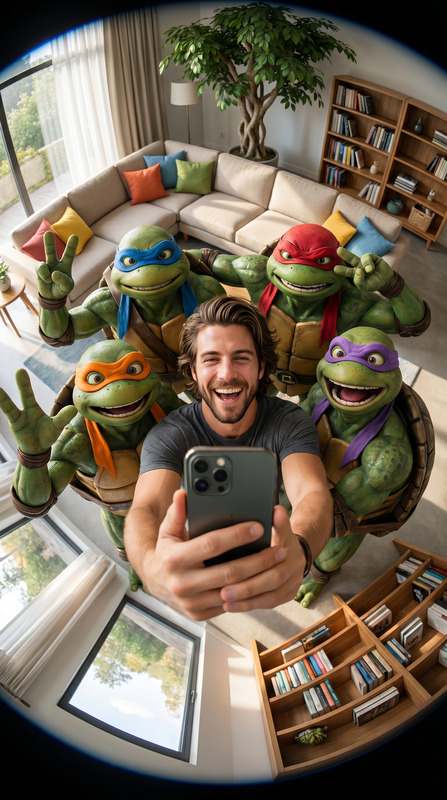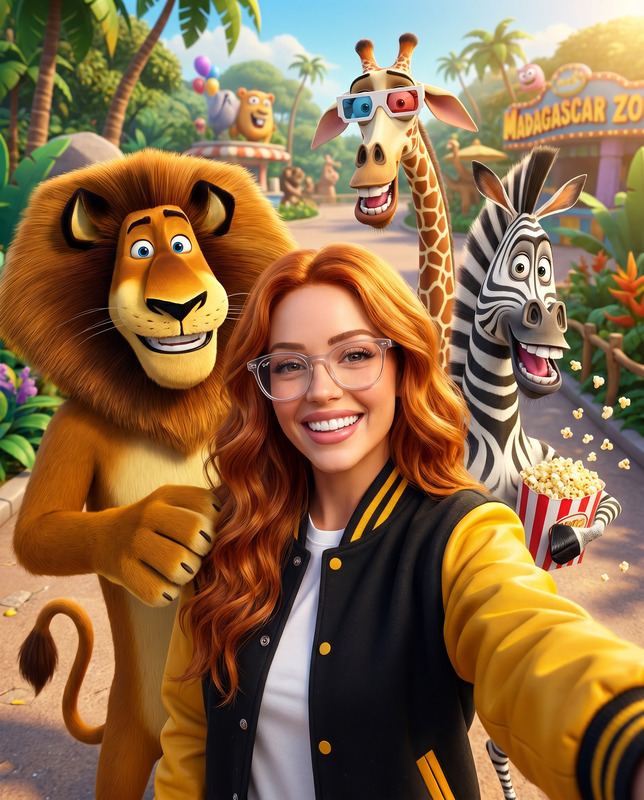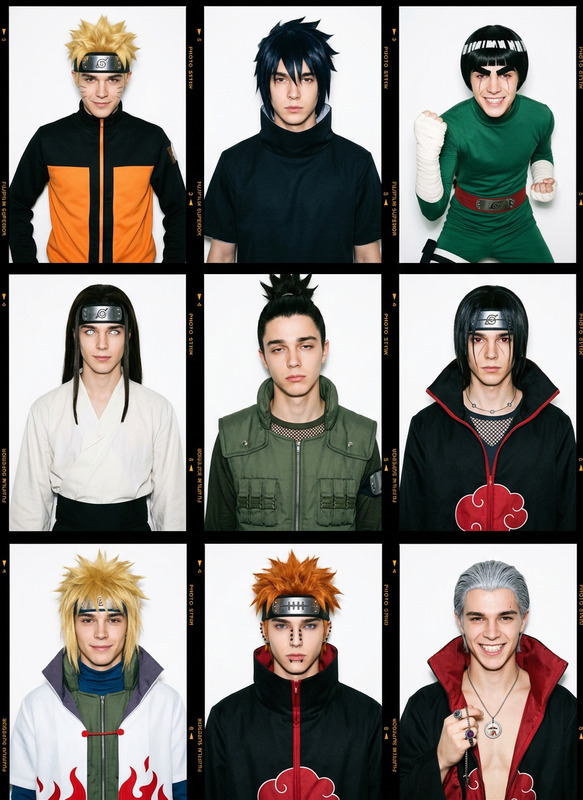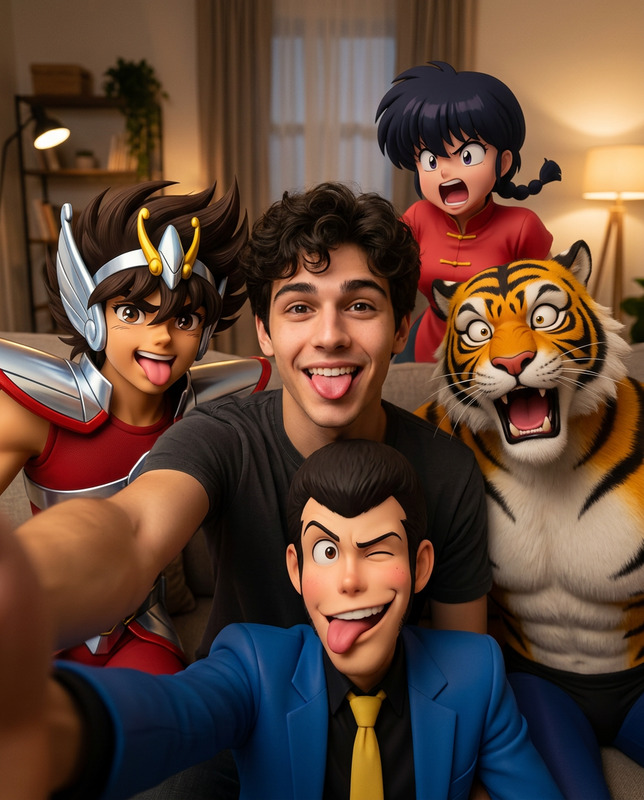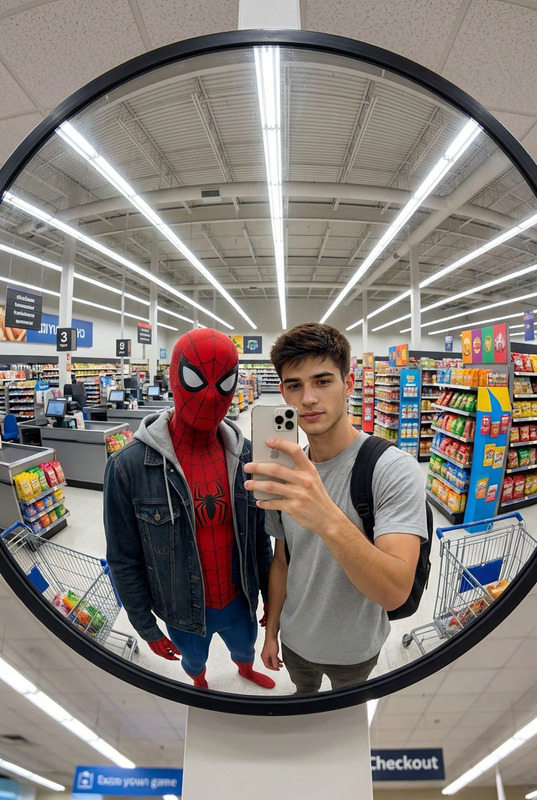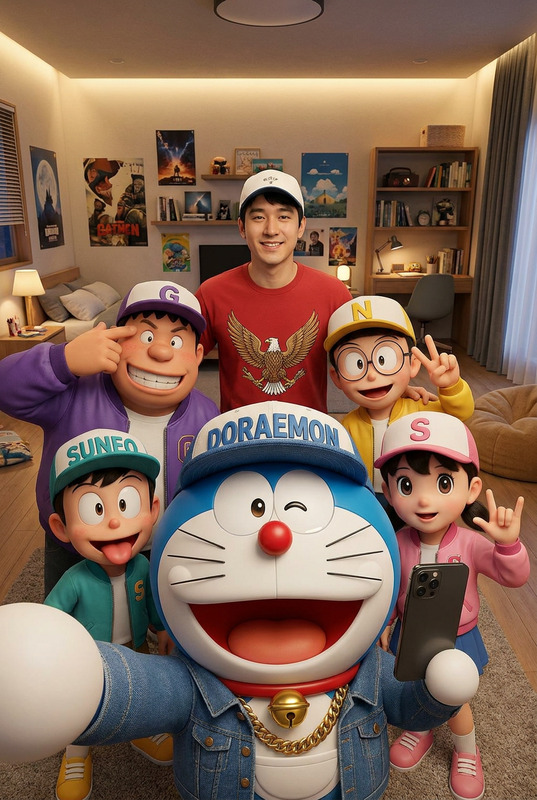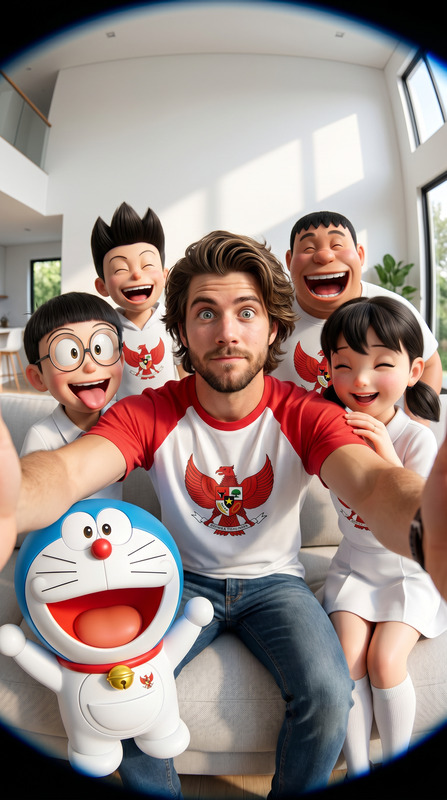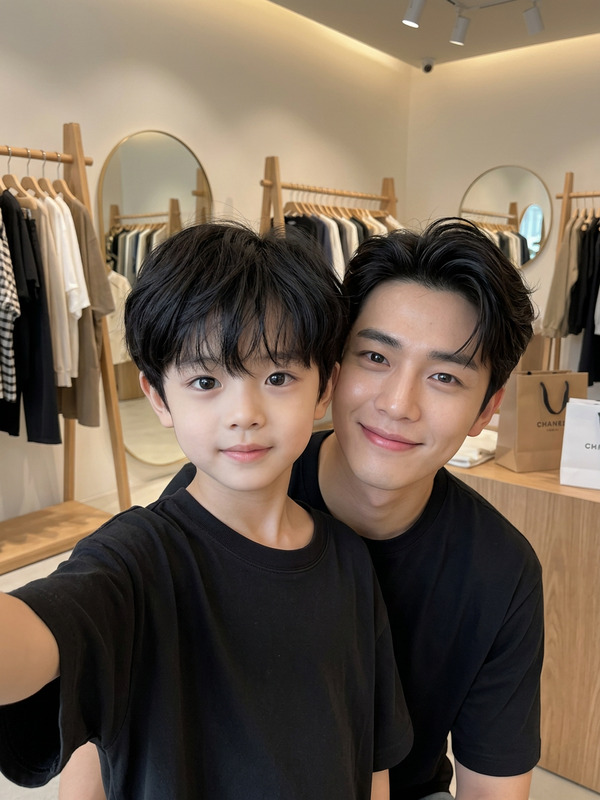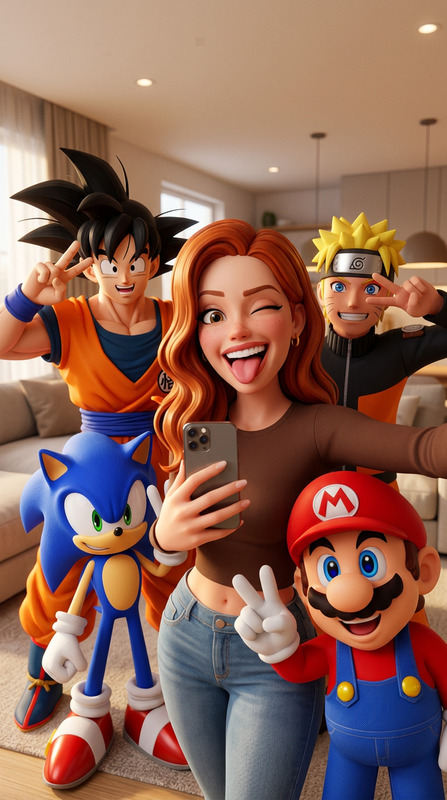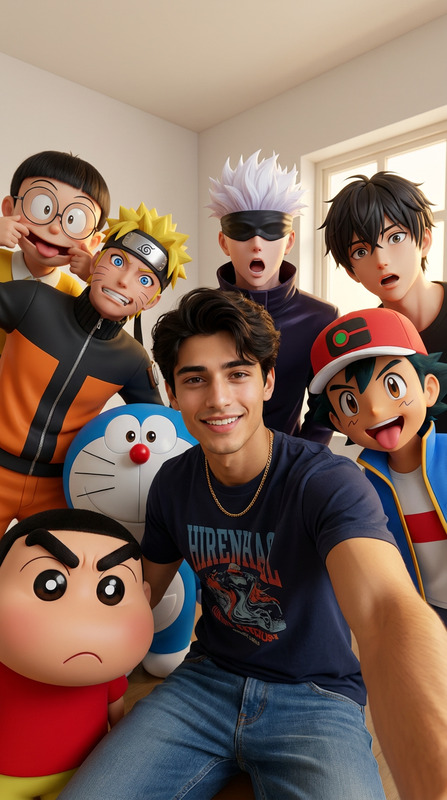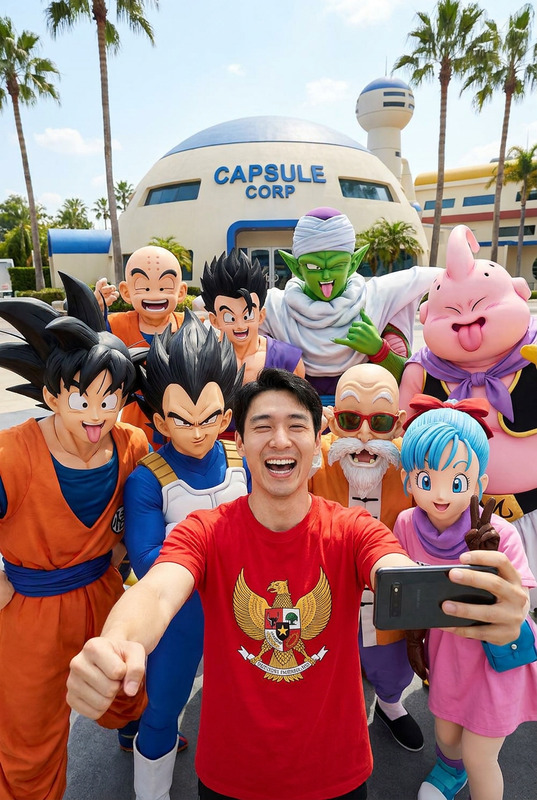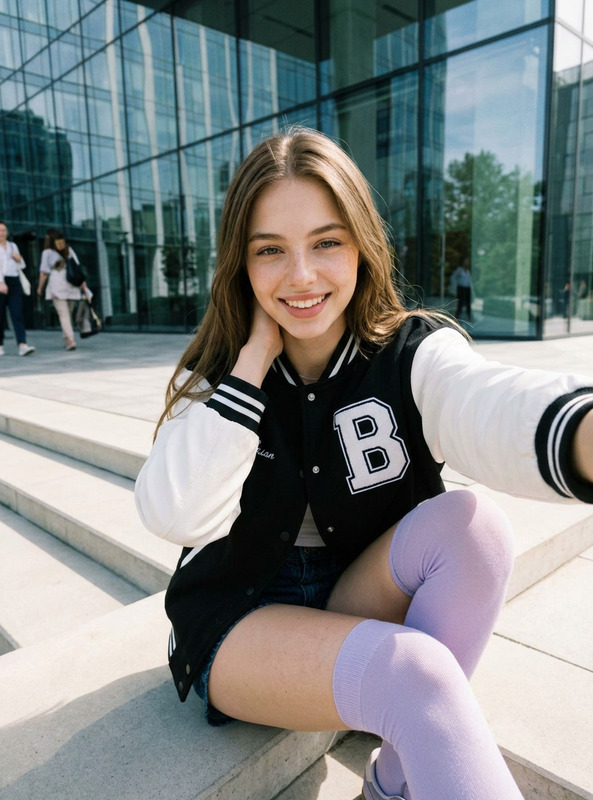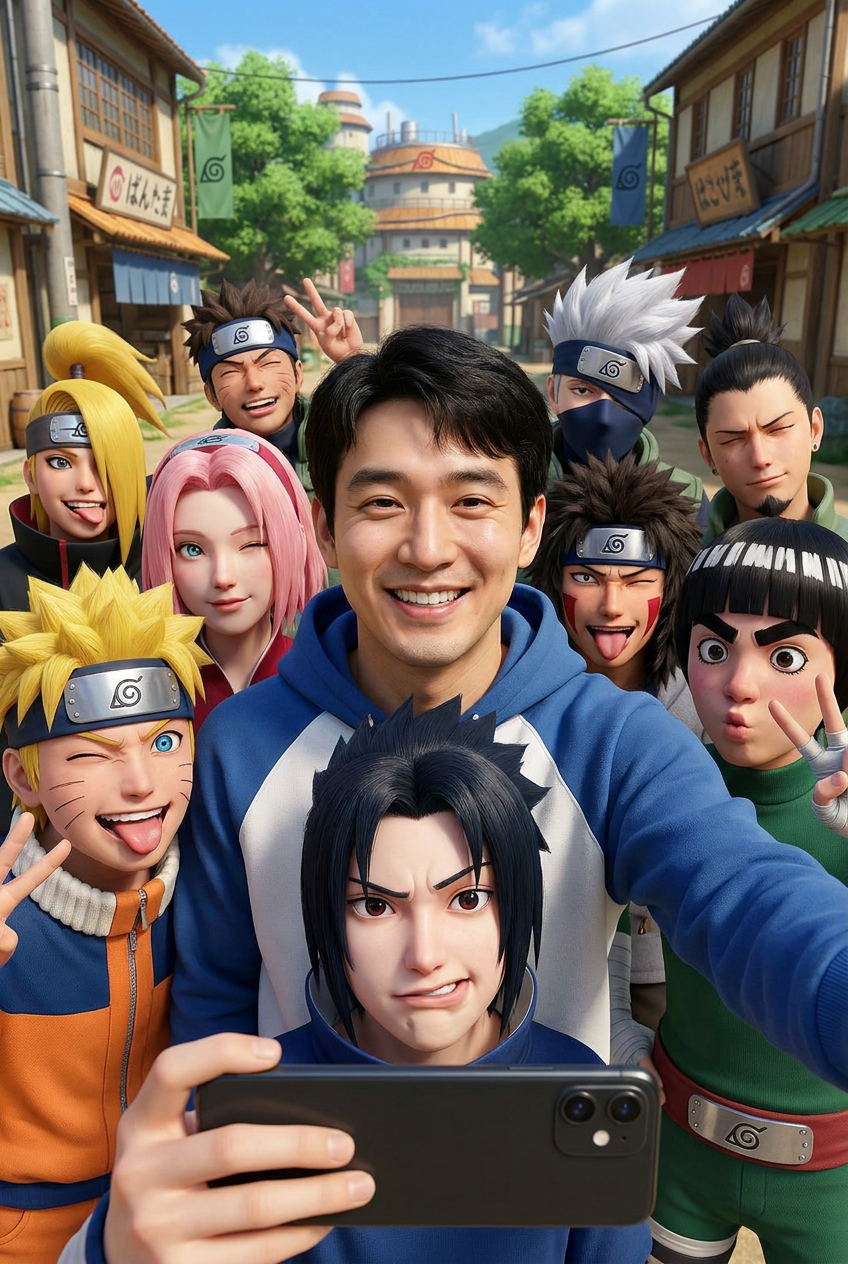
Konoha Selfie
- Model
- Nano Banana Pro
- Image
- 848 × 1264 px
Prompt
Use the uploaded image ONLY as the facial identity reference. Preserve 100% of the original facial identity, including the exact face shape, forehead, eyebrows, eyes, nose, lips, jawline, ears, skin tone, hairstyle, facial proportions, natural expression, and every unique facial characteristic. Do not beautify, reshape, replace, or alter the person's identity. Create an ultra-realistic group selfie in the Hidden Leaf Village (Konoha) with the same person standing at the center wearing a blue and white hoodie, smiling brightly at the camera while a photorealistic 3D Sasuke Uchiha holds the smartphone in the foreground to take the selfie with a goofy expression. Surrounding them are photorealistic 3D Naruto Uzumaki, Sakura Haruno, Kakashi Hatake, Shikamaru Nara, Kiba Inuzuka, Deidara, and Rock Lee, all making funny faces, sticking out their tongues, winking, laughing, or flashing peace signs as they crowd into the frame. The background features a sunny Hidden Leaf Village street with traditional wooden buildings, lush green trees, village banners, and a bright blue sky. Wide-angle smartphone selfie perspective, candid social media composition, vibrant colors, cinematic daylight, realistic skin texture, premium CGI seamlessly blended with real photography, HDR, shallow depth of field, ultra-detailed, joyful chaotic atmosphere, masterpiece, Ultra HD 8K. Negative Prompt: identity mismatch, different face, anime style, 2D illustration, blurry face, low quality, distorted anatomy, extra limbs, bad hands, watermark, logo, text.
Any aspect ratio
Overview
Dive into the vibrant world of Konoha with our 'Konoha Selfie' template in the AI Image Editor. This tool uses the nano-banana-pro model to create an ultra-realistic group selfie in the Hidden Leaf Village, featuring you front and center, without altering your facial identity. Enjoy a dynamic and colorful setting with familiar characters from the Naruto series.
What It Does
The 'Konoha Selfie' template leverages advanced CGI technology to integrate your image into a group selfie with icons like Sasuke, Naruto, and Sakura. It maintains your exact facial identity, ensuring that every intricate detail of your appearance remains intact. This template faithfully blends realistic and vivid backgrounds with a joyful chaotic atmosphere, resulting in a premium CGI photo.
Who It's For
This template is perfect for Naruto fans and creative minds eager to visualize themselves interacting with iconic anime characters in a real-world setting. Designers and content creators can use this template to craft engaging visual meme videos or stylish social media posts.
Summary
Create high-quality selfies set in the Hidden Leaf Village, that incorporate realistic 3D characters without compromising personal identity. This tool is an excellent choice for creating social media ads and storyboards with its ultra-detailed and cinematic results. Explore the possibilities of placing yourself into a beloved anime universe with the fidelity of real photography.
How to Use
Choose the Template

Customize Your Image

Generate and Download

Use Cases
Fan Art Creations
- Combine personal photos with iconic anime scenes
- Preserve original facial expressions and identity
Social Media Engagement
- Post realistic selfies with anime stars
- Drive follower interaction and shares
Digital Scrapbooking
- Blend personal memories with fantasy
- Enhance visual storytelling
Best Practices
Use High-Resolution Images
Ensure your uploaded image is of high quality, which aids in retaining facial details.Lighting and Composition
Position yourself in even lighting while capturing the reference image to improve CGI integration.Experiment with Angles
Try different selfie angles for more dynamic and captivating results.