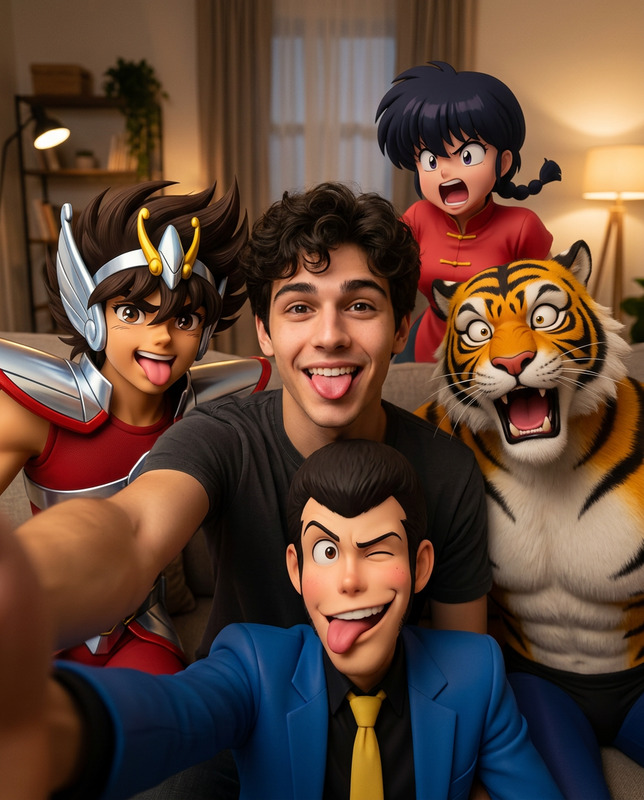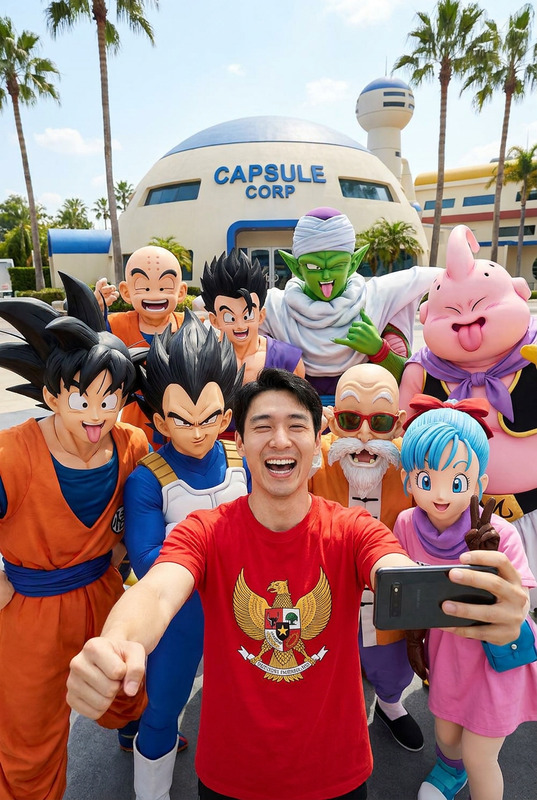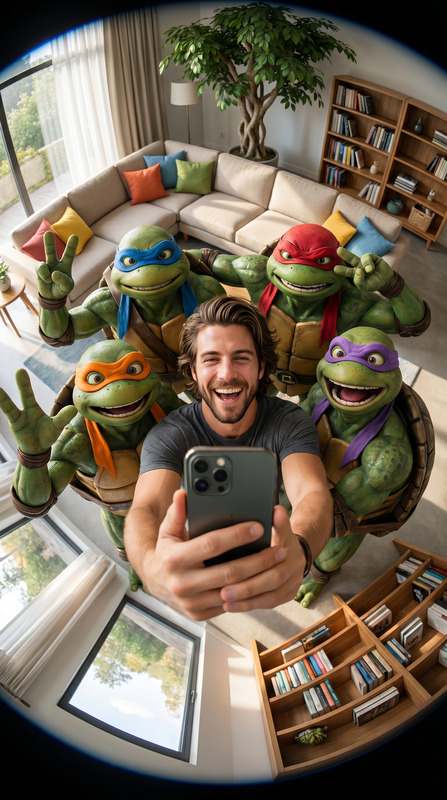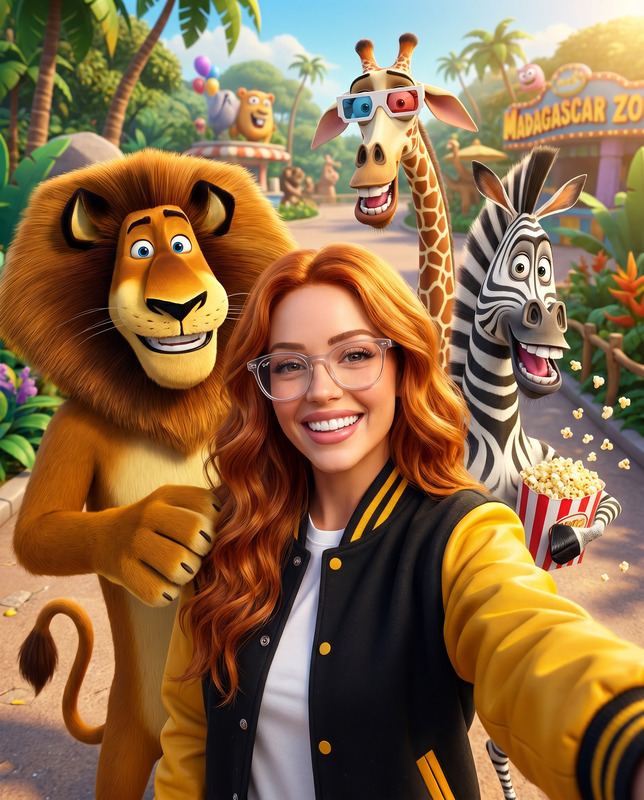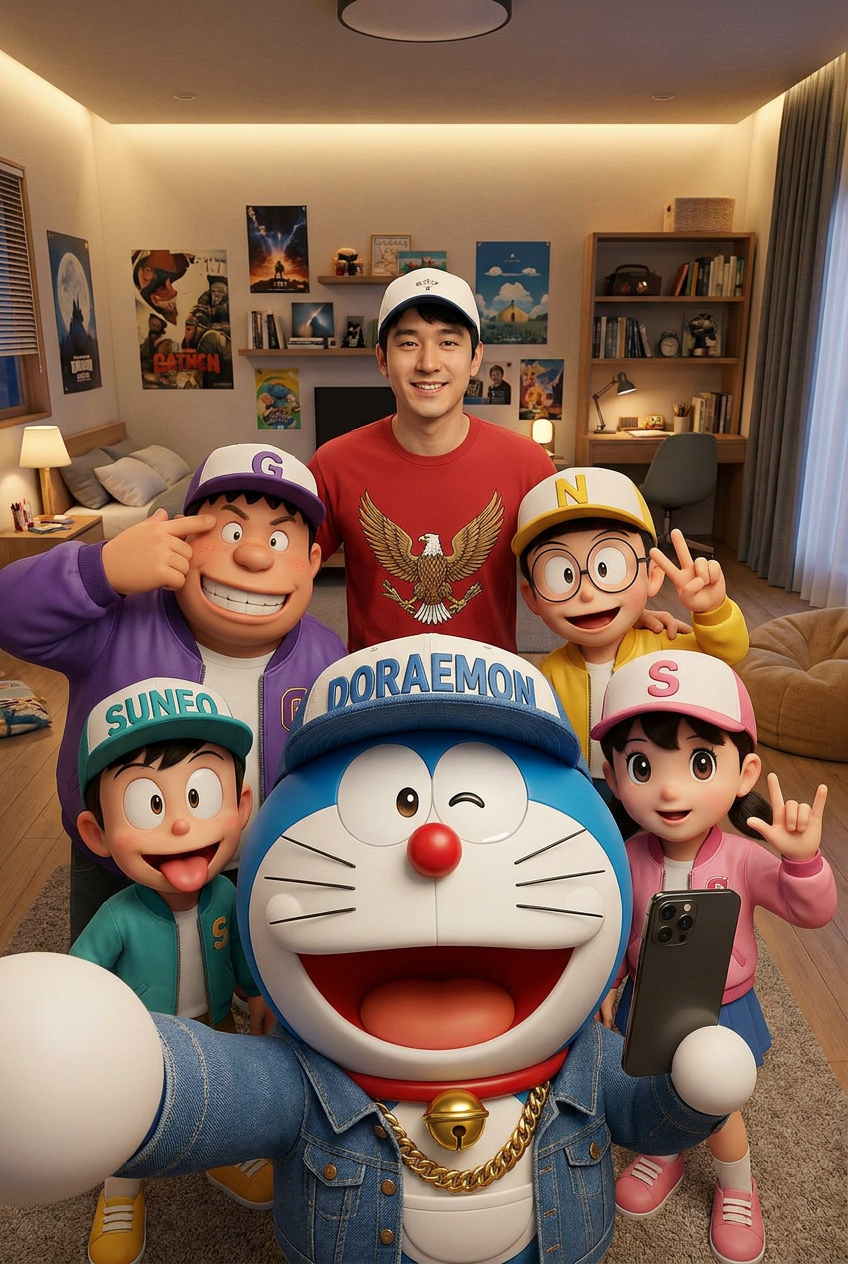
Dora Selfie
- Model
- Nano Banana Pro
- Image
- 848 × 1264 px
Prompt
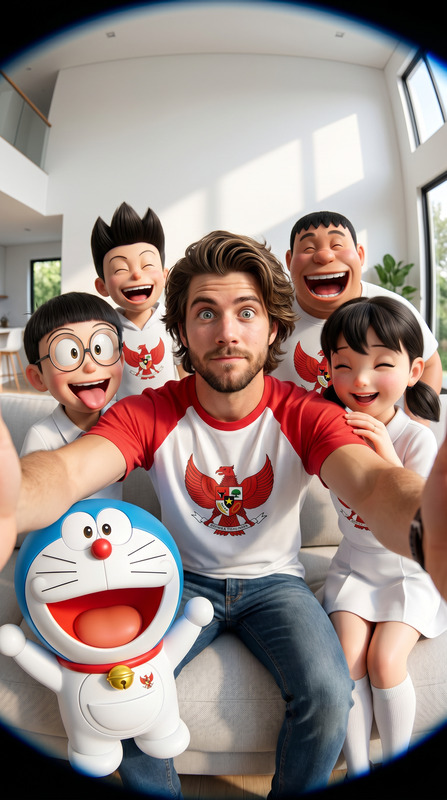
Use the uploaded image ONLY as the facial identity reference. Preserve 100% of the original facial identity, including the exact face shape, forehead, eyebrows, eyes, nose, lips, jawline, ears, skin tone, hairstyle, facial proportions, natural expression, and every unique facial characteristic. Do not beautify, reshape, replace, or alter the person's identity. Create an ultra-realistic group selfie inside a cozy modern bedroom with the same person standing in the background wearing a red shirt with an eagle emblem and a white cap, smiling naturally while surrounded by photorealistic 3D Doraemon characters in hip-hop streetwear. In the foreground, Doraemon holds the smartphone to take the selfie, wearing a blue denim jacket, chunky gold chain, and a "DORAEMON" cap, winking with a huge smile. Around him are Gian in a purple jacket with a "G" cap, Suneo in a teal jacket with an "SUNEO" cap, Nobita in a yellow jacket with glasses and an "N" cap, and Shizuka in a pink jacket with an "S" cap, all making hilarious expressions, winking, sticking out their tongues, flashing peace signs or rock-on hand gestures. The bedroom features a neatly made bed, warm ambient lighting, posters, shelves, and cozy décor. Wide-angle smartphone selfie perspective, vibrant colors, premium photorealistic 3D animation seamlessly blended with real photography, authentic candid social media aesthetic, cinematic lighting, HDR, ultra-detailed textures, joyful energetic atmosphere, masterpiece, Ultra HD 8K. Negative Prompt: identity mismatch, different face, 2D anime, blurry face, low quality, distorted anatomy, extra limbs, bad hands, watermark, logo, text.
Any aspect ratio
Overview
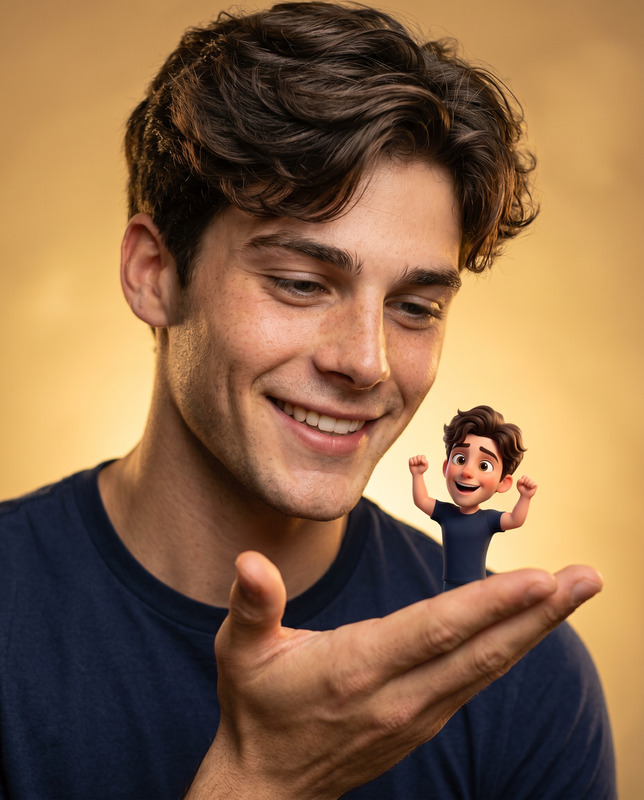
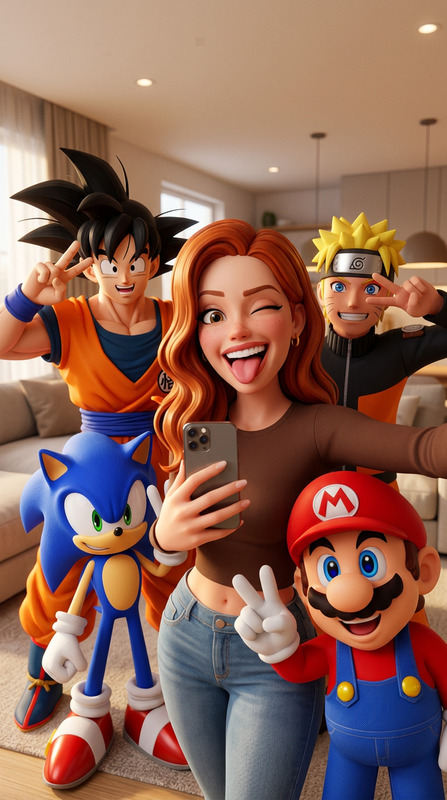
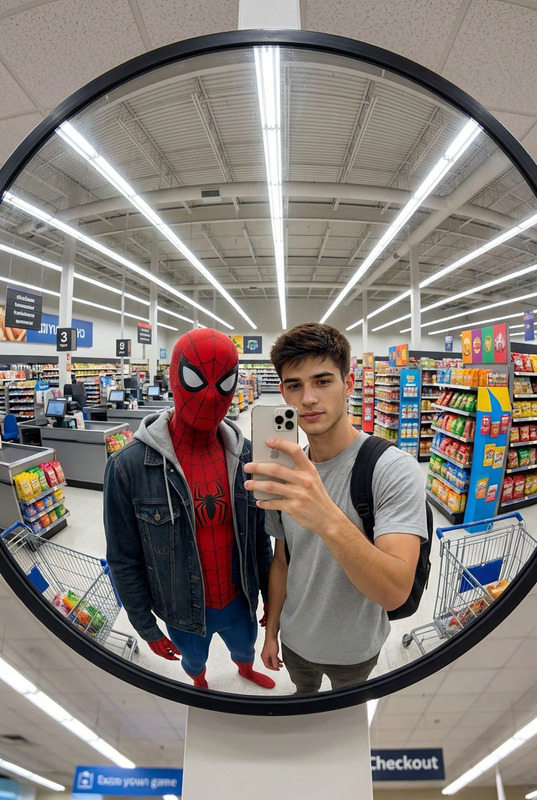
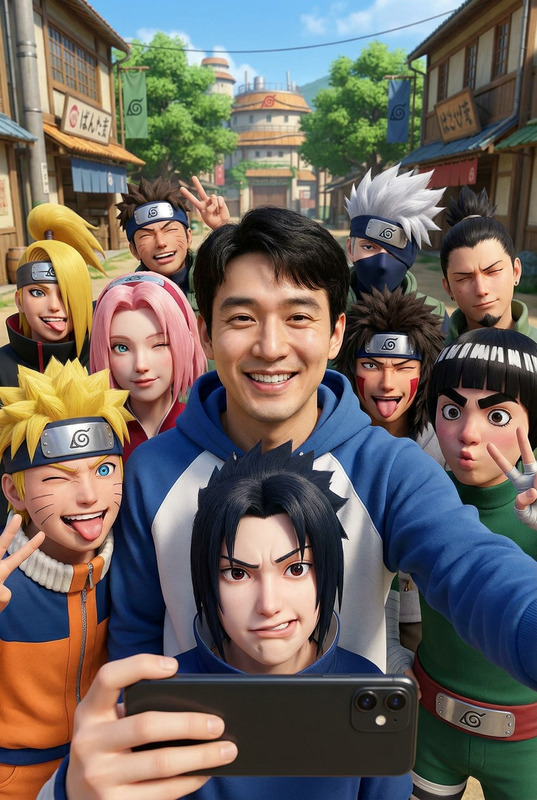
The Dora Selfie template in the AI Image Editor category takes your image references and places your face among beloved characters in a vivid, lifelike scene. Using the advanced capabilities of the nano-banana-pro model, this template ensures that your facial identity remains intact while placing you in a fun, ultra-realistic group selfie with characters in a cozy bedroom setting.
What It Does
The Dora Selfie template preserves every detail of your face while placing you into a photorealistic group selfie. It utilizes sophisticated 3D animation and advanced image editing to seamlessly blend your face with 3D-rendered Doraemon characters. The scene captures a lively and joyful atmosphere, making it perfect for social media sharing.
Who It's For
This template is ideal for fans of Doraemon and creative photo enthusiasts who wish to see themselves in a hyper-realistic animated setting. It's perfect for social media influencers, content creators, and anyone looking to create unique, captivating images for their social media ads or personal enjoyment.
Summary
With the Dora Selfie template, transform your image references into an ultra-realistic group selfie featuring yourself among playful 3D Doraemon characters. The nano-banana-pro model ensures intricate facial detail preservation while adding personality and vibrancy to your photos. This template is a must-try for enhancing your creative expression in online spaces.
How To
Choose Your Template

Customize Your Inputs

Generate and Download

Use Cases
Social Media Content
- Unique group selfies with a creative twist
- Vibrant photos perfect for posting
Personalized Merchandise
- Create posters, mugs, and T-shirts
- Distinctive aesthetics for personal products
Digital Storytelling
- Add a personal touch to stories
- Engage audiences with unique visuals
Best Practices
High-Resolution Images
To achieve the best results, always upload high-resolution images so that all facial details are accurately preserved.Detailed Backgrounds
Consider using images with less cluttered backgrounds to attract focus to the facial details and animation.Consistent Lighting
Images with consistent lighting help prevent visual mismatches, creating a more realistic result.