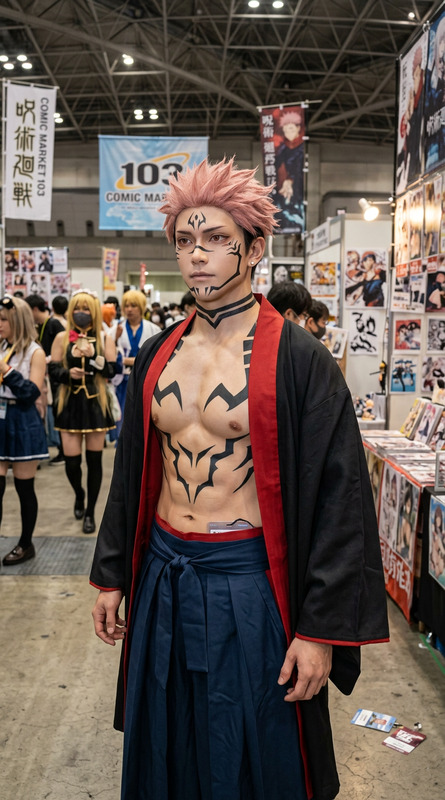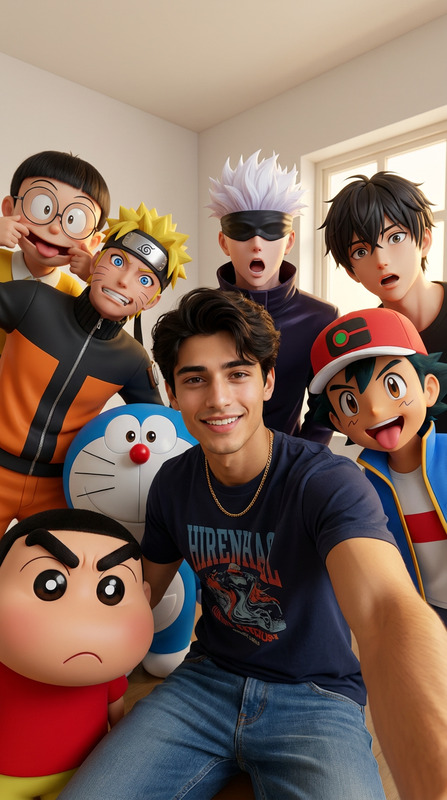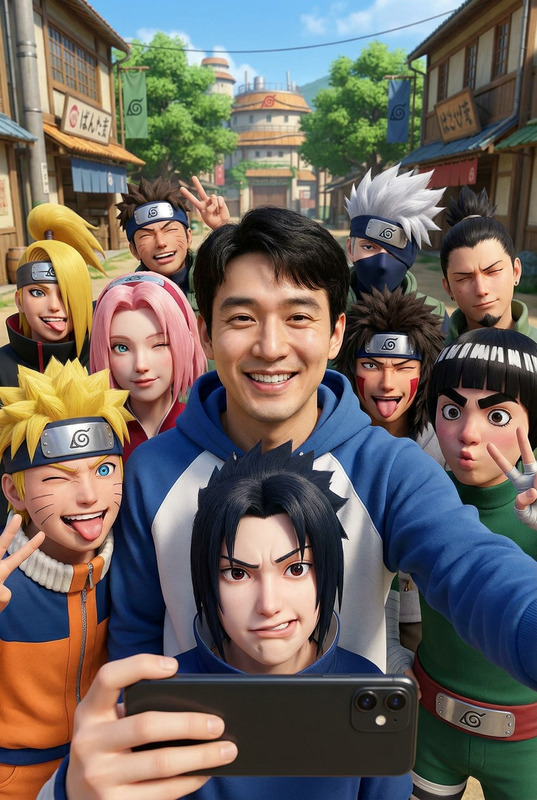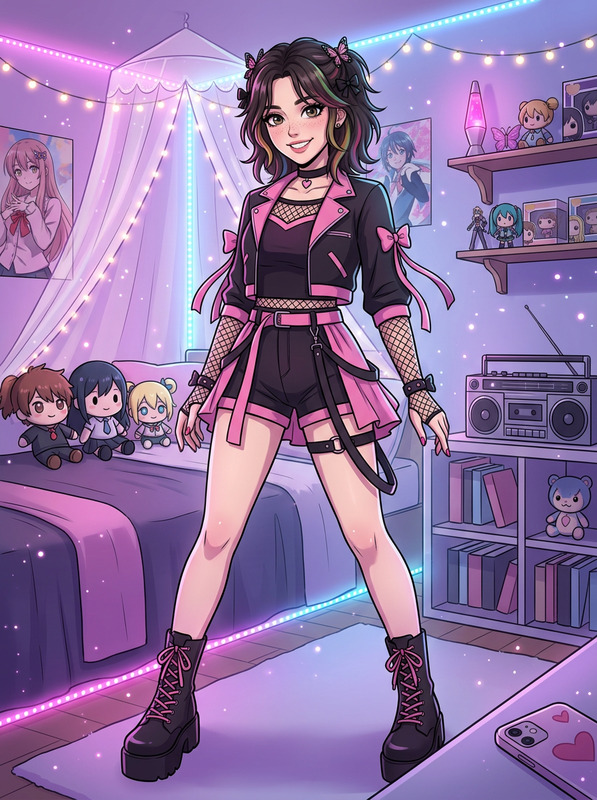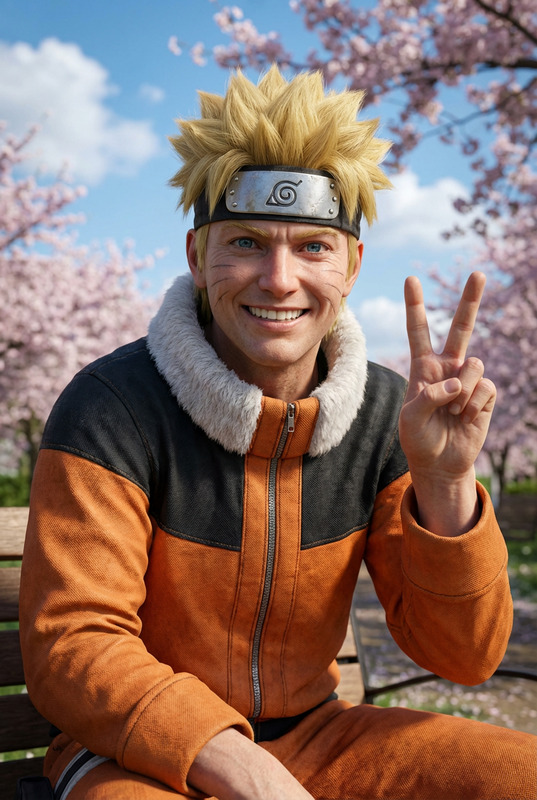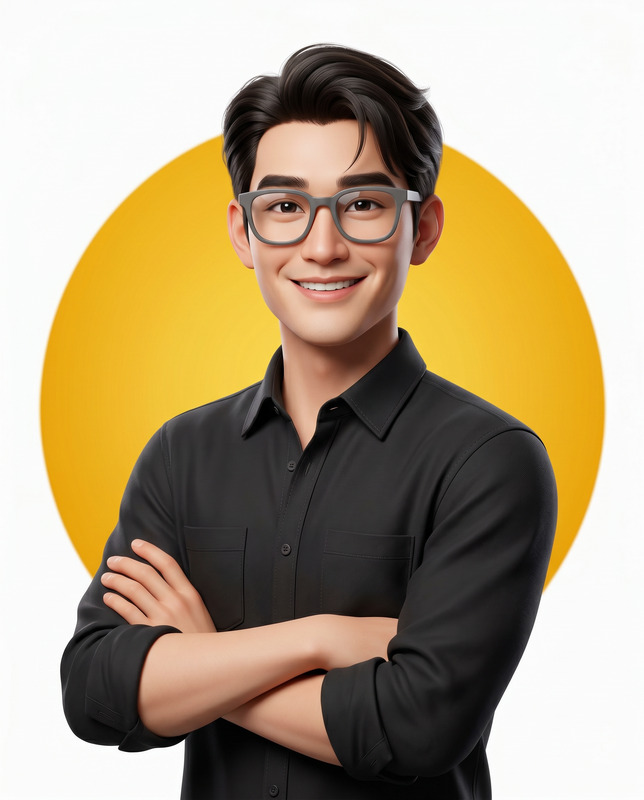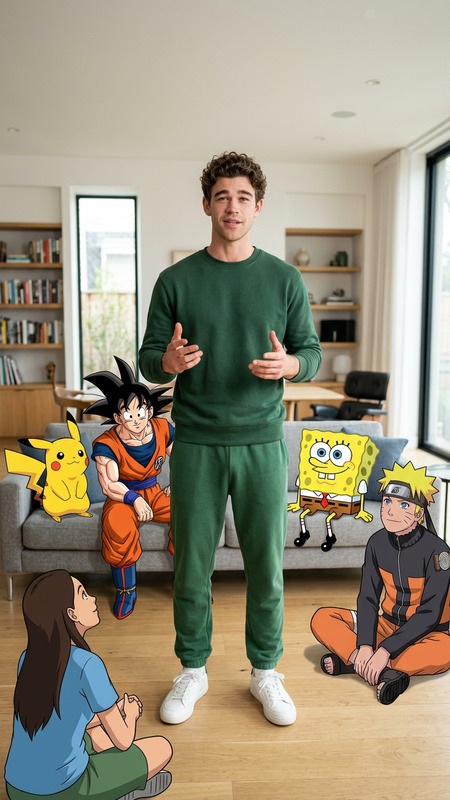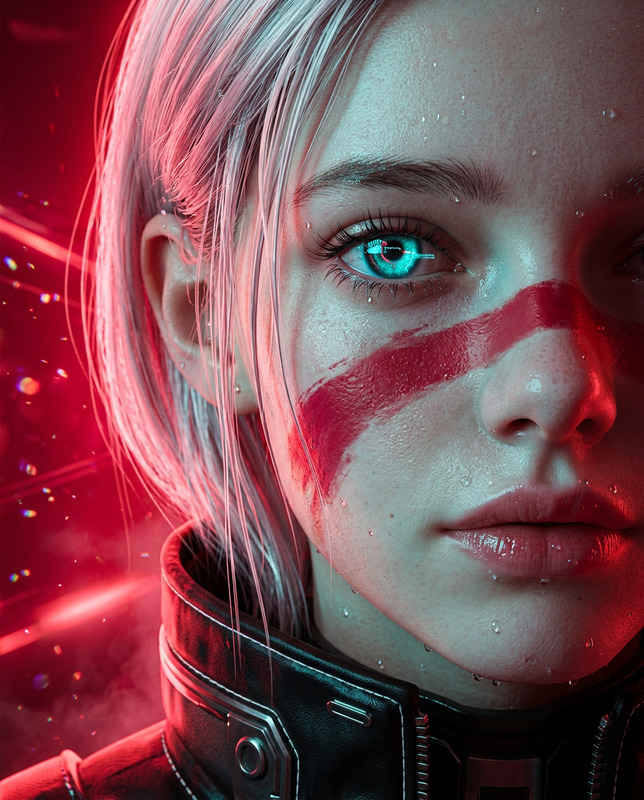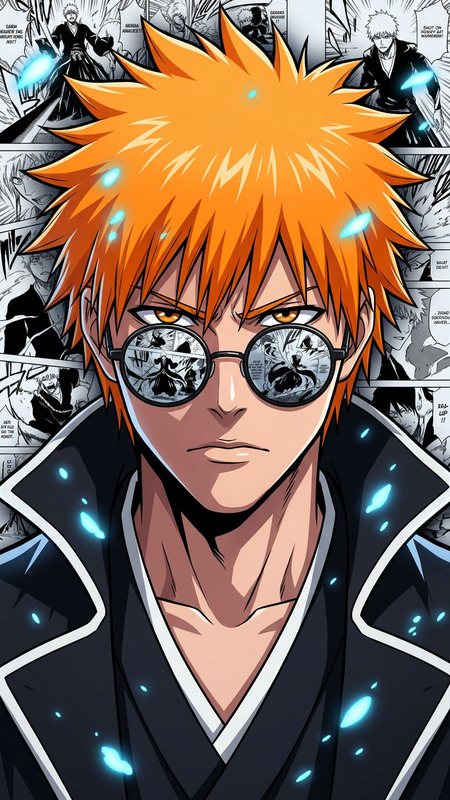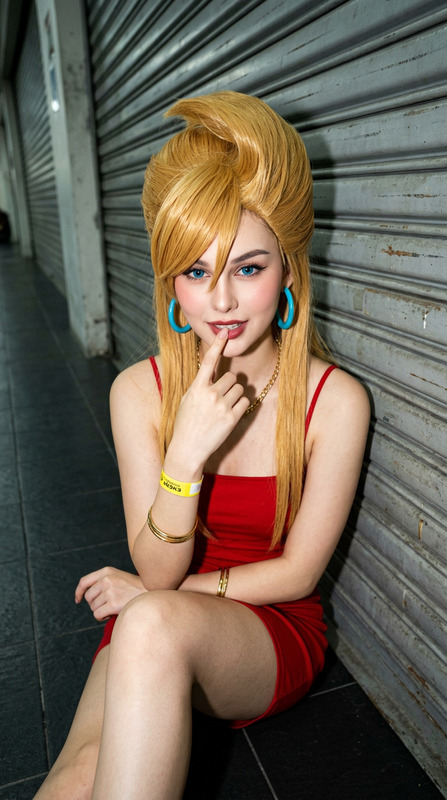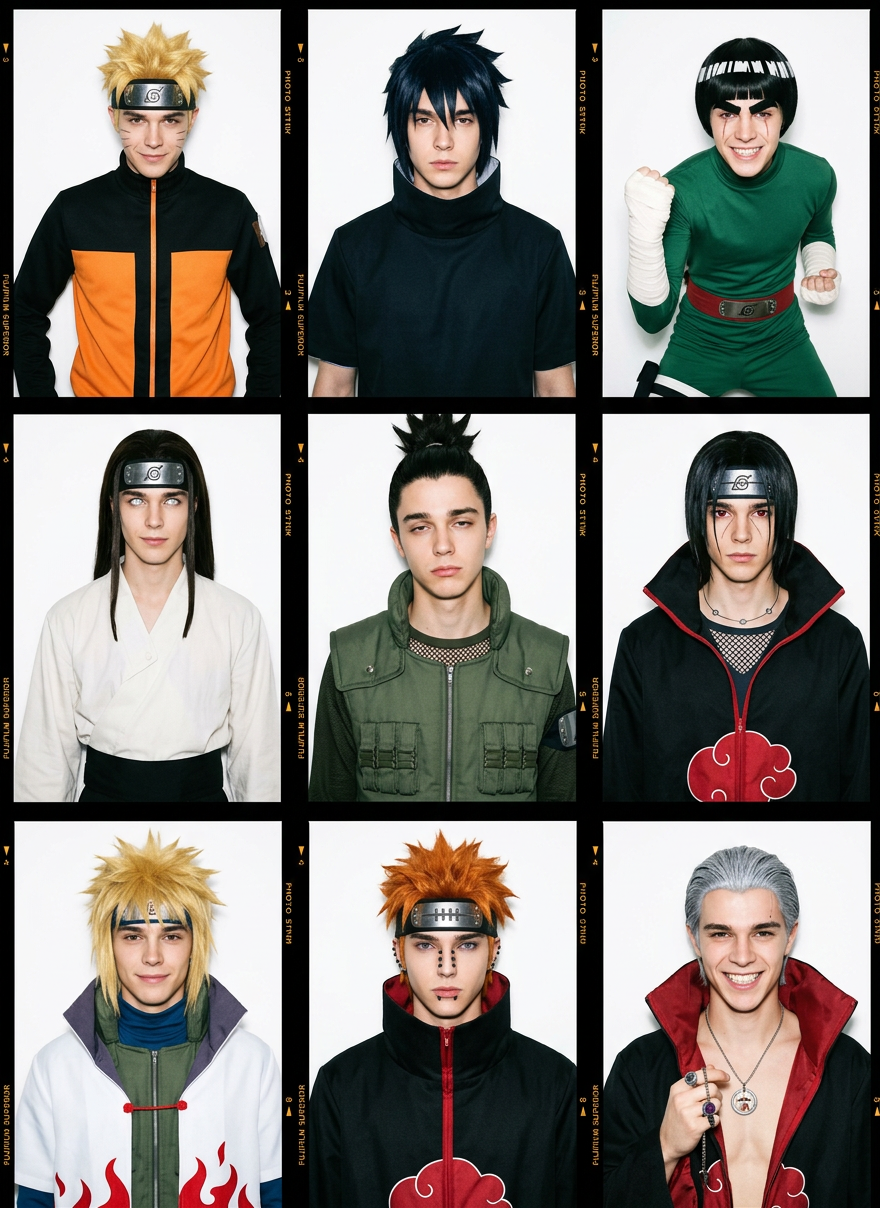
Naruto Universe Cosplay Photo Booth
- Model
- Nano Banana 2
- Image
- 880 × 1208 px
Prompt
Use the uploaded face as the identity reference and preserve the exact facial structure, eyes, nose, lips, jawline, skin tone, hairstyle adaptation, age, facial proportions, and recognizability across all 9 panels. Create a 3x3 photo booth grid collage on a clean white background, authentic photo strip layout, high-fashion editorial photography, medium close-up portraits, shot with a 28mm lens and direct ring flash creating subtle sharp shadows on the backdrop, Fujifilm Superior color tones, vivid colors, realistic skin pores, film grain, authentic photo booth aesthetic. Panel 1: the same person cosplaying Naruto Uzumaki, iconic orange and black tracksuit, spiky blond hair, confident smirk. Panel 2: the same person cosplaying Sasuke Uchiha, dark high-collar zipper vest, dark blue-black hair, stoic expression. Panel 3: the same person cosplaying Rock Lee, green jumpsuit, orange leg warmers, thick eyebrows, bowl haircut, energetic fist pose. Panel 4: the same person cosplaying Neji Hyuga, loose white and dark brown robe, long dark brown hair, pale Byakugan-inspired eyes, calm demeanor. Panel 5: the same person cosplaying Shikamaru Nara, green tactical vest over mesh shirt, spiky ponytail, bored lazy expression. Panel 6: the same person cosplaying Itachi Uchiha, Akatsuki black cloak with red clouds, Sharingan-inspired eyes, tied-back hair, tear lines under eyes. Panel 7: the same person cosplaying Minato Namikaze, white Hokage cloak with red flame trim, bright blond spiky hair, gentle smile. Panel 8: the same person cosplaying Nagato (Pain), Akatsuki cloak, orange hair, facial piercings, Rinnegan-inspired concentric eyes. Panel 9: the same person cosplaying Hidan, open Akatsuki cloak, slicked-back silver hair, holding a small religious pendant, manic grin. Maintain identical facial identity in every panel while adapting costumes and hairstyles, premium cosplay realism, magazine-quality photography, ultra-detailed fabrics, realistic lighting, cinematic sharpness, high-end editorial style, photorealistic, 8K, masterpiece, square composition.
Any aspect ratio
Overview
Step into the world of Naruto anime with the Naruto Universe Cosplay Photo Booth, an AI Image Editor template. Transform your portrait into nine iconic characters, maintaining your facial identity while adopting costume and hairstyle adaptations. Ideal for high-fashion editorial photography enthusiasts looking to capture the essence of their favorite characters in a photo booth style.
What It Does
This template intricately preserves your facial features while transforming you into beloved Naruto characters. Each of the nine panels in the grid displays a unique cosplay look, captured in a photorealistic style with cinematic lighting and vivid colors. From the iconic orange tracksuit of Naruto Uzumaki to the menacing Akatsuki cloak of Itachi Uchiha, you can expect detailed, editorial-quality images.
Who It's For
This photo booth template is perfect for anime fans, cosplayers, and photographers looking to create professional-grade images with a striking cosplay theme. Whether you're a keen photographer or a cosplay enthusiast, this tool offers a unique opportunity to bring your favorite characters to life in stunning detail.
Summary
With the AI Image Editor in the Naruto Universe Cosplay Photo Booth, transform your appearance into a series of anime-inspired characters while keeping your identity intact. Perfect for anyone wanting magazine-quality images with an anime twist, this template supports a wide array of cosplay styles, offering endless creative possibilities.
How To
Choose

Customize

Generate

Use Cases
Anime Conventions
- High-quality cosplay imagery
- Authentic Naruto character representations
Cosplay Portfolios
- Editorial-grade photographs
- Nine distinctive character looks
Social Media Content
- Shareable, vibrant imagery
- Anime-themed storytelling
Best Practices
Choose a High-Quality Source Image
Use a high-resolution facial image to ensure the software can accurately preserve and transform facial features.Consider Lighting and Angle
For best results, ensure your source image is well-lit and taken from a direct angle to match the template’s requirements.Customize Costume Elements
While the template provides default character costumes, feel free to adjust elements to better match your personal style or particular Naruto adaptations you enjoy.