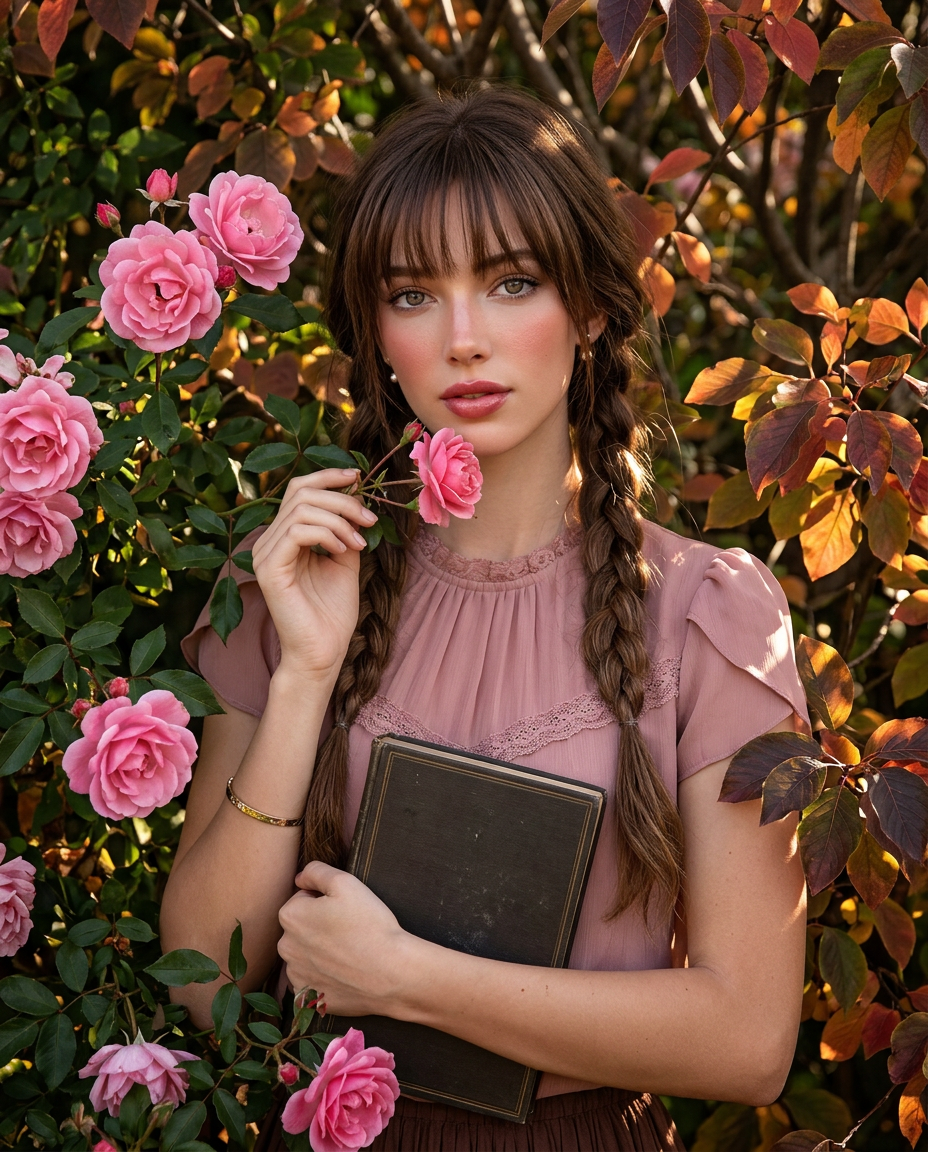
Rose Doll
- Model
- Nano Banana 2
- Image
- 928 × 1152 px
Prompt
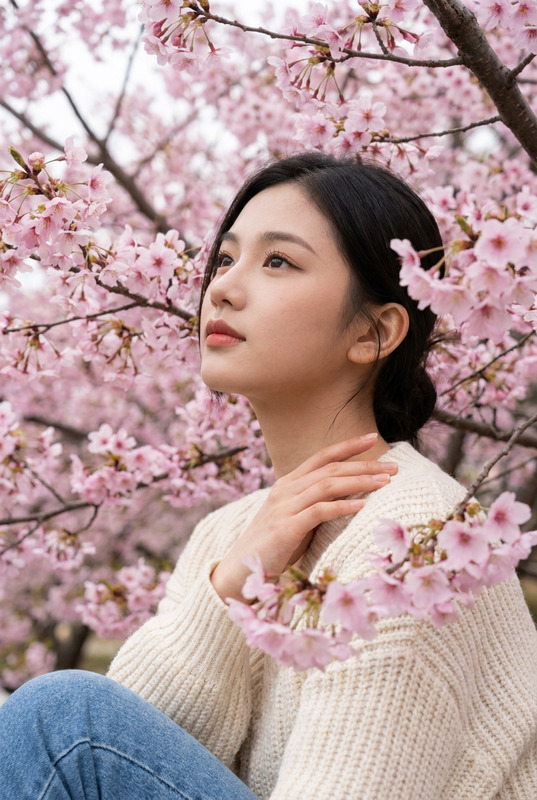
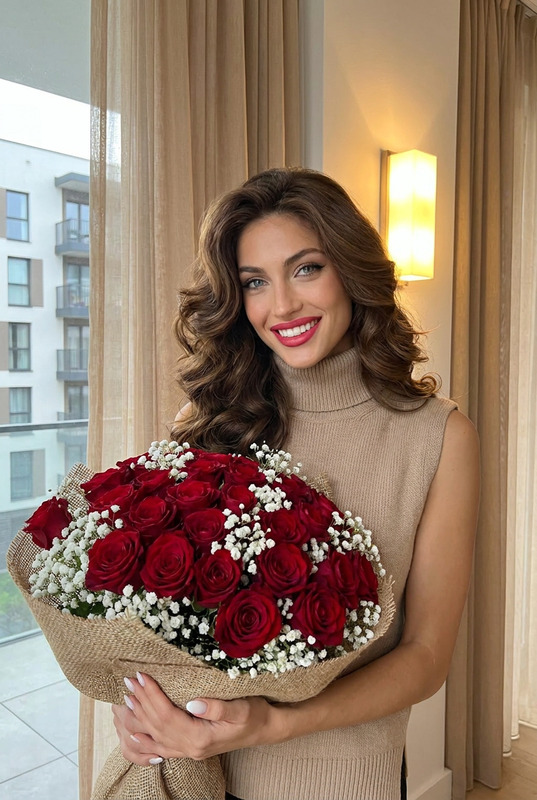
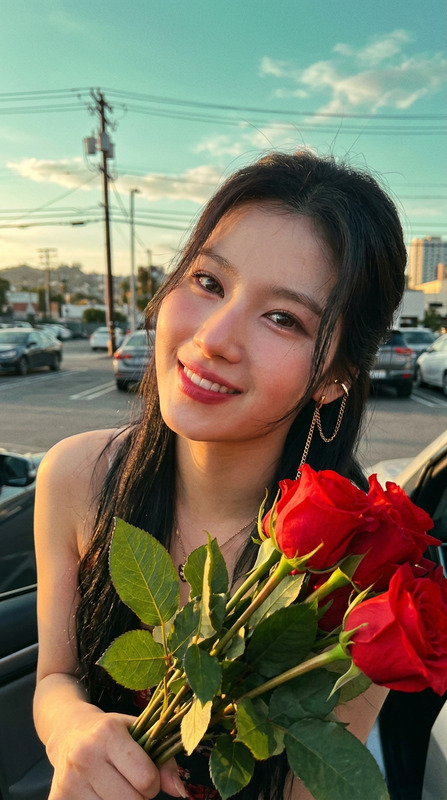
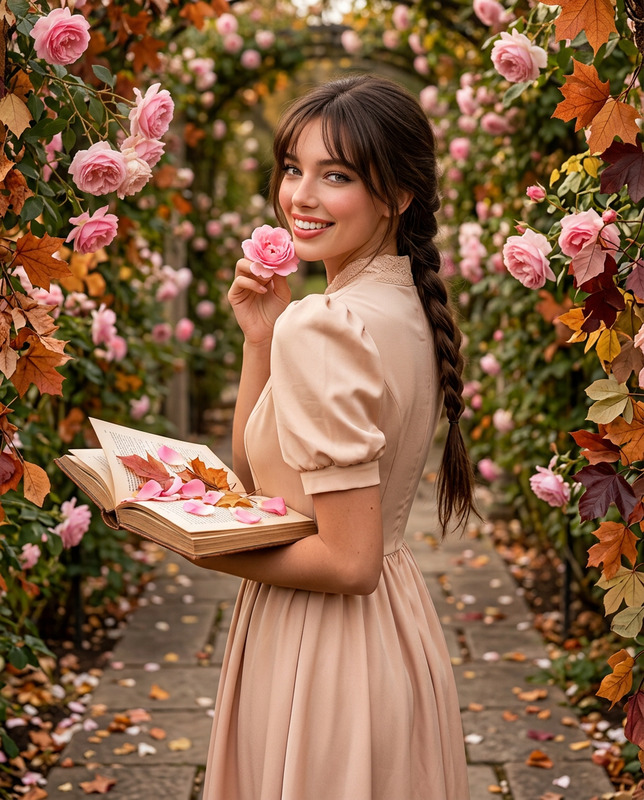
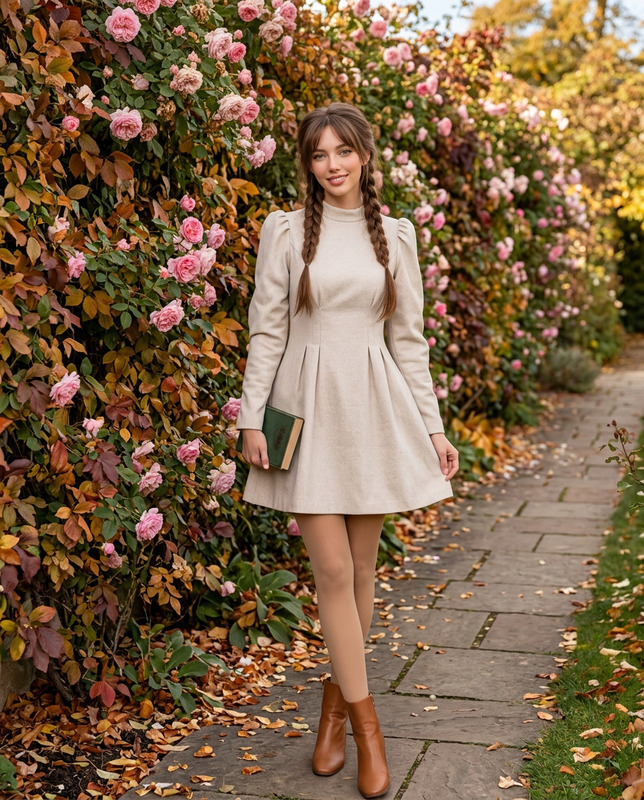
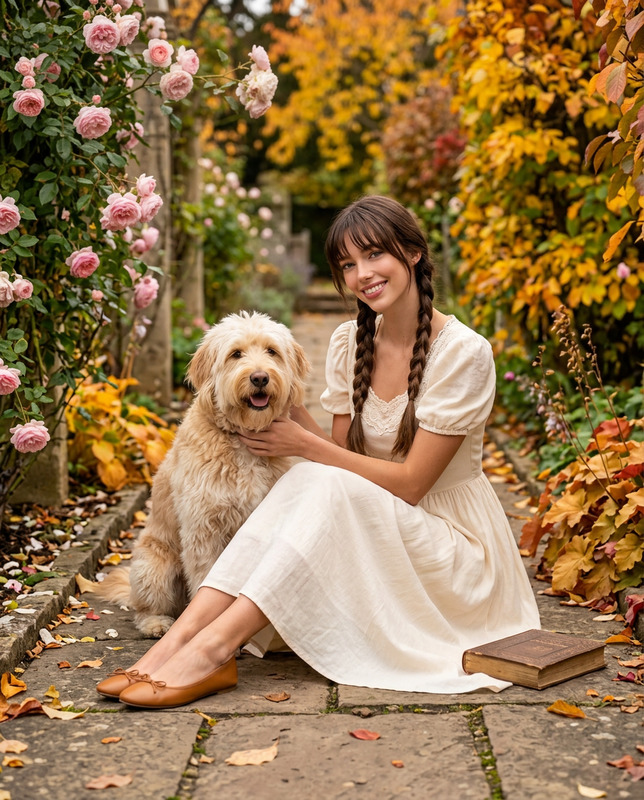
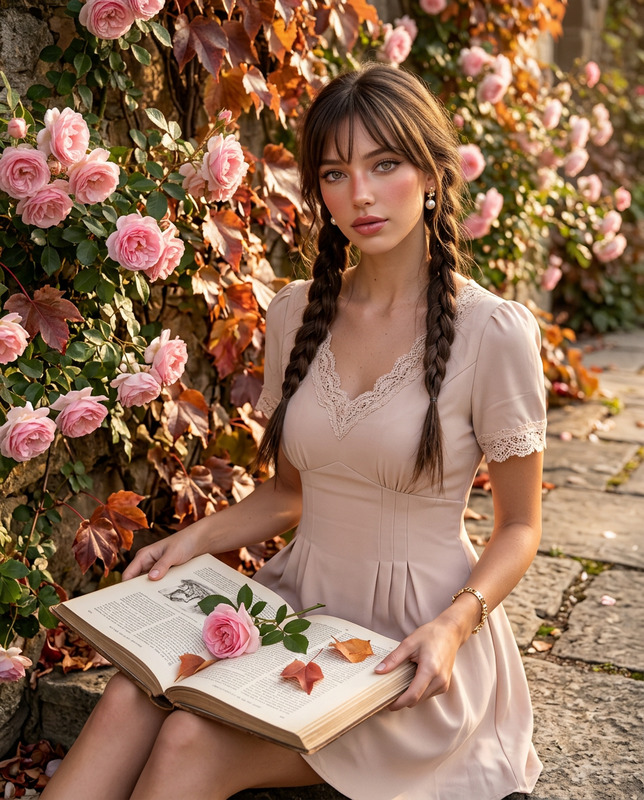
Use my uploaded personal photo as the facial identity reference only. Preserve my exact facial identity, proportions, natural skin tone and realistic human anatomy.Create a vertical 4:5 intimate autumn beauty editorial surrounded closely by the same cascading pink rose bushes. Transform the foliage into an early-autumn garden containing vibrant late-blooming pink roses mixed with dark green, bronze, copper, burgundy and amber leaves.Frame me from the waist upward nestled naturally among the flowers. Hold a dark vintage hardcover book softly against my torso with one arm while my other hand delicately touches a small rose stem near my chin. Turn my face slightly toward the camera with wide luminous eyes and a gentle, dreamy expression.Dress me in an elegant dusty-rose chiffon blouse suitable for mild autumn weather, featuring a softly gathered neckline, delicate lace trim, short sculpted sleeves and subtle vintage-inspired tailoring. Add a slim gold bracelet and tiny pearl earrings.Style my hair in long chocolate-brown twin braids with thick straight wispy bangs, subtle volume at the crown and realistic loose strands.Create an elevated porcelain-doll makeup effect while keeping me completely human: soft satin skin, peach-rose blush concentrated high on the cheeks, subtle nose-tip blush, finely sculpted nose, large glossy brown-grey eyes, softly smoked taupe lids, precise brown-black eyeliner, defined lower lashes and glossy strawberry-rose lips.Use warm directional autumn sunlight filtering through the roses. Keep every flower, leaf, strand of hair, fabric texture and background branch extremely sharp. No blur, no bokeh, no artificial fantasy glow. –ar 4:5
Any aspect ratio