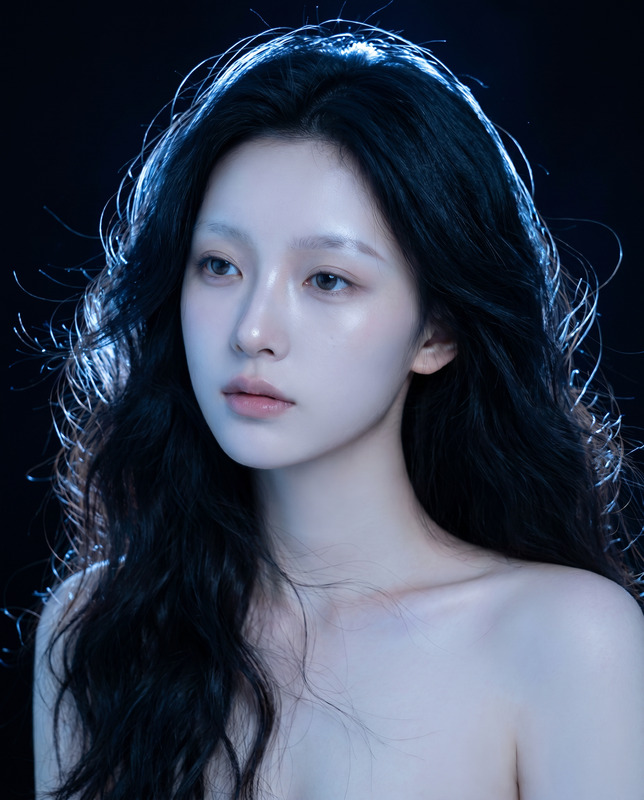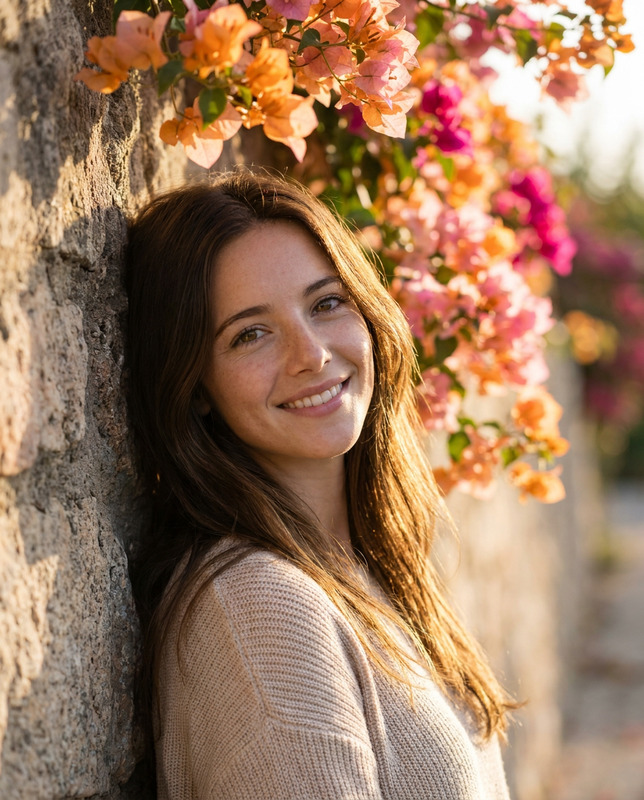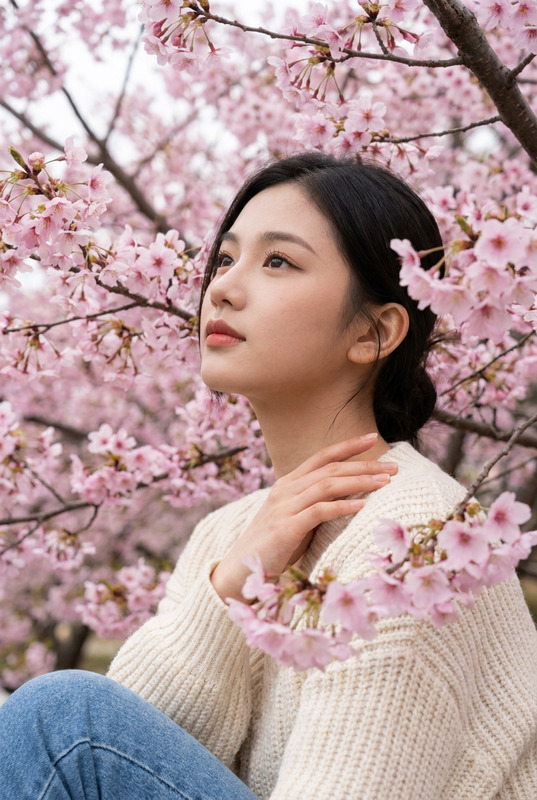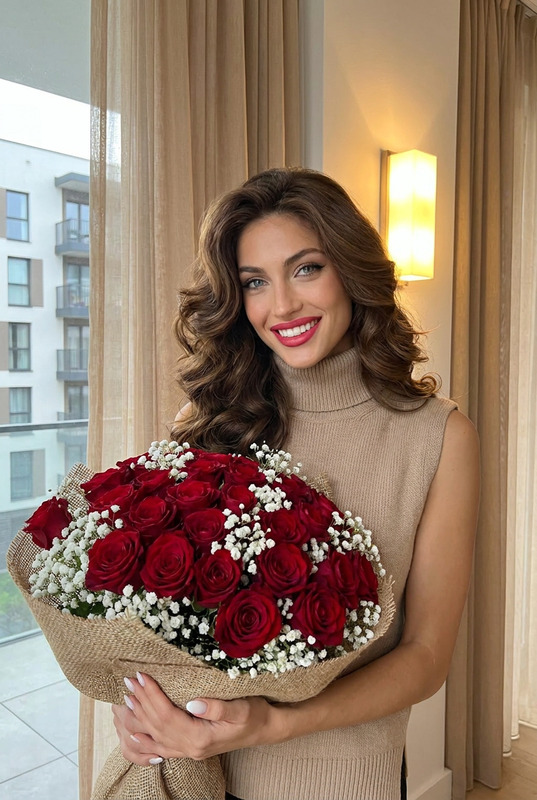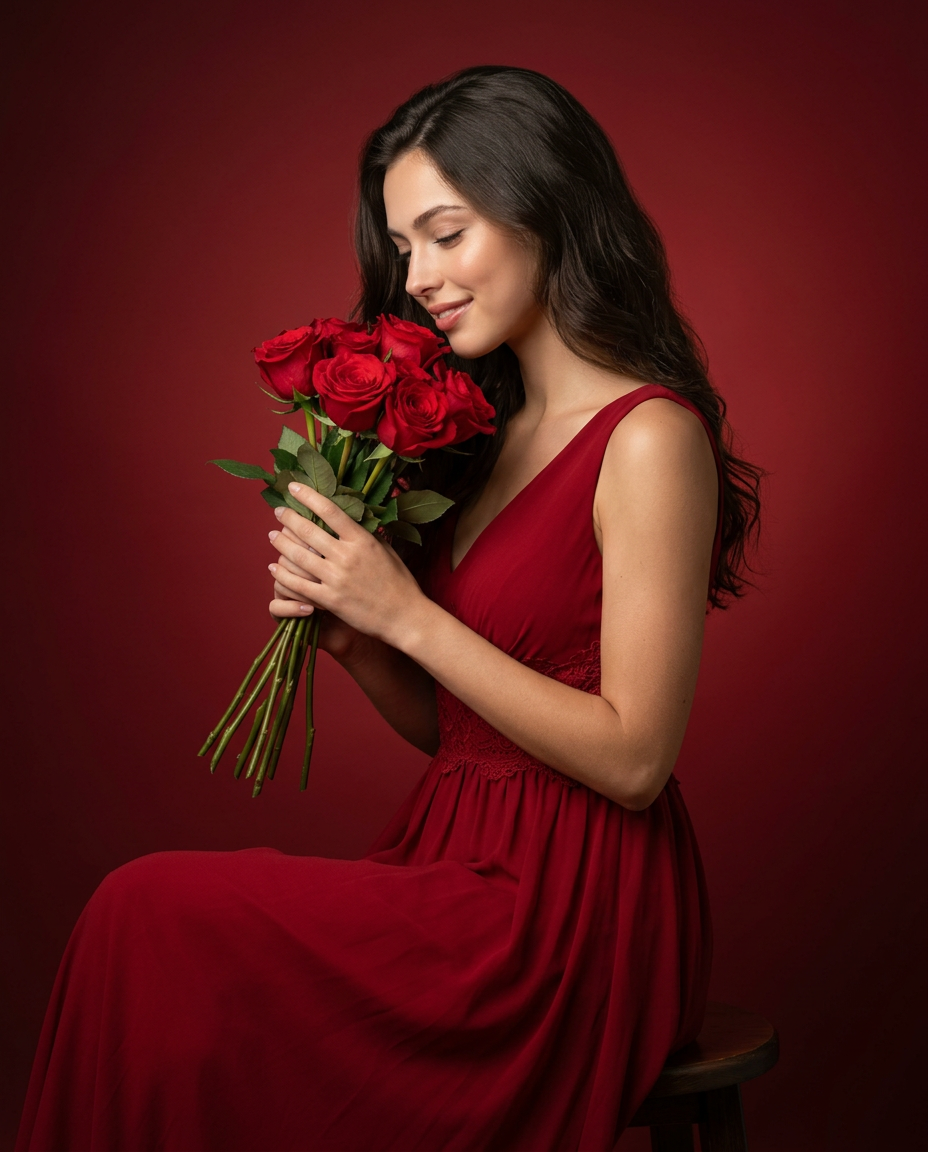
Smiling woman in red gown
- Model
- Nano Banana 2
- Image
- 928 × 1152 px
Prompt
Create an ultra-realistic, studio-quality portrait of a person seated gracefully on a stool, wearing an elegant sleeveless deep red gown with soft flowing fabric and subtle lace detailing around the bodice. The subject is captured in a gentle three-quarter side profile, head slightly tilted downward with a serene, content expression, softly smiling while holding a fresh bouquet of vibrant red roses close to the face as if appreciating their fragrance. Hair is long, dark, and styled in smooth, natural waves cascading over the shoulders with a soft, glossy finish. Skin tone is warm and evenly lit with natural texture, minimal makeup, and a soft glow. The composition is a mid-to-full seated portrait in a vertical 4:5 aspect ratio, with the subject positioned slightly off-center, maintaining balanced negative space. Background is a seamless deep red gradient studio backdrop that smoothly blends into darker tones toward the edges, creating a rich monochromatic aesthetic with no visible edges or distractions. Lighting is soft, professional studio lighting with a diffused key light from the front-left, creating gentle highlights on the face, hair, and dress, complemented by subtle fill light to maintain detail without harsh shadows. A faint rim light separates the subject from the background, enhancing depth. The overall mood is romantic, warm, and elegant with a refined editorial fashion look. Camera settings: eye-level angle, 85mm portrait lens, shallow depth of field for soft background blur, ultra-sharp focus on facial features and roses, 8K resolution, high dynamic range, natural color grading, no overexposure, no harsh contrast.
Any aspect ratio
Overview
The "Smiling woman in red gown" template is a sophisticated tool within our AI Image Editor lineup, utilizing the precision of the nano-banana-2 model. This template is designed for creating stunning editorial portraits with impeccable detail and rich aesthetics, perfect for high-end fashion photography or personal showcase.
What It Does
This AI Image Editor template lets you create a beautiful, studio-quality portrait of a person in an elegant red gown. It employs a combination of advanced lighting effects and composition skills to ensure a warm, romantic, and editorial fashion look. The result is a high-resolution image with refined details, balanced lighting, and a soft background blur.
Who It's For
This template is ideal for photographers, fashion designers, and creative directors who seek an efficient way to produce professional-grade portraits. It is also suitable for anyone wanting to generate visually striking images with minimal effort, including influencers and marketers in the fashion and editorial industries who require engaging content for various social media ads.
Summary
The "Smiling Woman in Red Gown" template offers unparalleled image editing capabilities, turning simple concepts into extraordinary visuals. With the AI Image Upscaler, enhance resolution without compromising on quality. Whether it's for magazine covers, advertising visuals, or digital portfolios, this template ensures a seamless blend of elegance and detail.
How To
Choose Your Template

Customize Inputs

Generate Your Image

Use Cases
Fashion Photography
- Elegant gown presentation
- Professional lighting
- Magazine-cover quality
Product Advertising
- Visual storytelling
- Eye-catching compositions
- High client engagement
Personal Branding
- Professional images for social media
- Enhanced personal portfolio
- Increased visibility
Best Practices
Consistent Lighting
Ensure lighting adjustments maintain the balance between highlights and shadows for a realistic look.Aspect Ratio Awareness
Remember the 4:5 aspect ratio is ideal for portrait photography, covering both digital and print mediums.Natural Edit Enhancements
Use minimal makeup effects and natural textures to maintain authenticity and personal touch.