Sunset Roses Parking
- Model
- Nano Banana 2
- Image
- 768 × 1376 px
Prompt
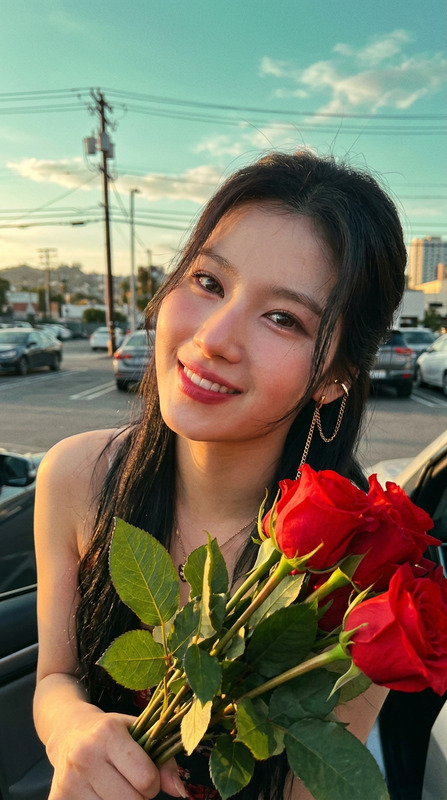
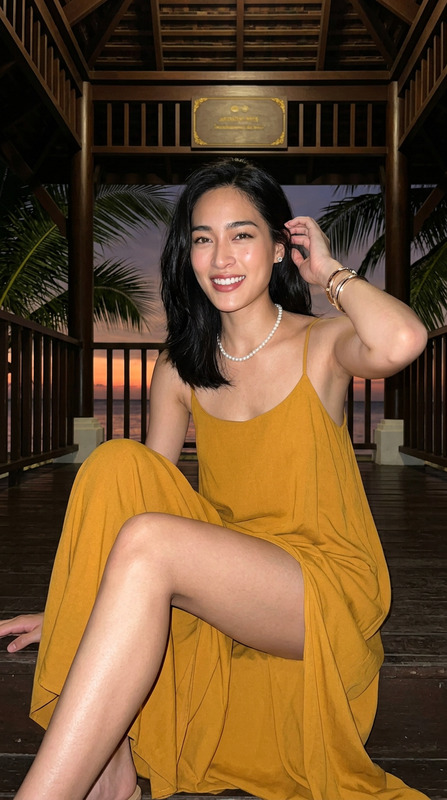
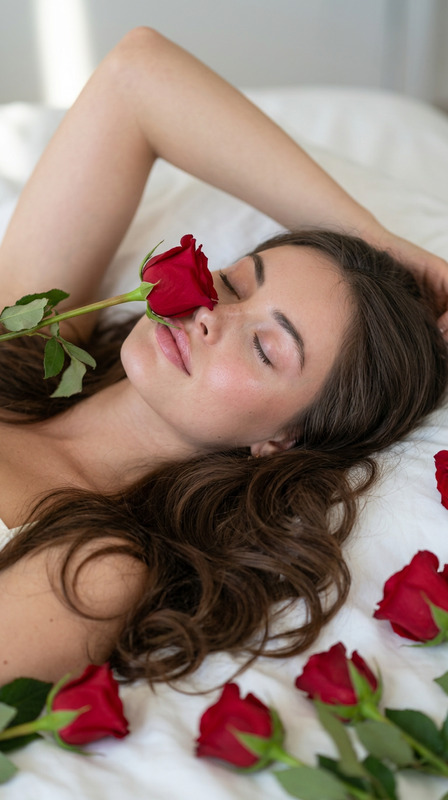
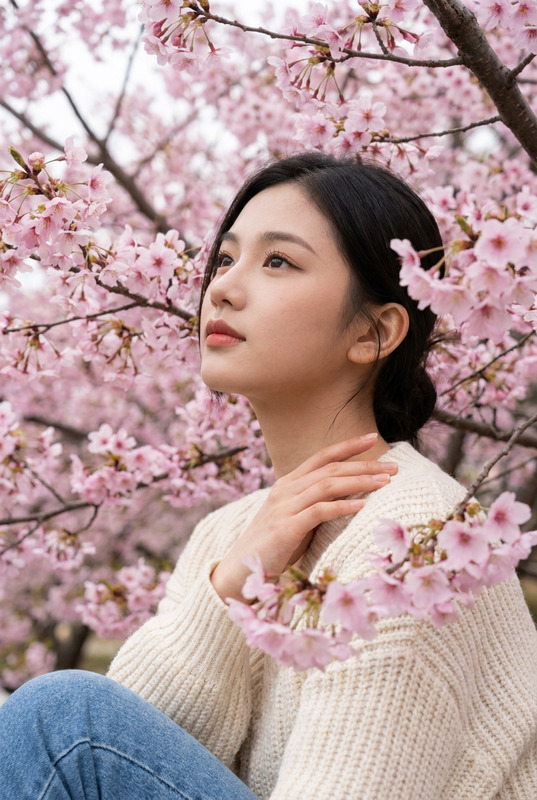
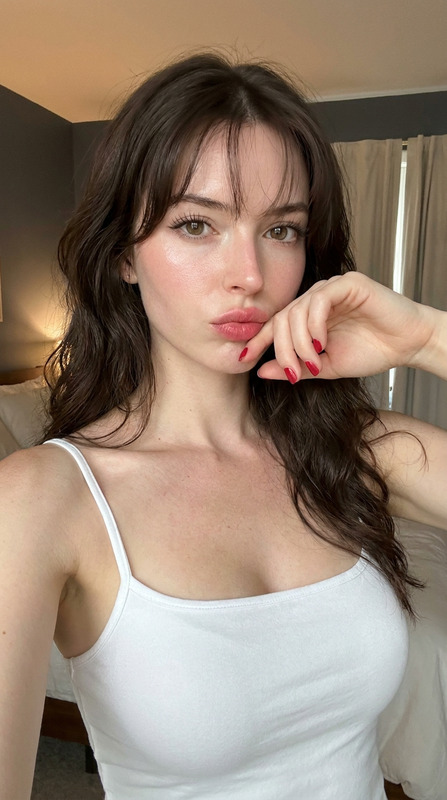
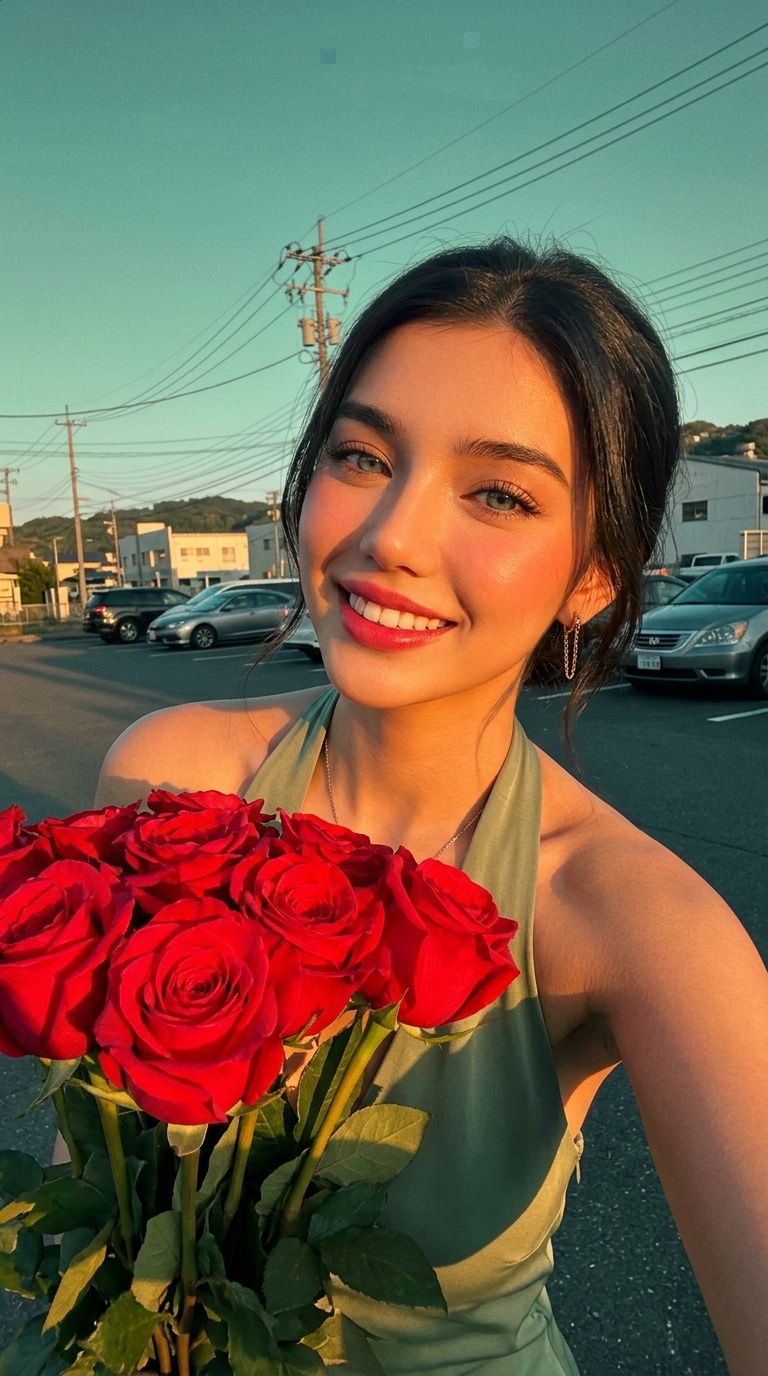
Generate a portrait photo of a young adult woman taking a selfie in an outdoor parking lot or roadside space. The image is a compact half-body close-up, with her face occupying the upper half, her body slightly leaning forward, her head tilted slightly to the left, her shoulders raised, and her holding several bright red roses. She looks directly at the camera, her eyes bright and moist, her eyelashes clearly defined, her smile revealing her teeth, her lips a highly saturated rose red, and her cheekbones adorned with warm pink blush. The makeup should reference the sweet idol makeup popular in East Asian aesthetics: delicate foundation, highlighting under-eye area, soft eyeliner, and natural yet noticeable eyelashes—avoiding heavy Western makeup. Refer to my previously posted image for the subject and clothing. Below the foreground is a bunch of red roses, their petals full and vibrant red, with visible green leaves and stems. The roses slightly obscure her clothing, creating a romantic yet realistic close-up foreground. A gold chain earring or metal earring is visible on her right ear, and a subtle metallic necklace reflects light around her neck. The photography style features close-up handheld selfies or intimate snapshots taken with a mobile phone, approximately in a 9:16 portrait aspect ratio. The lens is slightly lower than eye level or close to eye level, with a slight wide-angle perspective. The subject is very close to the lens, with shoulders and roses close to the foreground. Use evening or low-angle afternoon sunlight, with strong golden-orange direct light hitting the cheeks, bridge of the nose, shoulders, and sides of the waist from the right front of the frame, creating warm highlights; shadows are deep, with a slight greenish-blue color cast in the dark areas. The overall image quality should resemble a retro mobile phone photo, with soft focus, slight noise, compression artifacts, localized overexposure, and warm-toned spill, but not overly sharp or commercially retouched. The background should retain the outdoor everyday environment: a greenish-blue sky, a few white clouds, power lines and poles crossing the sky, parked cars, distant white buildings, and hillside outlines. The background shouldn't be too clean; the presence of vehicles, power lines, and urban clutter must be preserved. The sky is greenish-blue, and the subject and clothing are tinged with warm orange-pink by the sunset, creating a retro contrast between the warm foreground and the cool background. The overall atmosphere is as if she has already received red roses and is taking a commemorative photo by the car in the last rays of the warm sun; the image carries the lingering warmth of a past date, and she is now smiling close to the camera. Maintain the sweet, bright, intimate, and authentic feel of a romantic commemorative photo. The composition can be slightly full and tilted, but avoid perfect symmetry, studio shooting, artificial skin, cold white lighting, overly sensual body, and making the subject appear underage.
Any aspect ratio
Overview
The "Sunset Roses Parking" template is a specialized tool within our AI Image Editor suite, designed to create stunning portraitures in outdoor environments. It allows you to craft images that capture the intimate beauty of a spontaneous moment without the need for professional photography skills.
What It Does
This template uses the nano-banana-2 model to generate a half-body portrait of a young adult woman taking a selfie, emphasizing East Asian aesthetic sensibilities in makeup and lighting. It strikes a balance between retro mobile photography effects and authentic environmental backdrops.
Who It's For
The "Sunset Roses Parking" template is ideal for content creators, photographers, and social media enthusiasts who want to produce unique and visually appealing images. It's perfect for those working on projects related to product photos to video or anyone interested in experimenting with mobile photography aesthetics.
Summary
Capture the essence of golden-hour selfies with the "Sunset Roses Parking" template. It creates a romantic portrait using warm sunlight and a retro, textured photo style, ideal for those looking to add personal, candid imagery to their digital projects. Enhance your story with creativity and depth using our AI-driven AI Talking Photo application for additional dynamic effects.
How To
Choose the Template

Customize Your Image

Generate and Download

Use Cases
Social Media Posts
Marketing Imagery
Personal Keepsakes
Best Practices
Highlight Natural Features
Focus on enhancing natural elements of the subject, such as eye detail and subtle makeup, instead of over-editing.Use Authentic Backdrops
Let the outdoor environment, with its skies and urban details, add a layer of realism and context to the photo.Embrace Imperfections
Retain some of the retro photographic imperfections like soft focus and slight noise to maintain authenticity.