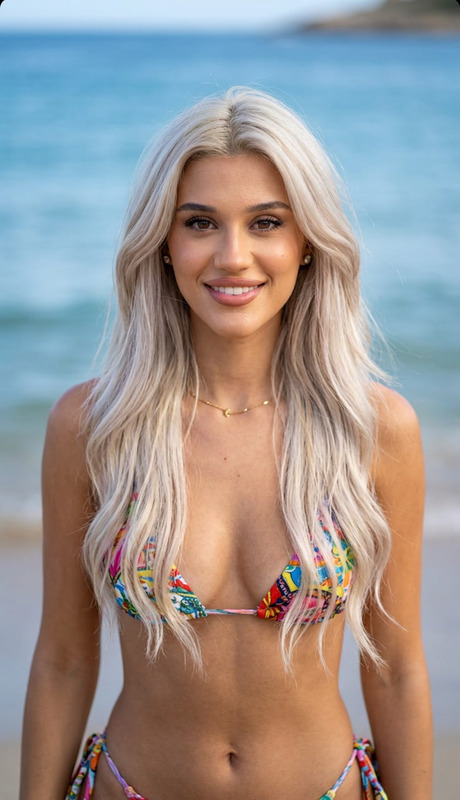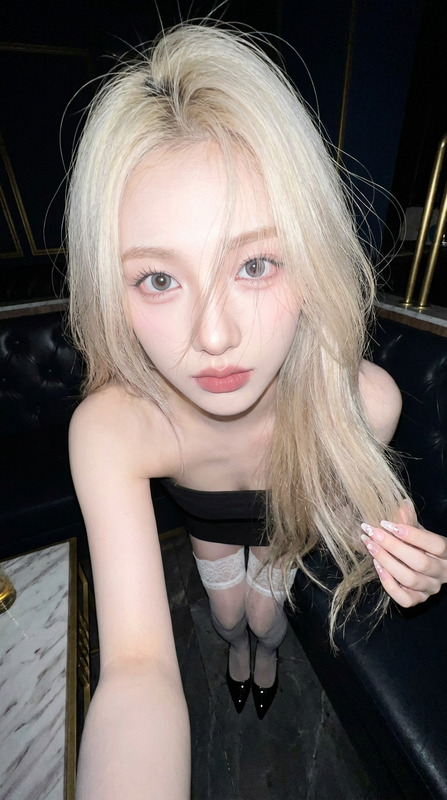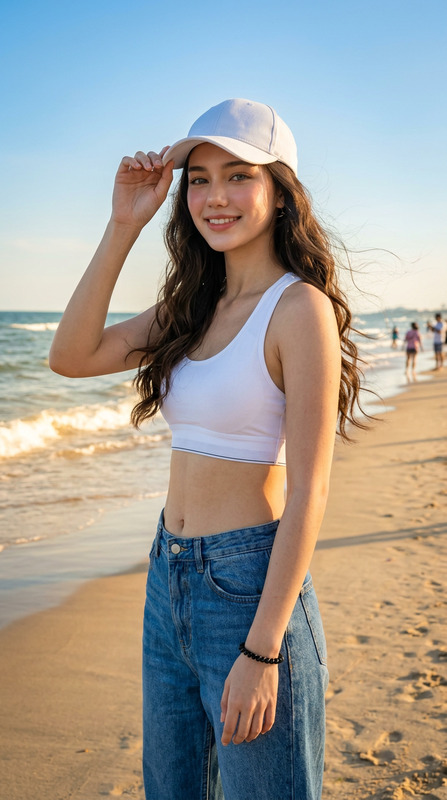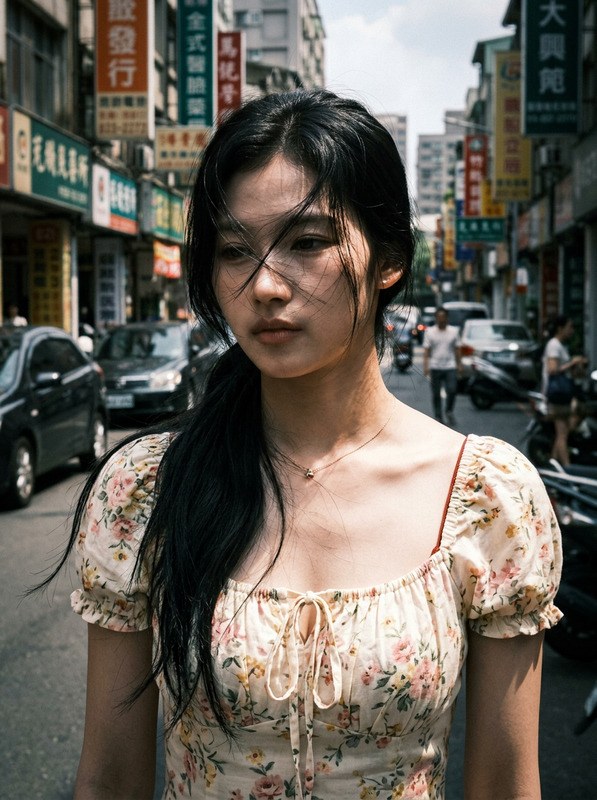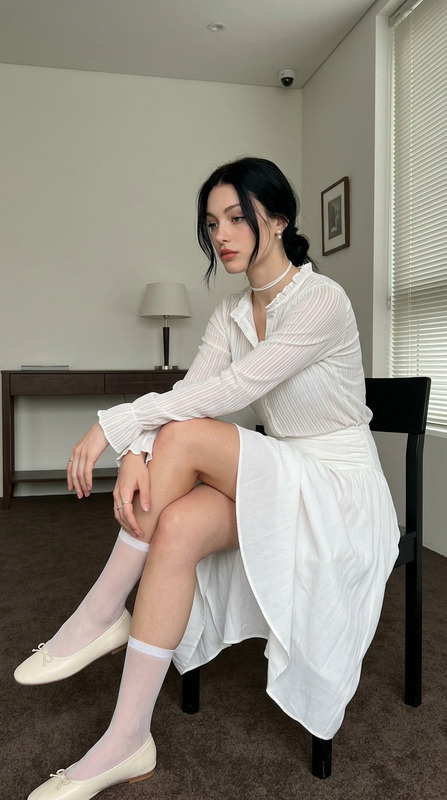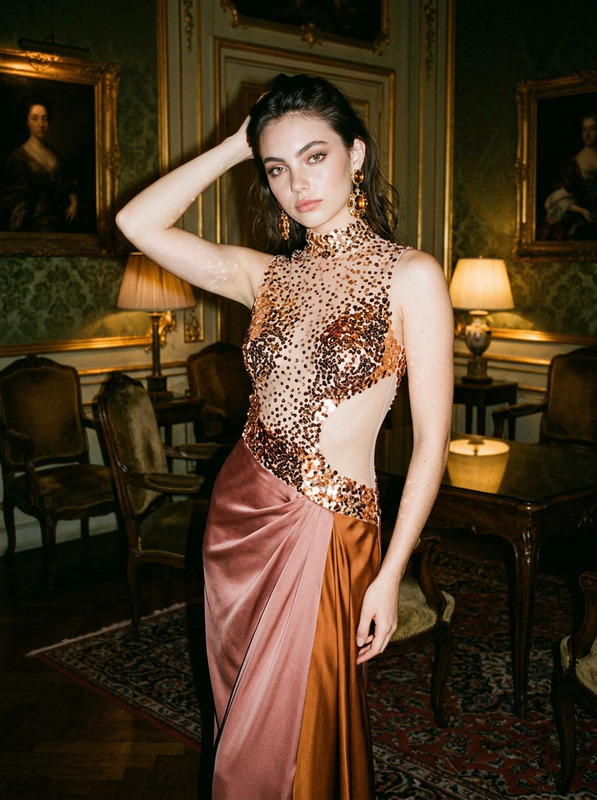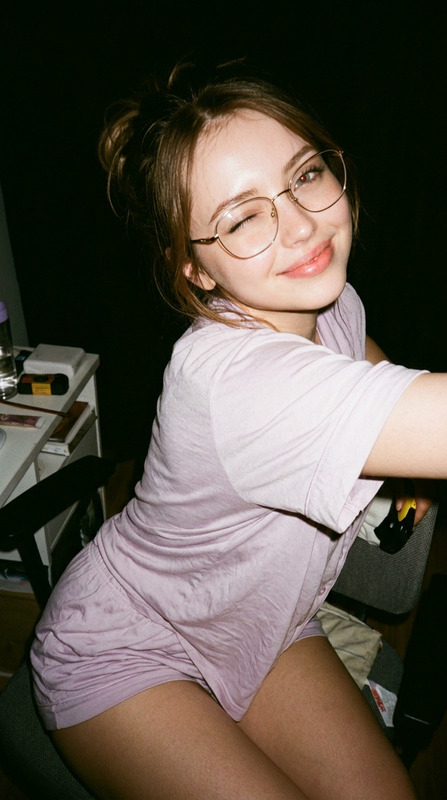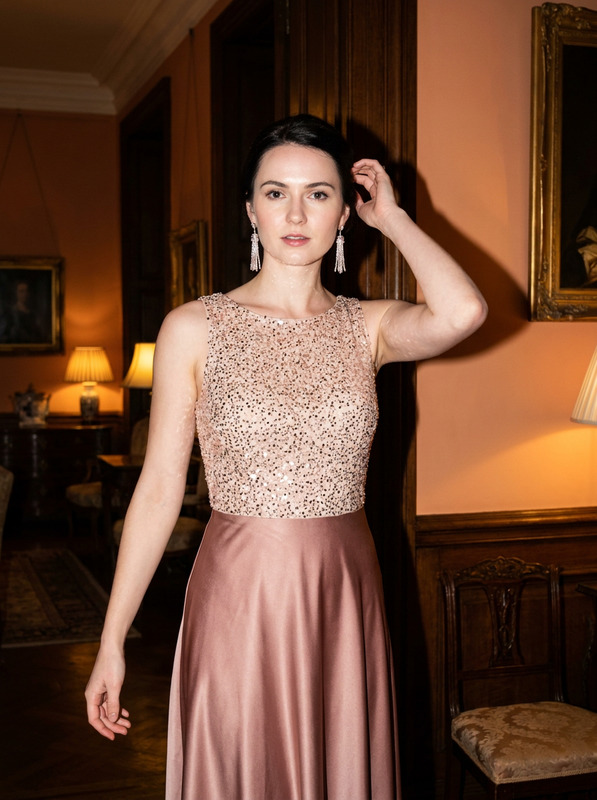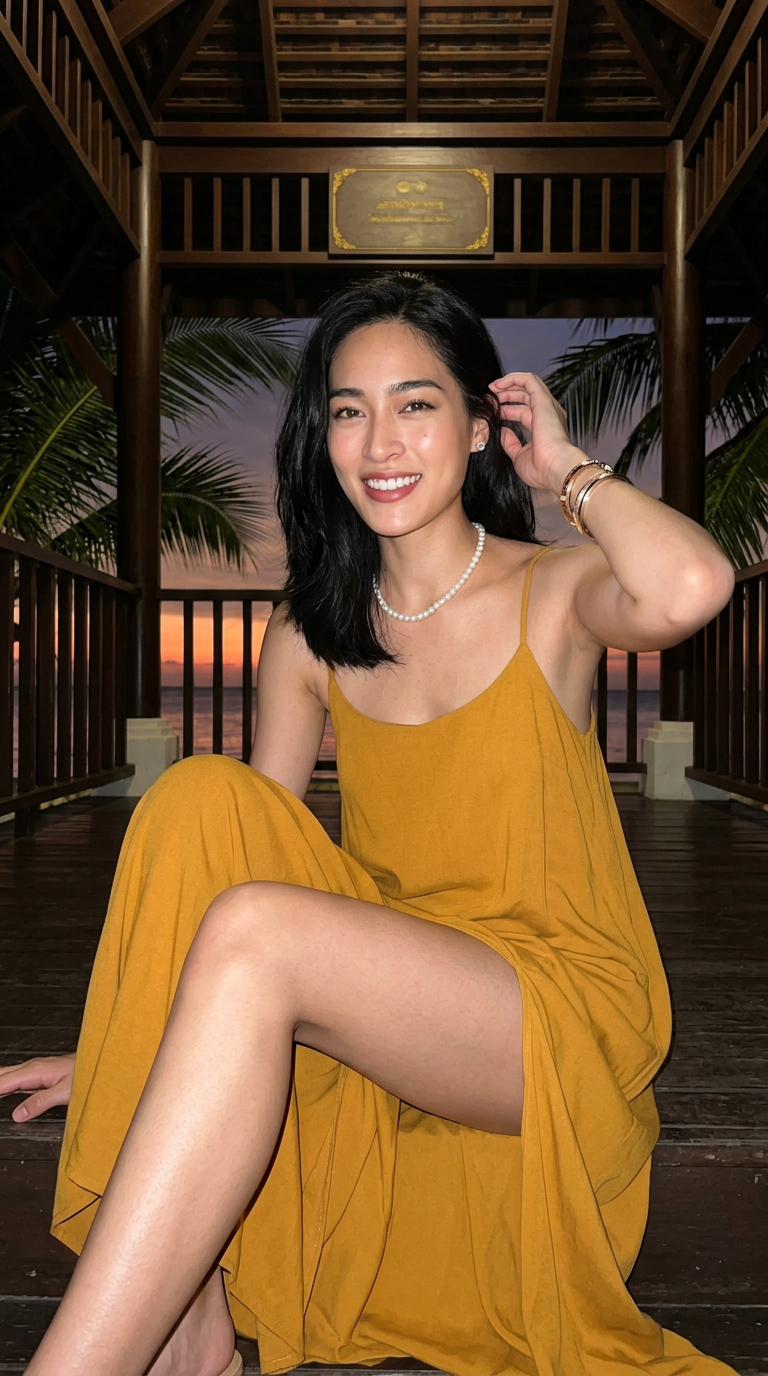
Afterglow by the Pavilion
- Model
- Nano Banana 2
- Image
- 768 × 1376 px
Prompt
Subject is an unmistakably adult woman @girl at the entrance of a tropical seaside wooden pavilion, photographed as a clean original vertical 9:16 image with no interface, watermark, logo, border, readable text or device visible. Subject sits near the center with the body turned slightly aside while the head and upper torso face the camera. One leg bends high in the foreground, bringing the thigh and knee close to the lens and creating a strong diagonal toward the lower-right, while the other leg folds beside or behind it with the knee and part of the thigh visible. Preserve natural anatomy despite the mild wide-angle perspective. One hand rises beside the ear and lightly touches the hair while the other rests naturally near the folded knee; keep the spine upright but relaxed with a subtle shoulder tilt. Subject looks directly into the lens with a warm, confident gaze and a natural tooth-revealing smile. Preserve a softly oval face, gentle jawline, full cheeks and balanced facial proportions. Use translucent East Asian summer-resort makeup with luminous lightweight skin, naturally shaped dark brows, warm brown-peach eyeshadow, fine black eyeliner, restrained lashes, apricot blush and coral nude-pink lips. Subject has shoulder-length straight black hair with a side part, soft root volume, mild humid strand grouping and natural flyaways around the cheeks and ears. Subject wears a rich mustard-yellow or warm golden-yellow spaghetti-strap maxi dress with a lightly structured bustier-inspired bodice, thin straps, softly sweetheart or squared neckline, realistic shaping seams and natural fabric tension. The high side slit opens naturally around the seated legs, with dense ruching, long hanging folds and pooled fabric near the lower frame. Keep the textile matte or low-sheen, soft and weighty, with authentic compression marks and irregular folds. Add a short white pearl necklace, small silver-white stud earrings and several narrow dark or gold bangles on the raised wrist. Subject has a slim balanced frame, naturally defined waist and realistic proportions, with visible skin on the face, neck, collarbones, upper chest, shoulders, arms, hands, thighs, knees, foreground calf, ankle and part of the foot. Render light warm-neutral skin with subtle peach-pink highlights, mild smartphone smoothing while retaining fine texture around joints and natural tonal variation; avoid waxy or plastic skin. Behind subject is a tropical wooden pavilion at a seaside hotel or ocean-view restaurant, framed by symmetrical wooden doorways, beams, railings and latticework with deep-green palm leaves extending across the roof. The distant horizon glows saturated orange-red after sunset, fading into dark brown-purple and deep blue-black sky, while most of the pavilion remains in deep shadow. Use a small decorative background plaque only as an unreadable abstract shape with no lettering or branding. Illuminate subject with direct smartphone flash or compact LED close to the lens, producing bright neutral-warm highlights across the face, shoulders, collarbones, arms, thighs, knees and foreground shin while maintaining deeper shadows beneath the jaw, hair, chest, overlapping legs and dress folds. Use an approximately 24–28mm equivalent wide-angle lens from a low position around knee height with a slight upward tilt. Keep moderately deep depth of field so the subject, foreground leg, dress, pavilion and palm leaves remain recognizable, with only mild distant softness. Preserve authentic low-light smartphone characteristics including computational sharpening, restrained skin smoothing, digital shadow noise, slight hair-edge halo, uneven fabric detail and rough ground texture. The overall mood is warm, spontaneous and intimate, capturing a brief seaside afterglow rather than a polished commercial campaign. Avoid mirror selfies, phones, selfie sticks, studio lighting, blue rim light, neon, excessive HDR, exaggerated anatomy, extreme waist shaping, transparent clothing, swimwear, plastic skin, heavy retouching, extreme bokeh, CGI, anime, readable text, logos, watermarks or interface elements.
Any aspect ratio
Overview
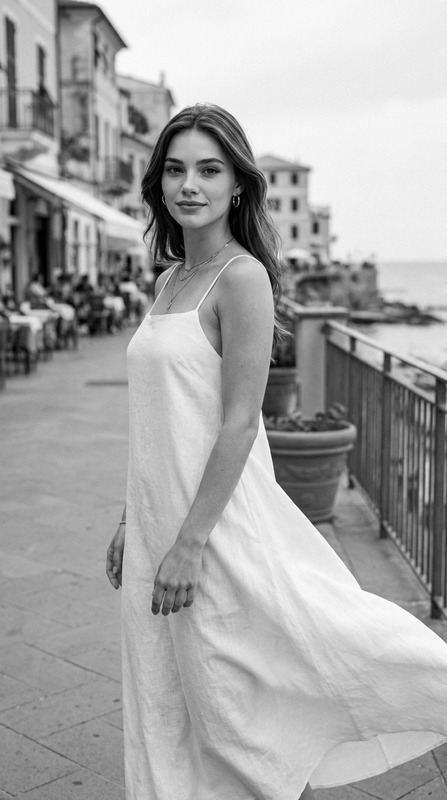
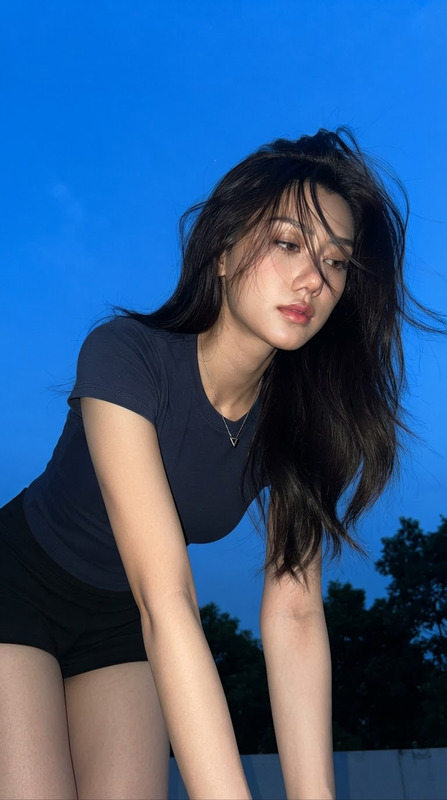
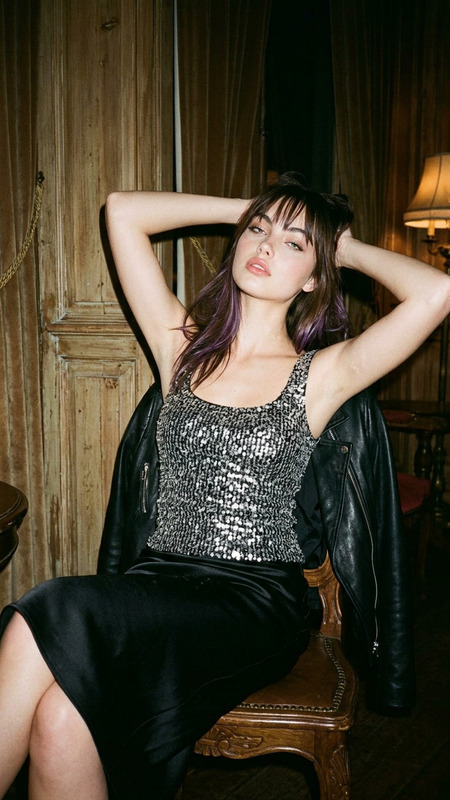
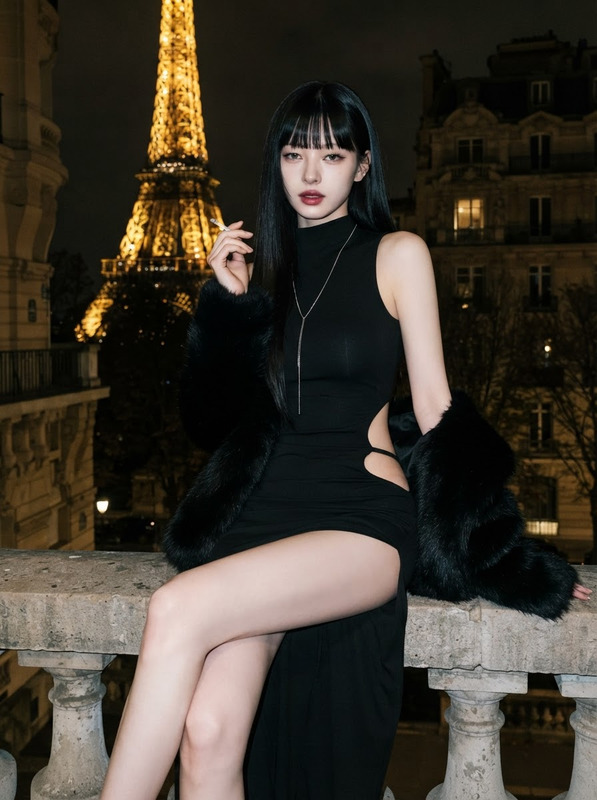
Transform your creative vision into stunning imagery with the "Afterglow by the Pavilion" template. Built on the robust AI Image Editor, this template harnesses the power of the nano-banana-2 model to craft detailed and immersive tropical scenes. Capture the serene beauty of a sunset moment in a seaside pavilion with a focus on natural and realistic details. Ideal for creators who prioritize authenticity in their visual storytelling.
What it Does
This AI Image Editor template specializes in generating lifelike portraits set against a picturesque tropical backdrop. It meticulously maintains the subject's natural pose and facial expressions, ensuring an original and intimate capture. The model employs sophisticated computational techniques to balance light and shadow, preserving details like skin texture and the pavilion's architectural elements even in low light. Such precision is essential for high-quality editorial or personal creative projects.
Who it's For
"Afterglow by the Pavilion" is designed for photographers and digital artists who need high-fidelity imagery for projects such as product videos, editorial spreads, or personal portfolios. It caters to professionals seeking to integrate naturally rendered images into their work, particularly those focusing on lifestyle, fashion, or travel themes. The user-friendly interface also makes it accessible for enthusiasts wanting to refine their creative skills.
Summary
Enhance your imagery with the organic aesthetic of "Afterglow by the Pavilion." Capture the essence of tropical afterglow ambience using Magic Hour's AI Image Editor. This tool is perfect for creators aiming to convey genuine warmth and detail in their visual narratives. Whether you're building a product showcase or a narrative-driven project, this template aligns with demanding creative standards.
How to Use
Choose Your Template

Customize Your Inputs

Generate Your Image

Use Cases
Editorial Photography
- Capture authentic lifestyle images
- Ensure consistent quality across series
Social Media Content
- Enhance storytelling with vivid imagery
- Connect with audiences through realistic details
Digital Art Projects
- Experiment with creative concepts
- Add professional polish to art projects
Best Practices
Maintain Natural Lighting
Utilize the template's ability to simulate real-world lighting conditions to enhance the natural look of your images.Focus on Details
Pay attention to fabric textures, skin details, and background elements to increase the credibility of your scene.Experiment with Angles
Try different camera angles to explore various perspectives and compositions, enhancing the dynamic quality of your projects.