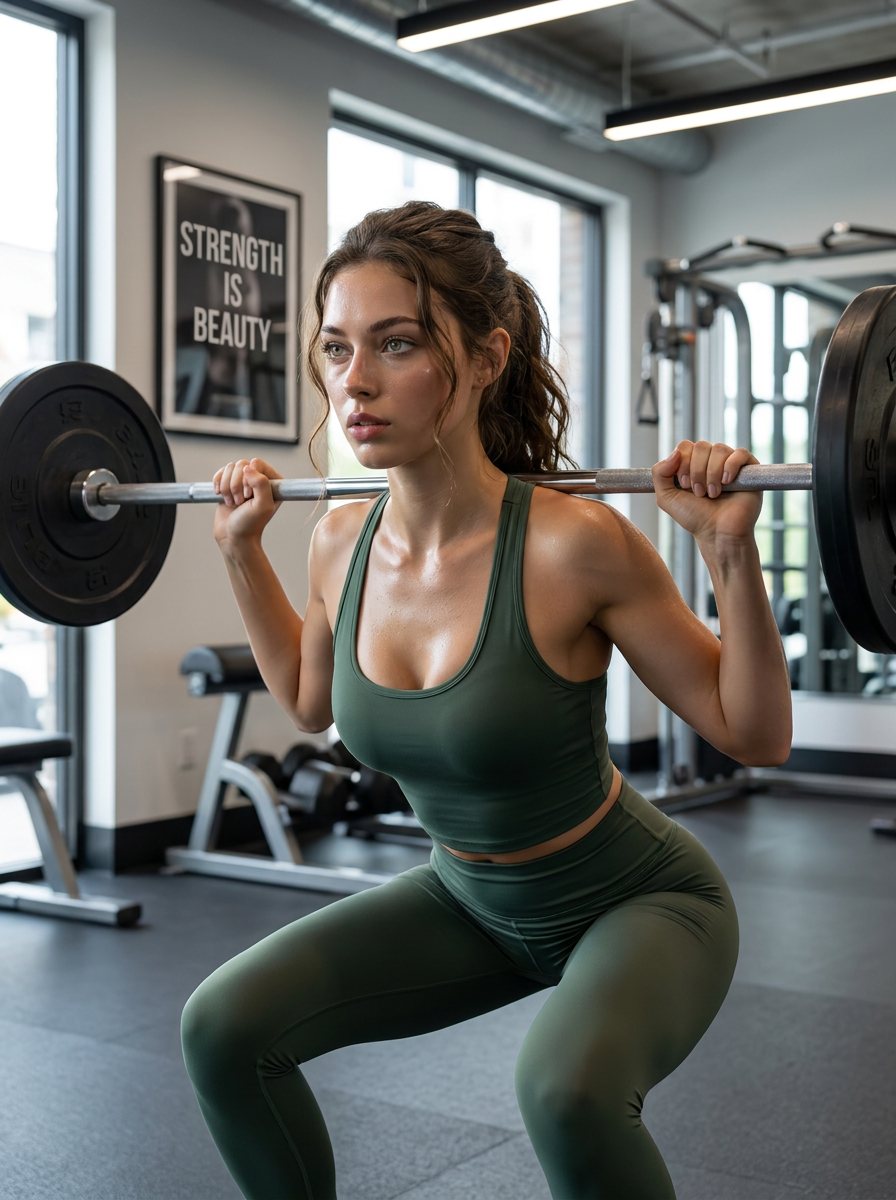
Power Squat
- Model
- Nano Banana Pro
- Image
- 896 × 1200 px
Prompt
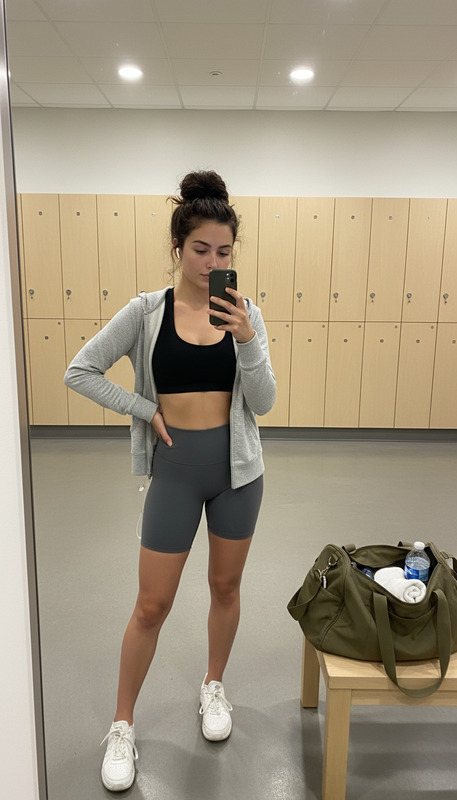
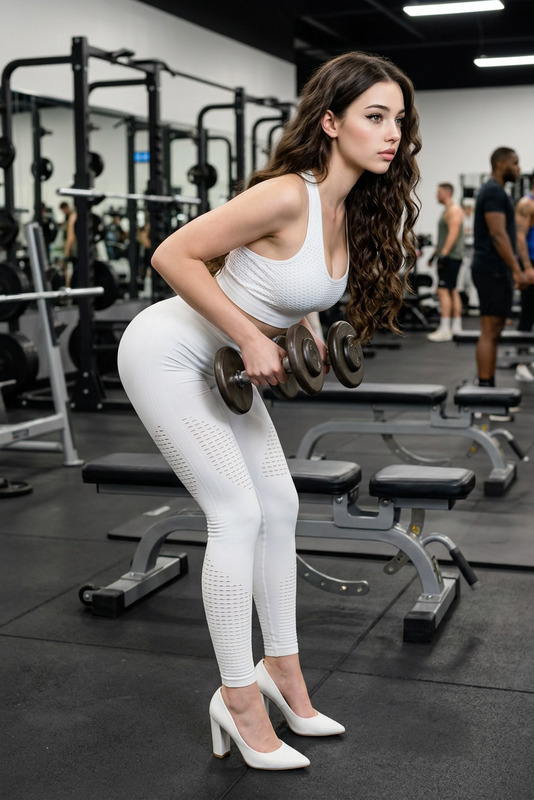
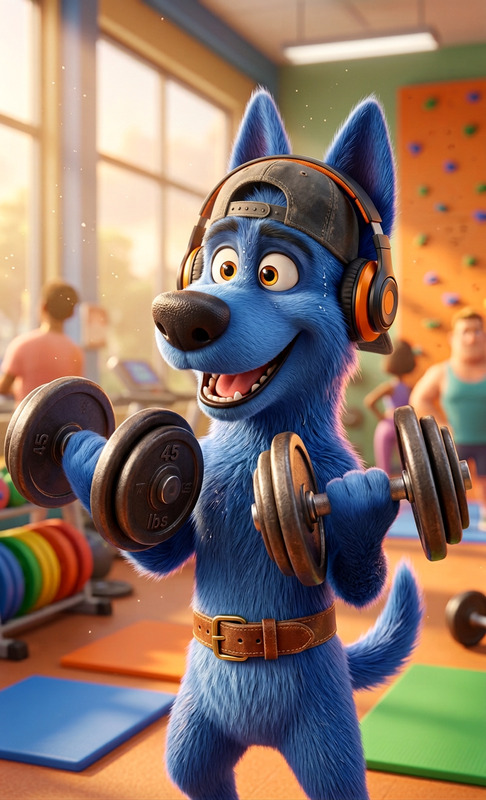
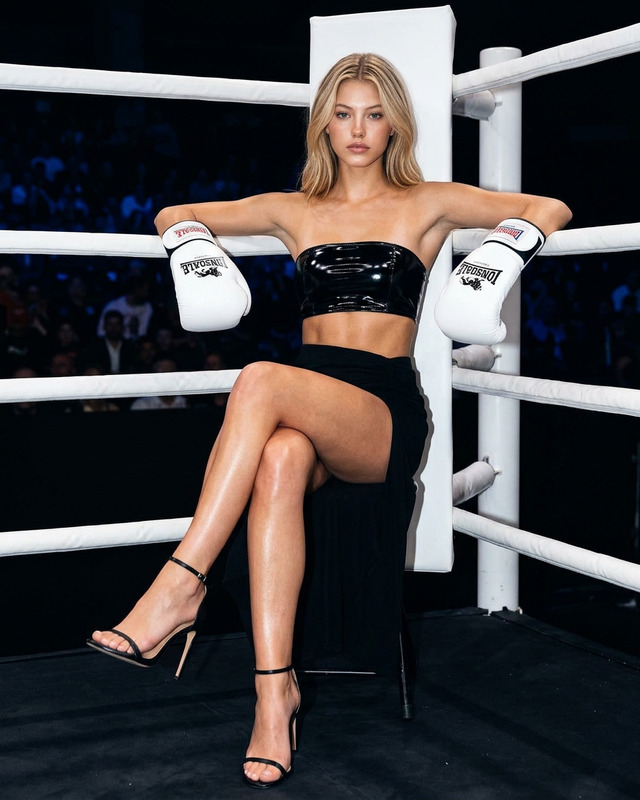
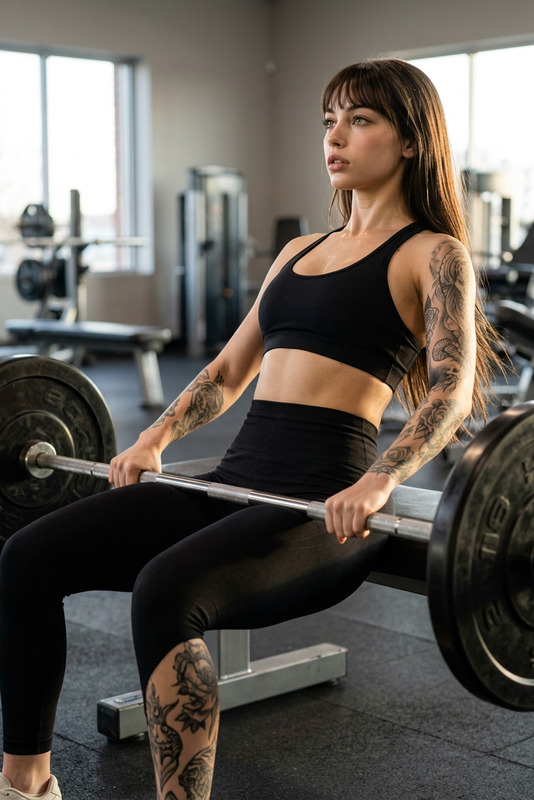
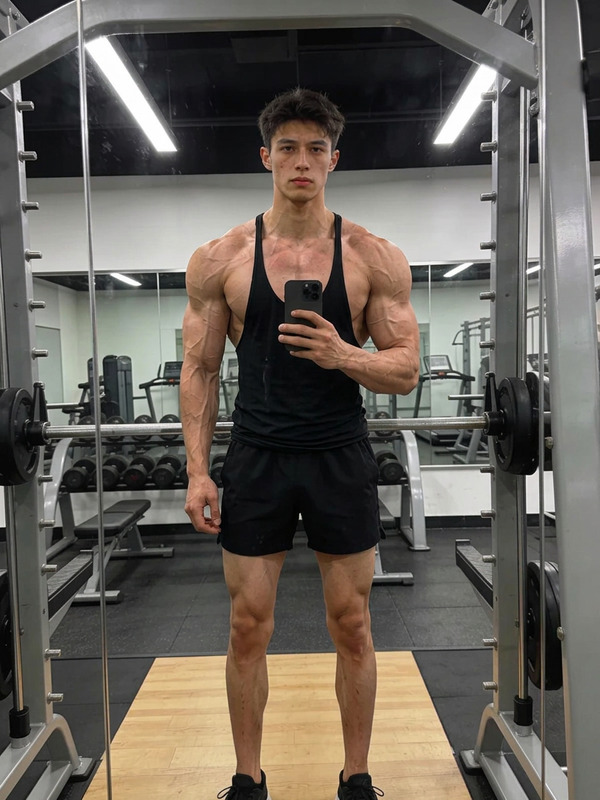
Use attached image. Please create a photorealistic image of a beautiful woman wearing form fitted gym clothing, vest and leggings. She is looking focused and is squatting with a barbell across her shoulders and has a slight sheen of perspiration from exercising. The gym is clean and modern with a picture on the wall behind her saying
Any aspect ratio
Overview
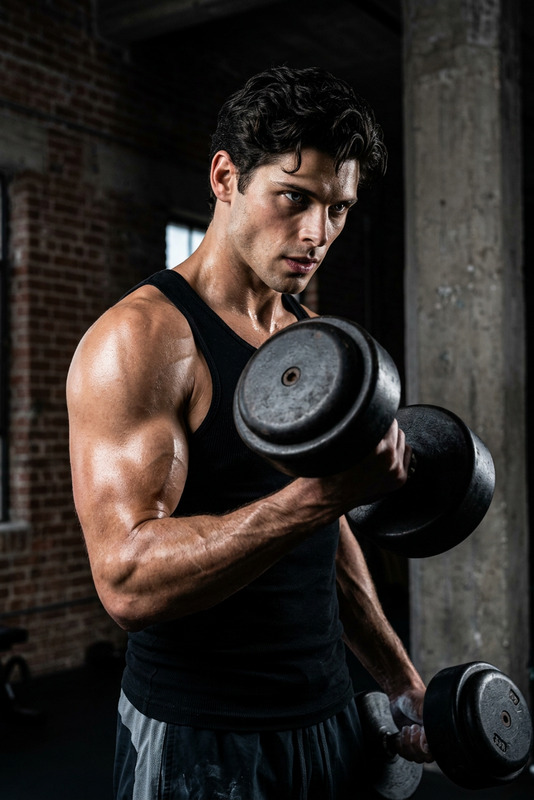
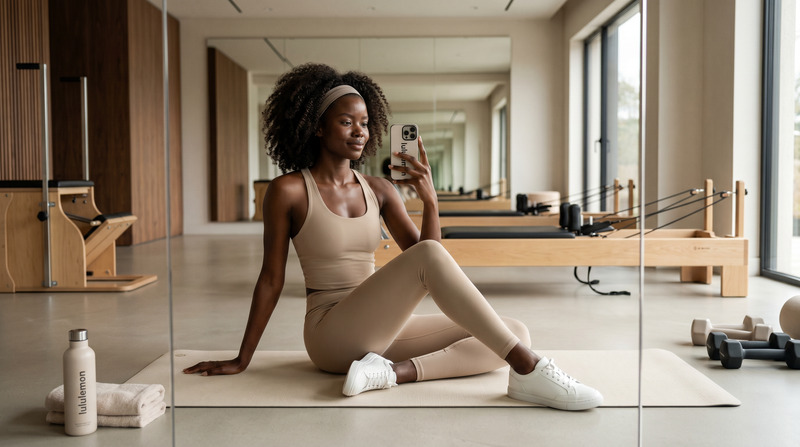
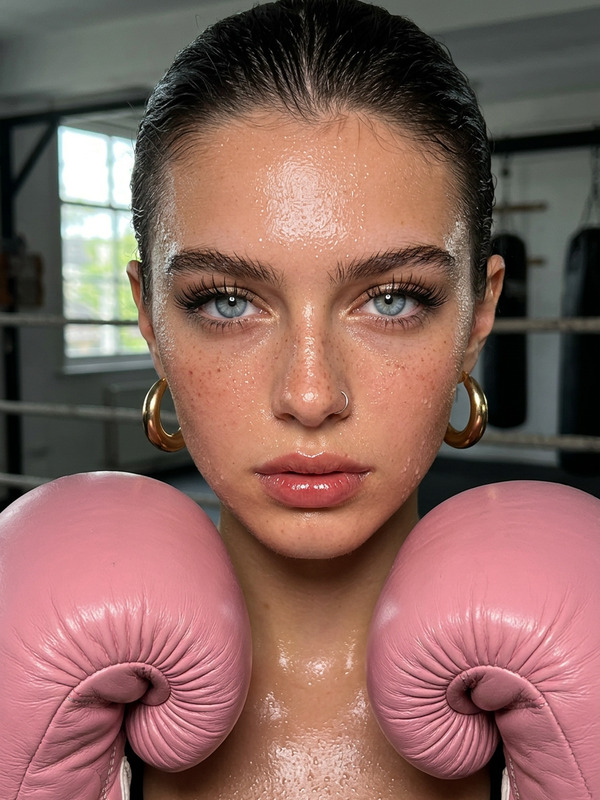
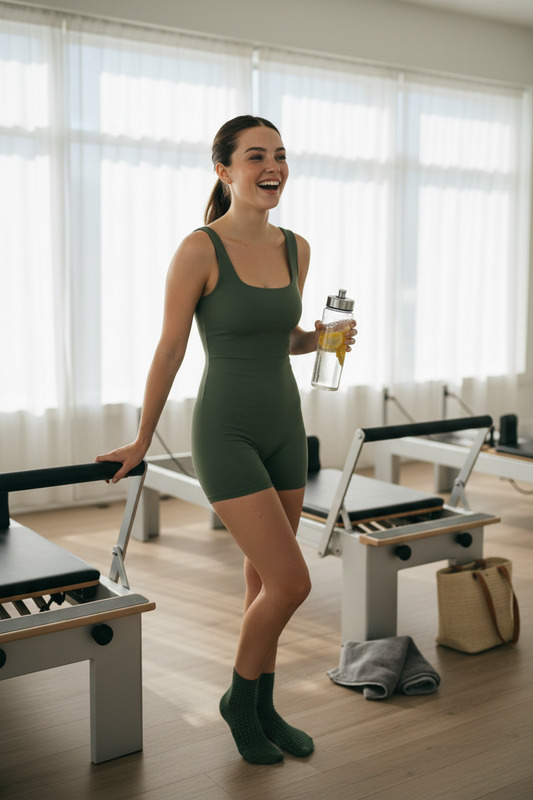
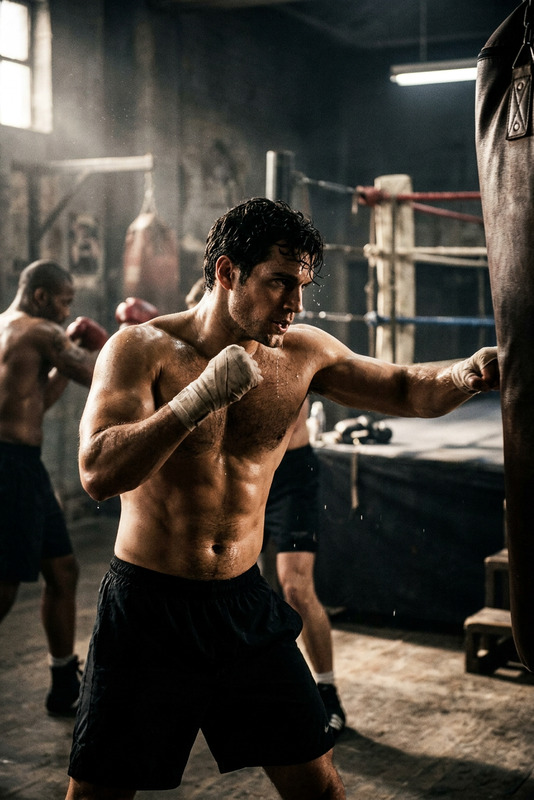
The Power Squat template is designed for creators looking to enhance their workout imagery. This AI Image Editor template uses the advanced nano-banana-pro model to craft photorealistic images that highlight strength and determination. With an emphasis on dynamic gym settings, this template elevates any fitness-related project.
What It Does
The Power Squat template transforms your images into detailed, lifelike representations of gym enthusiasts mid-workout. By focusing on expressions and physical exertion, it brings scenes to life, making them ideal for fitness promotions. Leveraging the capabilities of the AI Image Editor, you can adjust scenes to match your vision effortlessly.
Who It's For
This template is perfect for fitness trainers, gym owners, and content creators who want to visually communicate the intensity and dedication associated with workouts. Ideal for advertising, promotional material, or social media content, it provides a professional polish to any fitness imagery.
Summary
With the Power Squat template, create strikingly realistic images that captivate and motivate viewers. Whether you're crafting content for UGC ads or enhancing digital campaigns, this tool offers both flexibility and precision in design.
How To
Choose Template

Customize Image

Generate Image

Use Cases
Social Media Content
- Instagram fitness accounts
- YouTube workout thumbnails
Fitness Advertisements
- Print ads in fitness magazines
- Online banners for gym promotions
E-Learning Platforms
- Exercise demonstrations
- Motivational visuals
Best Practices
Choose High-Quality Source Images
Use high-resolution starting images to maximize the output quality.Adjust Lighting and Perspective
Experiment with different lighting settings and viewpoints to create more realistic and impactful images.Utilize Consistent Branding
Incorporate your brand's color scheme and logos to maintain brand consistency across your visuals.