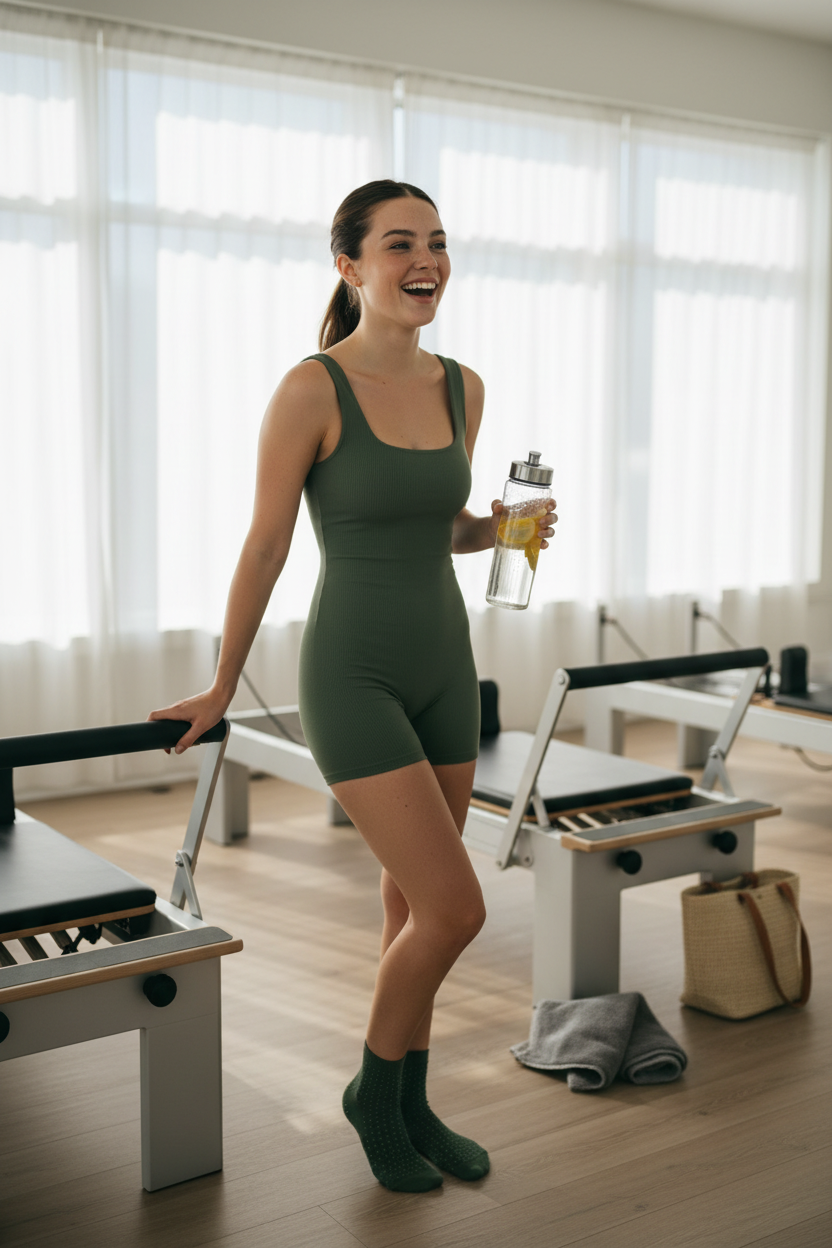
Pilate studio post-workout
ai-image-editor
Any aspect ratio
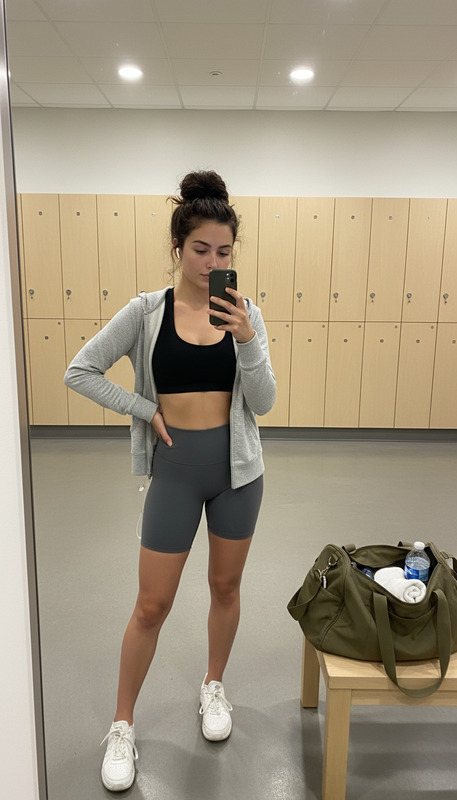
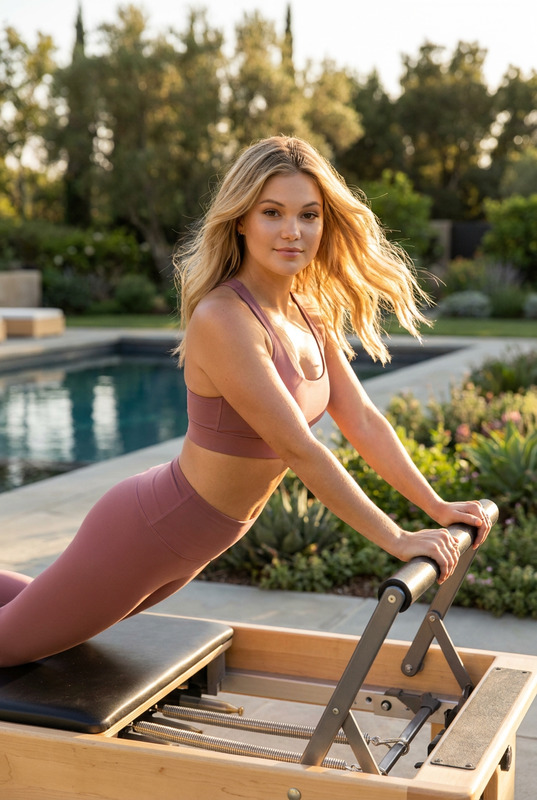
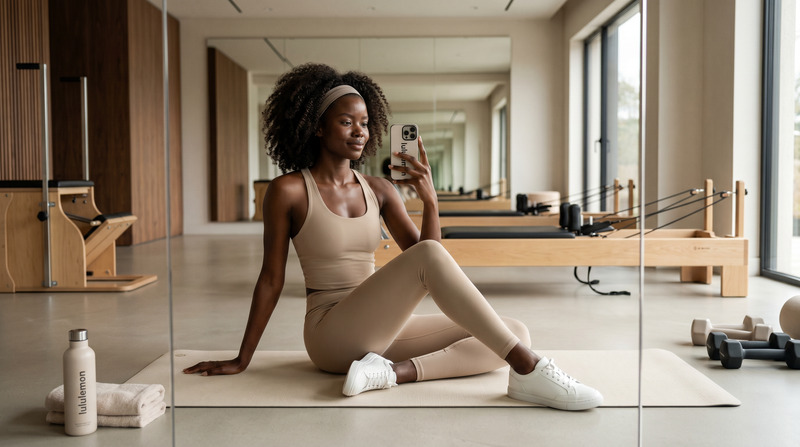
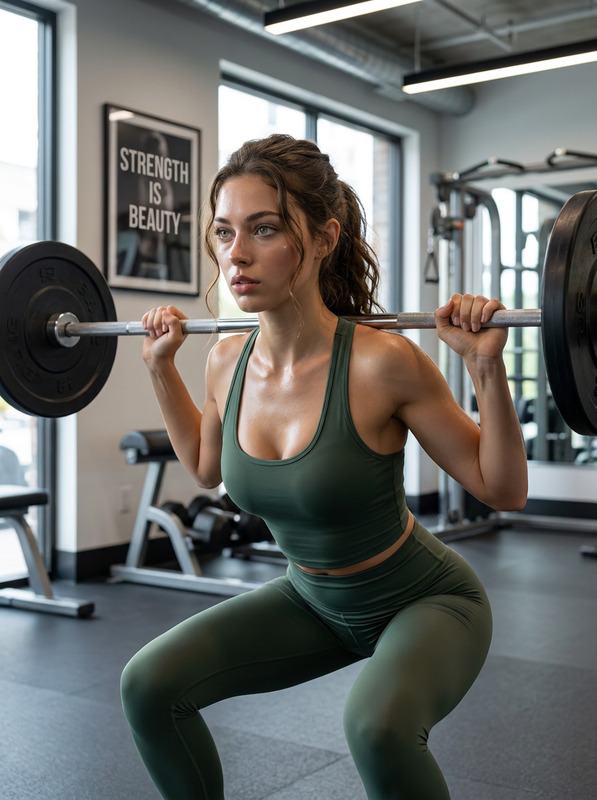
Subject standing in a sunlit Pilates studio, one hand on a reformer bar, the other holding a clear water bottle with lemon slices. Wearing a fitted moss green ribbed unitard with square neckline and matching grip socks, hair in a sleek high ponytail. Light sweat sheen on skin with a natural post-workout glow. Studio with light wood floors, floor-to-ceiling windows, sheer white curtains, and reformer machines fading into soft focus. Grey towel and woven tote bag on the floor nearby. Natural morning light casting soft shadows. Captured mid-laugh, slightly turned, candid relaxed post-workout moment.
AI Image Editor Template: Turn Any Photo Into a Studio-Quality Visual in Seconds
Use this template to transform, clean up, and re-style any image with the AI Image Editor. It’s built for creators, marketers, and product teams who need fast, consistent visuals—without opening Photoshop or writing prompts from scratch.
What this template is best for
This AI Image Editor template is optimized for:
- Product photos (clean backgrounds, reflections, shadows, color fixes)
- Social media and ad creatives (resizing, reframing, visual variations)
- Profile photos and headshots (lighting, background, subtle retouching)
- Brand imagery (consistent style across campaigns)
- Quick concept visuals for landing pages, decks, and pitch materials
If you need to quickly iterate on a visual idea and keep everything on-brand, this template gives you a reliable starting point you can remix.
How it works in Magic Hour
This template is powered by the AI Image Editor. In practice, you’ll:
- Upload your base image
- A product shot, portrait, illustration, or any photo you want to refine.
- Choose the edit type
- Example use cases supported by AI Image Editor:
- Clean or change the background
- Remove unwanted objects or distractions
- Adjust composition (crop, reframe, reposition)
- Enhance clarity and details
- Example use cases supported by AI Image Editor:
- Apply AI edits and review variations
- Generate multiple options and pick the one that fits your brand or campaign.
- Download or chain into other Magic Hour tools
- Use your edited image as input for video, animation, or additional effects.
Because the template is pre-configured around common editing workflows, you can get premium-looking results even if you’ve never used an image editor before.
How to remix this template in Magic Hour
You can turn this template into your own reusable workflow in a few minutes:
- Start from this template in Magic Hour
- Open the AI Image Editor template and run it once with a sample image.
- Swap in your own subject and style
- Use your brand colors, references, or design system.
- Keep a consistent background (e.g., light gray studio, gradient, on-brand pattern).
- Save a “house style” version
- Save your preferred configuration as your default editing flow so your team can:
- Produce consistent product shots
- Standardize LinkedIn or team headshots
- Create unified social content without manual design work
- Save your preferred configuration as your default editing flow so your team can:
- Connect it to other Magic Hour tools
- After editing your image, you can:
- Turn it into a short animation with the Animation templates
- Generate a video from the still image with Image to Video
- Create talking avatars from portraits using AI Talking Photo
- Scale it into a hero visual, thumbnail, or ad using the AI Art Generator
- After editing your image, you can:
This remix pattern is especially powerful for teams: define one or two base “look & feel” templates, then let everyone use them to stay visually aligned.
Practical workflows for creators, marketers, and product teams
Here are some high-leverage ways to use (and remix) this AI Image Editor template:
1. Product launch visuals
- Start with a simple pack-shot photo.
- Use the AI Image Editor template to:
- Remove a busy background
- Add a clean studio or on-brand gradient
- Refine lighting and clarity
- Then:
- Turn the edited product into short video loops with Image to Video
- Generate animated promo snippets via Animation
- Make social-ready thumbnails using the Thumbnail Maker
2. Founder / team headshots
- Upload existing photos (even casual ones).
- Use the template to:
- Clean up the background
- Improve lighting and sharpness
- Keep framing consistent across the whole team
- For even more control, pair with:
- AI Headshot Generator for fresh, professional portraits
- AI Image Upscaler to make them crisp for decks, websites, and PR
3. Social creatives and ads
- Start from a single image concept.
- Use the template to:
- Generate multiple variations (different crops, backgrounds, and visual emphasis)
- Swap objects or remove clutter with the AI Remover or Remove Object from Photo
- Then:
- Turn static images into short, scroll-stopping clips with Text to Video or Image to Video
- Add auto subtitles to video ads using the Auto Subtitle Generator
4. Visual storytelling and character-driven content
- Use the template to refine character art or scenes generated via:
- Clean up backgrounds, unify style, and polish final frames.
- Then:
- Animate scenes via Video to Video templates
- Build comic layouts or narrative panels with the Comic Book Generator
Advanced pairings and related tools
For more complex, production-grade pipelines, combine this AI Image Editor template with:
AI Image Generator
Generate concepts from text, then refine them with the editor.AI Photo Generator
Create highly photorealistic scenes and polish composition, lighting, or background.AI Image Upscaler
Prepare images for print, large-format displays, or high-density landing pages.Image Background Remover and Watermark Remover
Clean inputs before stylizing or compositing.AI Face Editor and Gender Swap
Create consistent facial edits while keeping the subject identity recognizable.AI Clothes Changer and AI Fashion Generator
Build lookbooks or outfit variations from a single base photo.AI Meme Generator
Turn polished images into fast social content while keeping visuals on-brand.
From static images to dynamic video and audio
This template is a strong first step in a full content pipeline. After editing your image, you can:
- Create face-swap videos with the Face-Swap Video templates or Face Swap
- Lip-sync your edited portraits using the Lip-Sync templates
- Animate characters or scenes with Animation templates
- Add cloned or generated voices with:
- Upscale and refine your final video output using the Video Upscaler
This lets you start from a single still image and ship full campaigns: images, shorts, explainers, and social clips.
Tips for better results
Use the highest-quality base image you have
Pair with Unblur Image or Old Photo Restoration if your source is noisy or low-res.Work from a “master” style
Decide on one or two background styles and keep reusing them across your remixes. This gives your brand a consistent visual language.Think about the entire pipeline
Before you start, decide if the edited image will become:- An avatar (Avatar Generator)
- A thumbnail (Thumbnail Maker)
- A book or album cover (Book Cover Generator, Album Cover Generator)
- Part of a bigger visual story (Fantasy Map Generator, AI Illustration Generator)
This helps you choose crops, framing, and composition that will still work later.
Why use this template instead of starting from scratch?
- Speed – The template encapsulates a set of practical, high-utility edits that work well for product, people, and brand images.
- Consistency – By remixing this base, your team can stay visually aligned without manual design oversight.
- Extensibility – It plugs naturally into other Magic Hour tools (image generation, animation, video, voice) so you can scale from a single image to a full content system.
Use this AI Image Editor template as your starting point, then remix and refine it into your own internal “visual engine” inside Magic Hour.