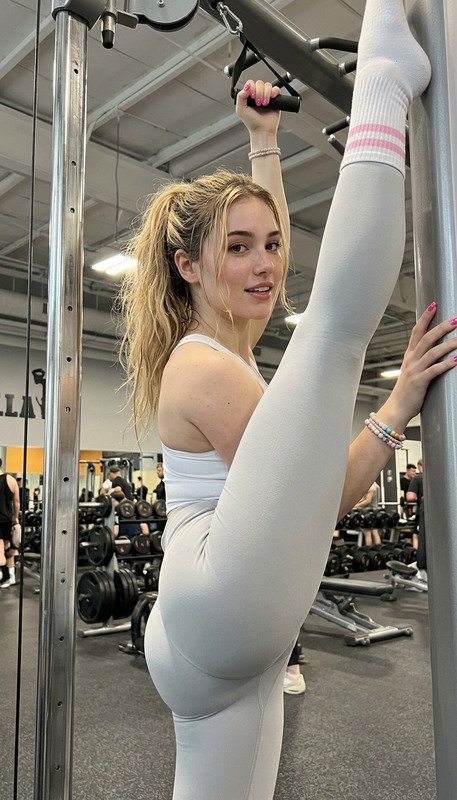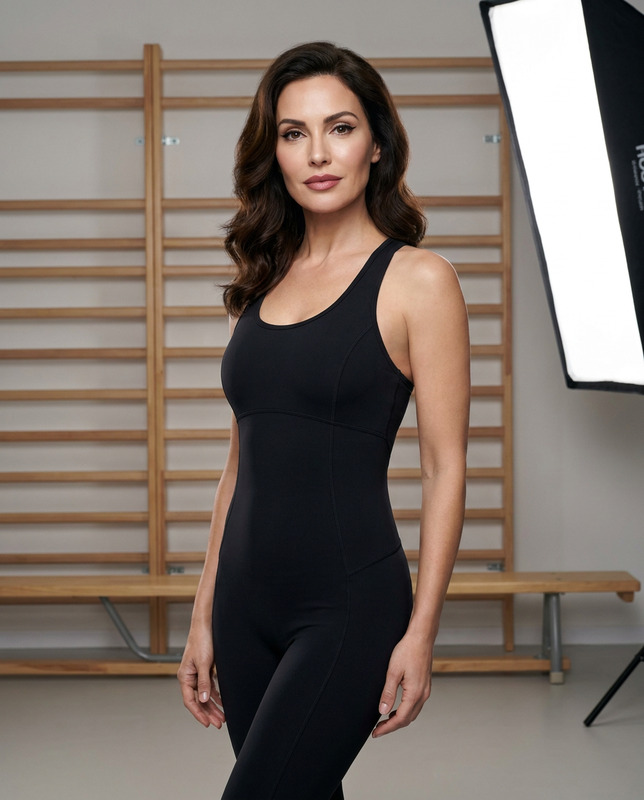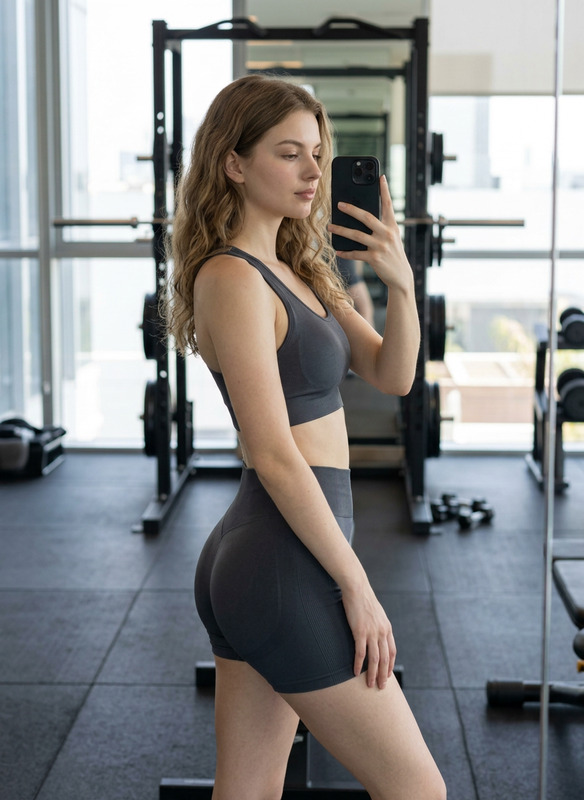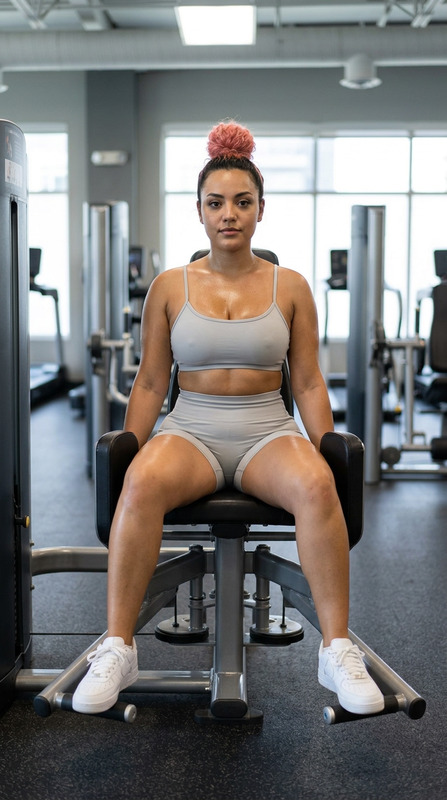
Gym Queen
- Model
- Nano Banana 2
- Image
- 843 × 1264 px
Prompt
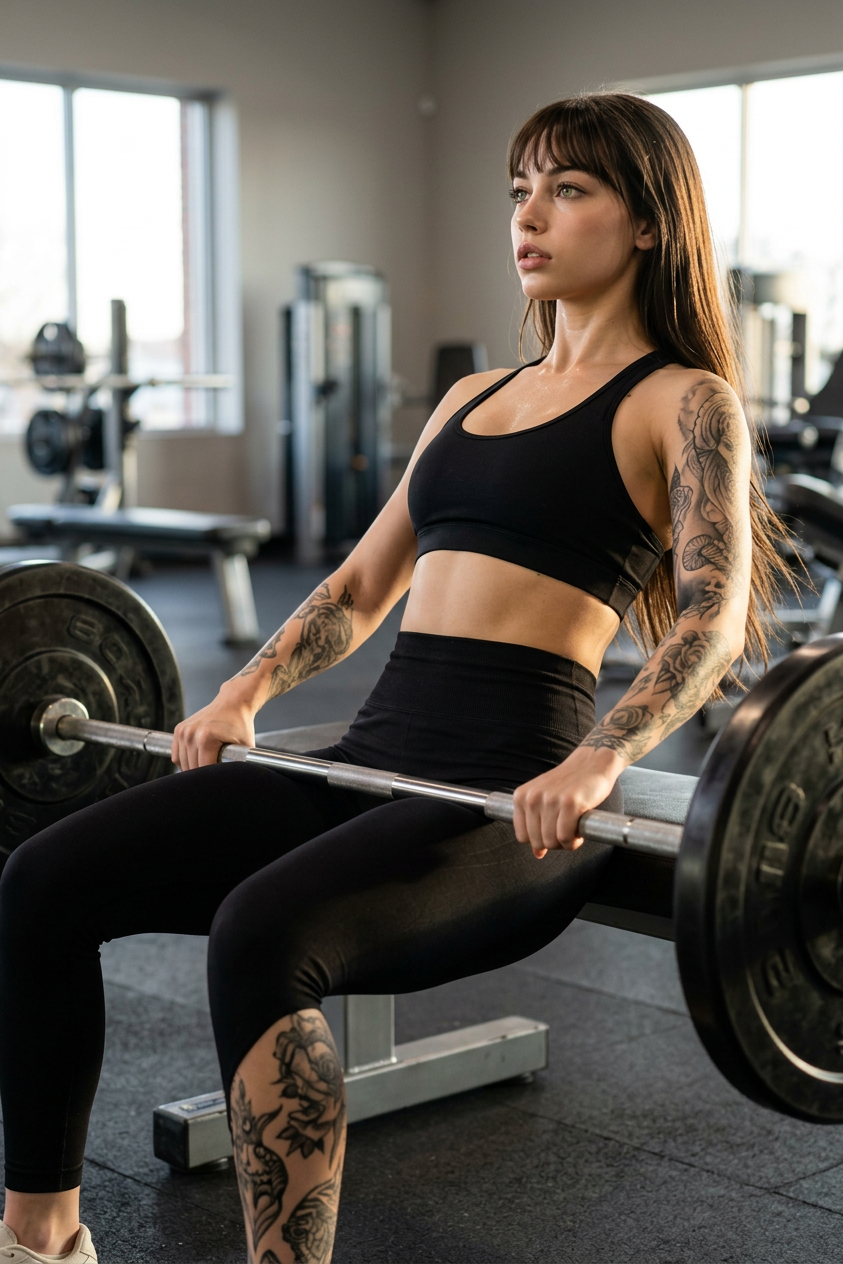
Use the uploaded reference image as the ONLY facial identity reference. Preserve the exact facial identity, facial proportions, eyes, eyebrows, nose, lips, jawline, skin tone, hairstyle (unless explicitly changed to long neon-red hair in a loose braid), age, and natural expression from the uploaded image. Do not beautify, reshape, stylize, or alter the person's recognizable identity. Create an ultra-realistic, full-body fitness editorial photograph of the same woman performing a proper barbell hip thrust in a modern commercial gym. Her upper back rests against a padded bench, knees bent, feet planted firmly on a rubber gym floor, both hands gripping the loaded barbell with anatomically correct five fingers on each hand, hips fully extended with realistic athletic form. She wears a fitted black sports bra and high-waisted black performance leggings with realistic fabric compression and texture. Her physique is naturally athletic and strong, with healthy muscle definition and realistic body proportions. Her skin shows a subtle natural workout sheen with visible pores and authentic texture. Intricate artistic tattoos cover both arms and legs. Her face is shown in profile with vivid green eyes focused upward, naturally parted lips, defined eyelashes, and realistic facial contours. Soft golden-hour sunlight streams through tall gym windows, creating warm rim lighting on her hair and arms while maintaining balanced indoor ambient lighting. Captured with a DSLR camera, 50mm lens, shallow depth of field, cinematic composition, realistic gym equipment, premium fitness editorial style, photorealistic, ultra-detailed skin, fabric, and metal textures, natural color grading, RAW quality, 8K resolution. Negative Prompt: blurry, low quality, cartoon, anime, CGI, plastic skin, beauty filter, distorted anatomy, extra limbs, extra fingers, malformed hands, incorrect barbell grip, unrealistic body proportions, duplicated body parts, watermark, logo, text, signature.
Any aspect ratio
Overview
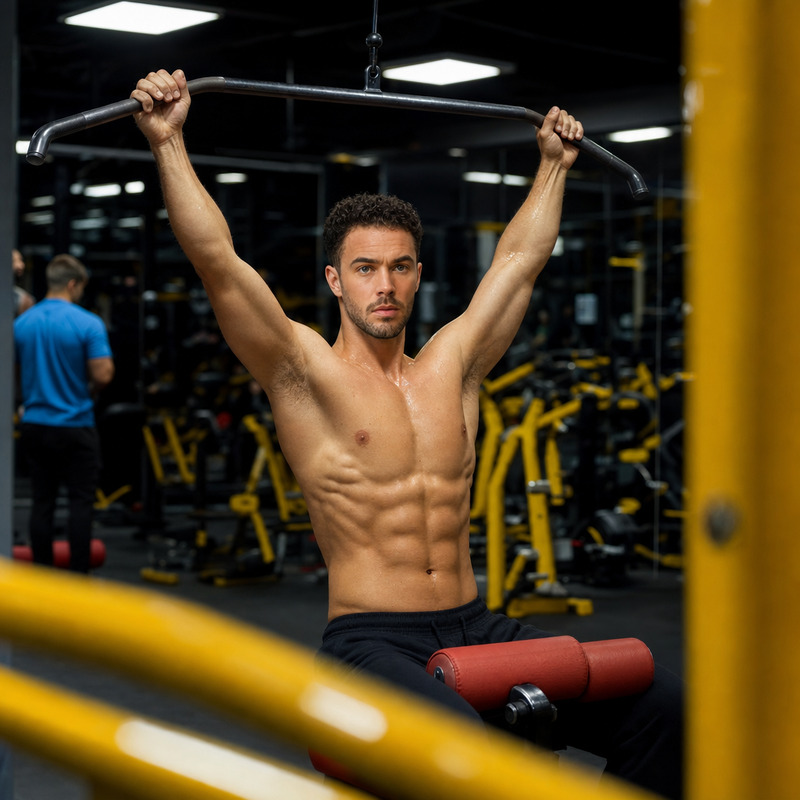
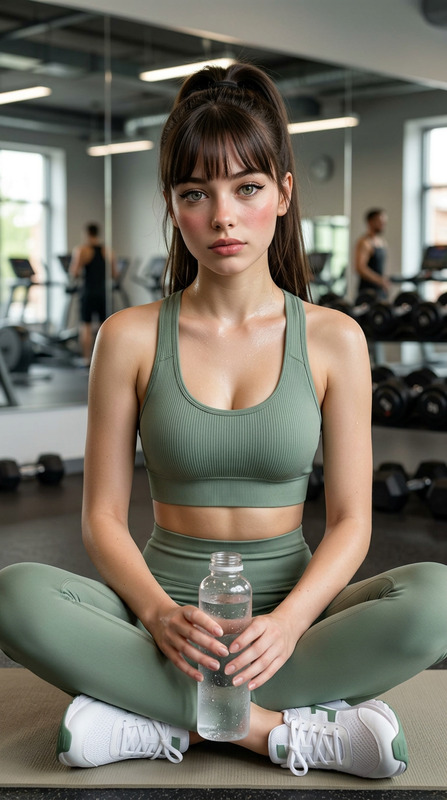
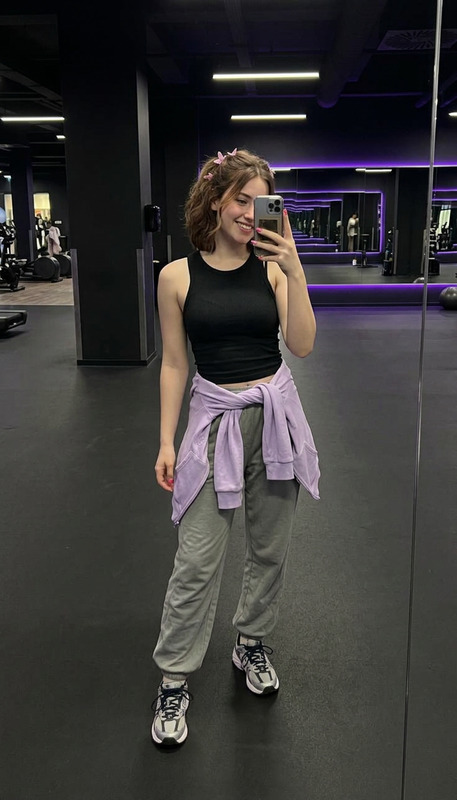
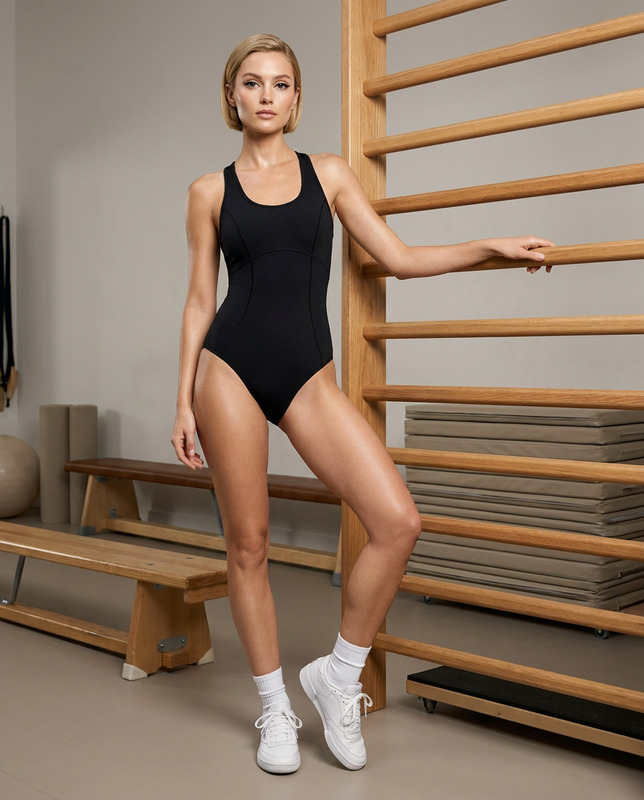
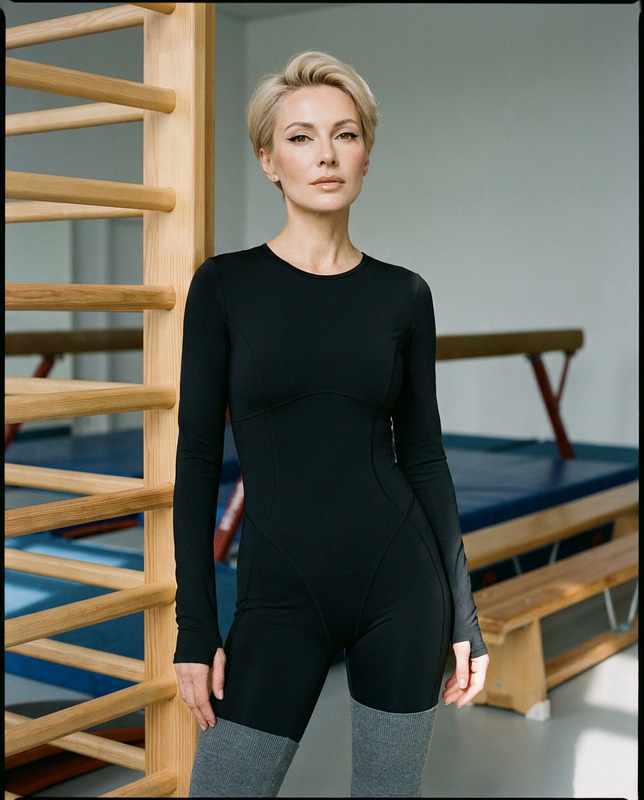
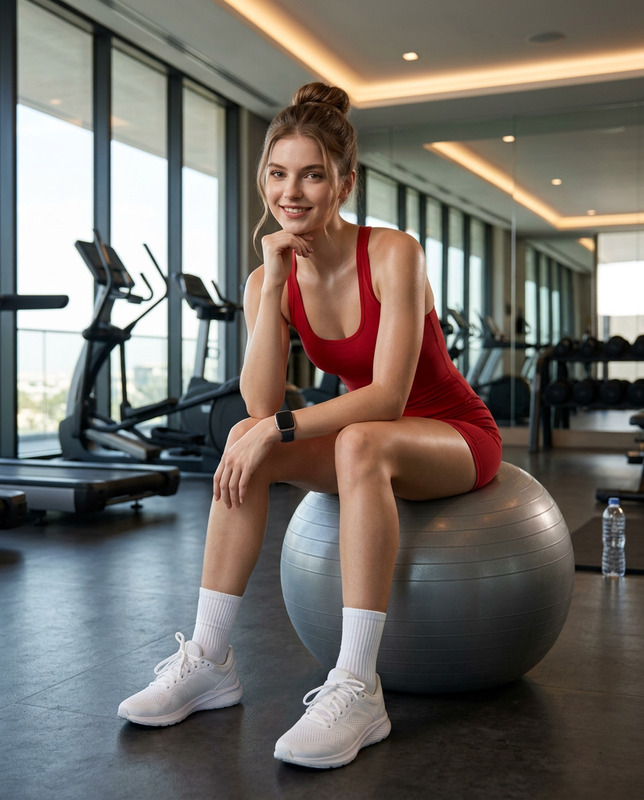
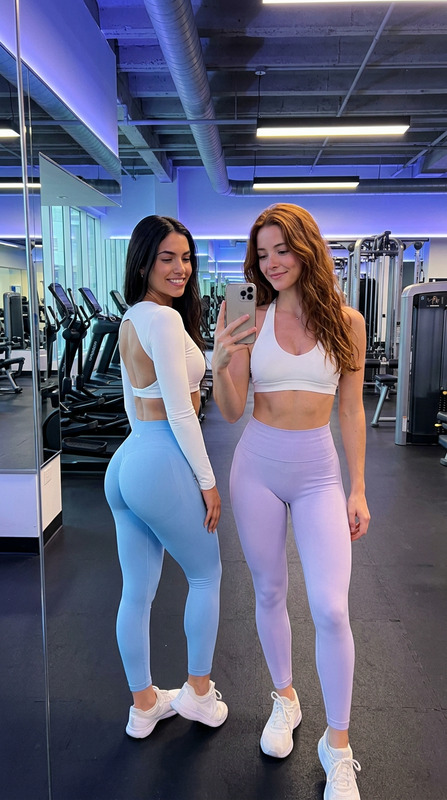
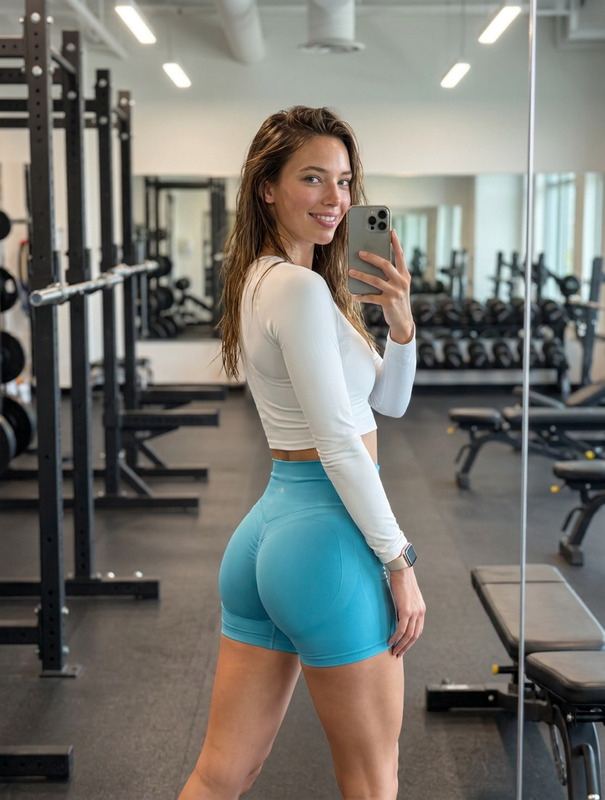
The "Gym Queen" template on Magic Hour's AI Image Editor allows you to transform a reference image into a stunning, lifelike fitness editorial photograph. Perfect for generating ultra-realistic images that adhere to the original subject's identity, this template captures the essence of fitness photography with high fidelity.
What It Does
The "Gym Queen" template uses the nano-banana-2 model to create detailed, photorealistic images based on an uploaded reference. It maintains the exact facial identity, skin tones, and proportions of the person in the reference image and places them in a full-body pose in a gym setting. Every detail, from muscle definition to fabric texture, is captured with remarkable accuracy.
Who It's For
This template is ideal for fitness enthusiasts, trainers aiming to create high-quality instructional content, and brands looking to showcase athletic apparel in a realistic, editorial style. Marketing professionals and photographers can also utilize this tool to visualize concepts and create promotional materials.
Summary
With the "Gym Queen" template, you can produce high-resolution, fitness-themed images that are perfect for editorial spreads, social media, or campaign promotions. Combine this with tools such as the AI Image Upscaler for enhanced details or the AI Product Photography to further elevate your visual content.
How To

Customize Your Image

Generate Your Image

Use Cases
Fitness Magazines and Editorials
Sports Apparel Branding
Content for Personal Trainers
Best Practices
Maintain Facial Identity
Ensure the reference image is clear and suits the intended fitness scene. Consistently check framework after customization to maintain the original facial identity.Adjust Lighting Conditions
While the default lighting is set for a gym environment, adjust it slightly to highlight different muscle groups or fabric textures.Use Clean and High-resolution Images
Always start with a high-resolution reference image to achieve the best outcomes, considering options like the Full Body Generator for complete scene realism.