Giant in Shibuya
- Model
- Nano Banana Pro
- Image
- 896 × 1184 px
Prompt
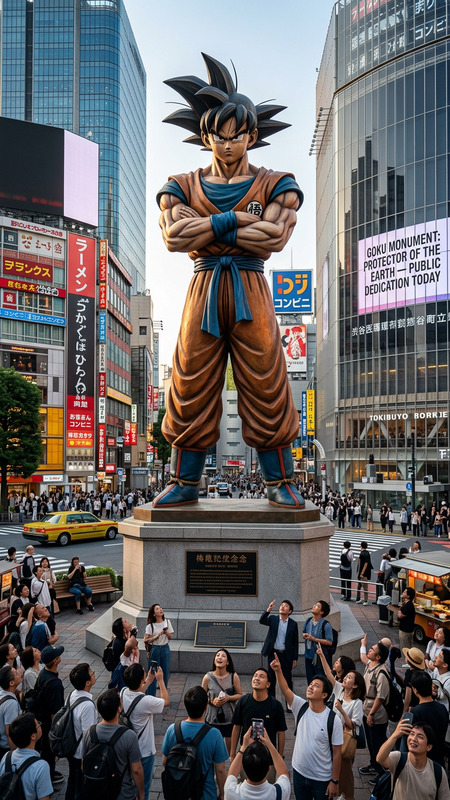
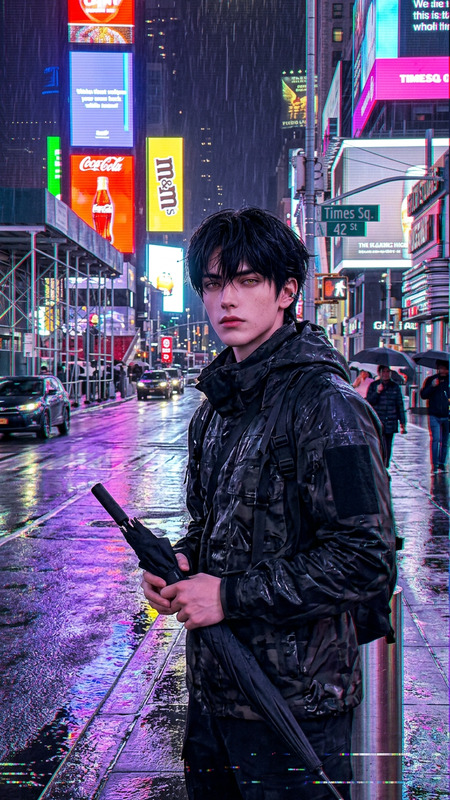
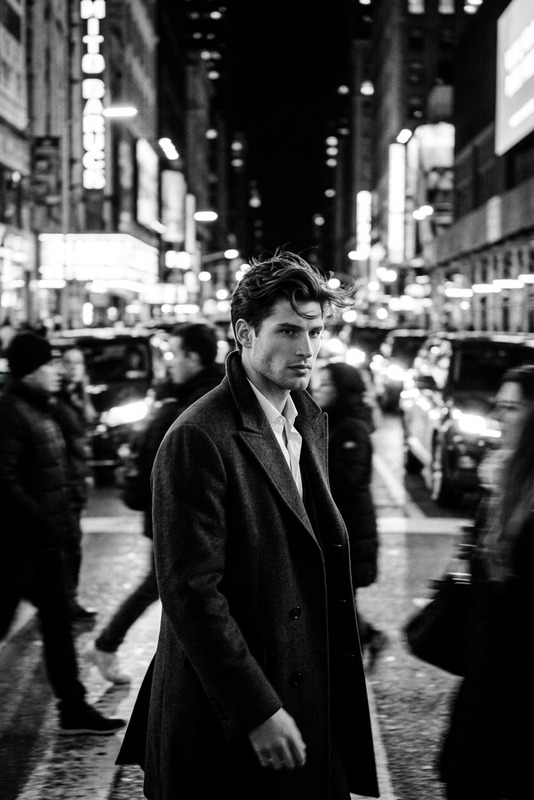
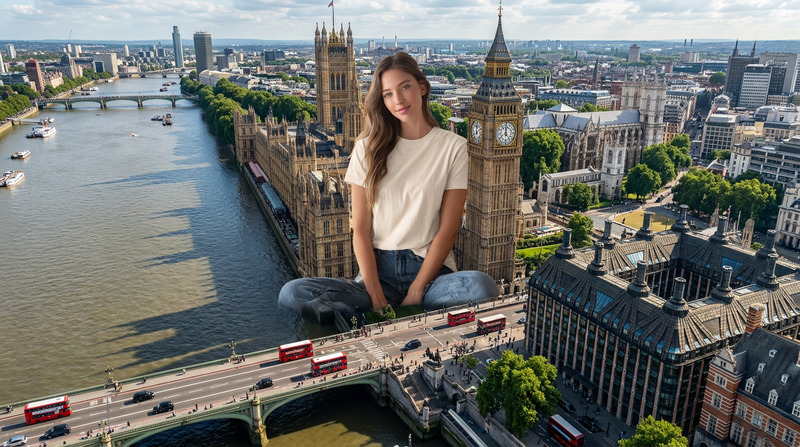
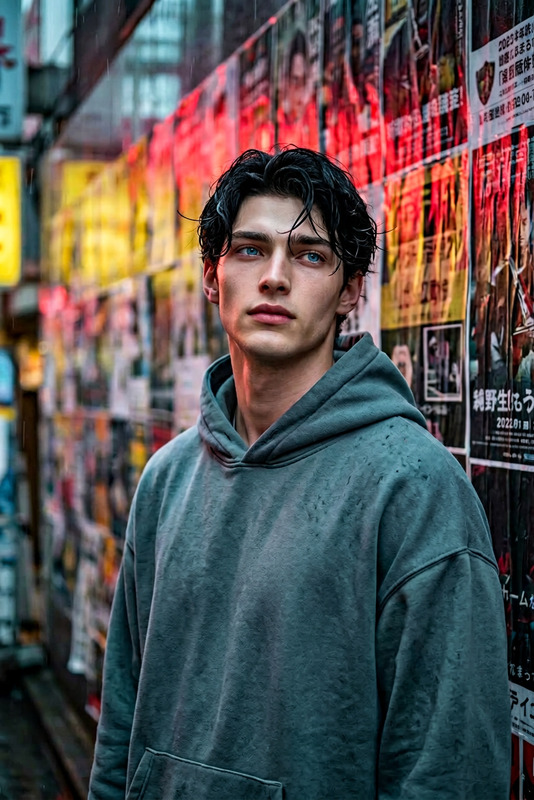
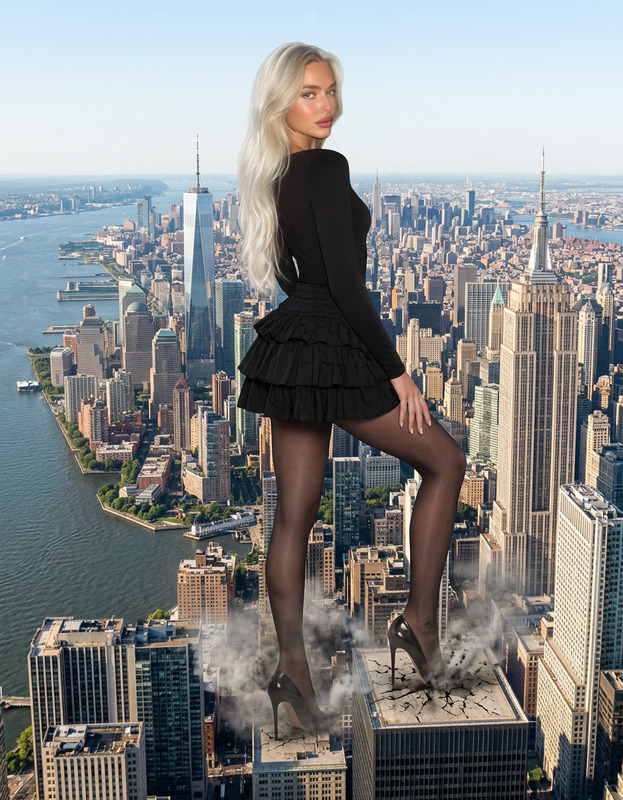
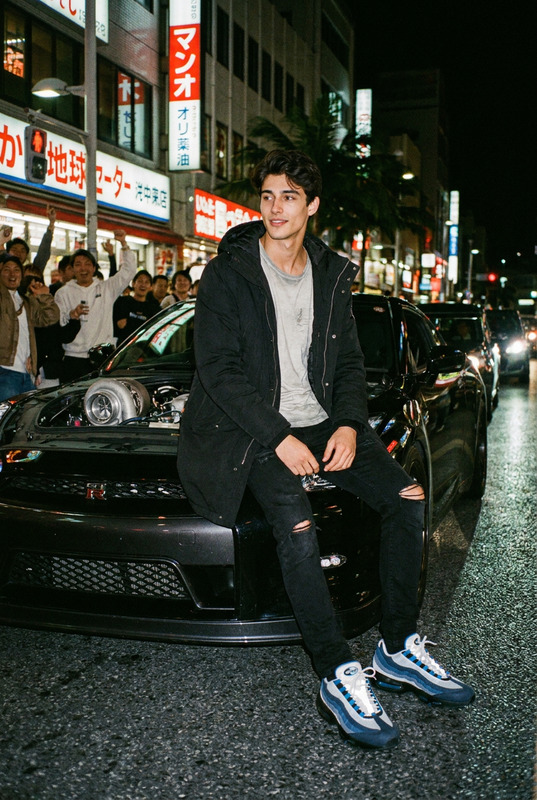
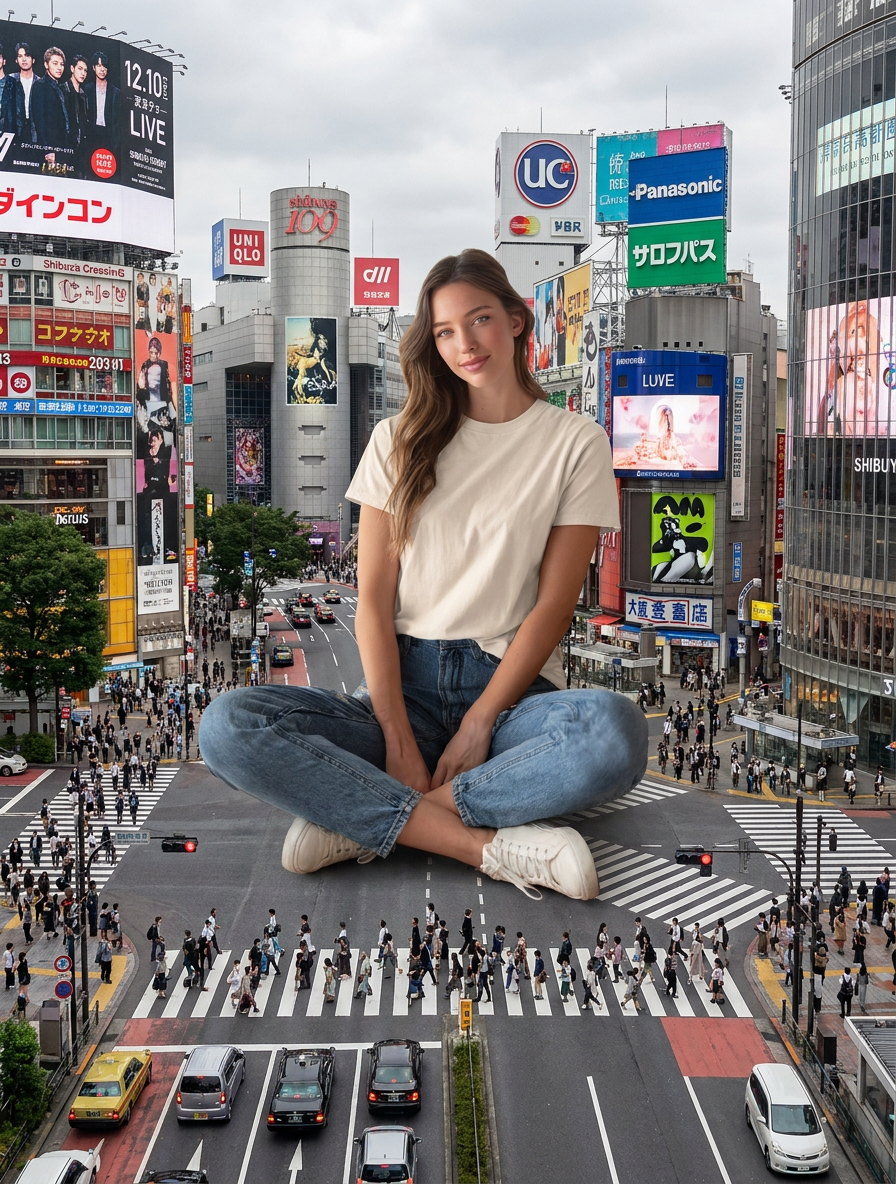
Re-create an image based on the subject in the uploaded image, keeping its appearance, temperament, and hairstyle unchanged. The main character in the picture is enlarged and placed in the center of Shibuya Crossing in Tokyo. The character's size far exceeds the surrounding buildings and environment. He blends into the scene with a casual sitting posture and looks at the camera, creating an exaggerated scale contrast and a surreal visual effect. The background is the bustling city of Shibuya, Tokyo, with high-rise buildings, billboards, traffic, and dense pedestrians. The wide-angle overhead composition, film-level photography, photo-realism, ultra-high details, HDR, 8K.
Any aspect ratio
Overview
Step into the world of surreal visual effects with the "Giant in Shibuya" template. This dynamic AI Image Editor template allows you to transform an ordinary subject into an extraordinary giant, casually lounging amidst the bustling Shibuya Crossing. Utilizing the advanced capabilities of the nano-banana-pro model, this template delivers unparalleled photorealism and detail to your creative projects.
What It Does
The template supersizes your subject, placing them prominently amidst Tokyo's iconic Shibuya Crossing. With a seamless integration into the bustling cityscape, the image captures a stunning contrast in scale, offering a unique perspective enhanced by HDR visual richness and 8K definition. The result is a photo-realistic, wide-angle composition that elevates any visual project.
This template works in tandem with the AI Image Editor to ensure high-detail output, making it ideal for creating standout images in marketing, advertising, or art projects.
Who It's For
This template is designed for visual artists, creative marketers, and digital content creators seeking to make a bold impact. Whether you're crafting eye-catching social media ads or developing compelling visuals for eCommerce platforms, "Giant in Shibuya" offers the tools needed for stunning and memorable imagery.
Summary
"Giant in Shibuya" leverages the power of the nano-banana-pro model to create a surreal and visually impactful image. It enlarges your subject to a giant scale, mingling them within Tokyo's vibrant urban setting. Recognized for its ultra-high detail and photo-realism, this template is perfect for generating striking visuals that capture attention and elevate your creative endeavors.
How To
Choose Your Template

Customize Your Inputs

Generate the Image

Use Cases
Social Media Campaigns
- Instagram Reels
- Facebook Ads
- Twitter Promos
Advertising and Promotions
- Billboard Designs
- Digital Ads
- Event Posters
Artistic Projects
- Gallery Exhibitions
- Art Blogs
- Concept Art
Best Practices
Lighting and Angles
Use natural lighting and explore different angles when capturing your subject to enhance the photorealism.Subject Compatibility
Ensure the subject's features are clearly defined in the original image to achieve optimal enlargement results.Post-Editing
Consider using the AI Image Editor for any additional tweaks to enhance the final output.