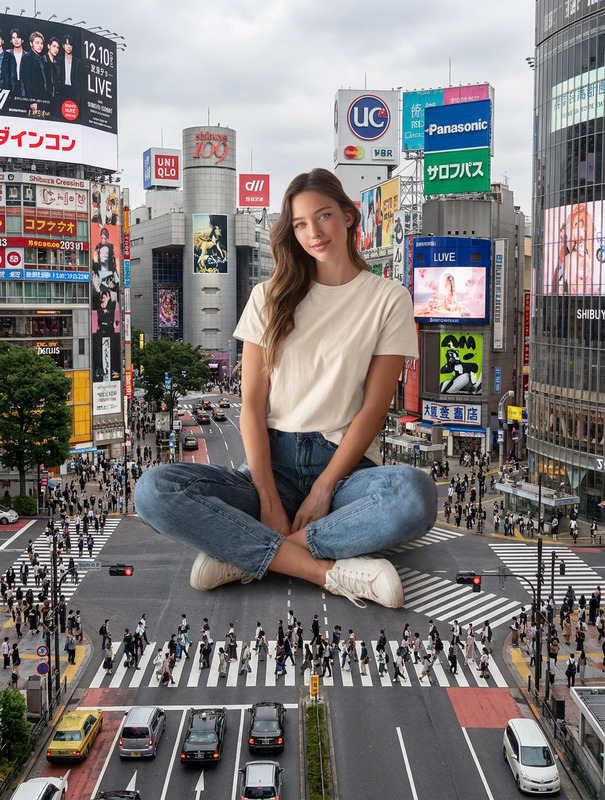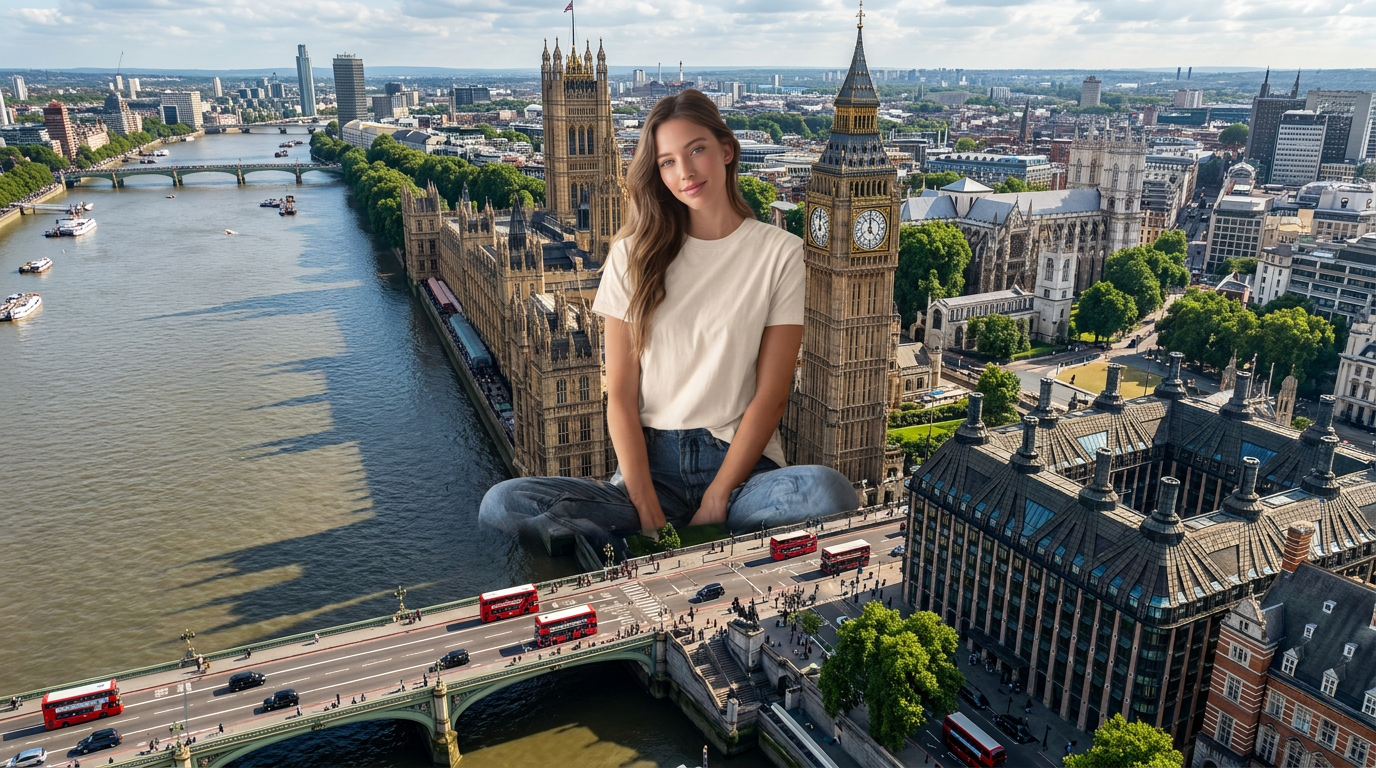
Giant in London
- Model
- Nano Banana Pro
- Image
- 1376 × 768 px
Prompt
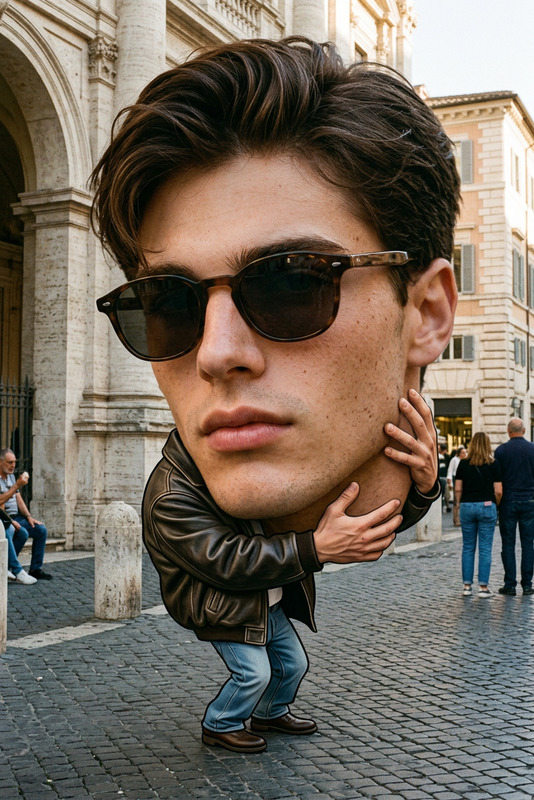
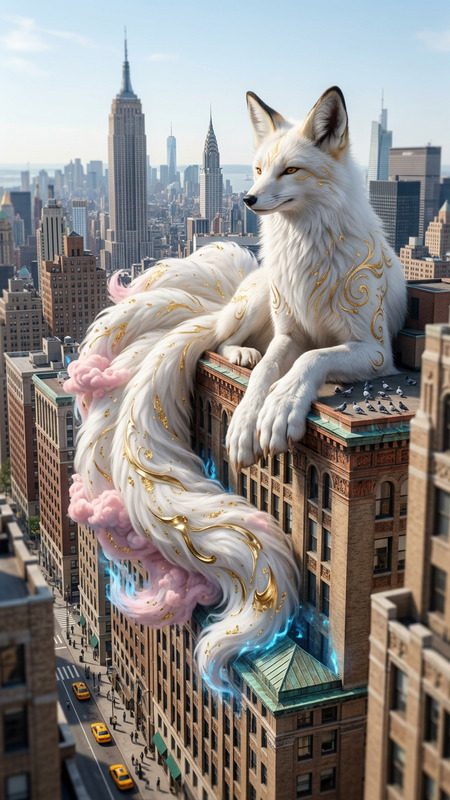
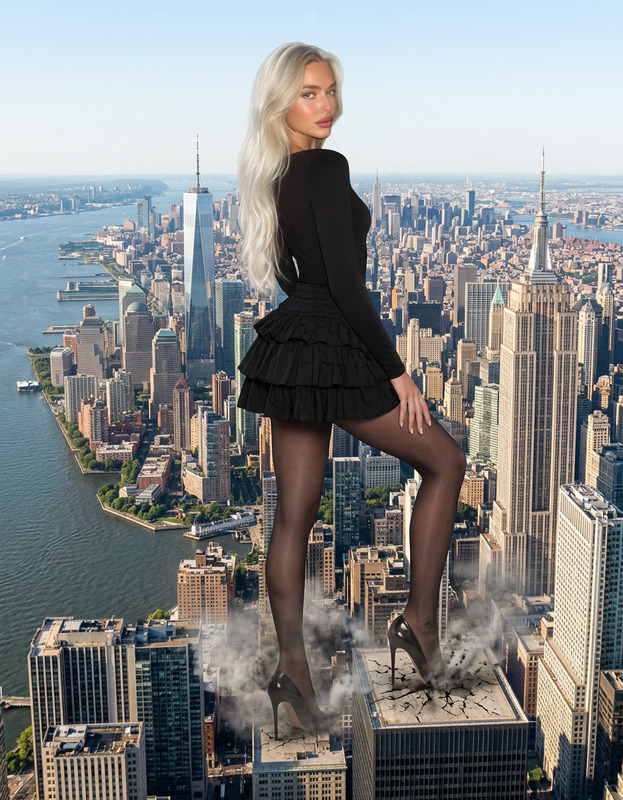
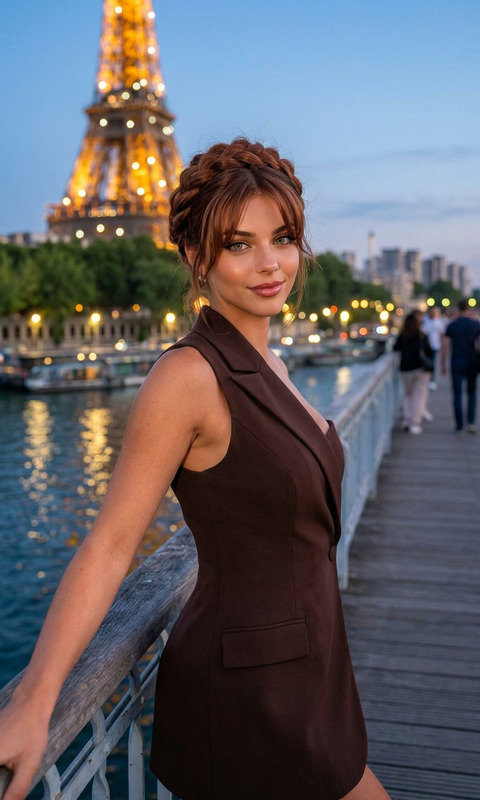
Create a new image based on the subject in the uploaded image, retaining the subject's appearance, facial features, temperament, hairstyle and overall style without changing the character's identity. The main character in the picture is enlarged and placed next to Big Ben in London, England. The character's size far exceeds Big Ben and the surrounding architectural environment. He naturally blends into the scene and looks at the camera, forming a strong contrast in scale and a surreal visual effect. The background is the cityscape of London, England, with Big Ben, the Palace of Westminster, the Thames River, London streets, traffic, pedestrians and classic British architecture clearly visible. Wide-angle top-down composition, cinematic photography, photorealism, ultra-high details, HDR, 8K.
Any aspect ratio
Overview
Transform your photos into surreal works of art with the "Giant in London" AI Image Editor template. Perfect for creating visually striking images, this template enlarges a character to colossal proportions against the iconic London skyline. Dive into photorealism with ultra-high detail and cinematic photography.
What It Does
This template uses the AI Image Editor capabilities of the nano-banana-pro model to amplify the size of your chosen character within your uploaded image. Positioned alongside Big Ben and the Palace of Westminster, your subject creates a strong scale contrast in a realistic London setting. The result is a seamless blend into the historic cityscape with stunning 8K HDR quality.
Who It's For
"Giant in London" is designed for creatives, photographers, and digital artists wanting to explore new realms of surrealism and visual effects in their work. If you're involved in VFX previs or desire to create awe-inspiring imagery for social media ads, this template offers the tools you need to make an impact.
Summary
Whether you're looking to create a memorable piece for personal projects or professional campaigns, the "Giant in London" template allows you to inject imagination into reality. Explore other creative possibilities with our extensive toolset, such as the AI Talking Photo tool to bring related stories to life.
How to Use
Choose Your Template

Customize Your Image

Generate and Download

Use Cases
Marketing and Advertising
- Social media transformations
- Ad campaigns with a twist
Digital Art and Surrealism
- Photo exhibitions
- Portfolio showcasing
Visual Effects and Storytelling
- Fantasy sequences
- Cinematic compositions
Best Practices
Image Selection
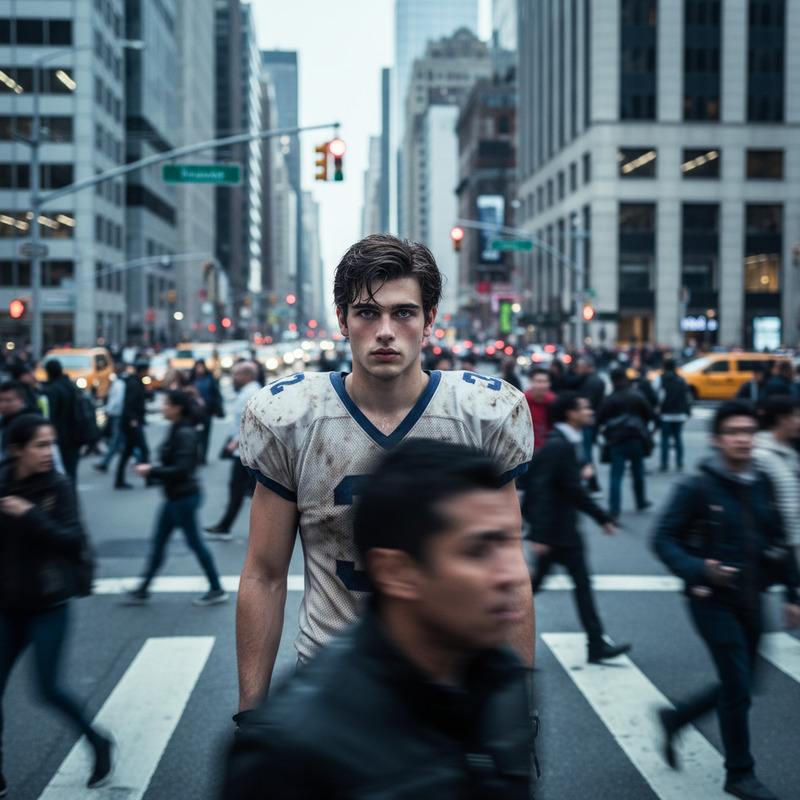
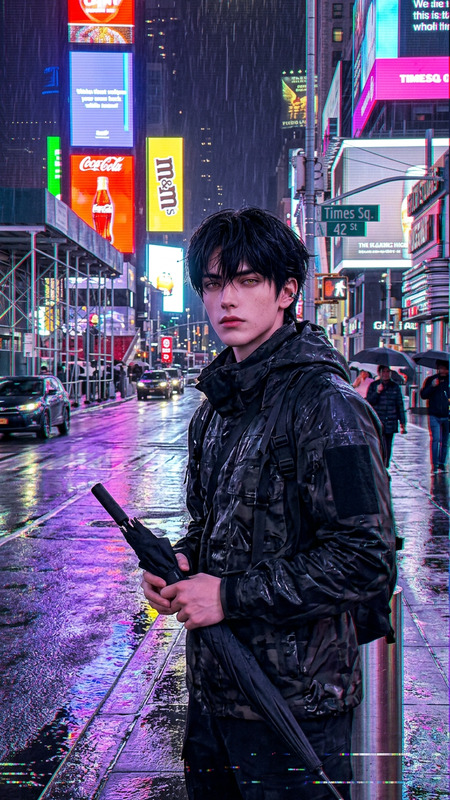
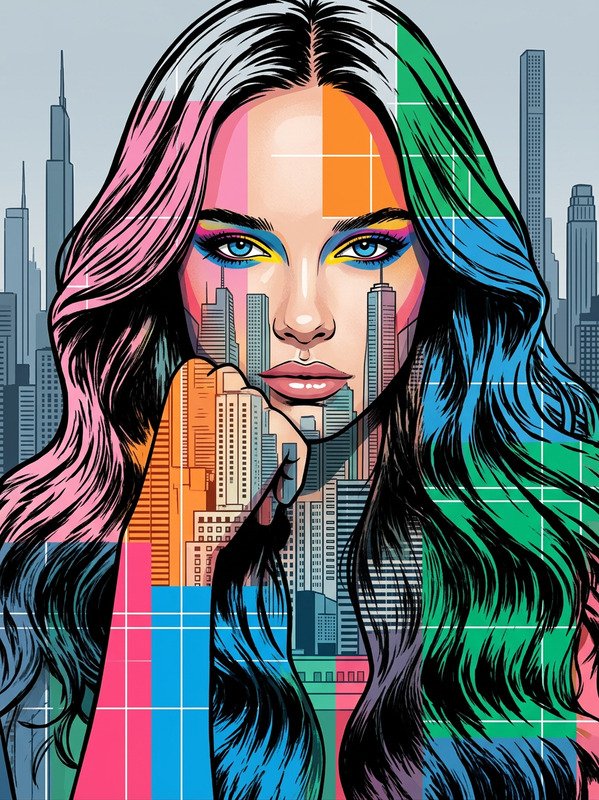
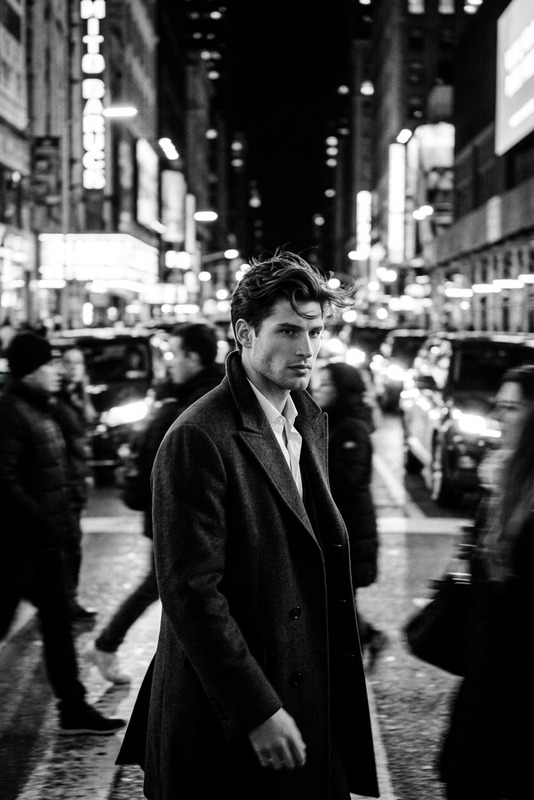
Choose images with clear subject outlines and ample background to enable better integration into the London scene.Detail Orientation
Utilize high-resolution images to ensure the amplified details remain sharp and photorealistic in the final output.Consistent Lighting
Ensure the lighting conditions of the uploaded image match those of the typical London cityscape to enhance realism.