Low Angle Cinematic
- Model
- Nano Banana Pro
- Image
- 848 × 1264 px
Prompt
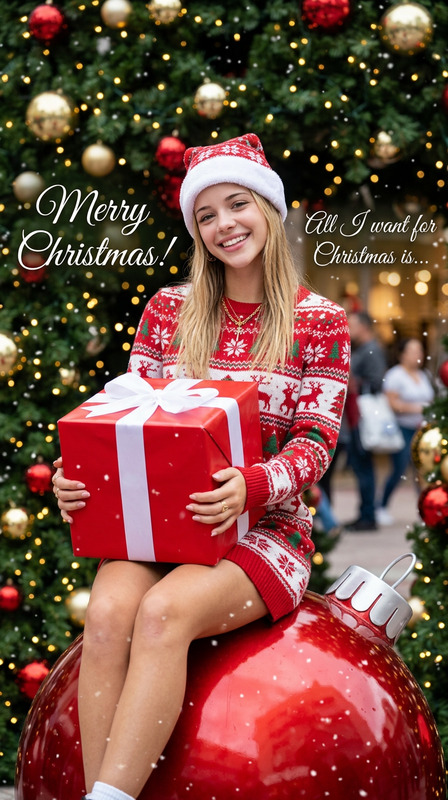
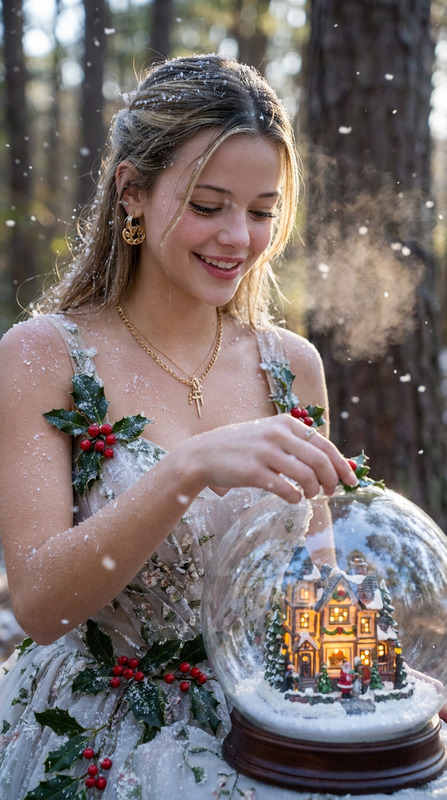
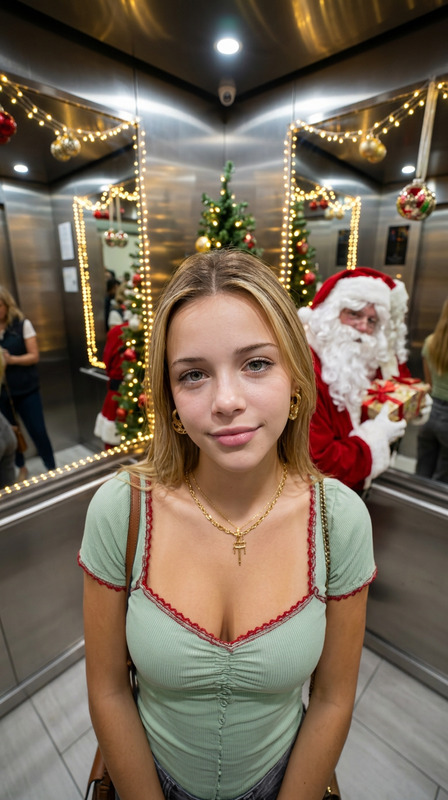
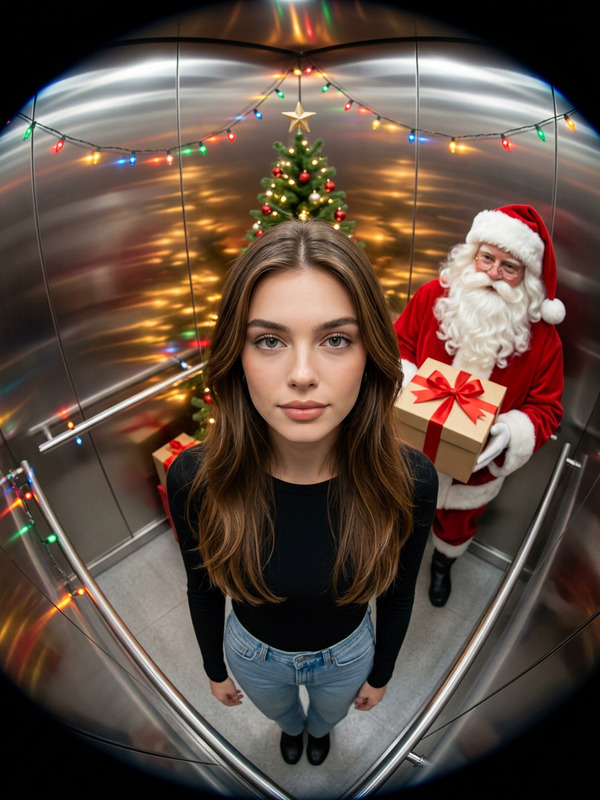
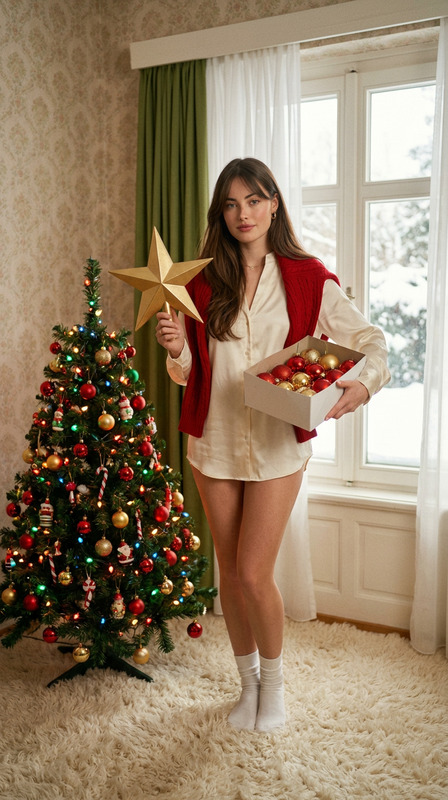
The provided image has been converted into a cinematic shot taken from an ultra - low angle. The perspective is extremely low, giving the impression of looking up at a giant whose feet are on the verge of stepping on the camera lens. The image shows the person from the reference picture dashing through a huge urban blizzard. One hand of this person is firmly grasping a large stack of Christmas presents. The individual is dressed in traditional Santa Claus clothing and red stockings, and their feet take up most of the foreground and are clearly visible. Christmas bells and candy pieces create a dramatic whirlwind around them, forming a speed - like trail. Santa's white beard is fluttering in the wind. The style is highly realistic, featuring motion blur, dynamic lighting, and a surreal ambiance. There's an electronic sign above that says: "Boy, I'm here!" The font has a Christmas - themed design with a sharp and avant - garde look. The face of the person remains the same as in the reference.
Any aspect ratio
Overview
Transform your images into stunning cinematics with the Low Angle Cinematic AI Image Editor template. This tool leverages the nano-banana-pro model to apply an ultra-low angle perspective, creating a dramatic and immersive effect. Perfect for adding a dynamic touch to your visuals, this template offers an impressive depth and motion feel.
What It Does
The Low Angle Cinematic template transforms any image into a striking cinematic shot taken from a low angle. It simulates the perspective as if the camera is looking up at towering subjects. This is ideal for depicting power and scale, especially in dynamic scenes like a Santa Claus rushing through a blizzard, captured in full motion with realistic effects. The result is an image that feels alive with motion blur, dramatic lighting, and surreal elements.
Pair this with our AI Image Editor for enhanced editing capabilities or use alongside the AI Background Changer to experiment further with backgrounds.
Who It's For
This template is designed for photographers, filmmakers, and content creators looking to add a unique angle to their visuals. It's particularly useful for those in social media advertising and storytelling, providing a fresh perspective to engage viewers. Whether you're crafting a holiday campaign or seeking to enhance visual narratives, this tool can significantly elevate your work.
Summary
Empower your images with the Low Angle Cinematic template by achieving an extraordinary perspective and effect. This tool is integral for creators striving for visually arresting and engaging content, especially suitable for dynamic storytelling in various digital media formats.
How-To
Choose Your Template

Customize Your Image

Generate Your Cinematic Image

Use Cases
Social Media Campaigns
- Enhance holiday-themed posts
- Increase viewer engagement
Film Pre-Visualization
- Plan complex shots
- Adjust compositions for narrative impact
Advertising Content
- Feature products in dramatic settings
- Capture attention with motion effects
Best Practices
Optimize Lighting
Adjust lighting settings for added drama and realism around the subject.Maintain Image Quality
Ensure high-quality original images for the best outcome when using the perspective and motion effects.Complementary Tools Usage
Consider using the AI Background Changer to further refine the image background for cohesive integration.