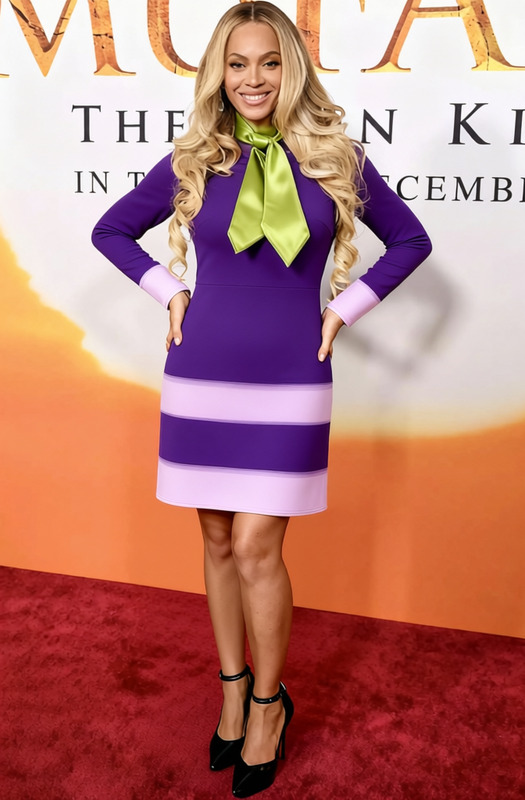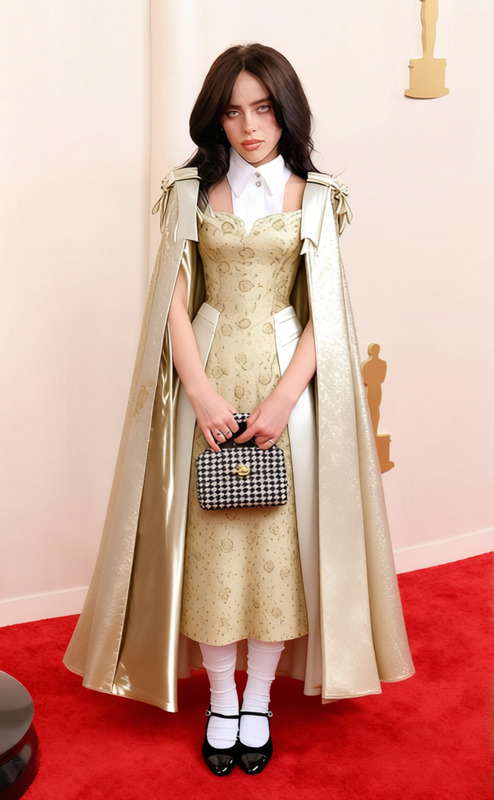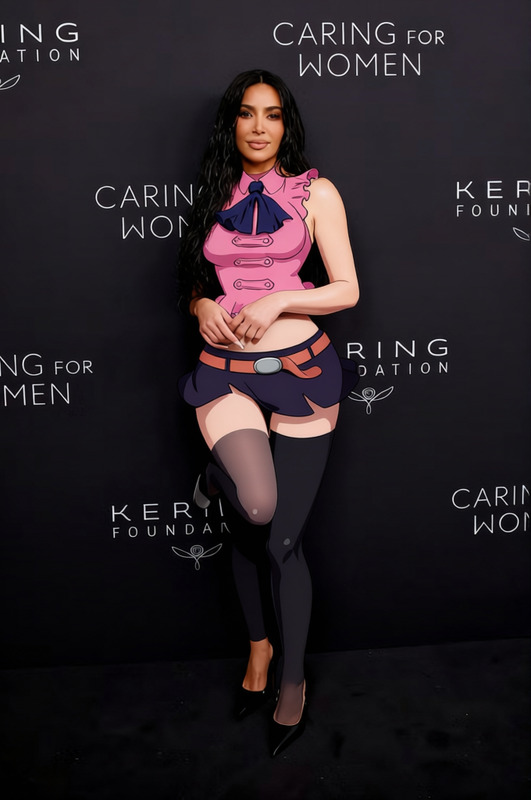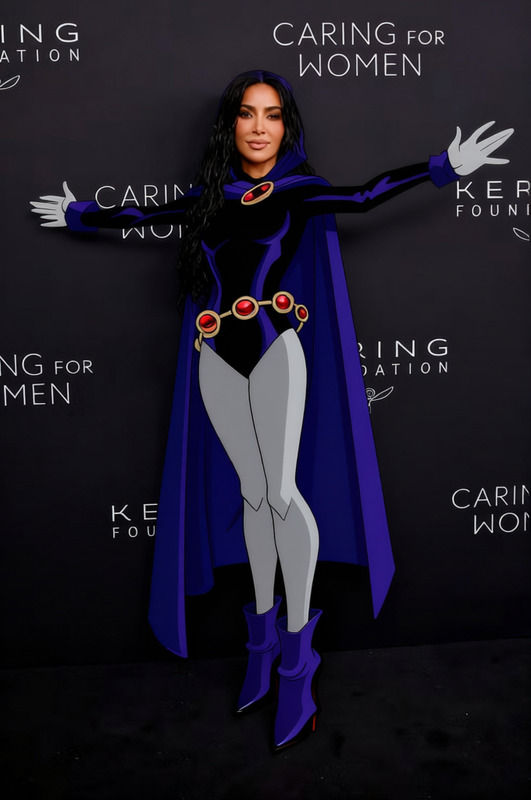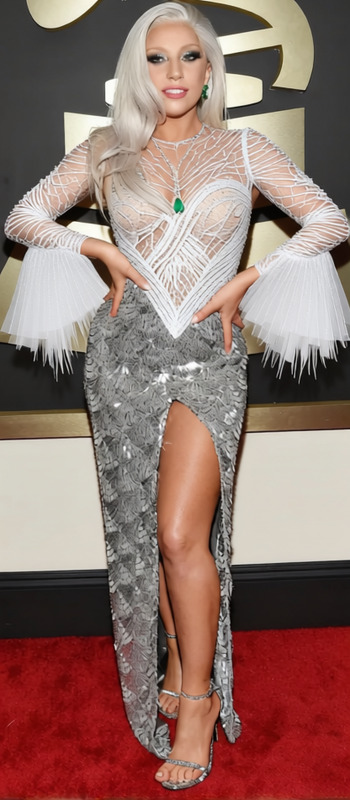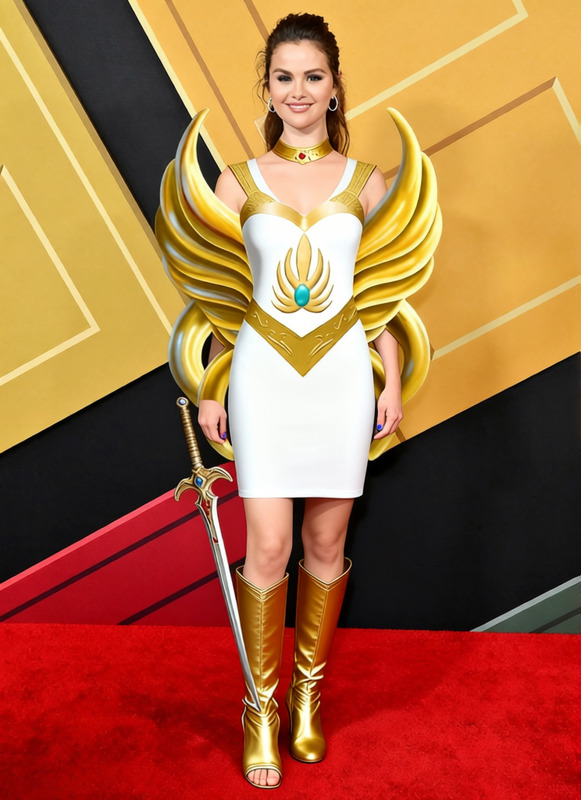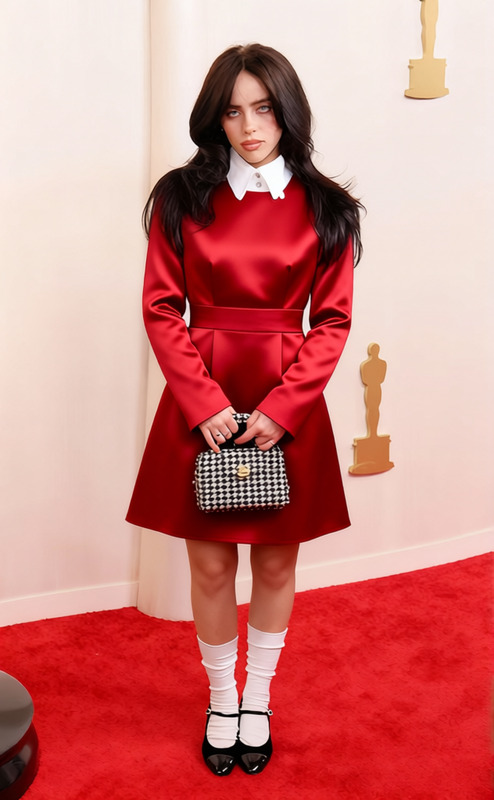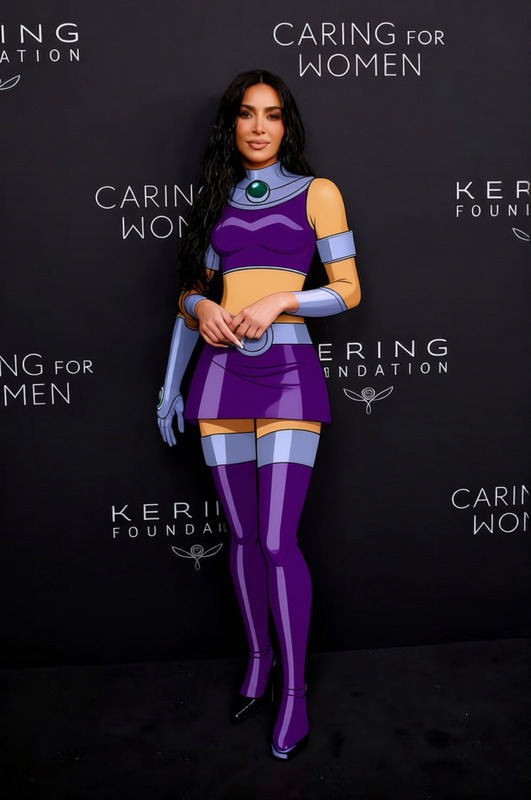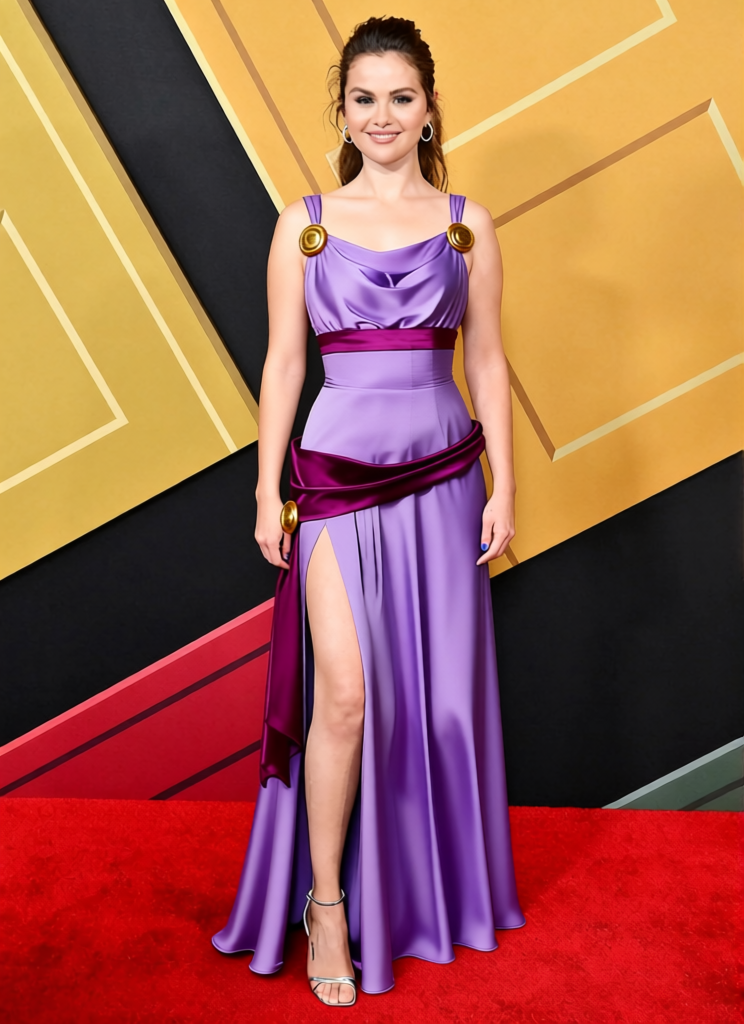
Megara Purple Grecian Dress
- Image
- 744 × 1024 px
Any aspect ratio
Overview
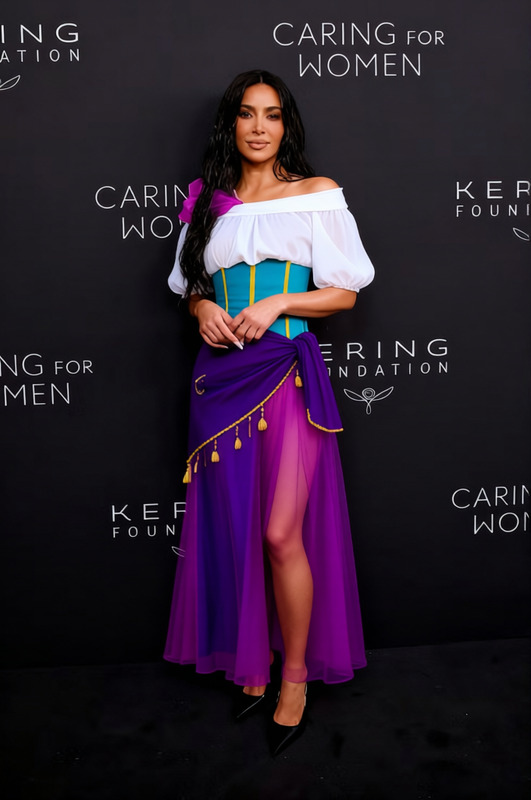
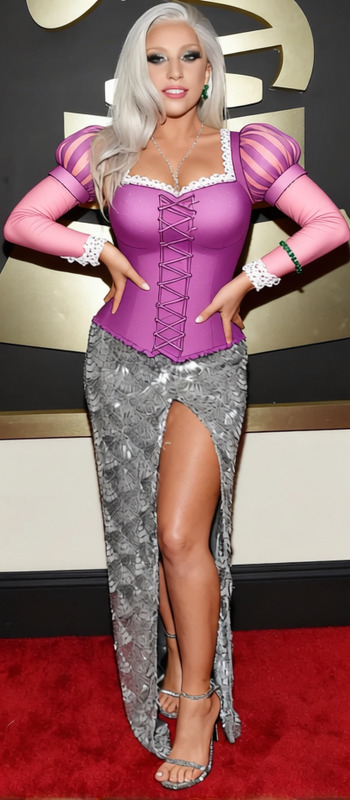
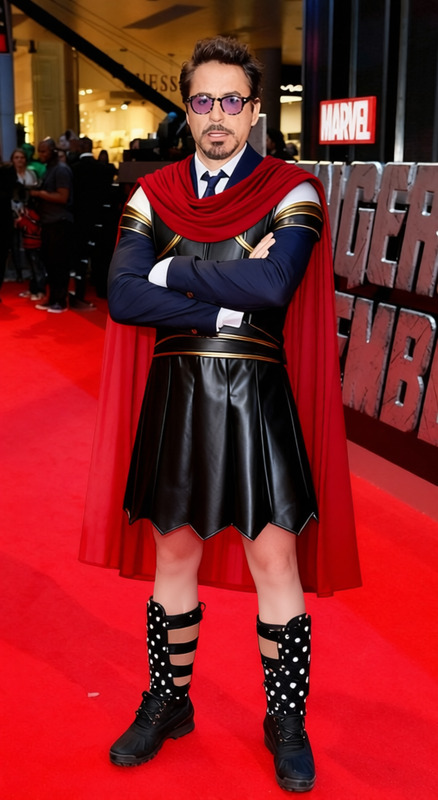
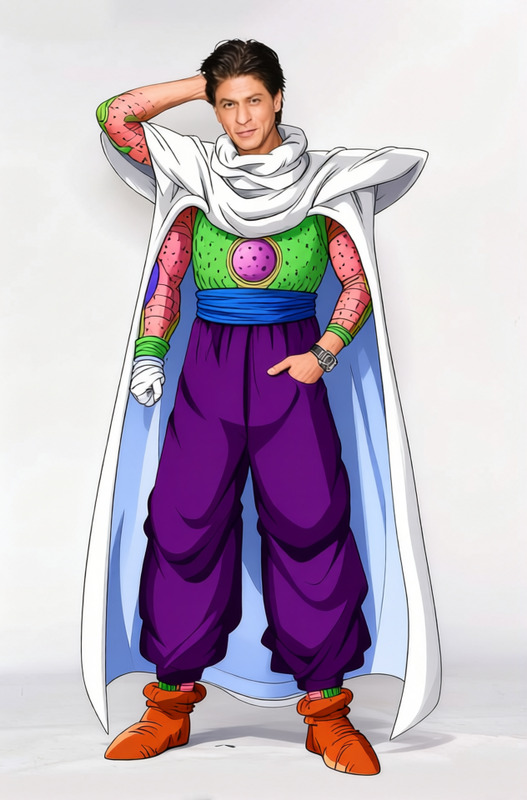
The Megara Purple Grecian Dress template is designed for those looking to elevate their digital wardrobe with a touch of ancient elegance. This template allows you to modify the clothing in an image to feature a stunning Grecian-style purple dress, perfect for themed photoshoots or artistic projects.
Whether you're a content creator or a digital artist, utilizing this template can add a classical style to your work in just a few steps.
What It Does
This template offers a dynamic clothes substitution capability that places a beautiful Grecian dress onto subjects in your images. When you select the Megara Purple Grecian Dress, the original outfit in your image is replaced seamlessly with the digital dress. This effect is powered by advanced AI models similar to those used in our AI Clothes Changer, enabling realistic transformations that retain the natural look and flow of fabric.
Who It's For
The template is ideal for photographers, cosplay enthusiasts, or anyone involved in creating thematic digital content. If you're engaged in virtual staging or product review videos, this template offers a quick way to enhance your presentations. It's also perfect for designers looking to prototype new fashion lines using realistic visualizations before production.
Summary
With the Megara Purple Grecian Dress template, transform any image by adding a touch of classical Greek artistry. It's part of our broader suite of clothing transformation tools, which includes AI Multi-Angle Generator for varied perspectives and the versatile AI Photo Relighting for enhanced lighting effects.
How-To
Choose Your Template

Customize Your Image

Generate and Download

Use Cases
Thematic Photoshoots
- Enhance photo shoots with historical context
- Simplify costume changes without physical garments
Digital Fashion Prototypes
- Prototype fashion ideas easily
- Showcase designs in presentations
Creative Content Creation
- Boost engagement with period-specific dressing
- Integrate easily into video narratives
Best Practices
Select High-Quality Images
Use high-resolution images to ensure the detail in the dress looks authentic. The AI works best when it can accurately detect edges and contours.Consider Lighting
Ensure that the lighting in your image complements the virtual dress. For enhancements, try our AI Photo Relighting tool.Align Dress Accurately
Adjust the dress overlay to match the subject's body posture and ensure natural flow and fit.
Frequently asked questions
More Like This