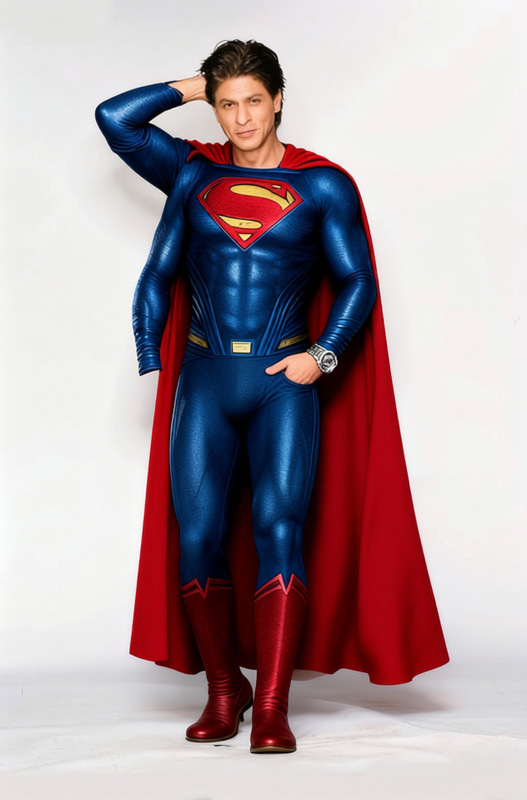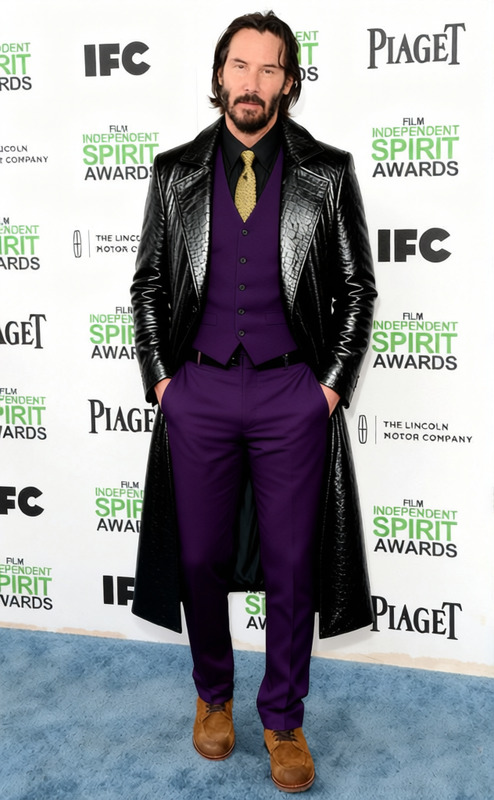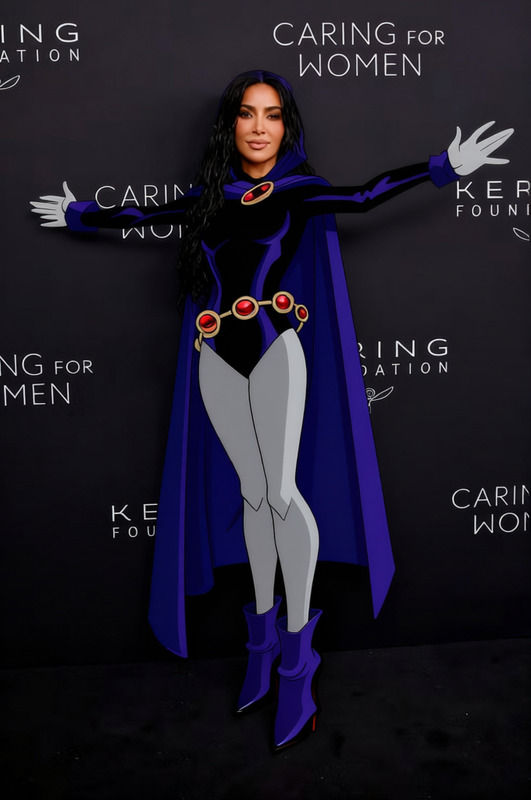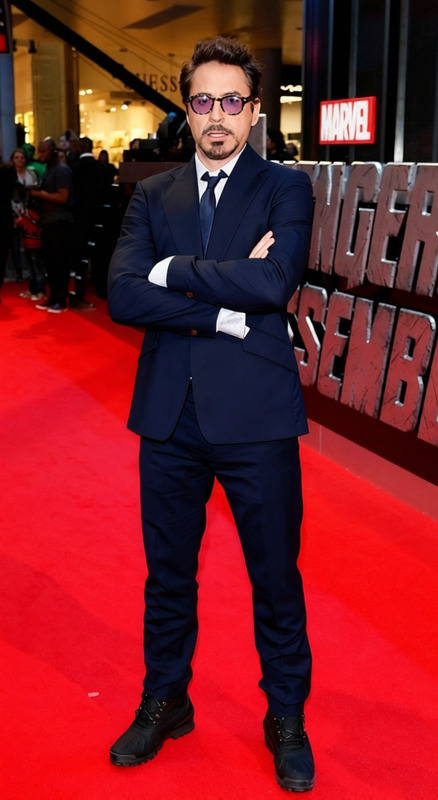
Hercules Brown Leather Tunic With Blue Cape 2
- Image
- 560 × 1024 px
Any aspect ratio
Overview
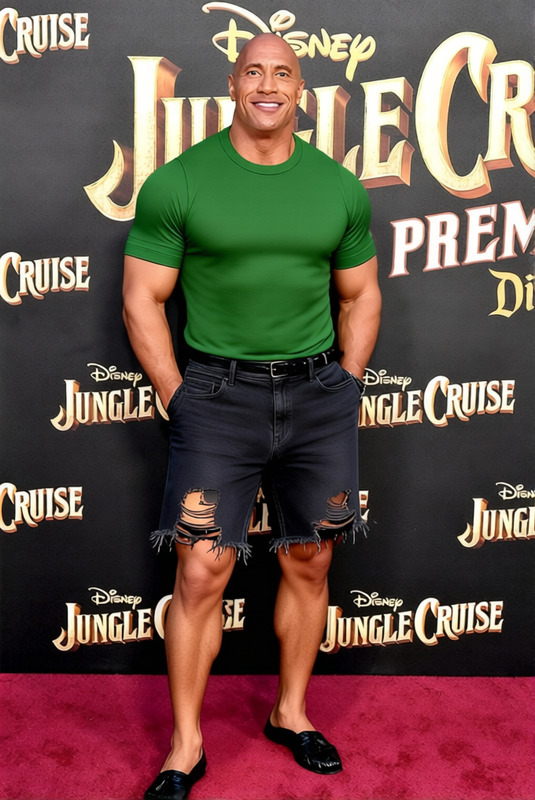
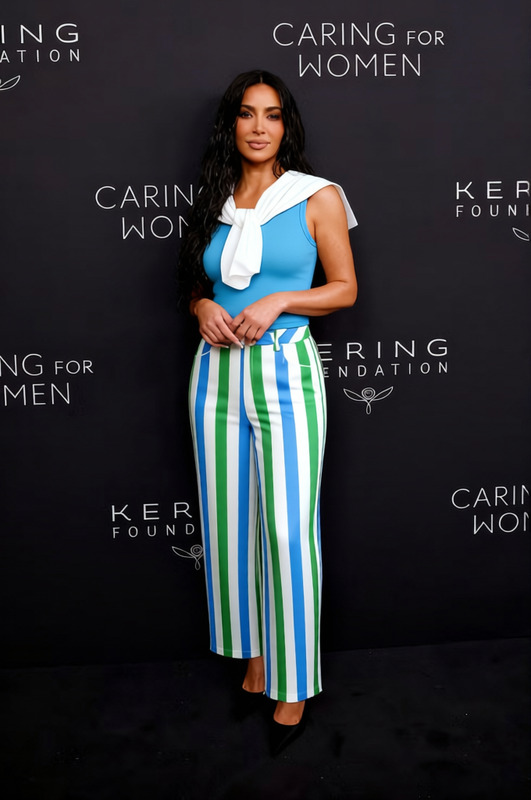
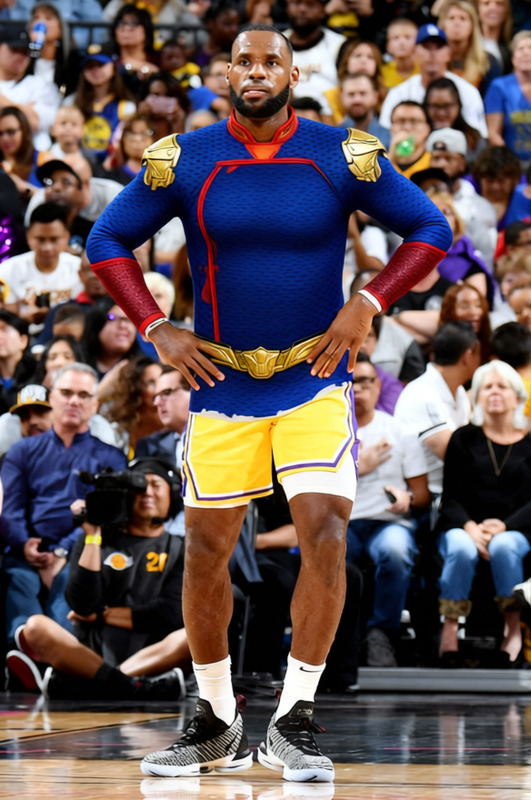
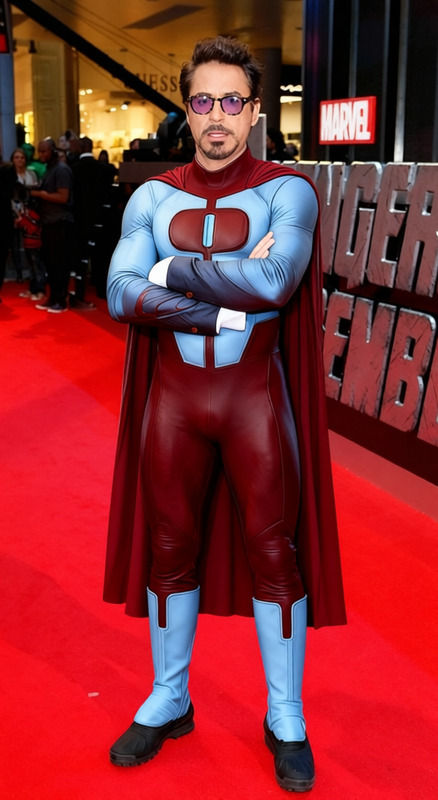
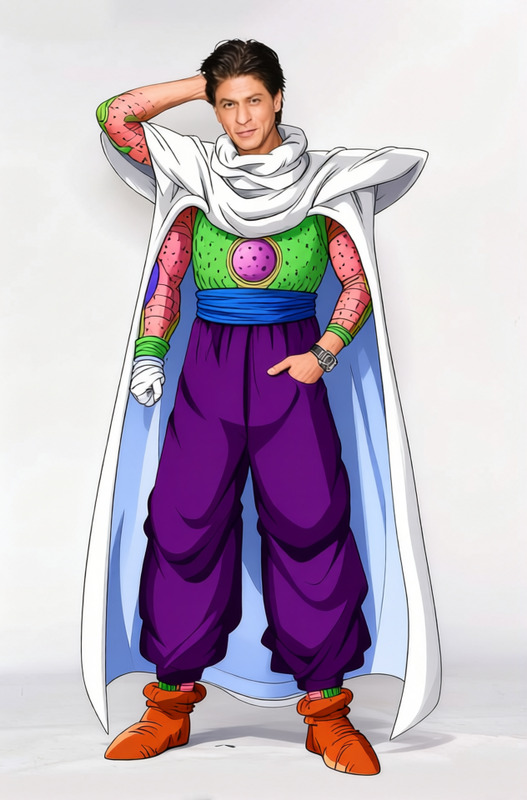
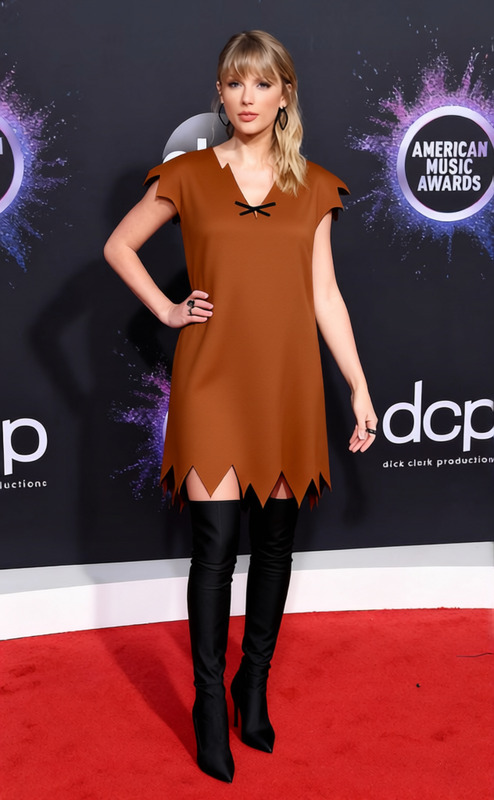
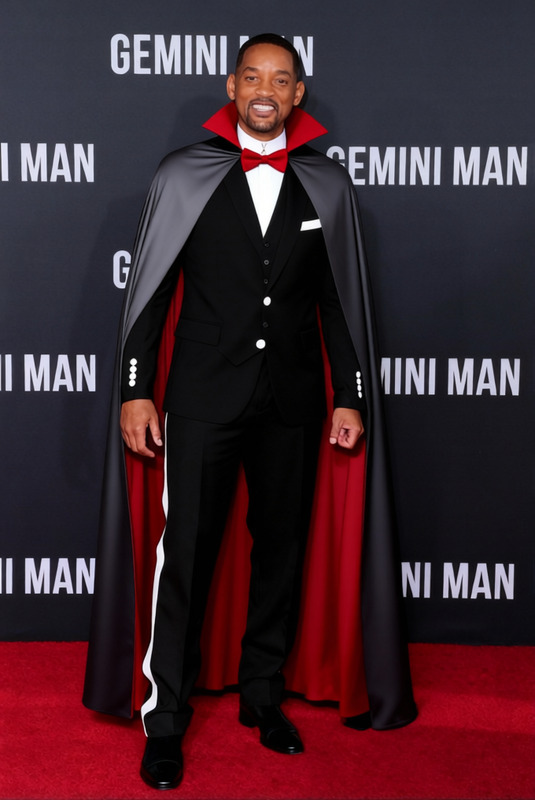
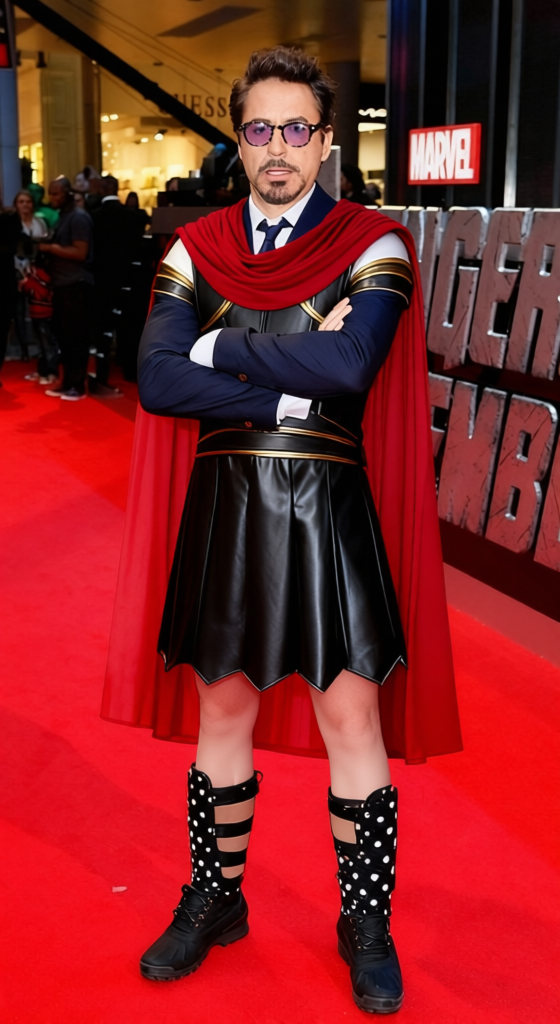
Transform any character's look with the Hercules Brown Leather Tunic With Blue Cape 2 template. Designed for the AI Clothes Changer, this template helps you easily modify attire in your images and videos, employing high-quality AI models for seamless results. Ideal for content creators and professionals who need to quickly adapt visuals for different contexts.
What It Does
This template allows you to replace the clothing of a character with a detailed Hercules-style brown leather tunic and a striking blue cape. Utilizing advanced AI algorithms, this tool ensures realistic integration into photos or video frames, maintaining continuity and enhancing visual appeal. Whether you're reimagining characters for a product demo video or an animated sequence, the results remain natural and convincing.
Who It's For
The Hercules Brown Leather Tunic With Blue Cape 2 template is perfect for filmmakers, video editors, and digital artists seeking efficient clothing modifications without the need for extensive manual editing. It's particularly beneficial for those working on educational content, cinematic projects, or even playful meme creations using the AI Meme Generator.
Summary
Incorporate the ancient hero look with this dynamic clothes changer template. A swift solution for anyone needing to swap costumes across various media, it saves time and ensures high-quality results. Discover more about our template offerings by visiting the Clothes Changer Templates section.
How-To
Choose Your Template

Customize Your Inputs

Generate and Save

Use Cases
Cinematic Productions
- Historical dramas
- Fantasy movies
- Short films
Content Creation
- Social media posts
- YouTube videos
- Promotional content
Educational Videos
- History lessons
- Literature projects
- Cultural presentations
Creative Storytelling
- Storyboarding
- Digital comics
- Interactive media
Best Practices
Ensure Proper Fit and Scale
Before generating the final image or video, make sure the tunic and cape fit well on the subject by adjusting their size and position.Use High-Resolution Input
High-quality input materials yield better results, as the AI can more accurately adapt the template to your content.Experiment with Lighting Adjustments
Match the template’s lighting with the original image to enhance realism, using tools within the AI Image Editor.
Frequently asked questions
More Like This