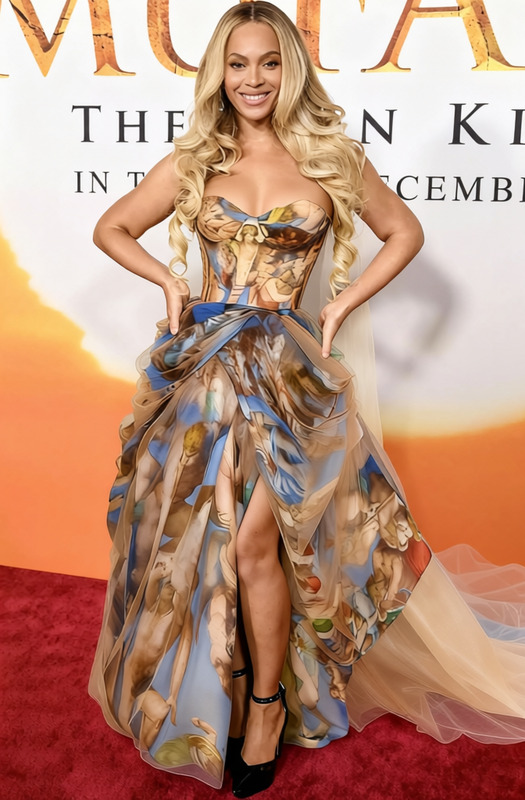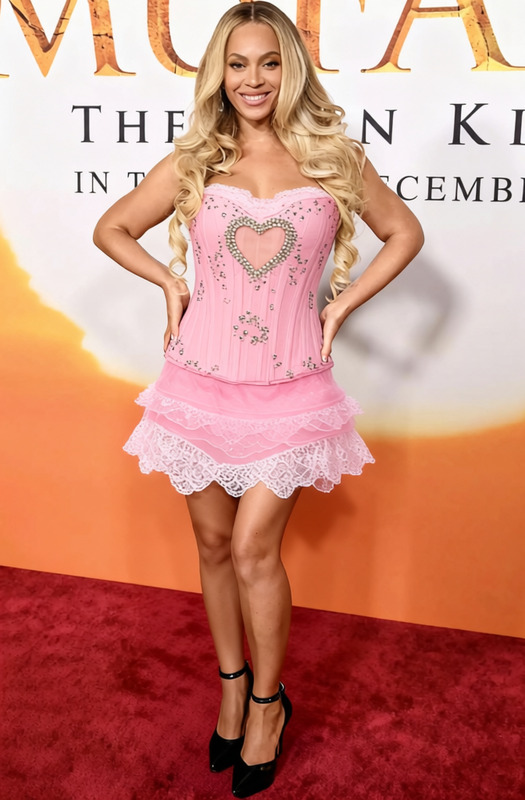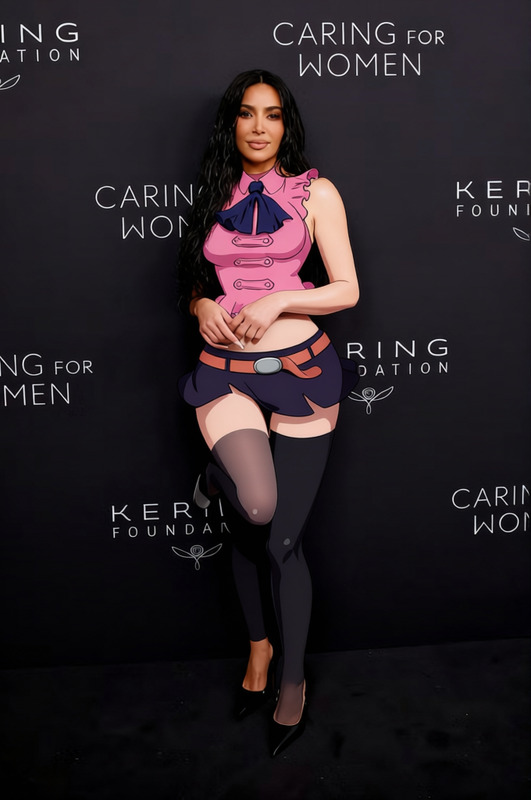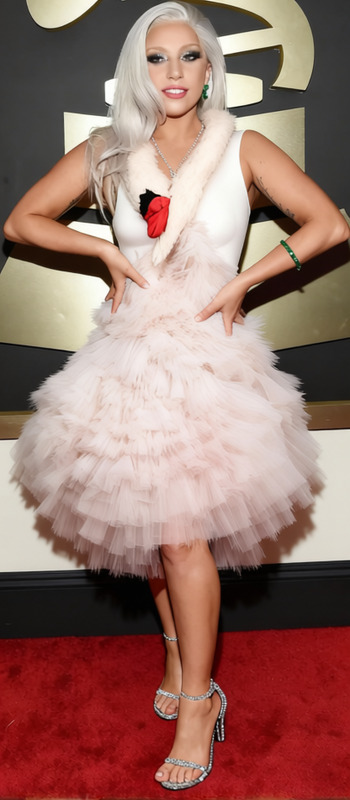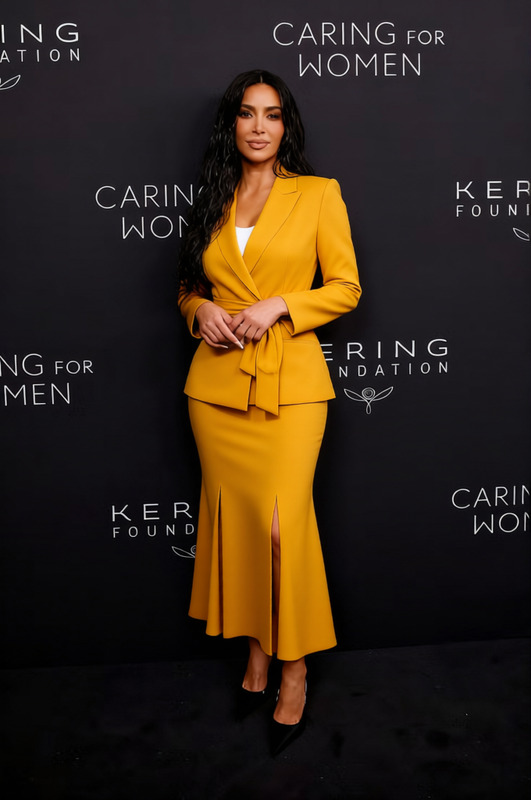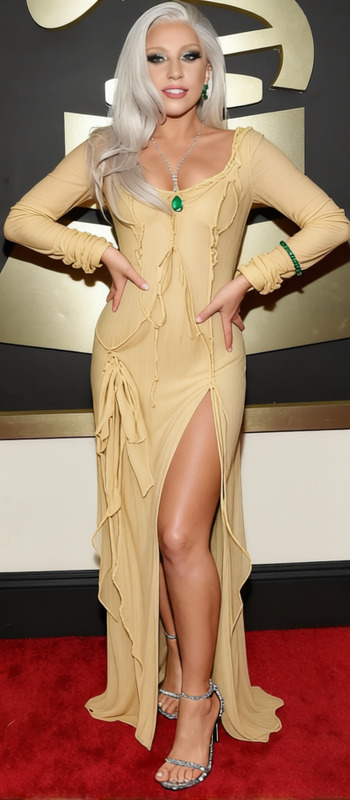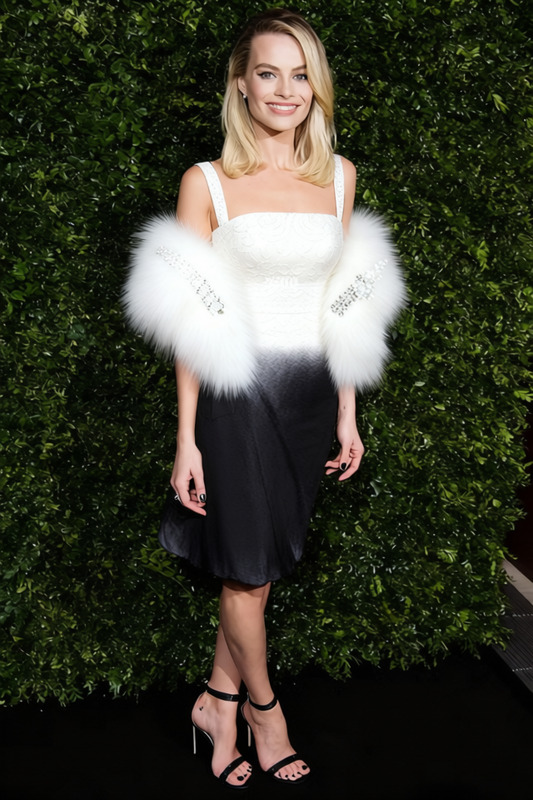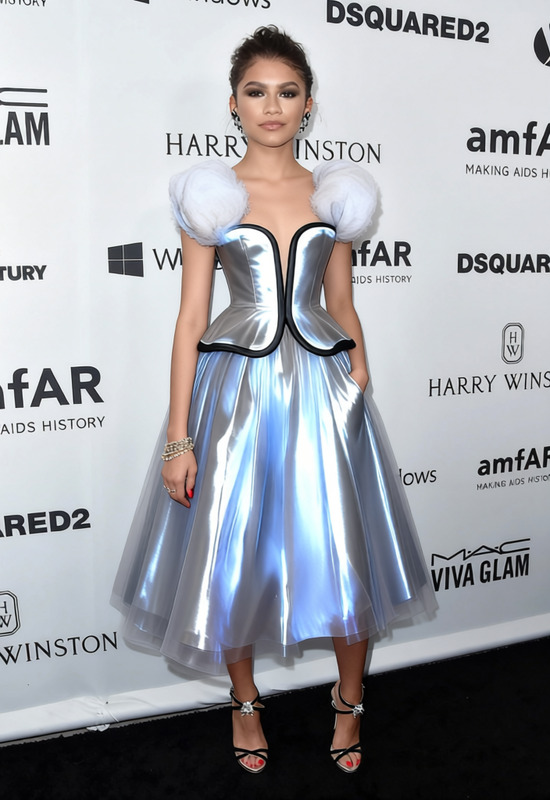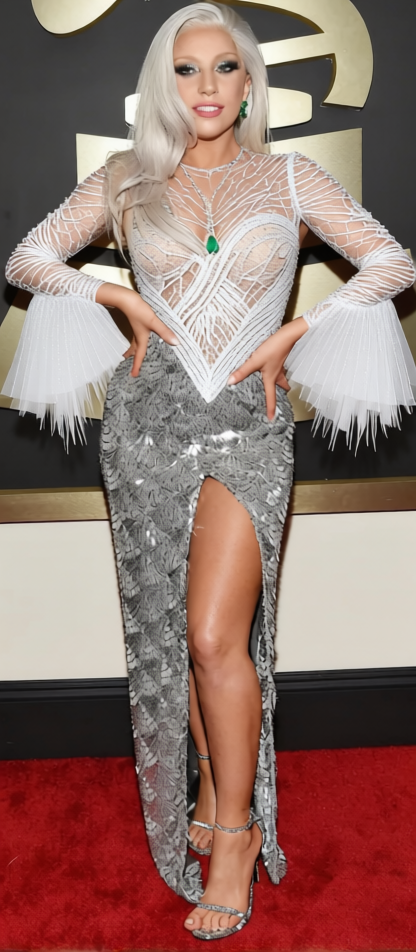
Sza Sheer Blue Met Gala Gown 2
- Image
- 416 × 952 px
Any aspect ratio
Overview
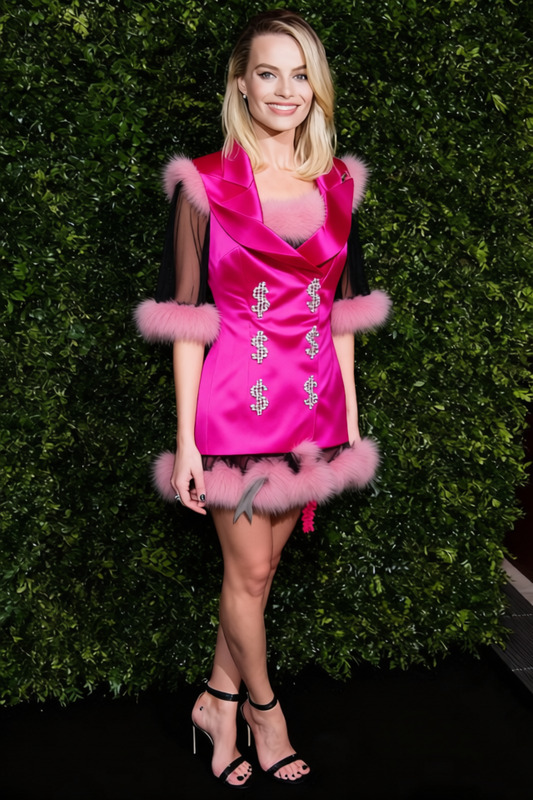
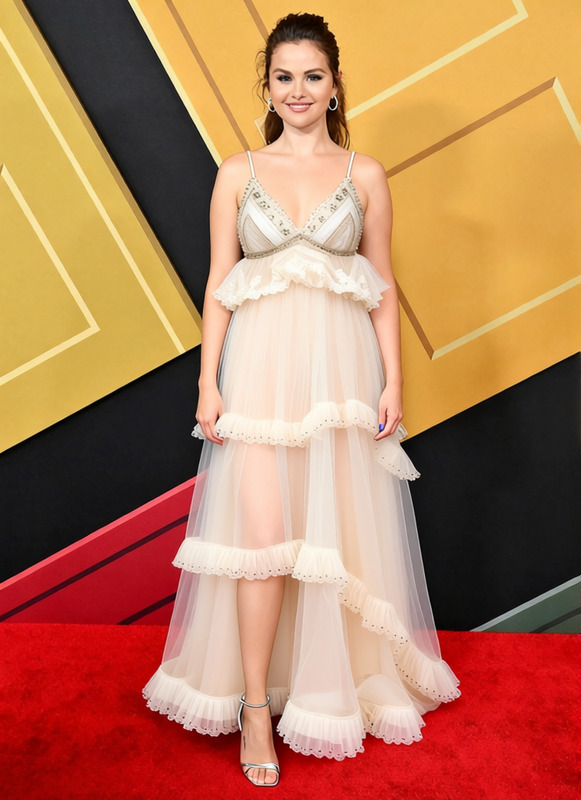
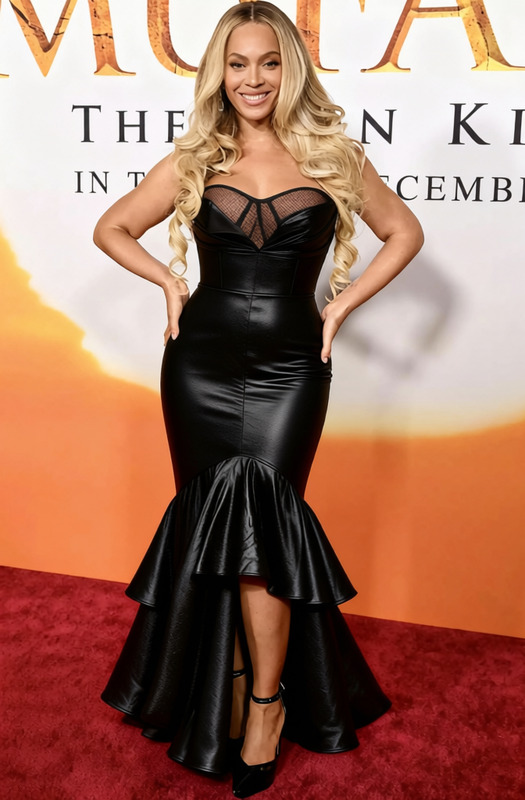
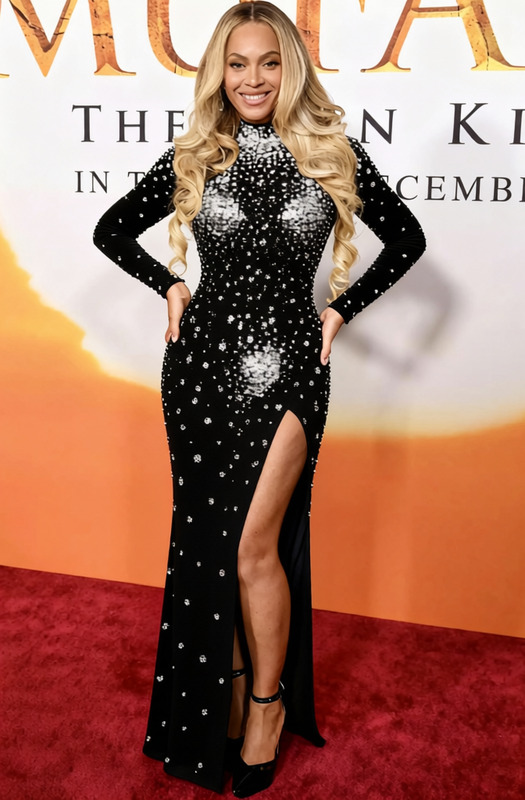
The Sza Sheer Blue Met Gala Gown 2 template is part of our powerful clothes-changing solutions. This template lets you experiment with fashion by virtually dressing a subject in a stunning Met Gala gown. It's particularly useful for fashion designers, marketers, and digital content creators aiming to visualize clothing designs quickly and effectively.
What It Does
This template leverages AI technologies to overlay the Met Gala gown onto subjects in photos. It brings a realistic visual transformation to images, making it perfect for virtual fashion shoots or marketing campaigns. To explore more about enhancing your images, check out our AI Clothes Changer and AI Image Editor tools.
Who It's For
Fashion professionals, content creators, and e-commerce businesses will find this template incredibly beneficial. If you're in the business of digital apparel sales or fashion content creation, this tool helps produce high-quality visuals without the need for physical samples. For more on creating engaging visual experiences, explore our AI Talking Photo.
Summary
The Sza Sheer Blue Met Gala Gown 2 template is your gateway to immersive fashion visualization. It simplifies the process of clothing transformation in photos, making it a valuable asset for fashion-forward projects. Dive into the world of AI-enhanced fashion with the AI Product Photography tools at Magic Hour.
How To
Choose the Template

Customize Your Inputs

Generate Your Image

Use Cases
Fashion Portfolio Enhancement
- Augment model portfolios
- Create unique designer lookbooks
Virtual Try-On Experiences
- Enhance customer shopping experiences
- Reduce return rates
Social Media Marketing
- Increase engagement with visually stunning posts
- Leverage viral fashion trends
Best Practices
Select High-Resolution Images
Ensure your source photos are high-quality for the best transformation results.Adjust Lighting and Angles
Match the lighting and angles of the gown image with that of the original photo for a more realistic effect.Preview Adjustments
Use the preview function to fine-tune the fit and style of the gown on different body types.
Frequently asked questions
More Like This